Free trial
20 minutes of free listening, no card required. The allowance applies to the same conversion and playback features described on the homepage.
Learn moreTurn any link, document or book into natural-sounding audio

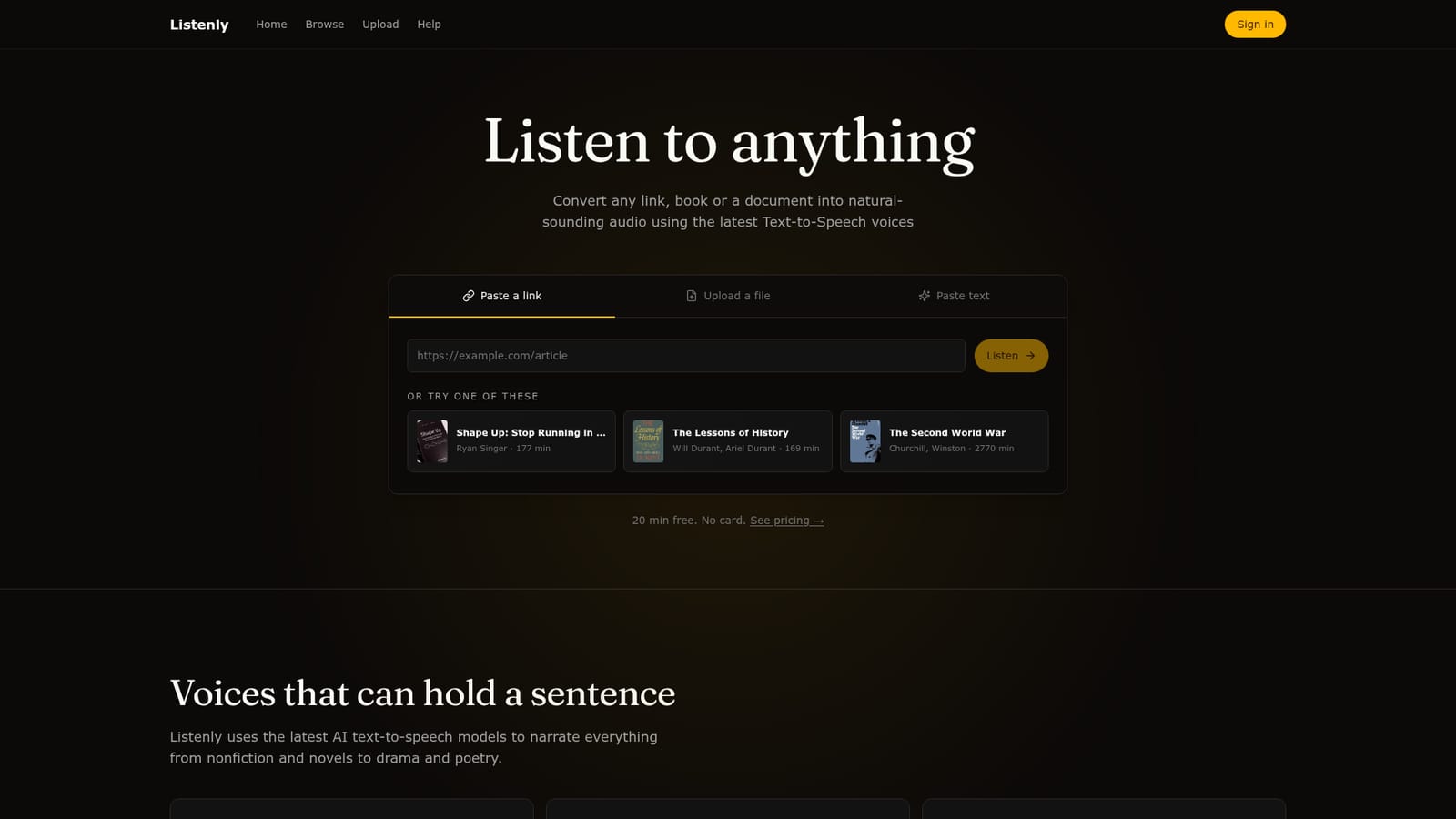
Listenly is an AI narration tool that turns any link, document or book into natural-sounding audio. Listenly converts links, PDFs and pasted text into narrated audio using OpenAI text-to-speech models, with automatic cleanup of headers, page numbers and footnotes. It also hosts a browsable library of public domain audiobooks, many narrated for the first time.
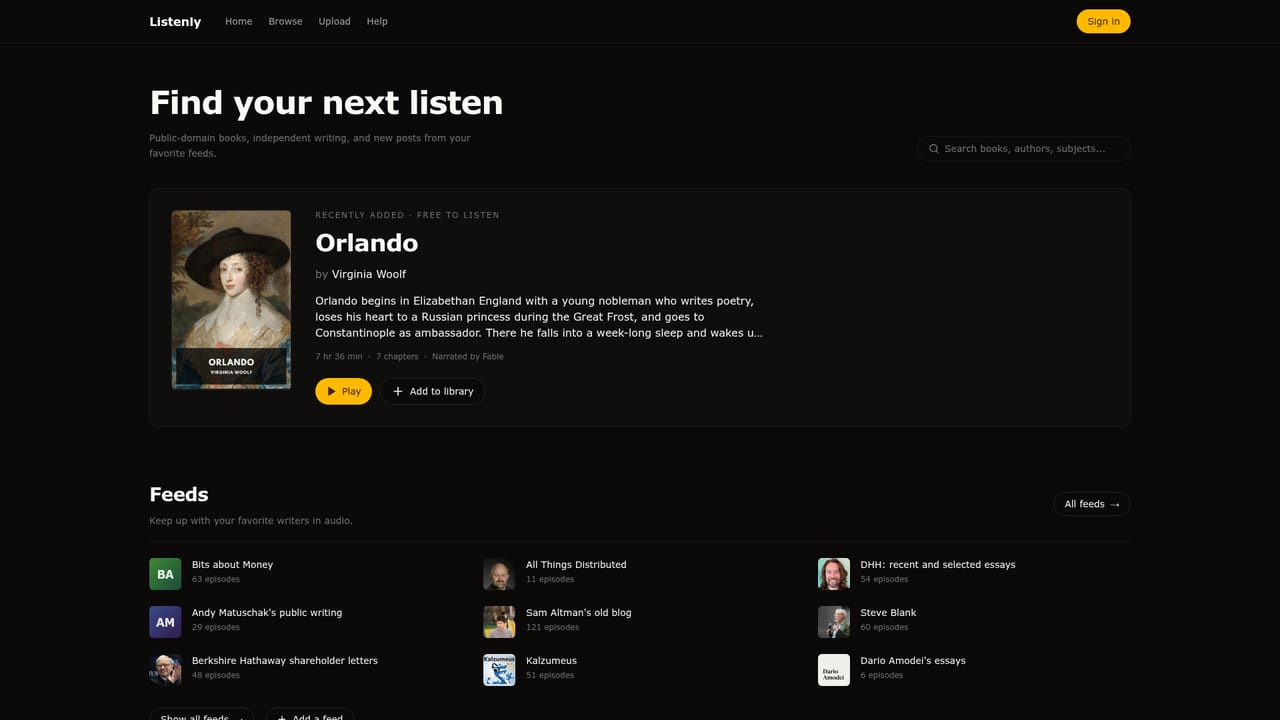
Listenly is a text-to-speech service built around one core action: point it at something worth reading and listen to it instead. The homepage offers three input routes. A link can be pasted (an article, a story, a page), a file can be uploaded (PDFs are the example shown, a 42 page industry report), or raw text can be dropped straight into the box. From there the service narrates the material using the latest AI text-to-speech models from OpenAI, which the site presents as capble of carrying a full sentence rather than reading word by word. Sample clips span Shakespeare, a Paul Graham essay and a Roosevelt speech. A large part of the product's value sits in the cleanup layer that runs before narration. Listenly strips repeated headers, page numbers, footnote markers and link destinations so a messy PDF does not turn into a stream of stray numbers and URLs. The homepage demonstrates this on the industry report, showing the cluttered original text beside the cleaned passage that is actually spoken. That preprocessing matters more for long nonfiction than for clean web articles, and it signals the intended audience: people working through reports, papers, public domain books and other dense material rather than short marketing copy. The second half of the offer is a library. Listenly narrates public domain books and publishes them as browsable audiobooks, including titles in French and German alongside English works, with the claim that many are reaching audio for the first time. The catalogue spans mythology, history, fiction, plays and scientific writing. Curious listeners can start there without uploading anything; readers with their own documents can use the converter. Compared with general purpose TTS tools, Listenly is narrower and more consumer oriented: it is a listening app for readers, not a voice API for developers, and the homepage shows no voice cloning, editing timeline or export controls. Compared with commercial audiobook platforms, its advantage is range rather than polish, since the catalogue is public domain and the conversion is self serve. The practical test is whether the OpenAI voices handle long form books well enough for extended listening.
20 minutes of free listening, no card required. The allowance applies to the same conversion and playback features described on the homepage.
Learn moreThe homepage states that 20 minutes are free with no card required and links to a pricing section for the paid options. Specific tiers, prices and monthly listening allowances are not listed in the homepage copy.
Learn moreConvert a link, an uploaded file or pasted text into speech using the latest OpenAI text-to-speech models. Automatic cleanup removes repeated headers, page numbers, footnote markers and link destinations before narration. A browsable library of narrated public domain books covers fiction, history, mythology, drama and science titles, several in French and German.
 AI Angels400+ customizable AI girlfriends for NSFW chat, voice calls, and roleplay
 Candy AIExperience the future of companionship with AI friends who chat, role-play, and connect with you on a human level.
 ourdream.aiA vast AI roleplay platform with millions of characters for chat, images, video and voiceAI Angels400+ customizable AI girlfriends for NSFW chat, voice calls, and roleplayCandy AIExperience the future of companionship with AI friends who chat, role-play, and connect with you on a human level.ourdream.aiA vast AI roleplay platform with millions of characters for chat, images, video and voice


