Free trial
A free plan is available and sign-up does not require a credit card, according to the homepage. Specific free-tier limits are not stated.
Learn moreTurn prompts, sketches or images into editable, vector-ready logos
Own Logodiffusion? Verify ownership to get a dofollow link
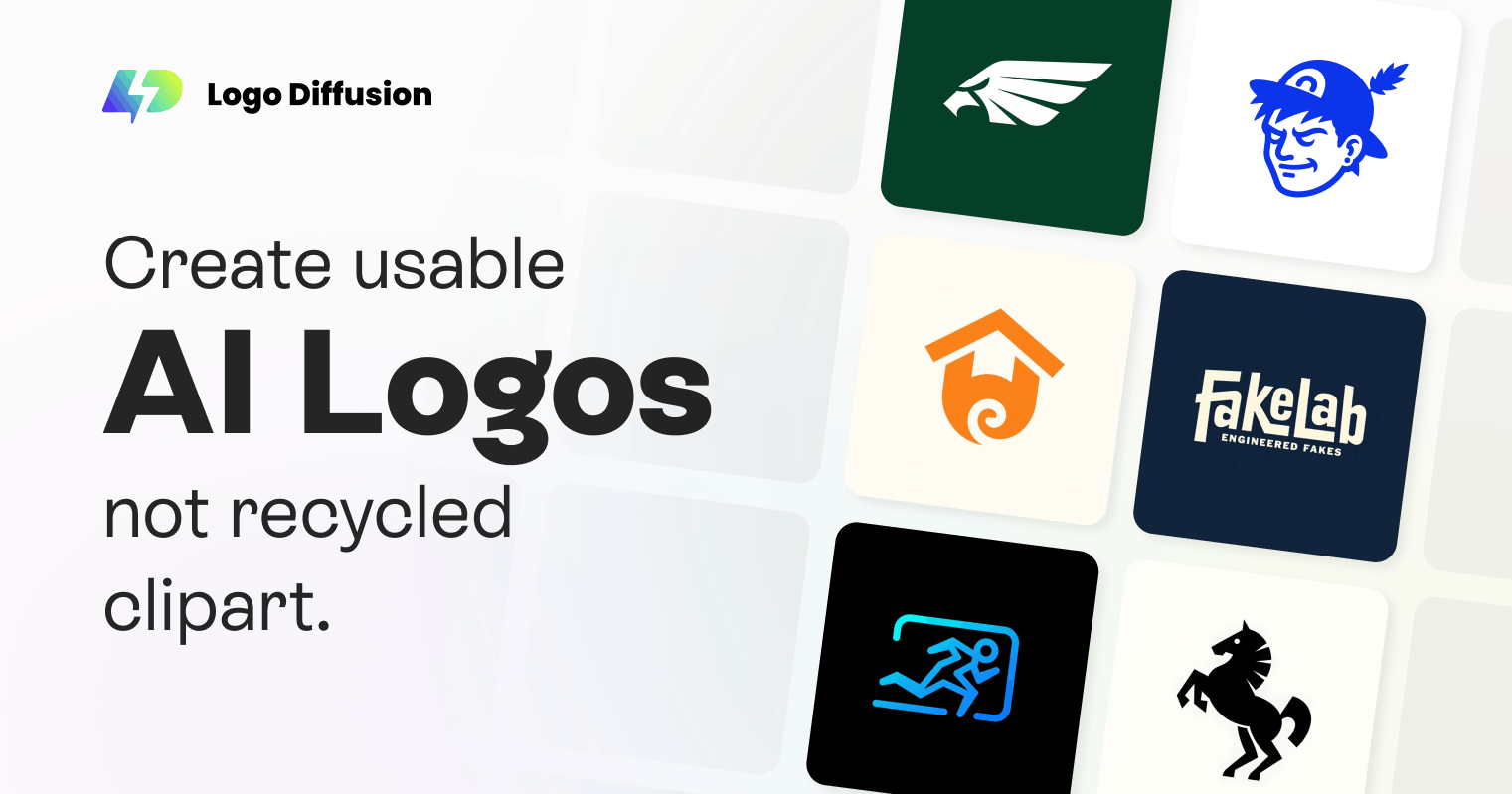
Logodiffusion is a drawing to image tool that turns prompts, sketches or images into editable, vector-ready logos. Logo Diffusion is a web-based AI logo maker that generates concepts from text prompts, sketches or images, then lets users edit, mock up and export them as vector files or transparent PNGs.
Logo Diffusion is a browser-based AI logo maker built around three starting points: a written prompt, a hand-drawn sketch, or an existing image. Instead of filling in templates, the tool generates original logo concepts that can then be edited, placed on mockups and exported as vector files or transparent PNGs. The site also lists a vectorizer, a style transfer feature and a background remover alongside the core generators. In the text-to-logo workflow, the user describes the idea in plain language and the system optimizes the prompt automatically. One of 11 logo styles is then chosen, including pictorial, logotype, mascot, monogram, engraved, line art, retro, cartoon, badge, abstract and flat. Because the same idea can be tested across every style without rewriting the prompt, it is practical to compare very different directions quickly. Each generation returns up to four options. The sketch-to-logo path works differently: the user draws directly on a canvas in the editor, the AI produces several logo options from that drawing, and the chosen result can be refined further. Image-to-logo covers the case where a reference picture already exists. The audience is broad: founders and small businesses that need a first brand mark, freelance designers who want fast concept exploration, and teams that need a quick identity for a side project. The homepage claims more than 1.4 million users and says a free plan exists with no credit card required at sign-up. A Magic Editor handles post-generation changes, and AI Mockups show a logo applied to real-world items before export. Among alternatives, Logo Diffusion sits closer to generative design tools than to template-based logo builders such as Looka. Its pitch is production-ready output (vector and transparent PNG) rather than a bundled brand kit. The site publishes comparison articles against Looka and SmashingLogo, which indicates where it positions itself. Buyers who need full brand guidelines or print-ready packaging should check the pricing and features pages for what each plan actually includes.
A free plan is available and sign-up does not require a credit card, according to the homepage. Specific free-tier limits are not stated.
Learn moreThe homepage states that a free plan is available and that no credit card is required to start. Paid plan prices and limits are not given on the homepage; a separate pricing page exists.
Learn moreThe site links to an FAQ help centre and a contact page. Support channels and response times are not described on the homepage.
Learn moreText-to-logo with prompt optimization and 11 styles, sketch-to-logo on an editor canvas, image-to-logo, Magic Editor, AI mockups, a vectorizer, style transfer and background removal. Output exports as vector or transparent PNG, with up to four options per generation.
Learn more AI Angels400+ customizable AI girlfriends for NSFW chat, voice calls, and roleplay
 Candy AIExperience the future of companionship with AI friends who chat, role-play, and connect with you on a human level.
 ourdream.aiA vast AI roleplay platform with millions of characters for chat, images, video and voiceAI Angels400+ customizable AI girlfriends for NSFW chat, voice calls, and roleplayCandy AIExperience the future of companionship with AI friends who chat, role-play, and connect with you on a human level.ourdream.aiA vast AI roleplay platform with millions of characters for chat, images, video and voice