Free trial
The homepage offers a Get Started for Free path to registration, which suggests free access to try the tool. No trial duration or usage cap is stated.
Learn moreSummarize texts of any length at any output length you choose

Long Summary is an AI summarizer tool that summarizes texts of any length at any output length you choose. Long Summary summarizes very long texts and files into outputs of any chosen length, avoiding the input and output limits of ChatGPT, Gemini and Claude.
Long Summary is a web based summarization tool built for documents that overflow the context windows of mainstream chatbots. The product's core claim is simple: ChatGPT, Gemini and Claude tend to struggle once input texts get very long, and they also resist producing lengthy summaries. Long Summary removes both constraints, accepting inputs of millions of characters and returning summaries sized to whatever length the user specifies, from a short overview to a detailed multi page analysis. Practically, a user pastes text or uploads a file, then chooses how long the resulting summary should be. The reasoning behind the long output option is that longer summaries preserve more of the source material, so less important information gets dropped along the way. The site pitches this against retrieval augmented generation for AI automation, arguing that feeding a long summary into a prompt gives more accurate results than assembling retrieved chunks. Documented use cases span market research on lengthy reports, legal texts where clauses and obligations matter, academic literature reviews, SEO content built from research papers, and general content creation for blogs and publications. Who it suits: businesses and professionals who need detailed digests of long reports, developers who want summarization inside their own products, and researchers or analysts drowning in PDFs. The developer API allows automated summarization of texts and files, which positions the tool as infrastructure rather than only a consumer app. It sits in the same territory as general purpose AI assistants but narrows the focus to one job and removes the length ceiling that makes those assistants unreliable on big inputs. Privacy is addressed directly: content is not published, and texts, files and summaries are stored only as long as processing requires before being securely deleted. The site does not publish pricing tiers, a free trial length, or a support channel beyond a chat widget, so buyers should confirm commercial terms directly before committing to volume use.
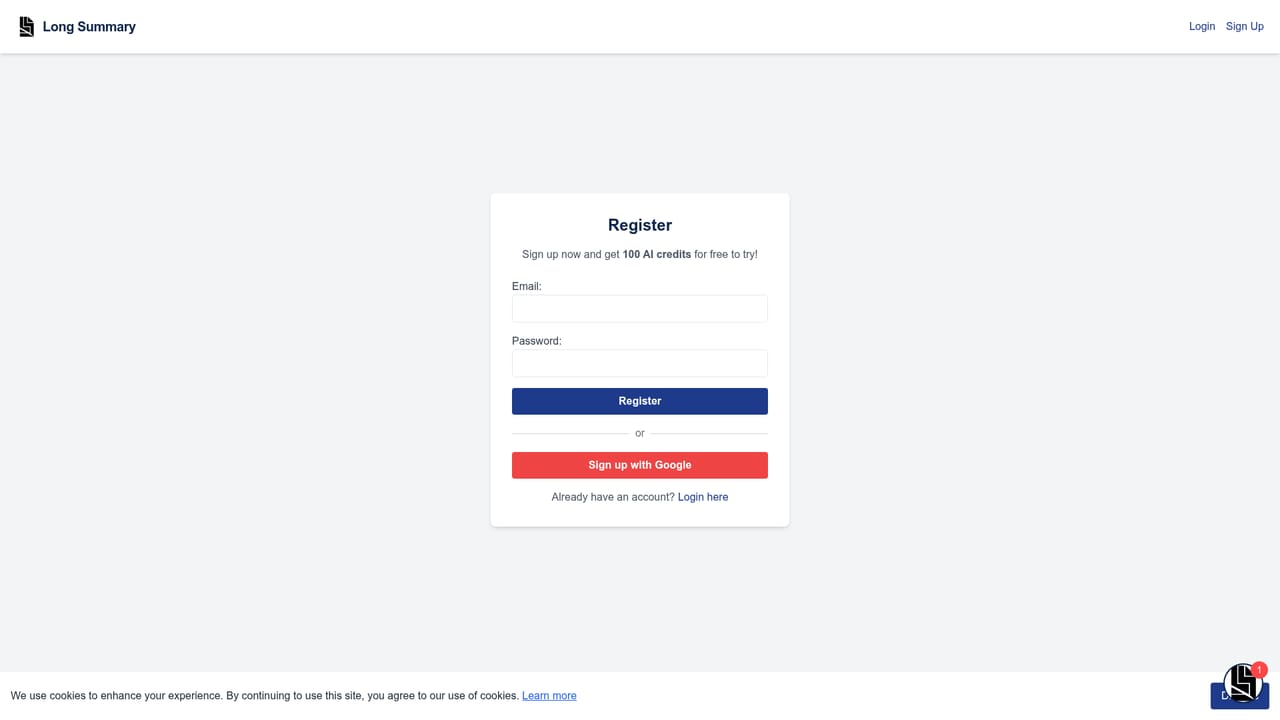
The homepage offers a Get Started for Free path to registration, which suggests free access to try the tool. No trial duration or usage cap is stated.
Learn moreA chat assistant called Long Summary Advisor sits on the site. No help centre, email address or documentation page is published on the homepage.
An API is offered so developers can add Long Summary's summarization to their own applications and automate processing of texts and files. No third party integrations are listed.
Custom length summaries at any output size, handling of texts with millions of characters, file uploads for long documents, an AI engine tuned for coherent long form output, a developer API for automated summarization, and a privacy policy of temporary storage followed by secure deletion.
 AI Angels400+ customizable AI girlfriends for NSFW chat, voice calls, and roleplay
 Candy AIExperience the future of companionship with AI friends who chat, role-play, and connect with you on a human level.
 ourdream.aiA vast AI roleplay platform with millions of characters for chat, images, video and voiceAI Angels400+ customizable AI girlfriends for NSFW chat, voice calls, and roleplayCandy AIExperience the future of companionship with AI friends who chat, role-play, and connect with you on a human level.ourdream.aiA vast AI roleplay platform with millions of characters for chat, images, video and voice


