Free trial
A free Starter pass gives 20 credits to generate melody drafts, vocals, and exports without entering a credit card.
Learn moreTurns finished lyrics into an editable melody, AI vocal demo, and MIDI draft.

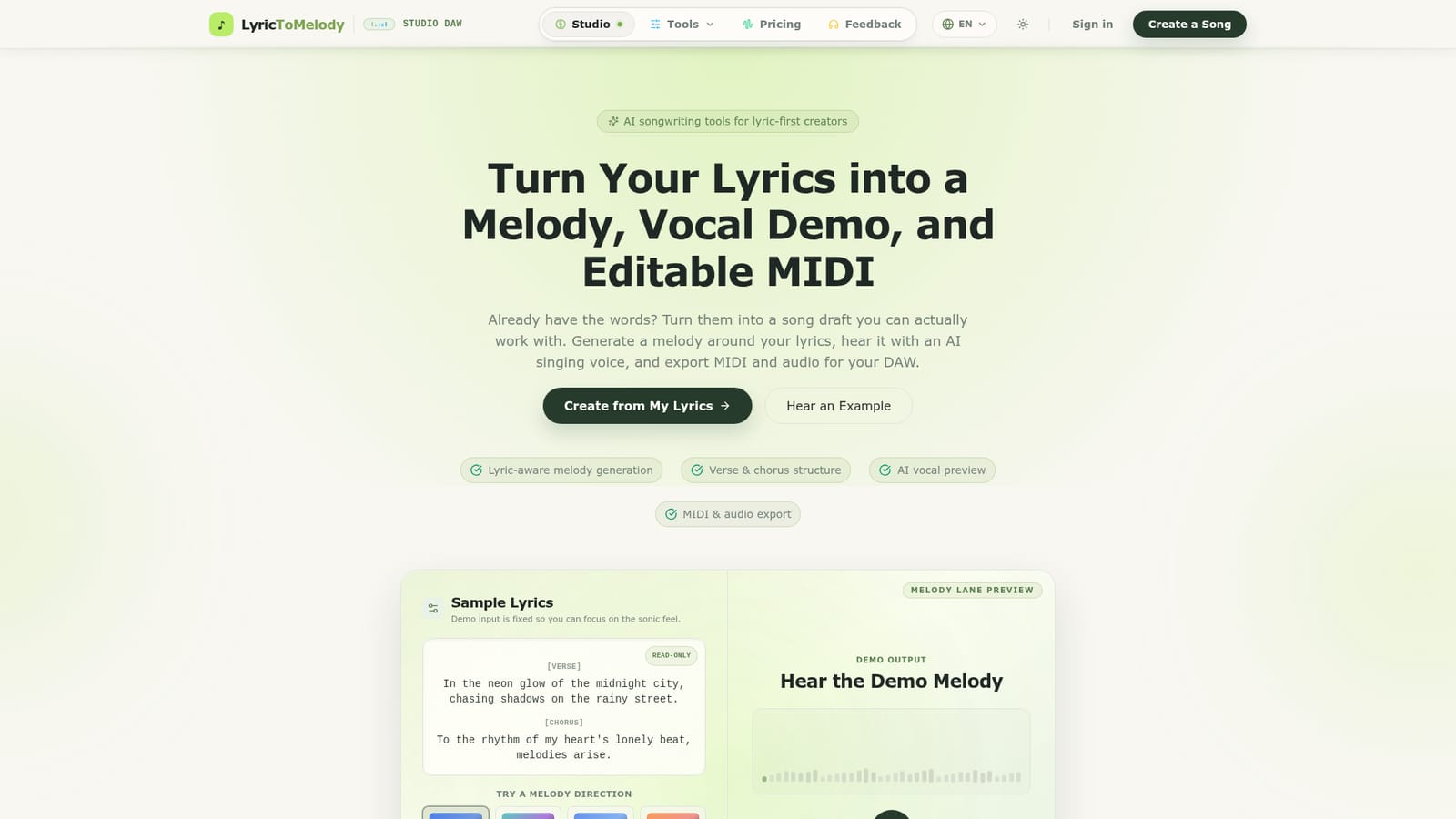
Lyric to Melody AI is an MIDI generator tool that turns finished lyrics into an editable melody, AI vocal demo, and MIDI draft. Lyric to Melody AI generates a melody, AI vocal preview, and exportable MIDI/audio from pasted lyrics, aimed at songwriters and producers who want an editable draft rather than a finished track.
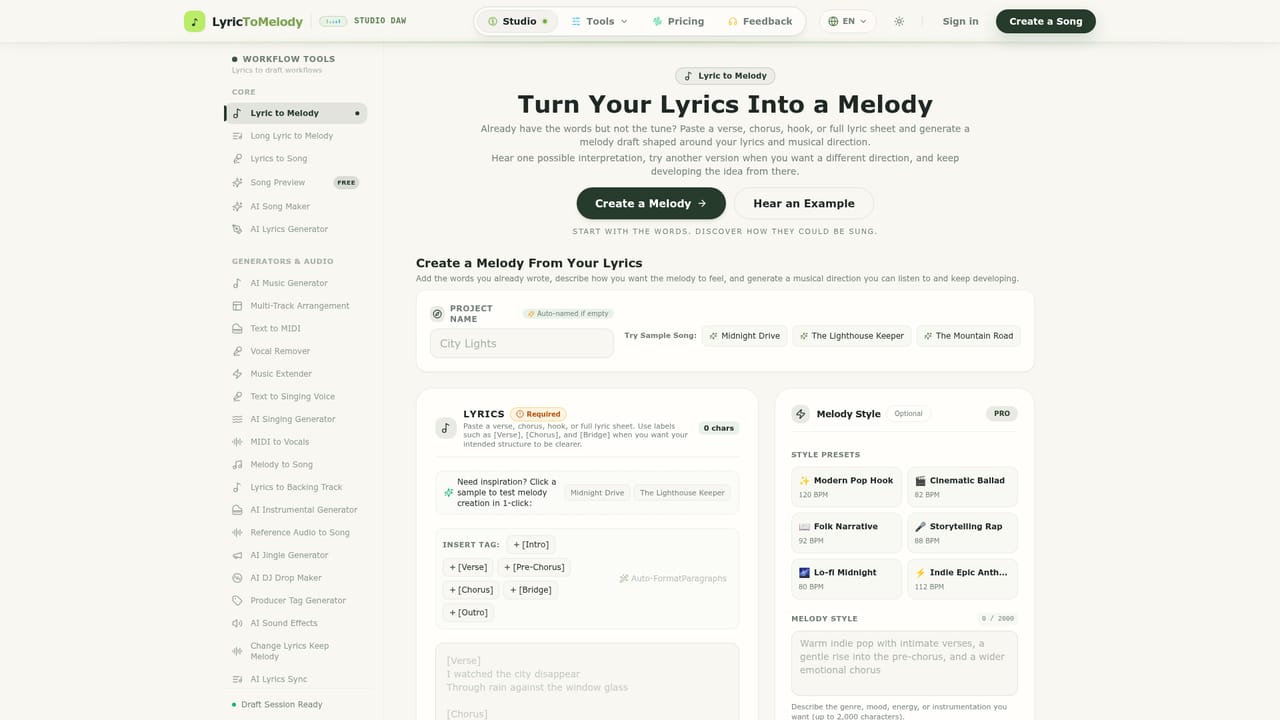
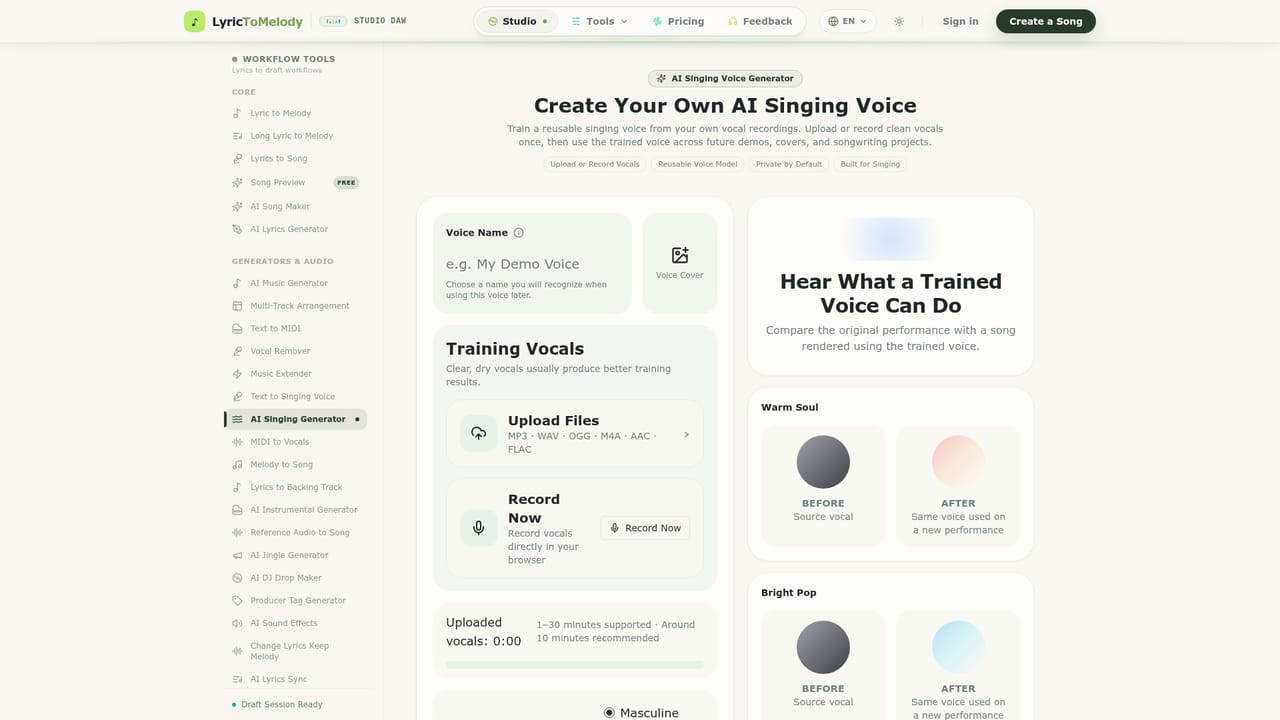
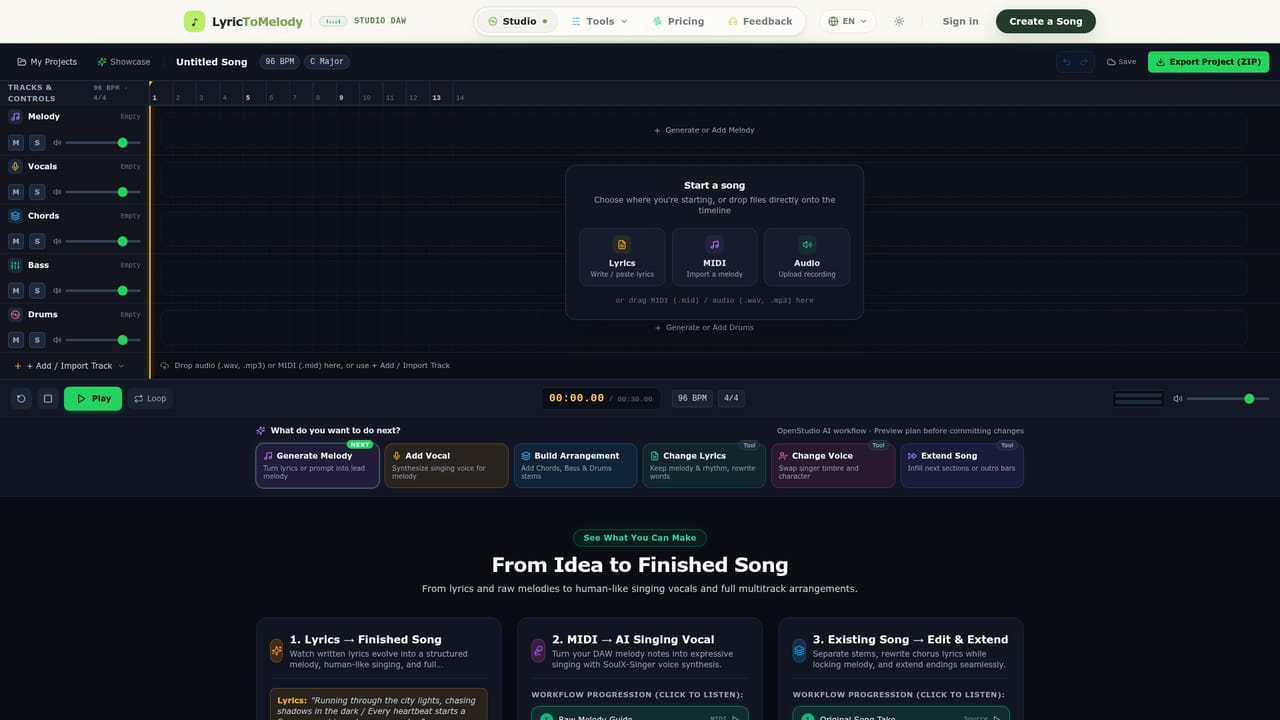
Lyric to Melody AI is a songwriting tool built for people who already have words on the page and need a musical starting point. Instead of generating a finished track from a vague prompt, it reads the syllables, pacing, and structure of pasted lyrics (verse, chorus, bridge labels included) and proposes a topline melody shaped specifically around that text. The result can be previewed with an AI singing voice, then exported as MIDI and audio so the draft keeps moving into a real production workflow rather than stopping at a single playback. The workflow is built for songwriters who finish lyrics before music, producers who need to turn a client's lyric sheet or MIDI sketch into a quick vocal demo, independent artists auditioning melody directions before committing to a studio session, and creative teams who want collaborators to hear an idea instead of reading notes about it. No music theory is required to start, though the available MIDI and multitrack exports reward users who already work inside a DAW. In practice, a session begins with pasted lyrics, moves through melody generation and alternate direction attempts, and ends with an AI vocal preview plus downloadable MIDI, WAV, or MP3 files that open in Ableton Live, FL Studio, Logic Pro, Cubase, Studio One, or similar software. Beyond the core lyric-to-melody path, the site bundles adjacent tools: MIDI-to-vocals, text-to-MIDI, multitrack arrangement generation, a vocal remover, instrumental and backing-track generators, and more specialized utilities like a rap generator and DJ drop maker. The tool positions itself against broad AI song generators that output a single finished track from a prompt. Its differentiator is treating melody as an editable, iterative draft tied to lyrics the user already wrote, rather than a locked audio file, which matters for anyone whose next step is arranging, recording, or handing work to collaborators.
A free Starter pass gives 20 credits to generate melody drafts, vocals, and exports without entering a credit card.
Learn moreStarter is free with 20 credits and no card required. Creator is $10/mo billed yearly ($120/yr, or $19/mo monthly) with 1,200 monthly credits and 30-day project storage. Studio is $30/mo billed yearly ($360/yr, or $49/mo monthly) with 3,600 monthly credits and 1-year storage.
Learn moreSupport is available via email at support@lyrictomelodyai.com and through the site's contact page.
Learn moreExports MIDI and audio files compatible with Ableton Live, FL Studio, Logic Pro, Cubase, and Studio One for continued production.
Lyric-aware melody generation with verse/chorus structure, AI vocal demo preview, MIDI and WAV/MP3 export, MIDI-to-vocals, text-to-MIDI, multitrack arrangement generation, vocal remover, instrumental and backing-track generators, and sound effects tools.
Learn more AI Angels400+ customizable AI girlfriends for NSFW chat, voice calls, and roleplay
 Candy AIExperience the future of companionship with AI friends who chat, role-play, and connect with you on a human level.
 ourdream.aiA vast AI roleplay platform with millions of characters for chat, images, video and voiceAI Angels400+ customizable AI girlfriends for NSFW chat, voice calls, and roleplayCandy AIExperience the future of companionship with AI friends who chat, role-play, and connect with you on a human level.ourdream.aiA vast AI roleplay platform with millions of characters for chat, images, video and voice


