Free trial
New accounts receive starter credits, allowing a limited number of AI song generations before a credit pack or membership purchase is needed.
Learn moreHum a tune or type a prompt, get a finished song, plus 30+ free browser audio tools.

Tunenoodle is an audio editing tool. Tunenoodle combines an AI song generator (from text, lyrics, images or humming) with over 30 free browser-based audio tools like chord analysis, audio to MIDI and tap tempo, aimed at musicians and casual creators.
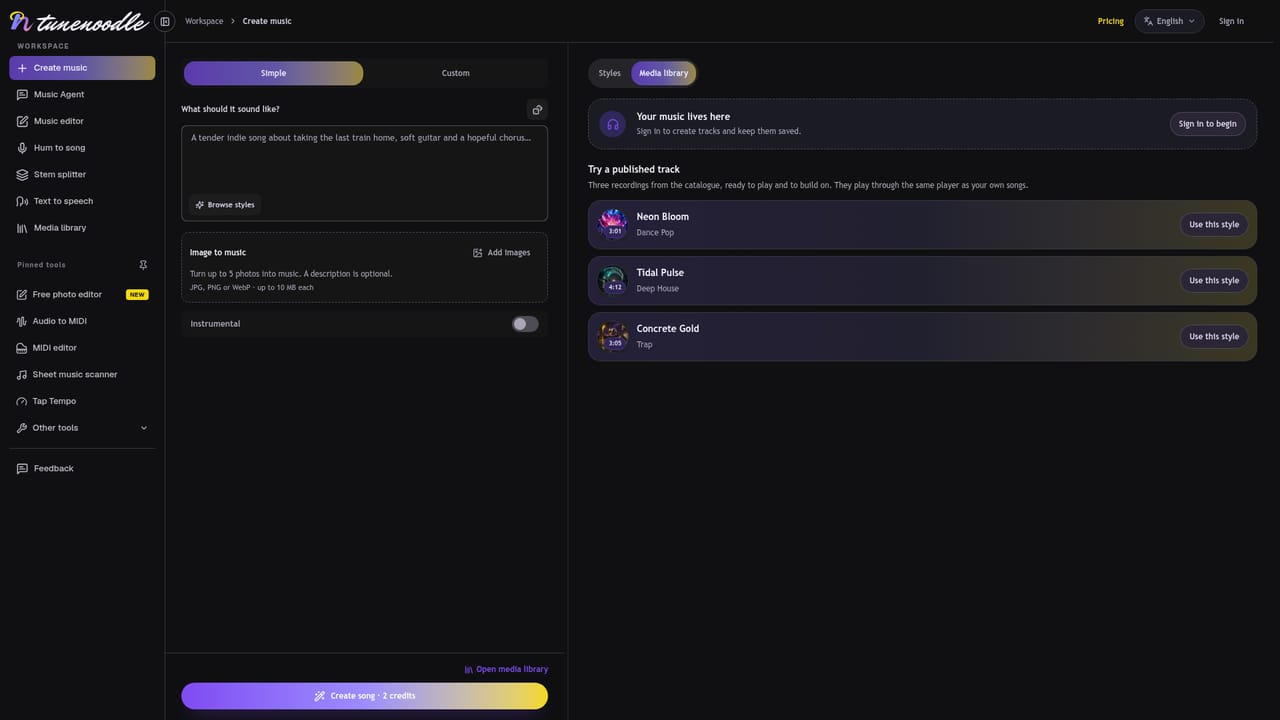
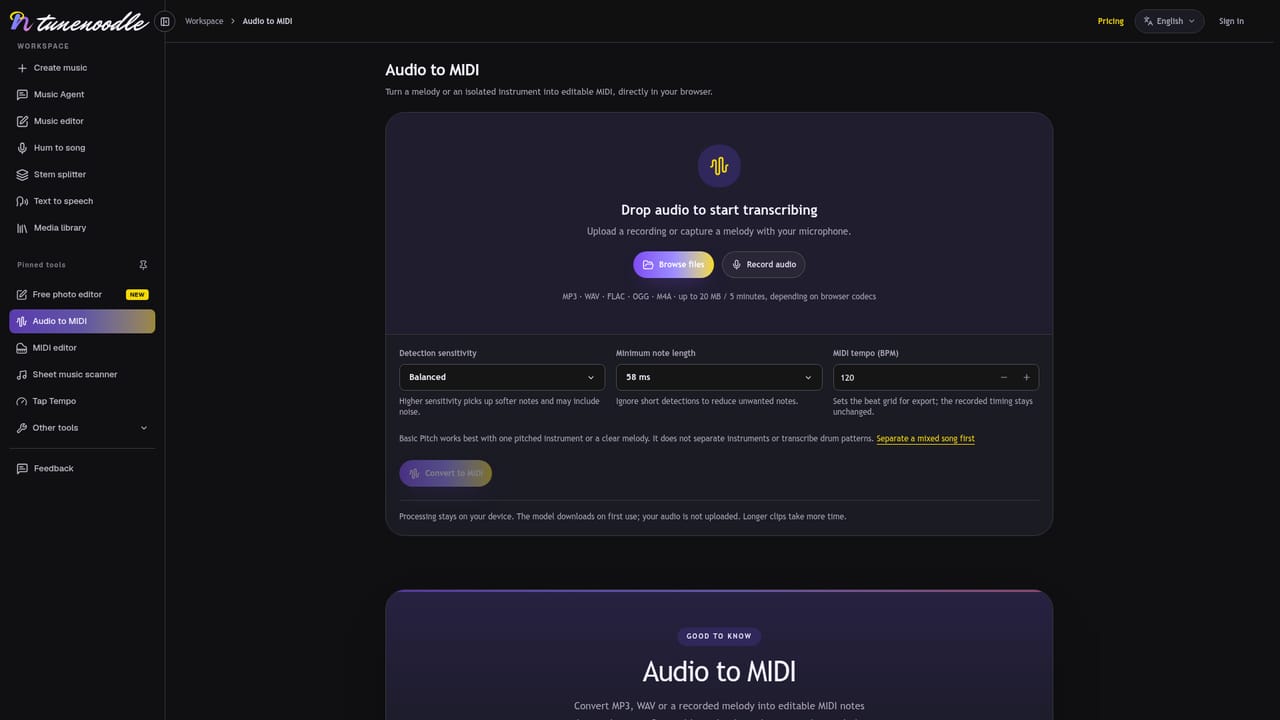
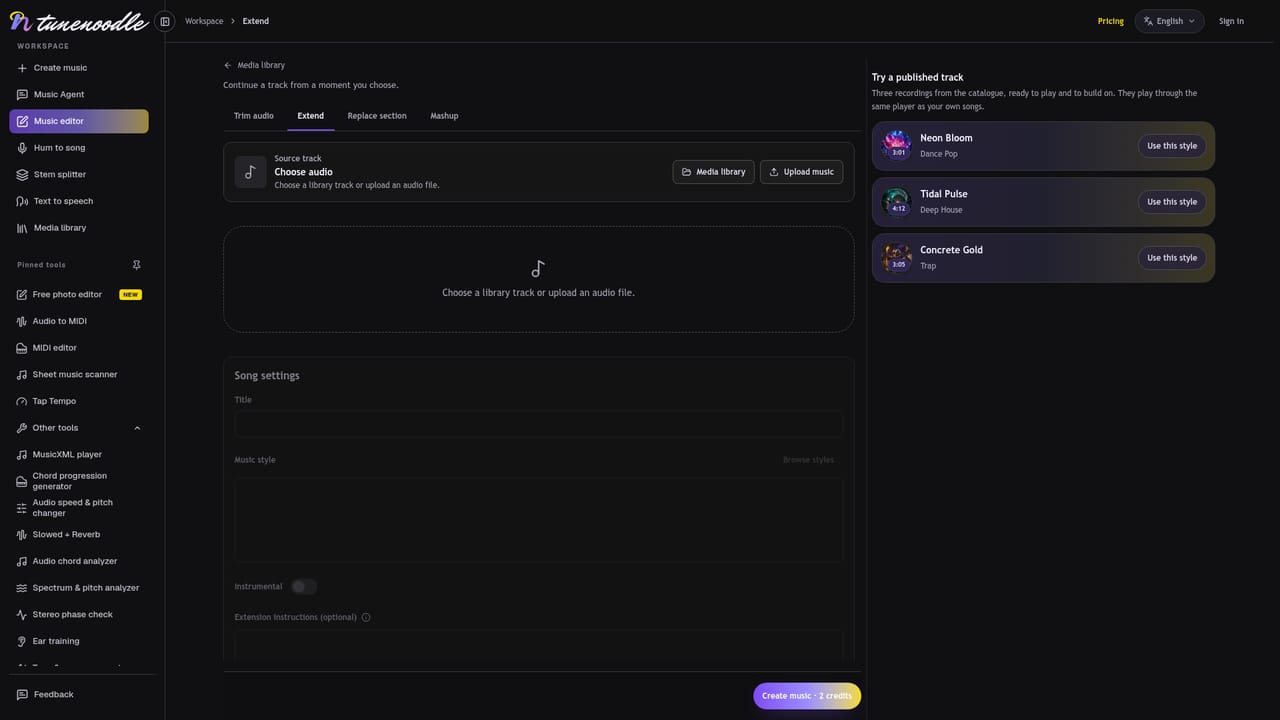
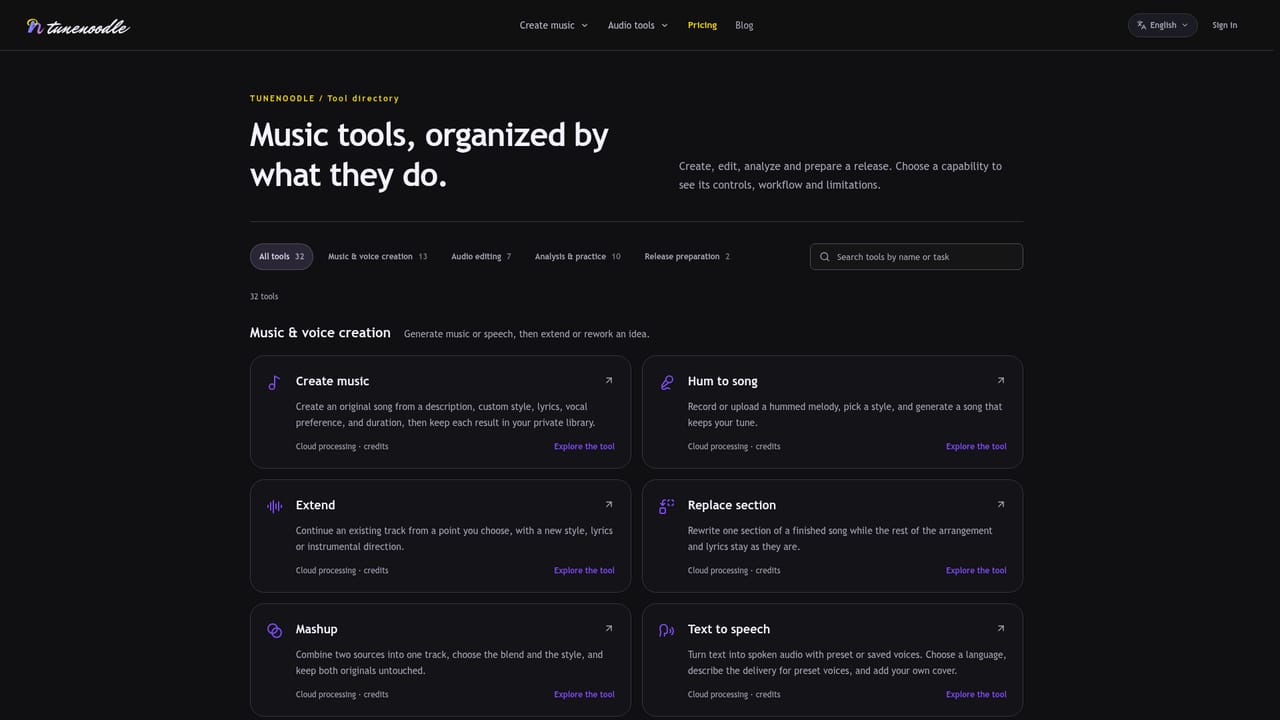
Tunenoodle is a browser-based music workspace that pairs an AI song generator with a large set of free audio utilities. The core idea is straightforward: describe a song in words, paste in lyrics, upload a hummed melody or reference image, and the system produces a track built around that input. Users can preview style templates, adjust instrumentation and mood, then generate, extend, remix or replace sections of a song once it exists in their library. Alongside the generator sits a second product: a bank of more than thirty audio tools that run entirely in the browser without an account or upload, covering things like audio to MIDI conversion, a MIDI editor, tap tempo detection, a chord progression generator, a chord analyzer, sheet music scanning, a spectrogram and pitch analyzer, slowed and reverb effects, silence removal and a dynamics workbench. These are useful on their own for musicians, producers and students who want quick technical answers (tempo, key, chords, pitch) without opening a full DAW. The tool fits musicians sketching ideas on the go, content creators needing quick instrumental beds, hobbyists who hum melodies but cannot notate them, and anyone who wants lightweight audio analysis tools without installing software. It works in practice through sign-in gated AI generation (credits shown before each submission) layered on top of a free, no-account toolkit, which differentiates it from pure AI music generators that charge for everything and from standalone audio utilities that lack a generation engine. Compared with full AI music platforms, Tunenoodle leans into a hybrid model: the free utilities serve as an entry point and standalone value, while the AI generation side (text, lyrics, image or hum to song, stem splitting, extension, mashups and text to speech) is the paid layer. It sits between a casual audio toolbox and a dedicated AI composition studio.
New accounts receive starter credits, allowing a limited number of AI song generations before a credit pack or membership purchase is needed.
Learn moreFreemium: browser-based audio tools are free with no account required. AI music generation uses credits, purchasable as a one-time pack that does not expire or through a membership that grants credits each paid period.
Learn moreSupport is available by email, with stated office hours Monday to Friday, 10:00 to 18:00 (UTC+8).
AI song generation from text, lyrics, images or humming, plus stem splitting, song extension, section replacement, mashups and text to speech. Over 30 free browser tools cover MIDI conversion, chord analysis, tempo detection, pitch and speed changes, spectrogram analysis and more.
Learn more AI Angels400+ customizable AI girlfriends for NSFW chat, voice calls, and roleplay
 Candy AIExperience the future of companionship with AI friends who chat, role-play, and connect with you on a human level.
 ourdream.aiA vast AI roleplay platform with millions of characters for chat, images, video and voiceAI Angels400+ customizable AI girlfriends for NSFW chat, voice calls, and roleplayCandy AIExperience the future of companionship with AI friends who chat, role-play, and connect with you on a human level.ourdream.aiA vast AI roleplay platform with millions of characters for chat, images, video and voice


