Free trial
New creators get 50 free credits, about two minutes of finished video, with no credit card required. Credits arrive the moment you sign up, and the site also lets you start a project before creating an account.
Learn morePrompt in a scripted, voiced, fully edited video
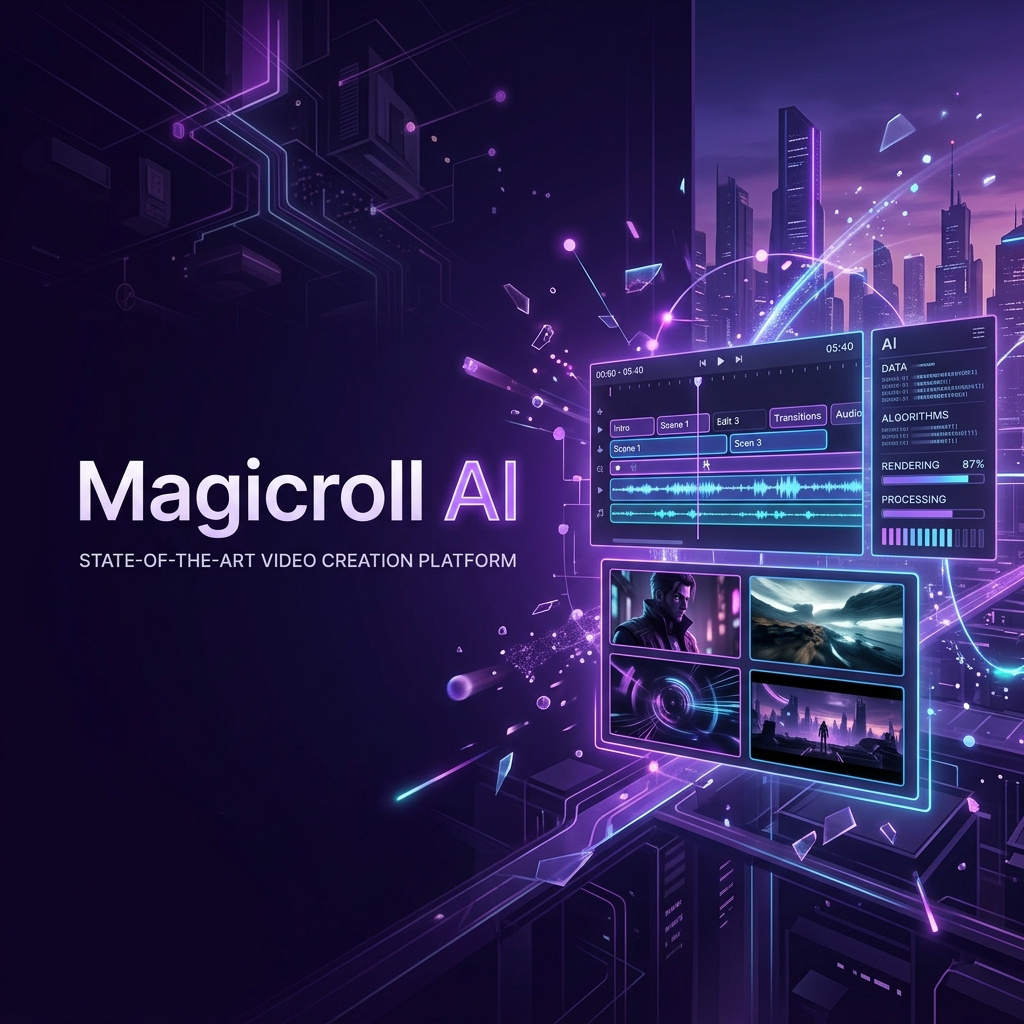
Magicroll turns a prompt, script or raw footage into a scripted, voiced and captioned 1080p video. The Magic Agent plans scenes, sources B-roll, cuts to the beat and applies your brand kit, with a manual timeline available for finer control.
Magicroll is a browser based video editor built around an autonomous agent. Instead of assembling clips by hand, you describe the video you want, paste a script or upload existing footage, and the Magic Agent plans scenes, writes the script, casts a voice and pulls matching B-roll before cutting everything to the beat. The output is a finished 1080p video in portrait, square or landscape, with word level captions and music already in place. The agent does more than generate a rough draft. It builds a scene by scene storyboard with hooks and shot notes, previews the voiceover in dozens of accents so you can approve the narration before anything renders, and sources or generates footage line by line. A brand kit applies your fonts, colours, logo and intros to every export. When the automated pass is not enough, the project opens as a real timeline you can edit manually. Magicroll suits creators, small marketing teams and agencies producing social ads, UGC style clips, explainers, podcast highlights and avatar monologues at volume. It also includes AI clipping, which takes a long recording and returns the strongest moments as ready to post vertical clips, plus translate and dub for localising one video into several languages without re-recording. Templates are real renders rather than mockups, and picking one in the prompt box steers the agent toward that style. The tool competes with prompt to video generators on one side and conventional editors with AI plugins on the other. Its differentiator is the combination: script, voice, B-roll, pacing, captions and branding handled in one pass, with manual control as a fallback rather than a requirement. Credits are the usage unit, with 24 credits equating to one minute of finished video, so heavier publishers should model their monthly output before choosing a tier.
New creators get 50 free credits, about two minutes of finished video, with no credit card required. Credits arrive the moment you sign up, and the site also lets you start a project before creating an account.
Learn moreFree to start with 50 credits, roughly two minutes of video, on signup and no credit card. Spark costs $23 per month for 200 credits (about 8 minutes), Flow costs $39 per month for 350 credits (about 14 minutes) with priority rendering and early model access, and Enterprise is custom priced. Annual billing is listed at 20 percent off. 24 credits equal one minute of finished video.
Learn morePrompt to video with script and storyboard generation, autonomous B-roll sourcing, word level animated captions, AI clipping for long recordings, natural voiceovers in dozens of accents, a brand kit for fonts, colours and logos, translate and dub, and 1080p exports in 9:16, 1:1 and 16:9 with direct publishing to socials. A manual timeline is available for every project.
 AI Angels400+ customizable AI girlfriends for NSFW chat, voice calls, and roleplay
 Candy AIExperience the future of companionship with AI friends who chat, role-play, and connect with you on a human level.
 ourdream.aiA vast AI roleplay platform with millions of characters for chat, images, video and voiceAI Angels400+ customizable AI girlfriends for NSFW chat, voice calls, and roleplayCandy AIExperience the future of companionship with AI friends who chat, role-play, and connect with you on a human level.ourdream.aiA vast AI roleplay platform with millions of characters for chat, images, video and voice


