Free trial
The homepage advertises free credits and a free V1.0 model, so new users can generate draft 3D models before subscribing. It is a permanent free tier rather than a time-limited trial.
Learn moreTurn prompts or photos into downloadable 3D models

Make3DAI.com is a convert image to 2D tool that turns prompts or photos into downloadable 3D models. Make3DAI.com generates downloadable 3D models from text prompts, single images, or multiview references, then exports to GLB, OBJ, FBX, STL, PLY, USDZ, and 3MF.
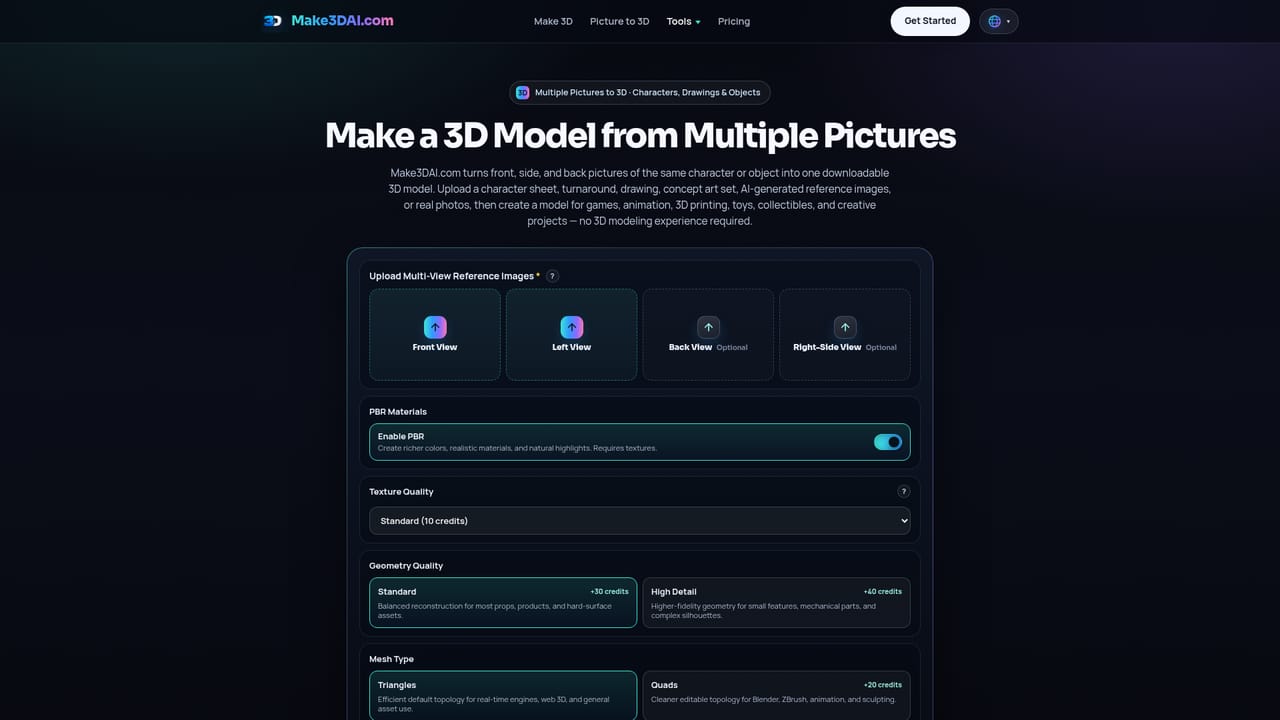
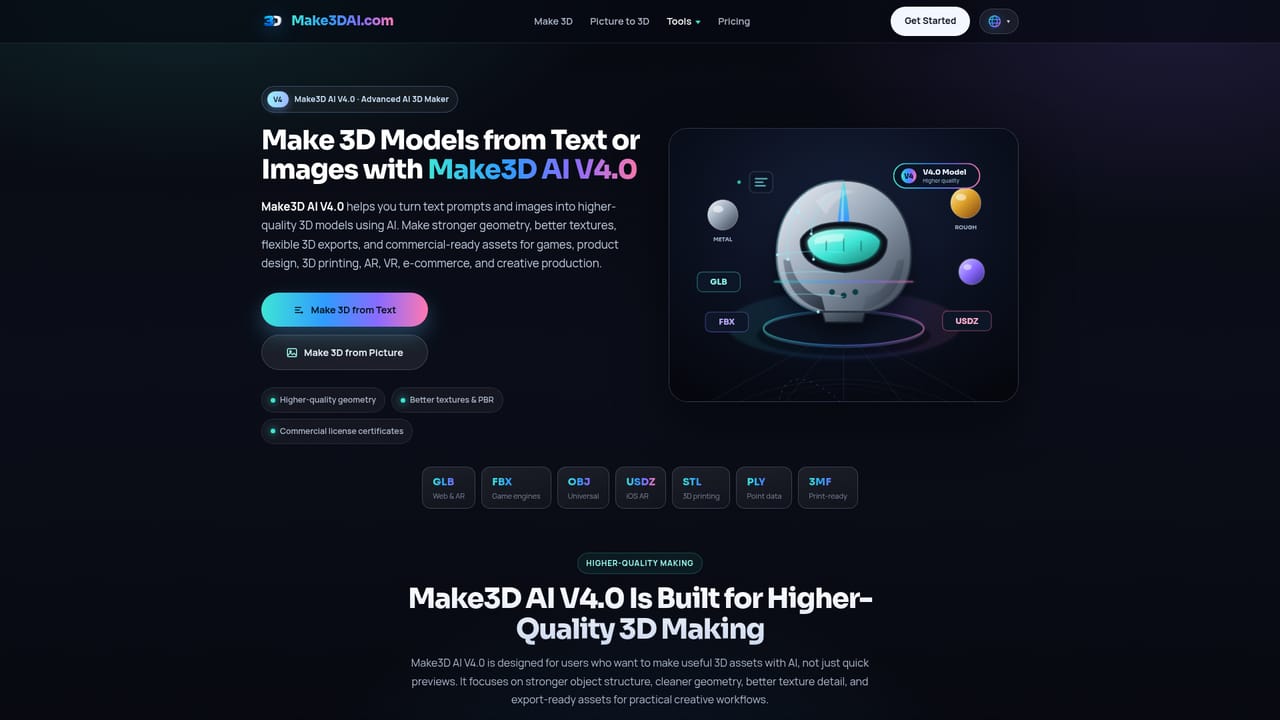
Make3DAI.com is a browser-based AI 3D model maker that converts text prompts, single reference images, or multiview photo sets into downloadable 3D assets. Instead of blocking out geometry in Blender, ZBrush, or CAD software, users describe an object or upload a picture and let the generator produce the mesh, then preview the result in the browser and export it in a standard interchange format. The site positions itself as a faster path to a usable file, not a 3D-looking image. Three generation modes cover different starting points. Text to 3D suits props, characters, vehicles, furniture, toys, and product concepts described in plain language. Picture to 3D builds a model around the main subject of a photo, sketch, or concept art. Multiview to 3D accepts front, side, and back angles to improve consistency and shape control. Output can be exported as GLB, OBJ, FBX, STL, PLY, USDZ, or 3MF, which covers game engines, 3D printing slices, and AR previews. Model quality is tiered. The free V1.0 tier produces fast untextured draft meshes with no colors or materials, useful for blocking out ideas and quick geometry tests. V3.0 adds optional textures, PBR materials, detailed geometry, and quad mesh support. V4.0 is the newest premium model, aimed at cleaner geometry, richer textures, and artist-friendly visual styles. A side-by-side sample on the homepage uses one aircraft prompt to show the quality gap between V1.0 and V4.0. Beyond generation, the platform bundles a maker toolkit: AI 3D rendering, prompt-based texture generation, format conversion, mesh repair for holes and non-manifold edges, remeshing, volume calculation, segmentation, and texture baking. Paid plans add unlimited downloads, a commercial license, up to 12 concurrent tasks, and a rotating preview video tool. The tool fits indie game developers, 3D printing hobbyists, product designers making early mockups, educators, and e-commerce teams. It is a starting point rather than a replacement for a full modeling pipeline: serious production work will still move into Blender, Maya, or a CAD package for retopology and final detailing.
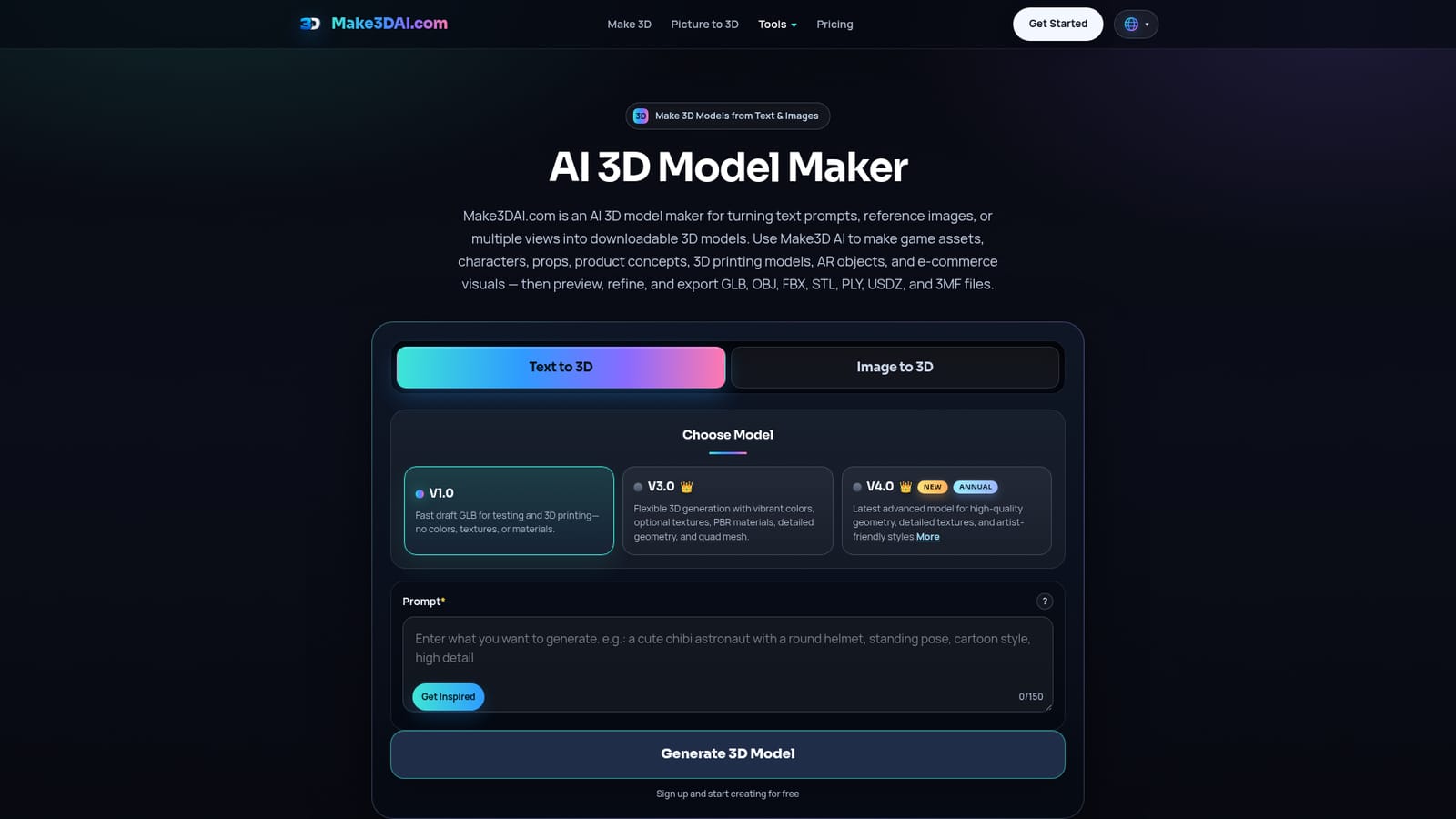
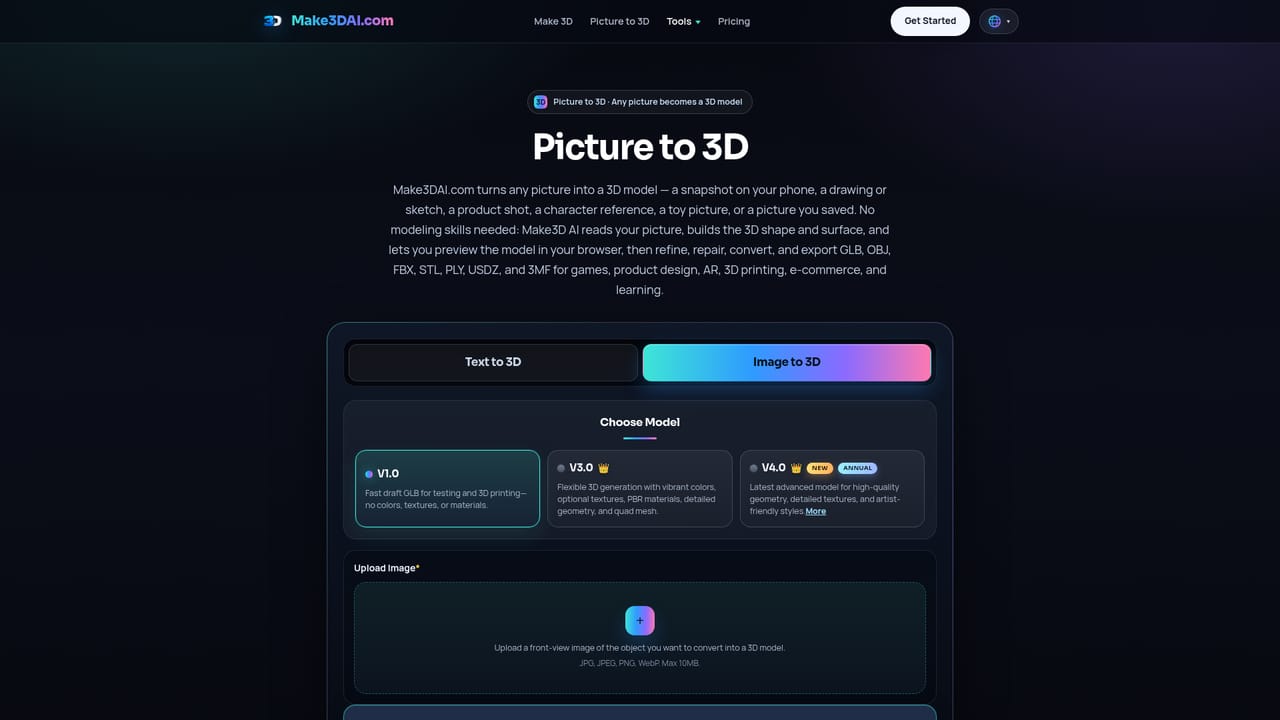
The homepage advertises free credits and a free V1.0 model, so new users can generate draft 3D models before subscribing. It is a permanent free tier rather than a time-limited trial.
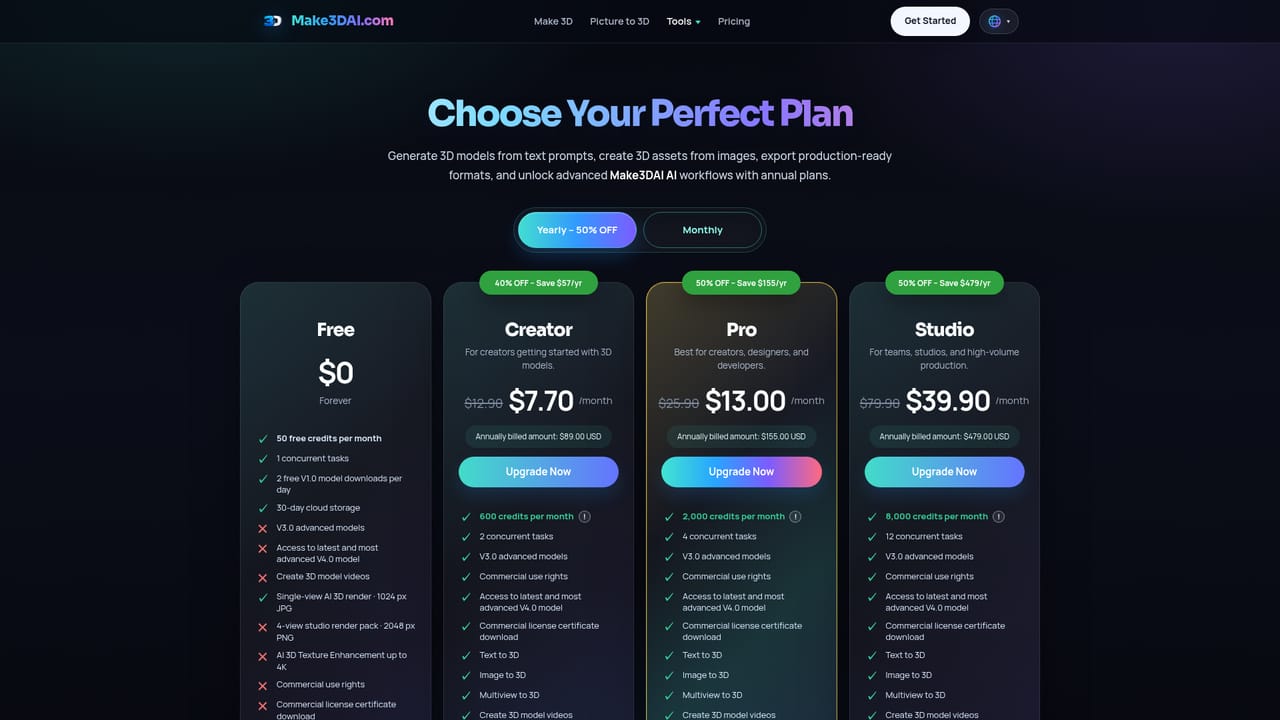
Learn moreThe site is freemium with credit-based paid plans. Free users get V1.0 draft generation. Paid tiers offer 600 to 8,000 credits per month, V3.0 and V4.0 models, unlimited downloads, commercial licensing, up to 12 concurrent tasks, and unlimited use of the viewer, converter, compressor, and volume tools. Exact prices are on the pricing page.
Learn moreThe homepage lists 24/7 customer support as a paid plan feature. No phone, chat, or ticketing details are given on the homepage, and no separate help centre page is listed.
Text to 3D, image to 3D, and multiview to 3D generation across V1.0, V3.0, and V4.0 model tiers. Supporting tools include AI 3D render, prompt-based texture generation, texture baking, format conversion, mesh repair, remeshing, volume calculation, segmentation, model compression, a browser 3D viewer, and rotating preview video creation.
Learn more AI Angels400+ customizable AI girlfriends for NSFW chat, voice calls, and roleplay
 Candy AIExperience the future of companionship with AI friends who chat, role-play, and connect with you on a human level.
 ourdream.aiA vast AI roleplay platform with millions of characters for chat, images, video and voiceAI Angels400+ customizable AI girlfriends for NSFW chat, voice calls, and roleplayCandy AIExperience the future of companionship with AI friends who chat, role-play, and connect with you on a human level.ourdream.aiA vast AI roleplay platform with millions of characters for chat, images, video and voice