Free trial
A free account is available; the homepage states no credit card is required to start building forms.
Learn moreNo-code form builder with compliance and data residency
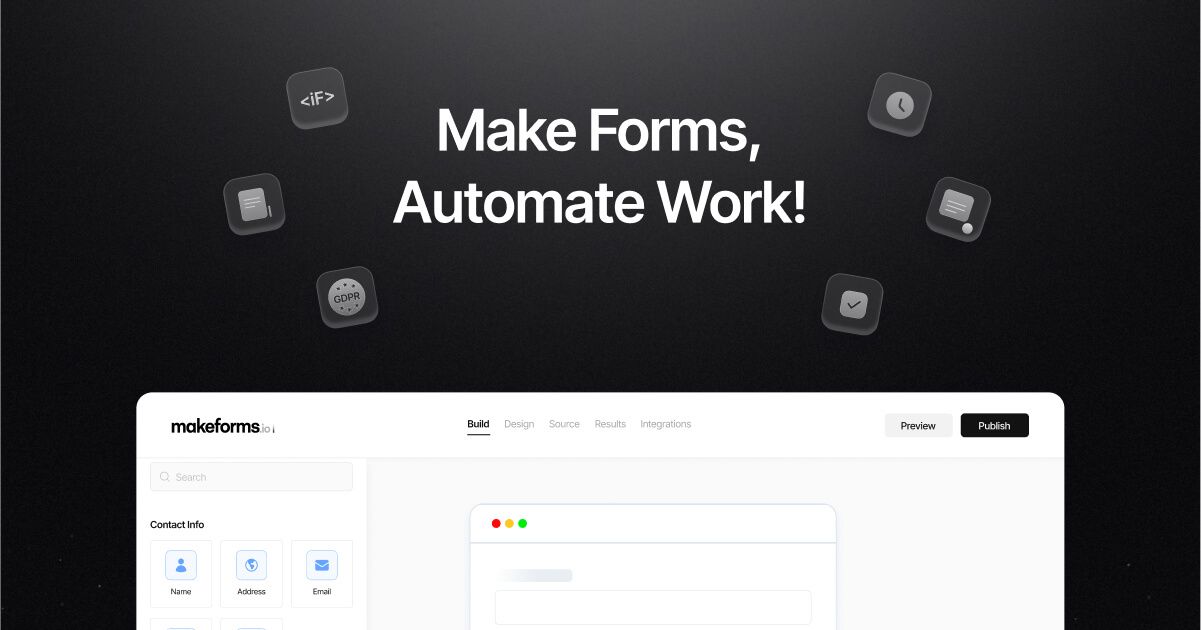
MakeForms is a no-code form builder with AI drafting, conditional logic, OTP verification, and compliance features including HIPAA and GDPR, plus selectable data residency regions.
MakeForms is a no-code form builder aimed at teams that need to collect data with enterprise-grade compliance. It combines a drag-and-drop builder with an AI assistant that can generate forms from prompts, conditional logic, and workflow automation. The platform supports OTP verification via SMS and email, which helps cut down on fake submissions for event registration or lead capture. It also offers electronic signature and scheduling tools as separate apps, extending its use beyond basic surveys. The tool is built for operations, marketing, HR, and clinical teams that handle sensitive information. Compliance is a core selling point: MakeForms is SOC 2 audited and offers HIPAA, GDPR, ISO 27001, and PIPEDA aligned form building. Unusually for this category, it lets customers choose where their form data is stored, with regions including the US, EU, Canada, UAE, Israel, South Africa, India, Australia, Japan, the UK, Brazil, and Singapore. Enterprise customers can request custom data regions. This matters for organizations that must keep data within specific borders. In practice, you build a form visually, apply logic and branching, and connect it to workflows that trigger alerts or approvals. The AI copilot can draft form structures from a short prompt, which speeds up the first draft. Forms can be embedded on a site with fast load times, branded, and set to single-step or multi-step styles. Pricing is not fully detailed on the homepage, but a G2 review cites 5,000 submissions for $29 per month, suggesting a volume-based model. MakeForms positions itself against tools like Typeform and Gravity Forms, leaning on compliance and data control rather than pure design polish. It is a fit for regulated industries and teams that have outgrown basic form tools but do not want to build an internal system.
A free account is available; the homepage states no credit card is required to start building forms.
Learn moreThe homepage does not list plan details. A G2 review mentions 5,000 submissions for $29 per month, but full pricing is not published on the site.
Learn moreSupport is referenced through customer reviews and demo booking. No dedicated support page or help center is linked on the homepage.
Salesforce is mentioned on the homepage; other native integrations are not detailed.
AI form builder and copilot, conditional logic and branching, OTP verification via SMS and email, workflow automation with alerts and approvals, electronic signatures, scheduling, custom domains, multi-step forms, and compliance features including SOC 2, HIPAA, GDPR, ISO 27001, and PIPEDA.
Learn more AI Angels400+ customizable AI girlfriends for NSFW chat, voice calls, and roleplay
 Candy AIExperience the future of companionship with AI friends who chat, role-play, and connect with you on a human level.
 ourdream.aiA vast AI roleplay platform with millions of characters for chat, images, video and voiceAI Angels400+ customizable AI girlfriends for NSFW chat, voice calls, and roleplayCandy AIExperience the future of companionship with AI friends who chat, role-play, and connect with you on a human level.ourdream.aiA vast AI roleplay platform with millions of characters for chat, images, video and voice


