Free trial
Free plan gives 10 credits on sign-up plus 10 credits every day (about one image per day), with PNG export and project history. The hero also mentions 20 free credits with daily login rewards.
Learn moreTurn product photos into clean manual line drawings and IFU panels

ManualFig is a design tool that turns product photos into clean manual line drawings and IFU panels. ManualFig converts product photos, CAD screenshots and step lists into manual-ready line drawings, numbered assembly panels and IFU figures, with PNG and SVG export and a credit-based plan that starts free.
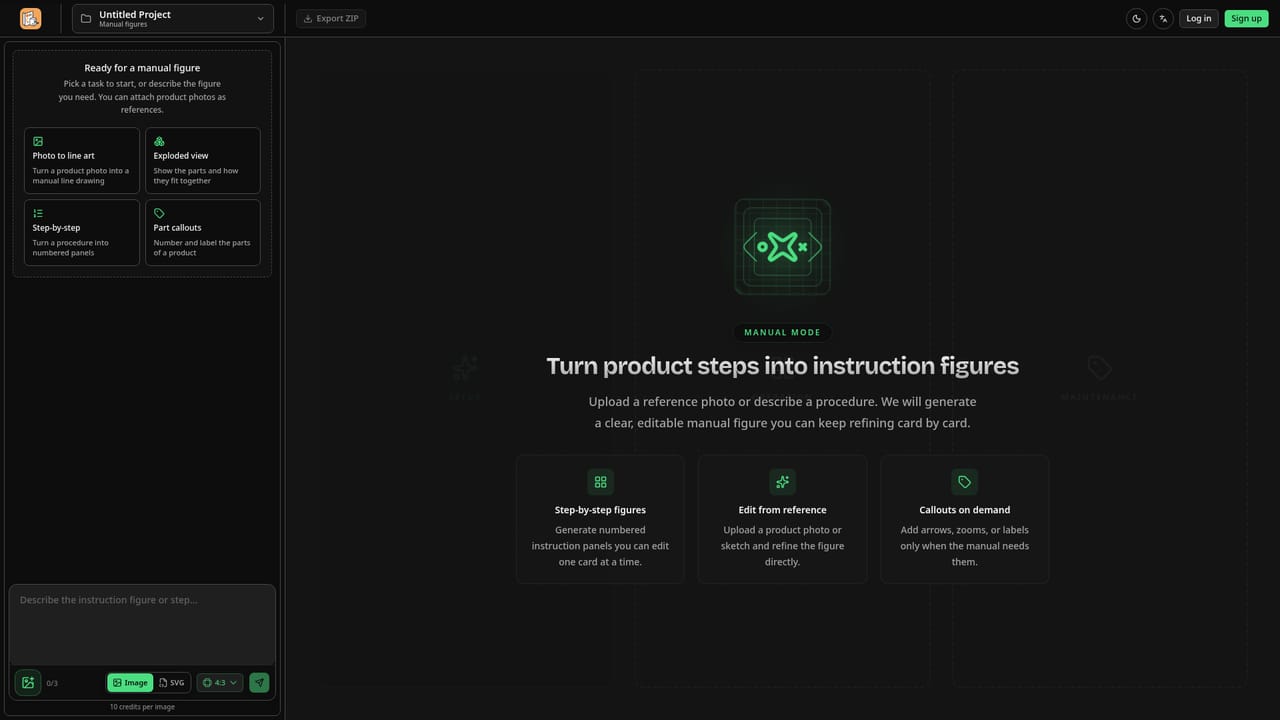
ManualFig is a web-based illustration generator built for instruction manuals, assembly guides, quick-start cards and medical device IFUs. Instead of producing glossy marketing renders, it aims at the plain, functional figures a manual needs: a clean line drawing of the real product, numbered steps, direction arrows, part callouts, warnings and correct/incorrect comparison panels. The workflow starts with whatever material a team already has. A product photo, CAD screenshot, supplier image, sketch, an existing manual page or a written step list can all serve as input. Generation follows the uploaded reference so the parts and proportions match the actual product, and the site notes that reflections and background clutter are dropped from the result. Each figure can then be adjusted by describing the change in a sentence, and earlier versions are kept so a sequence of steps can be compared side by side on one canvas to keep style and numbering consistent. Output is available as PNG or SVG. The SVG route produces stroke-based line art whose line weights stay editable in Illustrator, which suits documentation systems, layout tools and print where scaling should not blur the lines. Prompts, references, generated figures and edits are stored together in a project, which makes handoff and later revisions easier when a product changes. The audience is product and documentation teams, ecommerce sellers who need packaging inserts and support diagrams, furniture and appliance makers, consumer electronics brands, and regulated-device companies preparing IFU material. Dedicated landing pages cover photo-to-line-drawing, assembly instructions, troubleshooting guides, exploded views and medical IFUs. Among alternatives, ManualFig sits between hiring a technical illustrator, which the site prices at $100 to $300 or more per figure with days per revision round, and general image generators that are not tuned for numbered, instructional output. Pricing runs on credits, with a free tier for testing and monthly plans for heavier production. Teams needing certified CAD-native technical publishing will still want to judge the output against their own review standards.
Free plan gives 10 credits on sign-up plus 10 credits every day (about one image per day), with PNG export and project history. The hero also mentions 20 free credits with daily login rewards.
Learn moreCredit-based. Free: 10 credits on sign-up plus 10 daily. Starter $10/month (200 credits), Pro $20/month (600 credits, SVG workflow, priority support), Business $40/month (1,500 credits). Yearly, Lifetime and Team options are listed. Commercial use is supported.
Learn morePro and Business plans include priority support. A blog of guides and a tools directory are available on the site.
Learn moreNo third-party integrations are listed. Output is PNG or SVG for use in manuals, layout tools, help centers and work-instruction systems, with SVG line weights editable in Illustrator.
Photo-to-line-drawing, numbered assembly steps, part callouts, arrows, warnings and do/don't panels, reference-guided editing, version comparison, project history, and PNG or stroke-based SVG export.
Learn more


