Free trial
A free forever plan with no card required serves as the entry point, so no separate time-limited trial is described.
Learn moreAI mind maps grounded in your own documents, refined through chat.
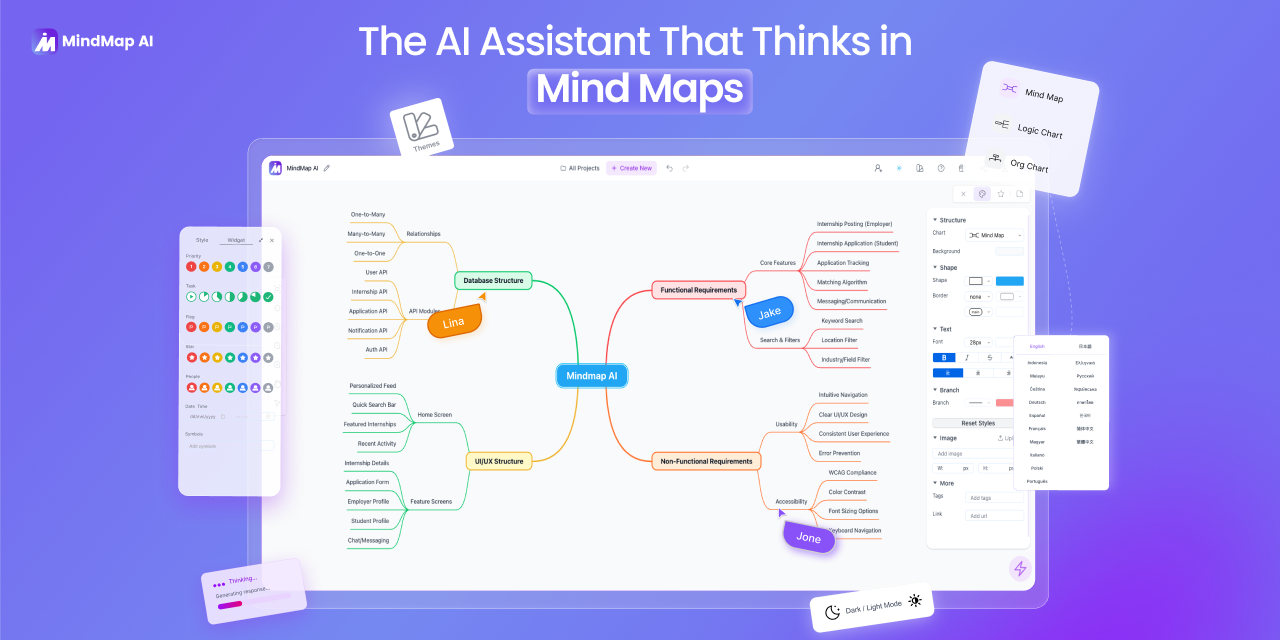
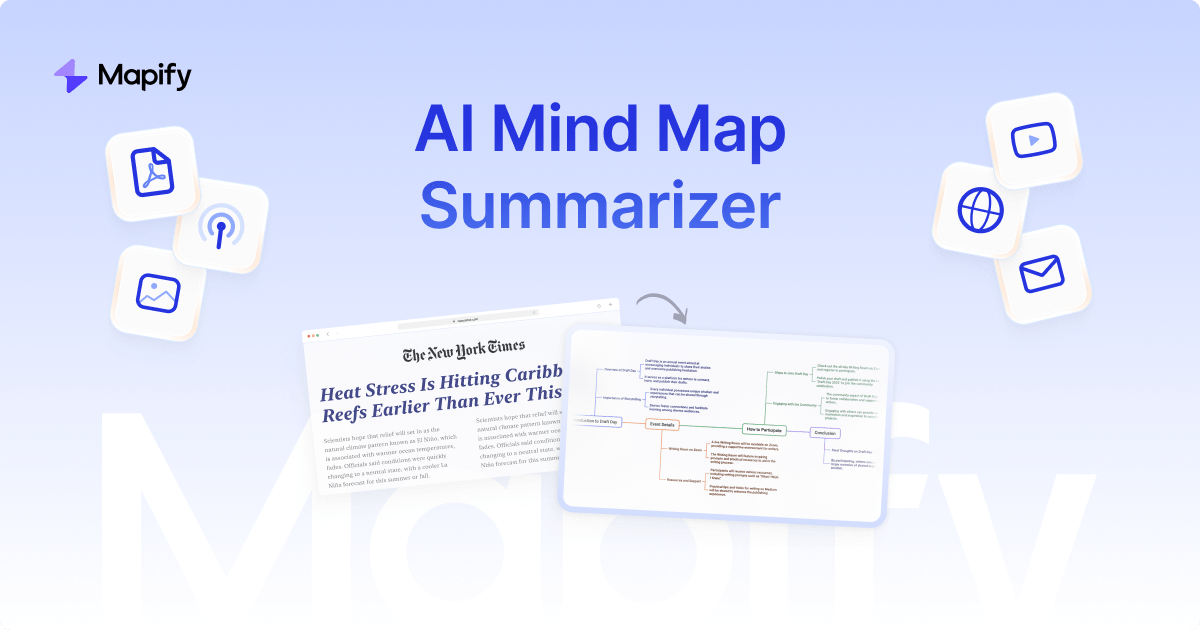
MindMap AI is a concept map generator tool. An AI mind map generator that builds maps from prompts, PDFs, recordings and web pages, then lets you refine them in chat or by hand on the same canvas. Free manual editing on every plan, four switchable layouts, and team workspaces.
MindMap AI is a mind mapping tool built around one claim: the map it produces should stay true to the material you fed it. Instead of asking you to sketch a hierarchy yourself and label every branch, it accepts a rough thought, a PDF, a video or audio recording, a meeting transcript, or a web page captured through a browser extension, and returns a structured map within seconds. The company reports more than 750,000 users and a 4.7 rating on G2. The canvas is where the product separates itself from single-shot generators. Generated nodes are not frozen output: you can drag, rename and reconnect branches by hand with no AI credits spent, or ask the assistant to expand one branch, condense a section, re-center on a node, or explain a concept, and the map updates in place. Manual edits and AI edits stay in sync, with undo and history always available. The same content can be switched between a branching mind map, a top-down logic chart for processes, an org chart for roles, and a linear outline for writing, without rebuilding from scratch. Maps can be composed in more than 29 languages, including right-to-left scripts such as Arabic and Hebrew. In practice the tool suits people who already accumulate dense source material and lose time converting it into structure: product managers turning requirement documents into scope, consultants shaping client interviews into a strategy map, lecturers converting lecture PDFs into study maps, researchers synthesizing transcripts. Team features cover shared workspaces with billing, roles and analytics, and maps can be exported or handed to other tools through an import path that preserves nodes, branches and notes. Compared with established mind mapping suites, MindMap AI leans harder on source-grounded generation and conversational refinement, and it makes the full editor free rather than reserving structure work for a paid tier. It is a web-first product with companion mobile apps and connectors into Claude and ChatGPT, so the fit is strongest for people who already work inside an AI assistant.
A free forever plan with no card required serves as the entry point, so no separate time-limited trial is described.
Learn moreA free forever plan is offered with no card required, and the site states that the full editor, including manual editing, is free on every plan. Paid tiers exist, but per-plan credit allowances and prices are not stated on the homepage.
Learn moreA help area exists, including an MCP connector guide, but the homepage does not describe support channels or response times.
Learn moreBrowser extension for capturing pages and email, apps for web, iOS and Android, and connectors for Claude and ChatGPT via MCP.
Learn morePrompt, PDF, audio, video, transcript and webpage inputs; chat refinement alongside manual editing with undo and history; four switchable layouts; 29+ languages including RTL scripts; images inside nodes; keyboard shortcuts; unlimited maps with tagging and search; team workspaces; export and import.
Learn more AI Angels400+ customizable AI girlfriends for NSFW chat, voice calls, and roleplay
 Candy AIExperience the future of companionship with AI friends who chat, role-play, and connect with you on a human level.
 ourdream.aiA vast AI roleplay platform with millions of characters for chat, images, video and voiceAI Angels400+ customizable AI girlfriends for NSFW chat, voice calls, and roleplayCandy AIExperience the future of companionship with AI friends who chat, role-play, and connect with you on a human level.ourdream.aiA vast AI roleplay platform with millions of characters for chat, images, video and voice