Free trial
Effectively free to try: five maps are available with no signup, and the editor opens straight from the homepage.
Learn moreTurn PDFs, notes and chats into presentable mindmaps in minutes
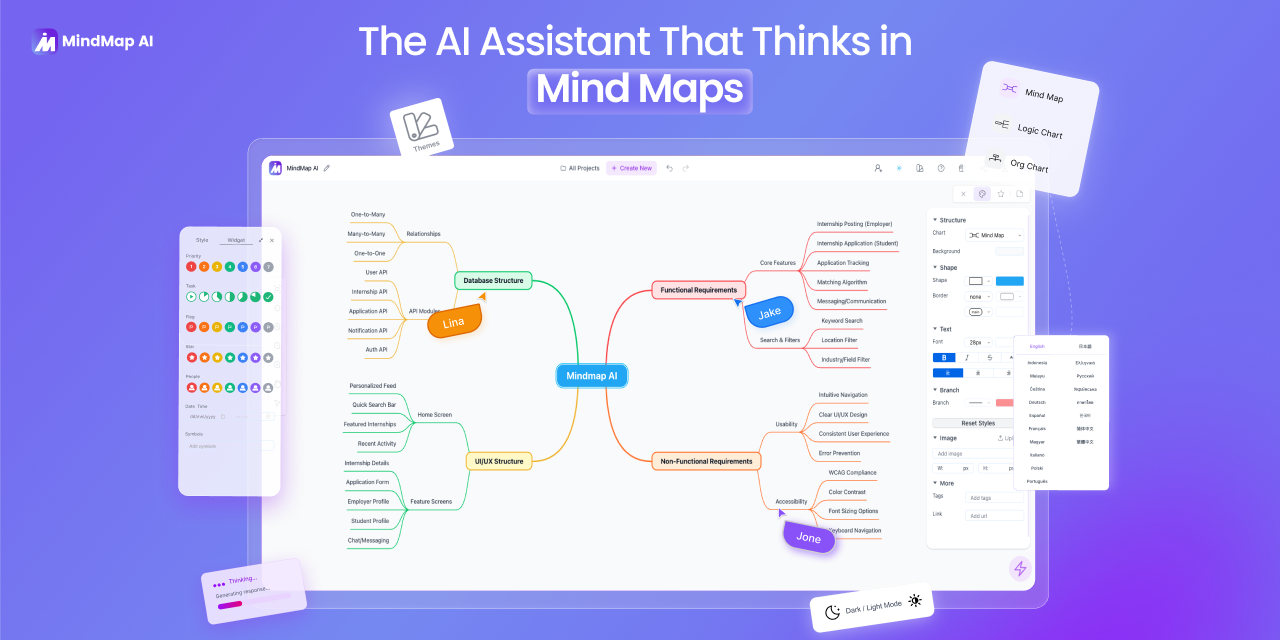
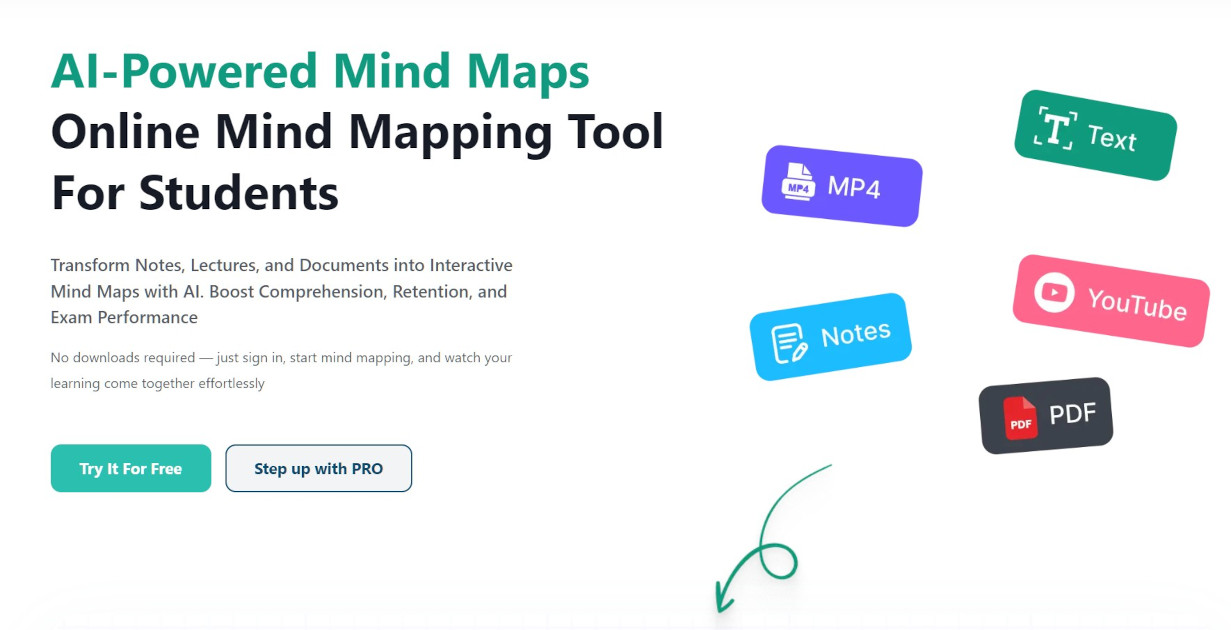
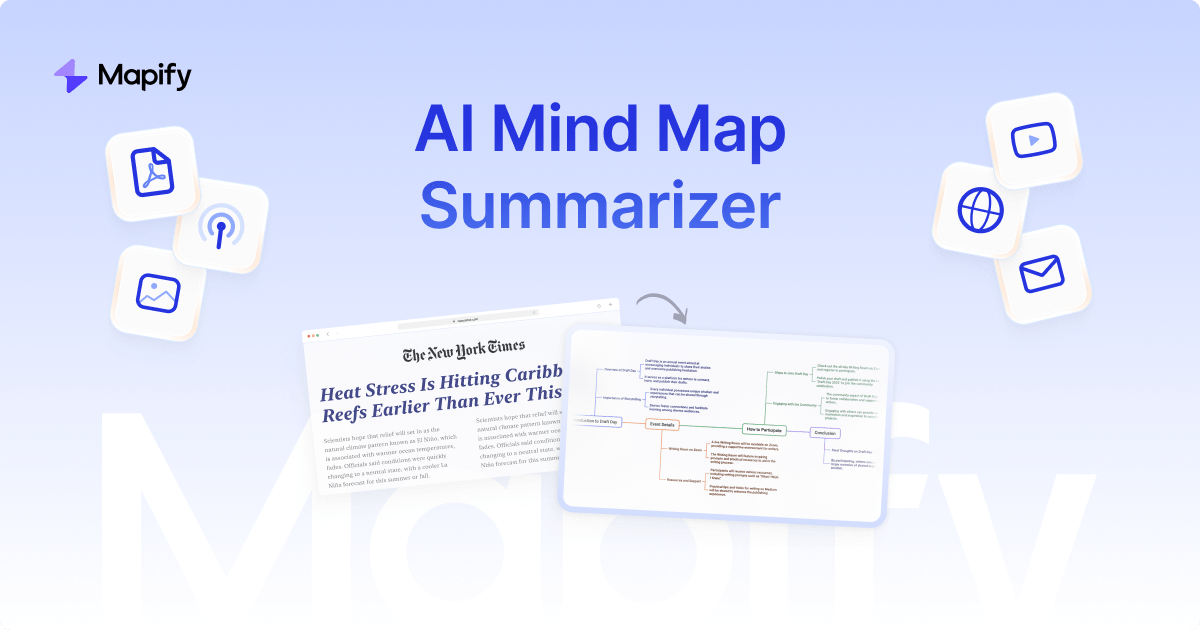
ConceptMap is a concept map generator tool that turns PDFs, notes and chats into presentable mindmaps in minutes. ConceptMap turns PDFs, lecture notes, YouTube lectures and long ChatGPT chats into dense, hierarchical mindmaps that can be walked through node by node in a built-in Present mode.
ConceptMap is a web tool that converts source material into a hierarchical mindmap you can study from or present in class. You drop in a PDF, a paper, lecture notes, a photo of handwritten notes, a YouTube lecture URL, an abstract, a long ChatGPT conversation, or simply a topic. The AI reads the material and extracts the argument structure, then lays it out as a central topic with branches, dense enough to teach from rather than a thin list of bullets. The homepage calls it a quiet tool for thinking, and the framing is accurate: this is a reading aid as much as a writing one. The feature that separates it from a static tree is Present mode. One click turns the map into a linear walk-through where arrow keys advance node by node, the active node centers and the rest fade. A teacher can render a chapter, narrate the structure to a class, and then hand out a public link that students can view, present or remix without an account. Self-learners use the same mechanic in reverse, mapping an argument and then explaining it back aloud, which is close to a visual version of the Feynman technique. In practice the workflow is short: type a prompt or upload a file, wait for the structure to form, edit nodes, then present or share. The gallery holds over 140 published maps across physics, biology, environmental science, materials science and other disciplines, each one opened, edited and republished by a real user, which gives a reasonable sense of the density and depth to expect before committing. ConceptMap is honest about what it is not. It builds mindmaps, meaning hierarchies with a central topic and branches, not Novak-style propositional concept maps with labelled cross-links; the FAQ points users to IHMC CmapTools for that. Against ChatGPT bullet lists, Mermaid trees or manual canvases in XMind and Miro, the pitch is the combination of AI structure extraction, built-in presenting and no-login public sharing in one place.
Effectively free to try: five maps are available with no signup, and the editor opens straight from the homepage.
Learn moreThe homepage states that no signup is required and that you get five free maps. It does not publish any paid tier, price or map limit beyond that figure, so treat it as a free allowance until the site says otherwise.
Learn moreNo third-party integrations are described on the homepage. Inputs include YouTube lecture URLs and ChatGPT conversations, but these are handled as pasted content rather than as connected accounts.
Source ingestion covers PDFs, papers, lecture notes, photos of handwritten notes, YouTube lecture URLs, ChatGPT conversations, abstracts and plain topics. The AI extracts argument structure into a hierarchical mindmap, which you can edit and then run through Present mode as a linear, node-by-node walk-through. Public map links let anyone view, present or remix without an account. Interface comprehension is native for eleven languages.
 AI Angels400+ customizable AI girlfriends for NSFW chat, voice calls, and roleplay
 Candy AIExperience the future of companionship with AI friends who chat, role-play, and connect with you on a human level.
 ourdream.aiA vast AI roleplay platform with millions of characters for chat, images, video and voiceAI Angels400+ customizable AI girlfriends for NSFW chat, voice calls, and roleplayCandy AIExperience the future of companionship with AI friends who chat, role-play, and connect with you on a human level.ourdream.aiA vast AI roleplay platform with millions of characters for chat, images, video and voice