StudyOrbit

Turn any educational PDF into slides, podcasts, games and mock exams

Beginner
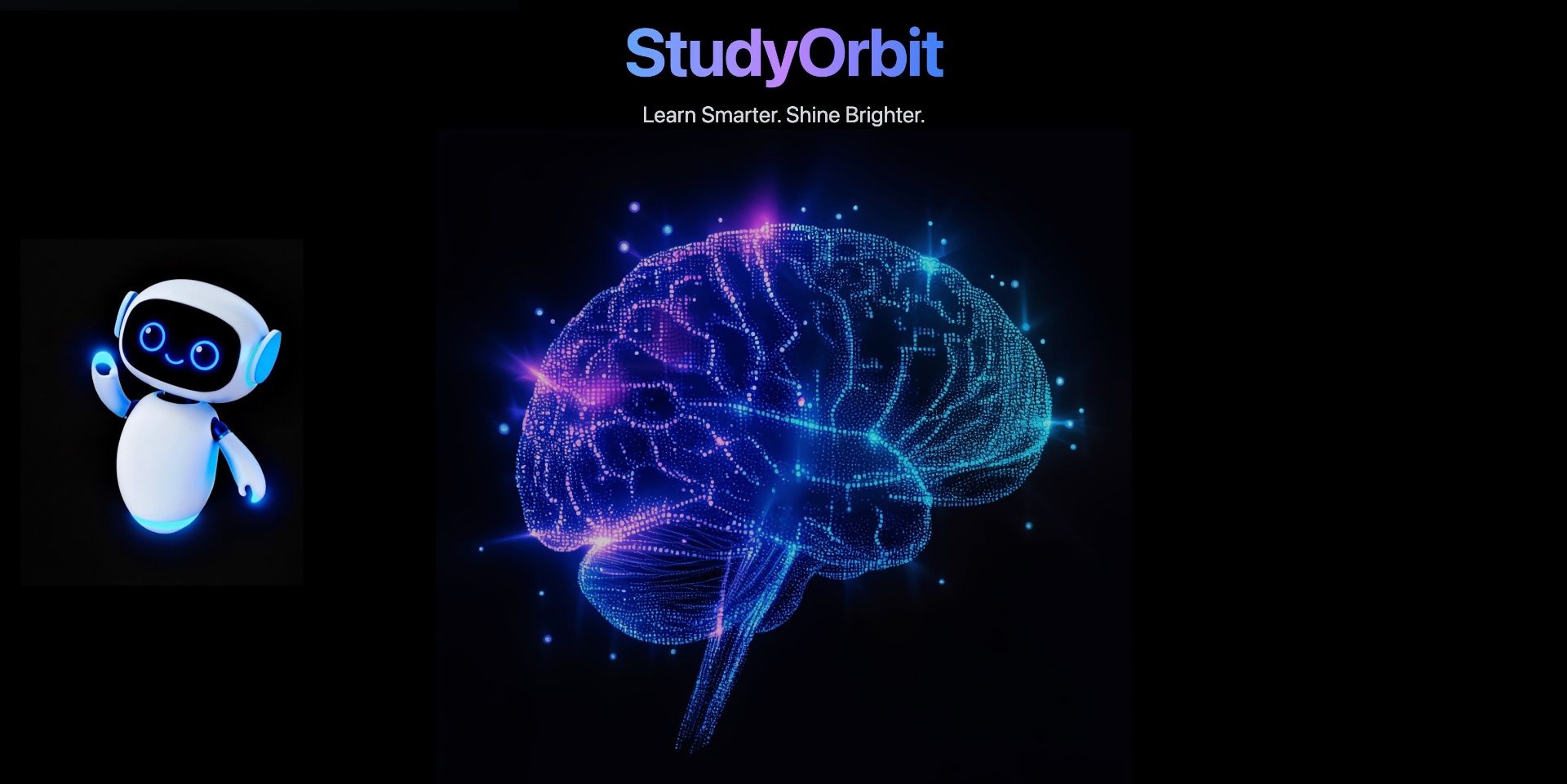
Screenshot of StudyOrbit, Turn any educational PDF into slides, podcasts, games and mock exams

What is StudyOrbit?

StudyOrbit is a concept map generator tool that turns any educational PDF into slides, podcasts, games and mock exams. AI study platform that converts uploaded educational PDFs into enhanced slides with avatar and audio explanations, two voice learning podcasts, six game types, mindmaps and timed exam simulations with AI grading and progress analytics.

StudyOrbit is an AI study platform built around a single input: a PDF. Students upload course material in any subject, from physics and chemistry to law, medicine and business, and the system converts that document into several different study formats. The pitch is that the same source text can be reviewed as visually redesigned slides, listened to as audio, played through as a game, or tested through a simulated exam. It is aimed at university and senior school students who already have lecture notes or textbook chapters and want more ways to work through them than rereading. The slide module is the centrepiece. Uploaded pages are rebuilt as "AI enhanced slides" with a visual style, and each page can carry an AI avatar video or an audio explanation. A separate podcast feature turns material into a two voice conversation, with an expert and a student role, that runs for around a quarter of an hour. Games cover six formats: multiple choice, fill in the blank, matching pairs, ordering, true or false, and adaptive testing, so recall practice is not limited to one question type. Mindmaps are generated for quick review, and an exam simulator lets the student set difficulty (easy, realistic or hard) and a duration of 60, 90 or 120 minutes before starting a timed paper with AI grading. Progress tracking sits across all of it. A dashboard reports questions attempted, accuracy, total time spent and completion, plus accuracy plotted over the week. Motivation features include global leaderboards, a habit builder and performance analytics, which suggests the product is designed for sustained daily use rather than a single cram session. The workflow is entirely upload first, so it suits students with decent source documents and less well those starting from nothing. Compared with flashcard tools that focus on spaced repetition, StudyOrbit spreads its bets across media: video, audio, games and exams. That breadth is the differentiator, but it also means the tool competes on several fronts at once, and the strongest reason to pick it is wanting one place for all of those formats rather than the best possible version of any one.

How do you use StudyOrbit?

  1. 1Upload your study PDF
    Start on the homepage and upload the educational PDF you want to work from, whether that is a lecture deck, a textbook chapter or your own notes. The subject does not need to be specified in advance.
  2. 2Review the AI enhanced slides
    The document is rebuilt as redesigned slides in a chosen visual style. Work through them page by page and check that the generated structure matches the original material before you rely on it.
  3. 3Add avatar and audio explanations
    Each page can be paired with an AI avatar video or an audio explanation. Use these on the sections you found hardest on the first read rather than on everything.
  4. 4Practice with games and podcasts
    Switch to the game modes (multiple choice, fill in the blank, matching pairs, ordering, true or false, adaptive testing) for active recall, or listen to the generated expert and student podcast while commuting.
  5. 5Sit a simulated exam
    In the exam simulator, pick a difficulty level (easy, realistic or hard) and a duration of 60, 90 or 120 minutes, then complete the paper and review the AI grading.
  6. 6Track progress and review mindmaps
    Check the dashboard for questions attempted, accuracy, time spent and completion, look at the weekly trend, and use the generated mindmaps for a fast pass before the real test.

Pros and cons

Pros

  • Upload a single PDF and get slides, audio, podcasts, games and exam papers from the same sourceAI
  • Six game formats plus adaptive testing give more recall variety than a plain flashcard deckAI
  • Exam simulator lets students set difficulty and a 60, 90 or 120 minute duration for timed practiceAI
  • Analytics dashboard tracks accuracy, time spent and completion, with weekly performance trendsAI
  • Works across subjects, with physics, law, medicine and business named as examplesAI

Cons

  • Everything depends on uploading a PDF first, so there is no way to build a study set from scratch in the toolAI
  • Pricing, plan limits and how many documents you can process are not stated on the homepageAI
  • Avatar video and audio explanations add production time and may not suit quick revision sessionsAI
  • Leaderboards and habit features assume sustained daily use, which can feel like pressure for casual learnersAI
  • No integrations, export formats or mobile apps are described, so the tool appears to be a closed web experienceAI

How much does StudyOrbit cost?

Features

Upload any educational PDF and receive AI enhanced slides with avatar video and audio explanations per page. A learning podcast casts an expert and a student in a scripted conversation. Six game types (multiple choice, fill in the blank, matching pairs, ordering, true or false, adaptive testing) handle recall practice, alongside generated mindmaps, a configurable exam simulator with AI grading, and analytics covering accuracy, time spent and completion.

Frequently asked questions about StudyOrbit

  • How do you use StudyOrbit?
    The walkthrough on this page covers 6 steps: 1. Upload your study PDF 2. Review the AI enhanced slides 3. Add avatar and audio explanations 4. Practice with games and podcasts 5. Sit a simulated exam 6. Track progress and review mindmaps.
  • What platforms does StudyOrbit support?
    StudyOrbit is available on Web App.
  • What are the limitations of StudyOrbit?
    Everything depends on uploading a PDF first, so there is no way to build a study set from scratch in the tool. Pricing, plan limits and how many documents you can process are not stated on the homepage. Avatar video and audio explanations add production time and may not suit quick revision sessions.

Status

StatusActive
Views0
Outbound clicks0
Added10/21/2026

Platforms

Web App

Pricing

Freemium