Free trial
The free plan is itself the trial: no card required, one AI-generated mind map included, and unlimited hand editing of that map afterwards.
Learn moreAI turns PDFs, lectures and YouTube links into interactive mind maps
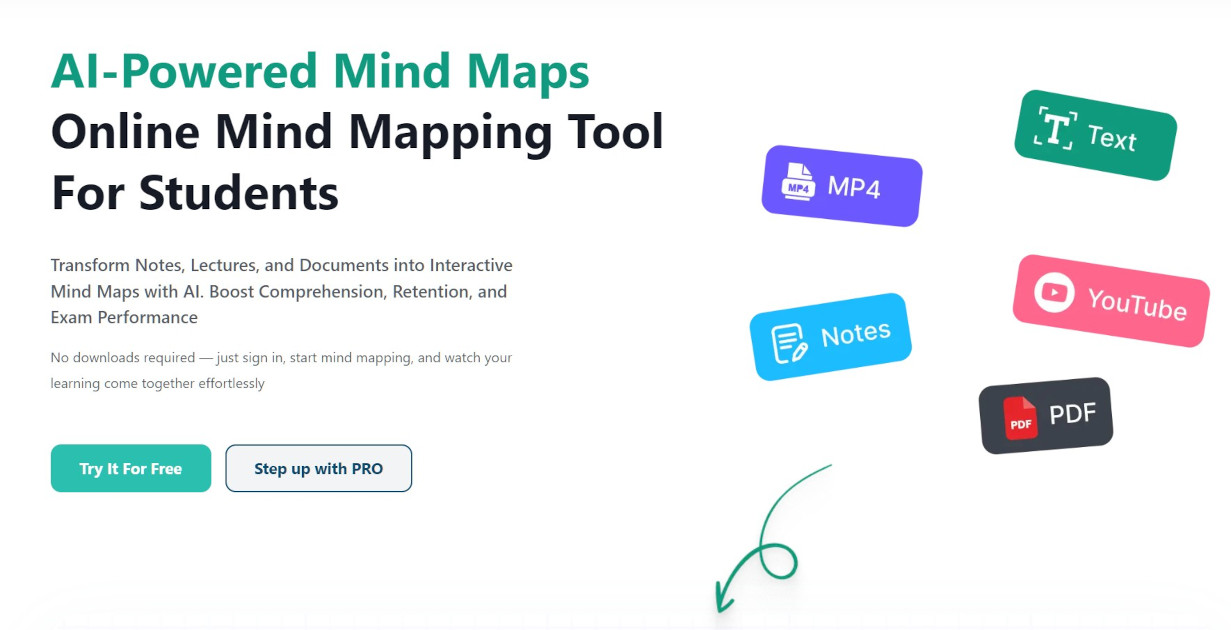
MindMapi.ai is a free-to-try, browser-based AI mind map maker for students and teachers. Upload notes, PDFs, Word files, audio recordings or YouTube links and it generates an editable, shareable mind map with notes behind each branch. No install needed.
MindMapi.ai is a browser-based mind mapping tool aimed squarely at students, with a secondary audience of teachers and researchers. Its core promise is simple: give it the raw material you already have (typed notes, a PDF, a Word document, an MP3 recording or a YouTube link) and it builds an interactive mind map of the topic, complete with written notes behind each branch. The product is designed to replace re-reading linear notes with a visual overview of how ideas connect, which is the mode of study its marketing leans on throughout. In practice the workflow is short. You name a subject, attach one or more sources, and press generate. The AI reads the material and proposes branches and subtopics; a long PDF or a full lecture can take up to five minutes, while short notes return faster. From there the map is fully editable: drag nodes, reword them, recolour branches, draw arrows, collapse branches you have already learned, and ask the AI to expand a single node with a written explanation. Maps can be exported to PDF or Word, and a live session lets a study group or class edit one map together in real time. MindMapi sits in the same space as general mind mapping software and AI note tools, but it narrows the focus to study material rather than project management or whiteboard brainstorming. The free tier includes unlimited manual editing but only a small number of AI generations, so the paid plan is really about how often you want the AI to do the heavy lifting. File limits are modest (1MB for documents, 5MB for audio), which matters if your lecture recordings are long.
The free plan is itself the trial: no card required, one AI-generated mind map included, and unlimited hand editing of that map afterwards.
Learn moreFree plan at £0 with one AI-generated map, a limit of three AI suggested topic notes, AI analysis of imports and unlimited manual customisation. Pro is discounted to £5.99 per month from £14.99, billed monthly or termly, and includes unlimited custom maps, up to 30 AI-generated maps per month, multi-format import, export and sharing.
Learn moreSupport is handled by email at support@mindmapi.com. The site also has a blog and an FAQ covering sources, deletion of maps and plan differences.
AI reads PDFs, Word files, notes, MP3 recordings and YouTube links to build branching mind maps with written notes behind each node. Maps are fully editable with drag, recolour and drawing tools, can be expanded node by node with AI explanations, exported to PDF or Word, and edited live by a group through a shared link. Manual map building is available without AI.
Learn more AI Angels400+ customizable AI girlfriends for NSFW chat, voice calls, and roleplay
 Candy AIExperience the future of companionship with AI friends who chat, role-play, and connect with you on a human level.
 ourdream.aiA vast AI roleplay platform with millions of characters for chat, images, video and voiceAI Angels400+ customizable AI girlfriends for NSFW chat, voice calls, and roleplayCandy AIExperience the future of companionship with AI friends who chat, role-play, and connect with you on a human level.ourdream.aiA vast AI roleplay platform with millions of characters for chat, images, video and voice