Free trial
The first agent is free to use, which serves as a trial of the platform. No time limit is mentioned for this free agent.
Learn moreDescribe recurring work in a sentence. Wake up to results.

Maskara is a meta AI automation tool. Maskara lets you describe recurring work in one sentence, then designs and runs a background AI agent that delivers results to email, Slack, or a dashboard. It targets non-technical users who want automation without flowcharts or integration setup.
Maskara is a platform for deploying personal AI agents that run recurring work in the background. Instead of building a workflow with node graphs or wiring integrations, you describe the outcome you want in a single sentence. Maskara then designs an agent, selects the sources and schedule, and runs it in an isolated environment. Results are delivered to email, Slack, or the dashboard, with notifications only when something needs attention. The tool is aimed at founders, marketers, researchers, and operators who have repeatable tasks (competitor monitoring, lead enrichment, content repurposing, research summaries) but lack the time or technical skill to automate them. In practice, you start with a description like "email me a Monday summary of competitor changes" and confirm the agent's design. The agent runs on a schedule or trigger, even when your laptop is closed, and returns outputs such as a daily briefing, a spreadsheet of scored leads, or a PDF report. Public agents like a LinkedIn pipeline lead, a nightly YouTube Shorts engine, and a deep research analyst show the range of tasks. Each agent operates in its own secure, per-user environment, so credentials and outputs stay isolated. The tool sits between no-code automation builders and fully custom agent frameworks. It requires no flowchart construction and no pre-wiring of integrations before you see value, which lowers the barrier for non-technical users. However, this simplicity means you trade some fine-grained control over execution logic and integration choices. Pricing starts with a free first agent and moves to $29 per month for unlimited recurring jobs, making it accessible for individuals and small teams testing multiple agents. Maskara is best for recurring, well-defined tasks that benefit from background execution and structured delivery, not for one-off creative projects or highly bespoke workflows.
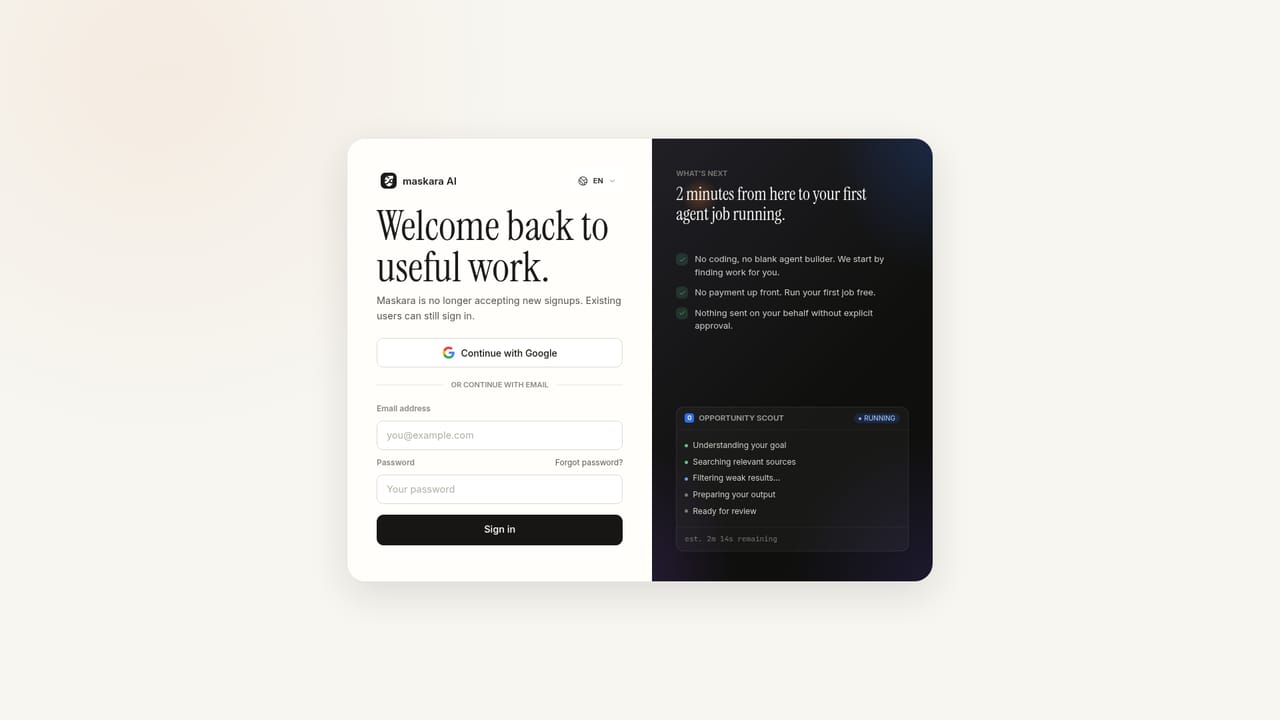
The first agent is free to use, which serves as a trial of the platform. No time limit is mentioned for this free agent.
Learn moreThe first agent is free. Paid plans start at $29 per month for unlimited recurring jobs. No other pricing tiers are listed on the homepage.
Learn moreAgents can connect to email, Slack, Google Sheets, Telegram, and Perplexity, Gemini, GPT, and Claude for research tasks, as shown in public agent examples. No pre-wiring is required before seeing value.
Maskara designs AI agents from a one-sentence description, runs them on schedules or triggers in isolated environments, and delivers results to email, Slack, or a dashboard. It includes public agent templates for tasks like lead research, content repurposing, and competitor monitoring, with notifications only when attention is needed.
 AI Angels400+ customizable AI girlfriends for NSFW chat, voice calls, and roleplay
 Candy AIExperience the future of companionship with AI friends who chat, role-play, and connect with you on a human level.
 ourdream.aiA vast AI roleplay platform with millions of characters for chat, images, video and voiceAI Angels400+ customizable AI girlfriends for NSFW chat, voice calls, and roleplayCandy AIExperience the future of companionship with AI friends who chat, role-play, and connect with you on a human level.ourdream.aiA vast AI roleplay platform with millions of characters for chat, images, video and voice


