Free trial
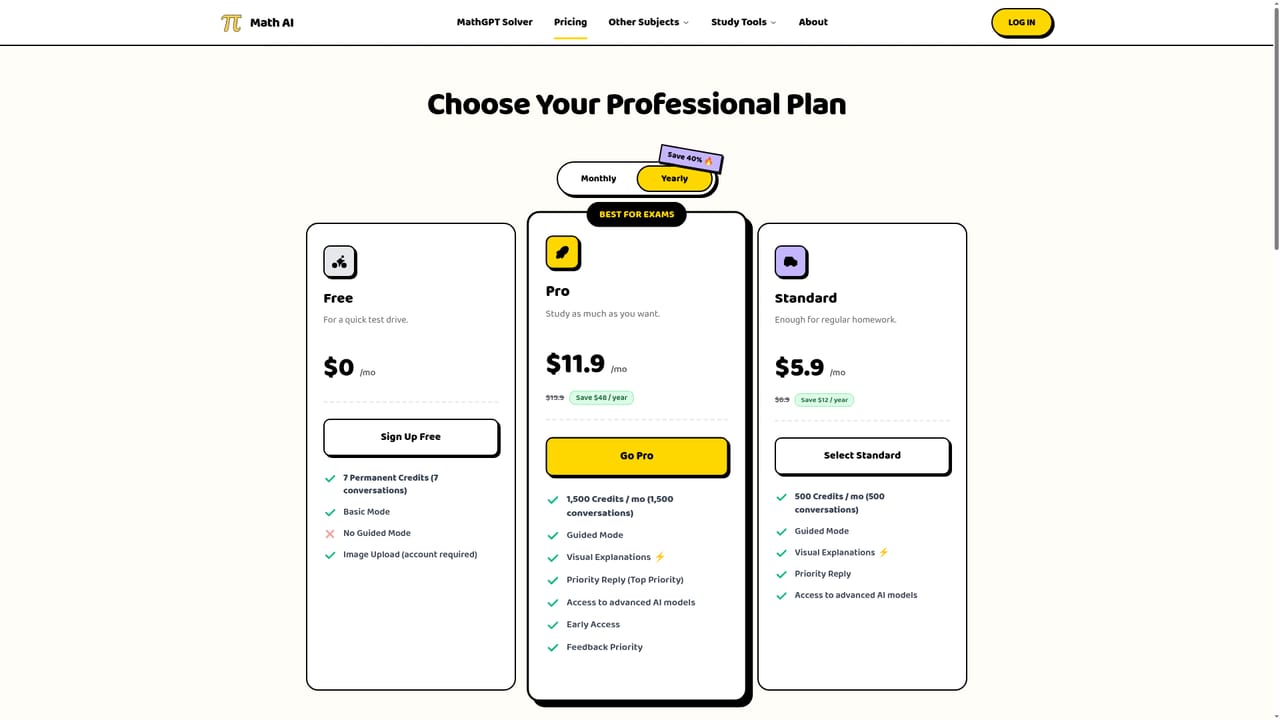
No traditional free trial; instead, new users get 7 permanent free credits (7 conversations) with no sign-up requirement stated for initial use and no credit card required.
Learn moreStep-by-step math solving from typed equations, word problems, or a photo of a worksheet.

Math AI is a browser-based step-by-step solver for algebra, geometry, calculus, and statistics that accepts typed equations, word problems, or photos of worksheets, with a free tier and paid plans for heavier use.
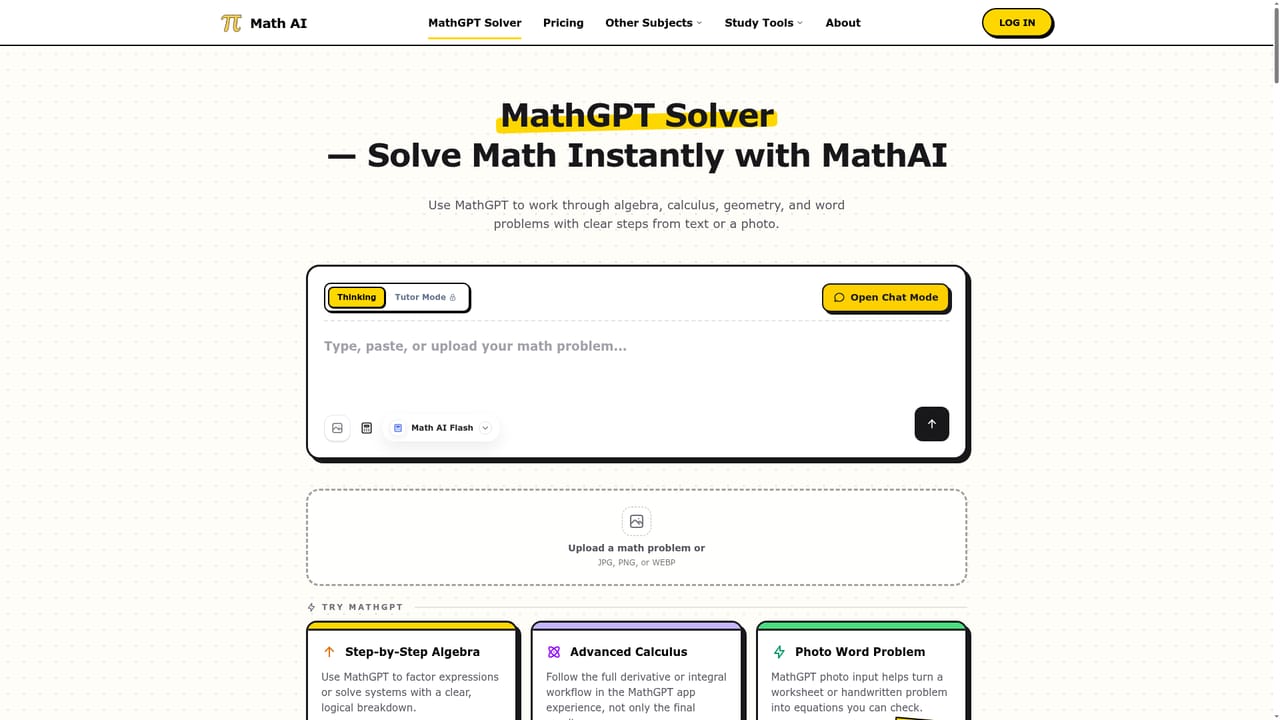
Math AI is a browser-based solver built for algebra, geometry, calculus, and statistics coursework. Users type an equation, paste a word problem, or upload a photo of a printed or handwritten worksheet, and the tool returns a line-by-line breakdown rather than just a final number. It targets students who need either a fast answer check or a deeper walkthrough of the logic behind a formula. The product splits into two modes. Speed mode (called Thinking) gives a structured, complete solution quickly for verifying homework or catching last-minute mistakes before a deadline. Coach or Tutor mode works more interactively, walking through reasoning step by step so the learner follows the method rather than copying an answer. For word problems, the engine parses the text to extract variables and set up the correct equations before solving, which distinguishes it from a standard calculator that only reads numeric input. Optional visual explanations can accompany calculus and geometry answers, though the site notes these diagrams are study aids that should be checked against the written steps. Coverage spans linear and quadratic equations, trigonometry, polynomials, geometric proofs, limits, derivatives, integrals, differential equations, infinite series, multivariable calculus, probability, hypothesis testing, and matrices, positioning it for high school through university level work. It fits alongside other AI homework helpers and study-tool generators (flashcards, quizzes, worksheets) rather than replacing a full tutoring service, and works best as a companion for checking methods and building understanding rather than a substitute for independent problem-solving. A free tier offers a limited number of permanent credits with no sign-up required to start, and paid plans unlock guided mode, visual explanations, and higher monthly conversation limits for students doing regular coursework or exam prep.
No traditional free trial; instead, new users get 7 permanent free credits (7 conversations) with no sign-up requirement stated for initial use and no credit card required.
Learn moreFree plan gives 7 permanent credits with Basic Mode only. Standard is $5.9/mo (billed as $6.9 without annual discount) for 500 credits/mo, and Pro is $11.9/mo ($15.9 without discount) for 1,500 credits/mo, both including Guided Mode and visual explanations.
Learn moreText, equation, and photo input for handwritten or printed problems; step-by-step algebra, geometry, calculus, and statistics solving; Speed and Tutor modes; word problem parsing; optional visual explanations for functions and geometry.
Learn more AI Angels400+ customizable AI girlfriends for NSFW chat, voice calls, and roleplay
 Candy AIExperience the future of companionship with AI friends who chat, role-play, and connect with you on a human level.
 ourdream.aiA vast AI roleplay platform with millions of characters for chat, images, video and voiceAI Angels400+ customizable AI girlfriends for NSFW chat, voice calls, and roleplayCandy AIExperience the future of companionship with AI friends who chat, role-play, and connect with you on a human level.ourdream.aiA vast AI roleplay platform with millions of characters for chat, images, video and voice


