Free trial
A free plan is offered with limits generous enough to explore the core features; premium tiers unlock unlimited access to advanced features. The site does not list an end date or credit cap for the free tier.
Learn moreTurn PDFs, videos and notes into quizzes, flashcards and study guides

TurinQ is an exam preparation tool that turns PDFs, videos and notes into quizzes, flashcards and study guides. AI quiz maker and study platform that converts PDFs, slides, YouTube videos, audio and handwritten notes into quizzes, flashcards and study guides.
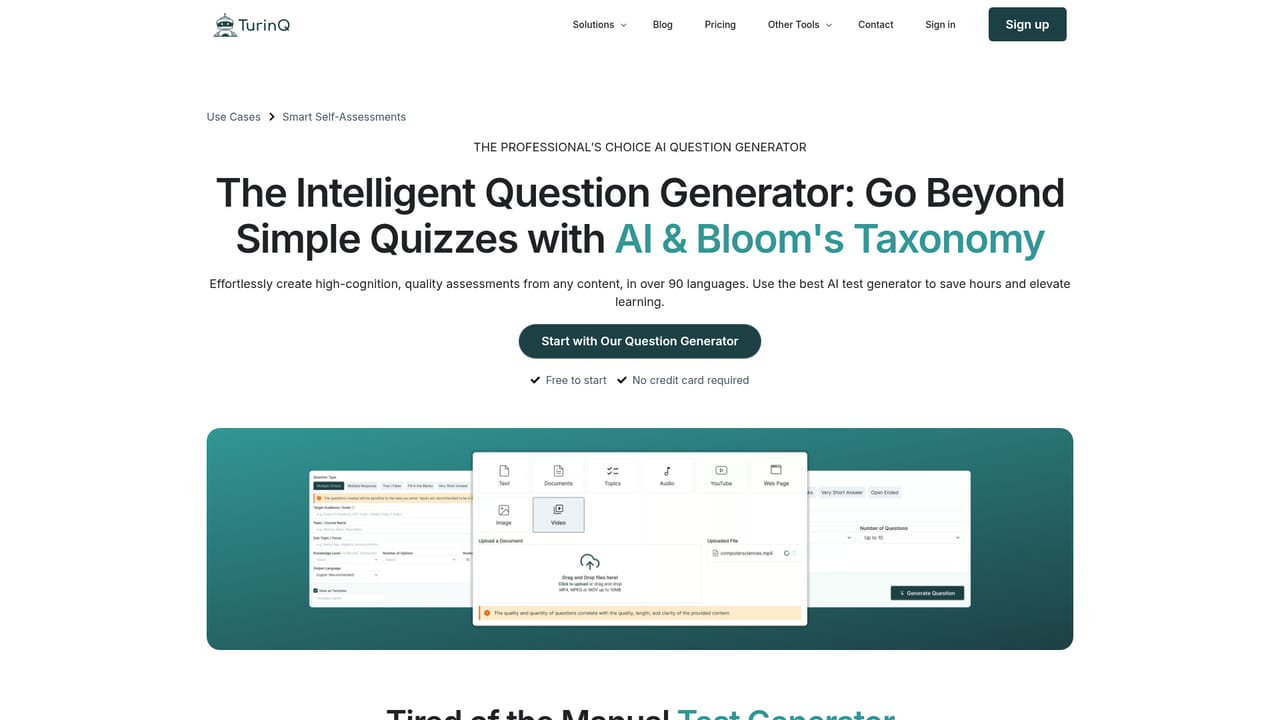
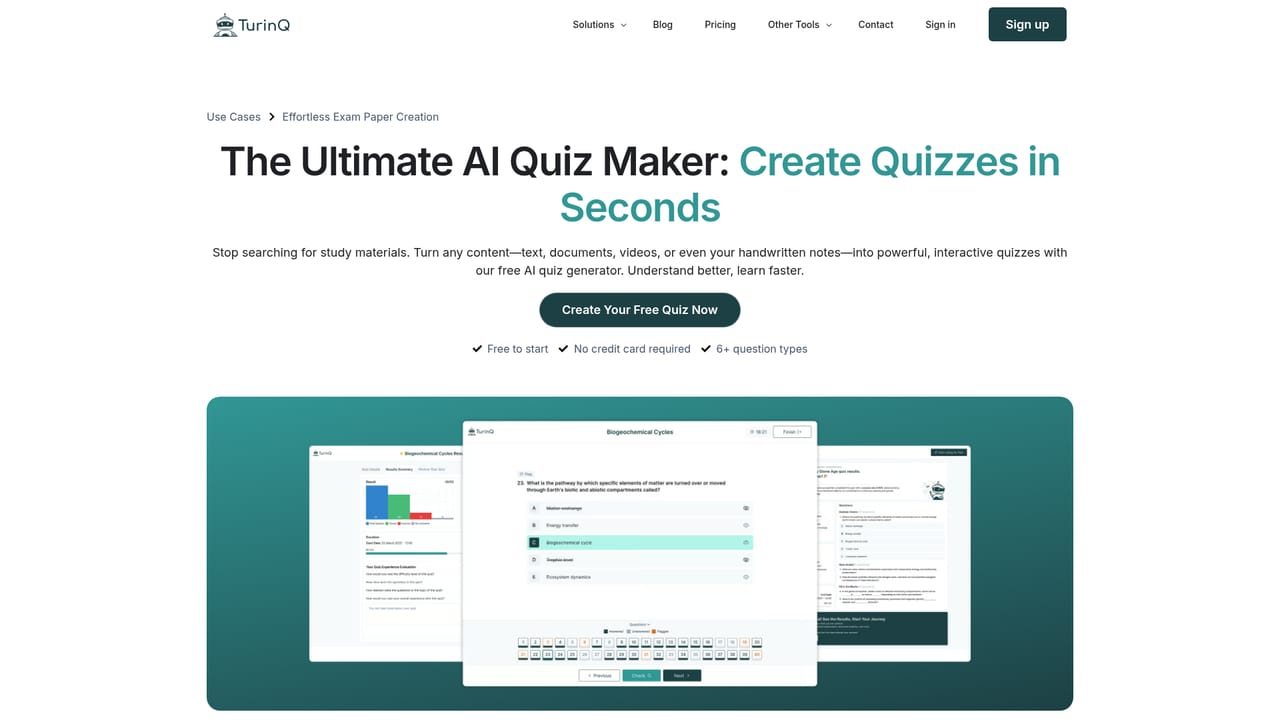
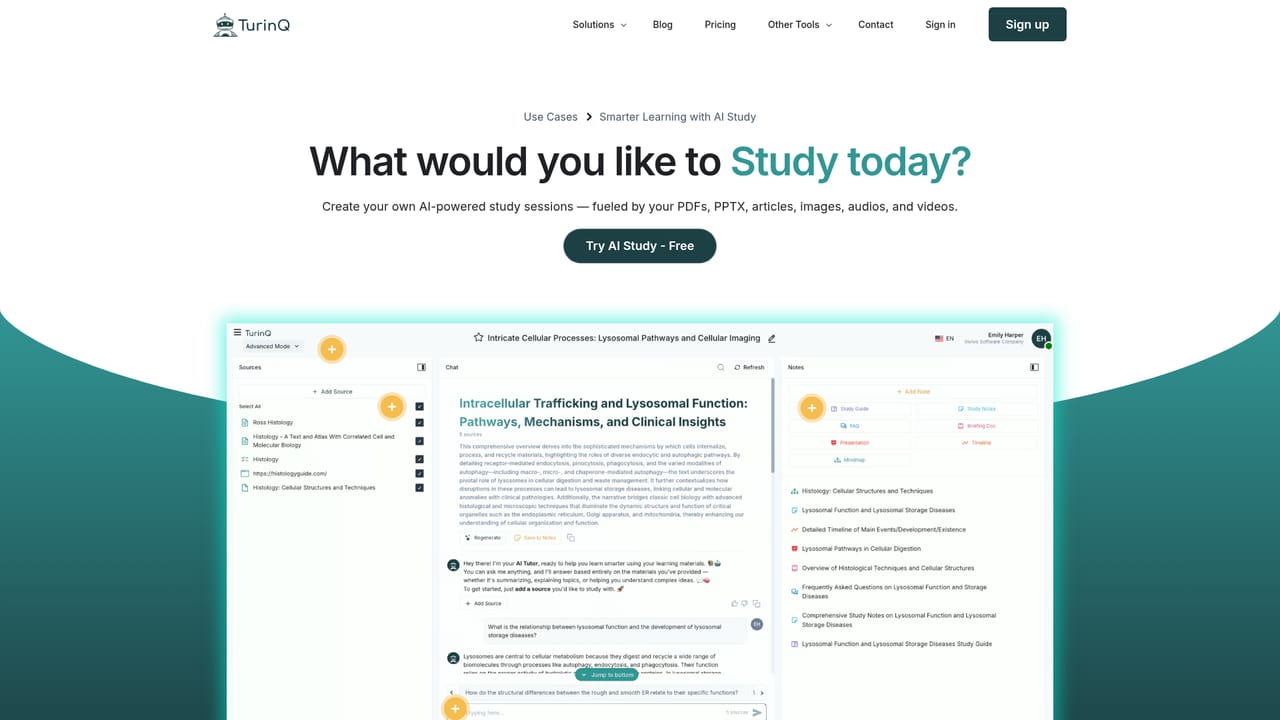
TurinQ is an AI study platform built around a quiz and question generator. Upload source material or simply name a topic, and the system produces quizzes, flashcards, summaries and study guides from that input. The pitch is aimed at anyone who spends hours building practice questions or revision materials by hand: teachers preparing assessments, students cramming for exams, trainers running workshops, and learning teams inside companies. The input side is where TurinQ separates itself from simpler generators. It accepts more than 8 content types, including PDF, DOCX, PPTX, plain text, website links, YouTube videos, audio files such as MP3 and WAV, and photos of handwritten notes. Generation runs in over 90 languages. Questions come in 6 or more formats, and a Bloom's Taxonomy setting lets the author dial the cognitive level from recall up to higher-order reasoning. Questions can be pulled from different sources and combined into a single assessment, then exported to an LMS as PDF, JSON or XML. Grading goes beyond multiple choice. TurinQ scores short and open-ended answers by comparing meaning and context against the source material, then returns per-question feedback and an "AI Insights" report that points to the specific areas a learner should revisit. A chat assistant answers questions about uploaded documents, produces summaries, FAQs and timelines, and works as a tutor over the user's own files. Flashcard decks are generated automatically and scheduled with spaced repetition, and a Pomodoro timer and collections system handle organization. TurinQ is available as a web app, an Android app and a Chrome extension, and the extension can convert pages behind a login into study material without copy and paste. It competes most directly with summarization-first tools such as Mindgrasp, Turbolearn and Quizgecko; TurinQ's differentiators are open-ended grading, study-plan insights and the breadth of supported sources, especially handwriting. The company reports 50,000+ learners and educators, and offers institutional plans alongside individual subscriptions.
A free plan is offered with limits generous enough to explore the core features; premium tiers unlock unlimited access to advanced features. The site does not list an end date or credit cap for the free tier.
Learn moreMonthly plan at $6.00 per month, or $4.20 per month billed yearly at $50.40 (a stated 30% saving). Both individual plans include 100 quiz credits, 100 flashcard credits, 100 insight credits and 200 AI credits per month, all question sources and types, unlimited LMS export, and the Pomodoro timer. Enterprise plans for schools, universities and departments are quoted separately.
Learn moreSupport is reachable through the contact page. Help content on the site is mainly FAQ and feature pages; no response times or support tiers are published.
Learn moreLMS export is offered as PDF, JSON and XML files rather than documented live connectors. A Chrome extension handles web content capture; no other third-party integrations are listed on the homepage.
Learn moreQuiz and question generation from 8+ content types (PDF, DOCX, PPTX, text, URLs, YouTube, audio, handwritten notes) across 90+ languages; 6+ question types with Bloom's Taxonomy levels; AI grading and feedback for open-ended answers; AI Insights study recommendations; flashcards with spaced repetition; a document chat assistant for answers, summaries, FAQs and timelines; question bank, collections, reusable templates, Pomodoro timer and LMS export.
Learn more AI Angels400+ customizable AI girlfriends for NSFW chat, voice calls, and roleplay
 Candy AIExperience the future of companionship with AI friends who chat, role-play, and connect with you on a human level.
 ourdream.aiA vast AI roleplay platform with millions of characters for chat, images, video and voiceAI Angels400+ customizable AI girlfriends for NSFW chat, voice calls, and roleplayCandy AIExperience the future of companionship with AI friends who chat, role-play, and connect with you on a human level.ourdream.aiA vast AI roleplay platform with millions of characters for chat, images, video and voice


