Free trial
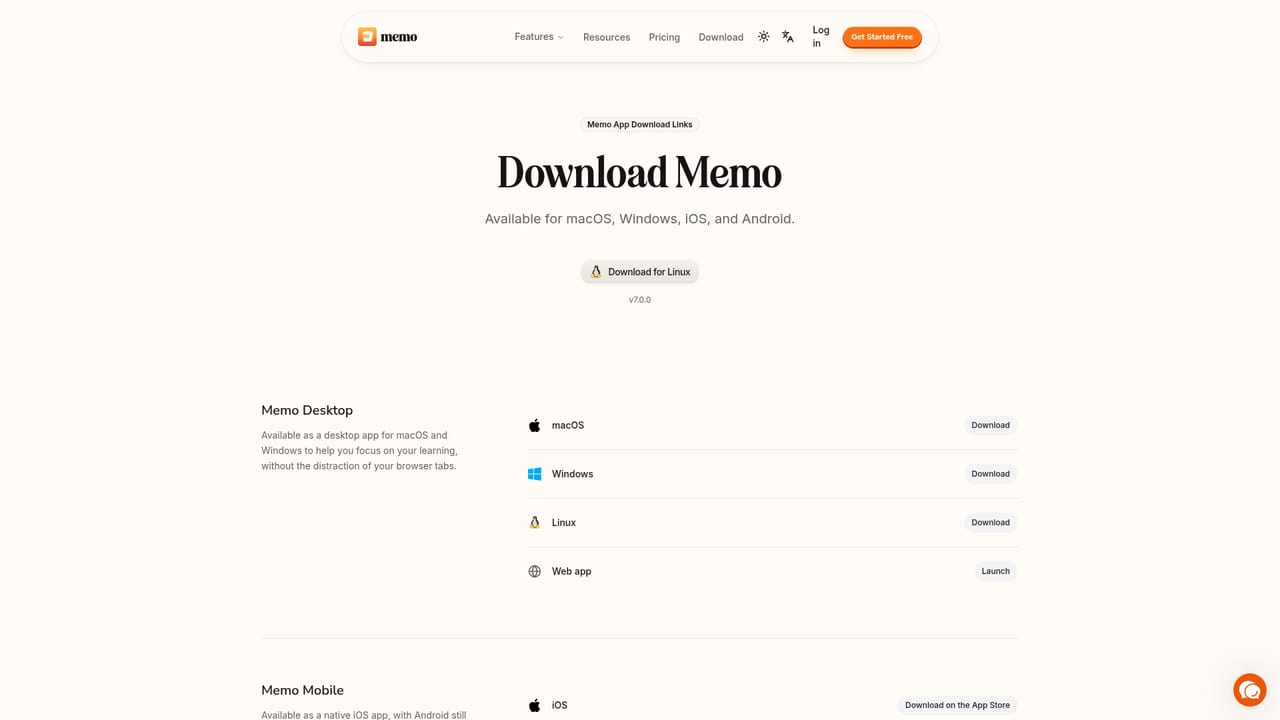
The homepage promotes a free starting account through Get Started Free, but no trial length or paid tier details are published there.
Learn moreTurn PDFs, videos and websites into cited flashcards and study material
Own Memo (Formerly PDF2ANKI)? Verify ownership to get a dofollow link

Memo (Formerly PDF2ANKI) is an exam preparation tool that turns PDFs, videos and websites into cited flashcards and study material. Memo, formerly PDF2Anki, is an AI workspace that ingests PDFs, videos, websites and text, answers grounded questions with page or timestamp citations, and generates flashcards, practice tests, notes, mindmaps and narrated walkthroughs.
Memo (formerly PDF2Anki) is an AI knowledge workspace that turns source material into study and reference outputs. Users upload PDFs, documents, YouTube videos, websites or plain text, and the platform parses each source, maps its key concepts and builds structured context. A chat layer then answers questions with citations pointing to exact pages or timestamps, so answers stay anchored to what the uploaded material actually says rather than to general model knowledge. From that context, Memo Studio generates a range of outputs: notes in a block-based editor, practice tests with multiple choice and short answer questions, mindmaps, audio podcasts, summaries and guided tutor sessions. The flashcard engine is the direct successor to the original PDF2Anki product. An agent reads every source together, works through it page by page, selects what matters and produces cards with citations back to the originating page or timestamp, with a quality review pass before cards are saved to the notebook. Review happens in several modes: column, toggle, list, typing for active recall, and a learn mode with guided pacing, progress feedback and optional manual grading. Track mode adds a walkthrough layer. Dense documents become narrated lessons where pages flip automatically as the AI explains them, comprehension checks confirm understanding, and diagrams and charts are described aloud. Speech output covers 32 languages and input understanding extends to 99. The tool reports use by more than 300,000 learners, educators, researchers and professionals across 106 countries, with university logos on the homepage. Memo sits between flashcard generators such as Anki add-ons and broader AI research notebooks, competing on the breadth of accepted sources and on citation traceability rather than on spaced repetition depth or ecosystem size. It is most useful for students working through dense material, educators building question banks, and researchers or professionals who need outputs grounded in a defined document set.
The homepage promotes a free starting account through Get Started Free, but no trial length or paid tier details are published there.
Learn moreSource ingestion for PDFs, documents, text, websites and YouTube videos, with an ingestion pipeline that maps concepts into structured context. Chat answers in Standard, Thinking and Pro modes with citations to pages or timestamps. Studio outputs include cited flashcards, practice tests, notes, mindmaps, podcasts, tutor sessions and guided Track walkthroughs with voice narration, auto page-flip, comprehension checks and 32 language speech output.
 AI Angels400+ customizable AI girlfriends for NSFW chat, voice calls, and roleplay
 Candy AIExperience the future of companionship with AI friends who chat, role-play, and connect with you on a human level.
 ourdream.aiA vast AI roleplay platform with millions of characters for chat, images, video and voiceAI Angels400+ customizable AI girlfriends for NSFW chat, voice calls, and roleplayCandy AIExperience the future of companionship with AI friends who chat, role-play, and connect with you on a human level.ourdream.aiA vast AI roleplay platform with millions of characters for chat, images, video and voice


