Integrations
Live channels are WhatsApp, Telegram, Gmail, a Chrome extension, and iOS and Android apps. Google Chat and Slack are announced as coming soon rather than available today.
A memory layer that turns casual messages into reminders, lists and briefings.

Memorae is an AI memory agent that lives in WhatsApp, Telegram, Gmail, Chrome and mobile apps. You write or speak naturally and it organises, stores and acts on what you tell it, sending reminders, updating calendars and managing shared team lists.
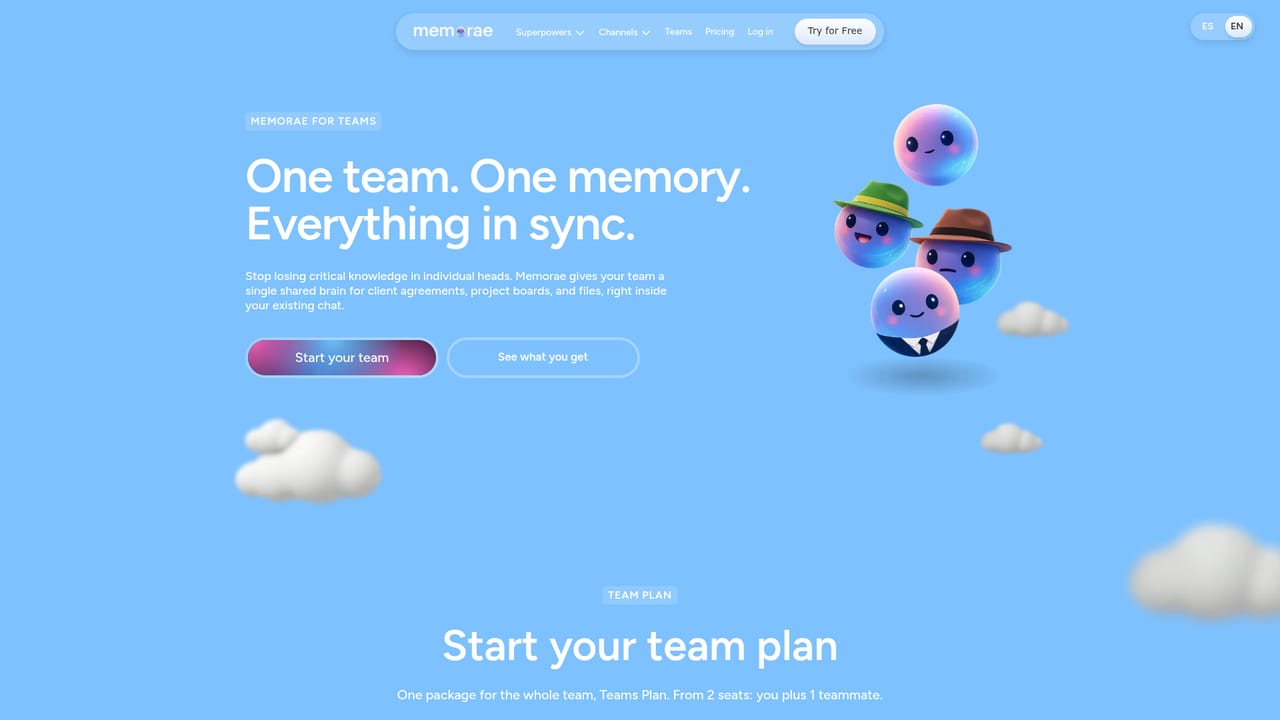
Memorae positions itself as a memory layer sitting above the tools you already use. Rather than asking you to adopt another notes app, it intercepts the things you need to remember and turns them into structured items: reminders, lists, calendar entries and briefings. The pitch is aimed at people whose obligations are scattered across work, family and personal life, and who lose track not because they are disorganised but because the volume is too high for any single person to hold. The interaction model is conversational. You write or speak a sentence such as a request to be reminded about a payment every Friday, and Memorae parses the intent, files it, and schedules the notification. The homepage describes a four stage loop: capture by text, voice, photo or link, automatic organisation based on context, retrieval by meaning rather than keyword matching, and execution in the form of reminders, scheduling, drafting and notifications. There are no commands, formats or folders to maintain, which is the main differentiator against conventional task managers. Delivery happens inside channels people already open: WhatsApp, Telegram, Gmail, a Chrome extension, and mobile apps for iOS and Android. Google Chat and Slack are listed as coming soon. A separate Teams offering adds shared lists, reminders and handovers, so a single instruction can update a board or assign an item to a colleague and keep everyone in sync. The audience spans founders, executives, creatives, parents, freelancers, students, remote workers and caregivers, with explicit mention of ADHD use. Compared with a to-do app, Memorae trades structured project management for low friction capture. Compared with a general assistant chatbot, it is narrower and more persistent: the value is in what it retains and acts on later, not in open ended conversation.
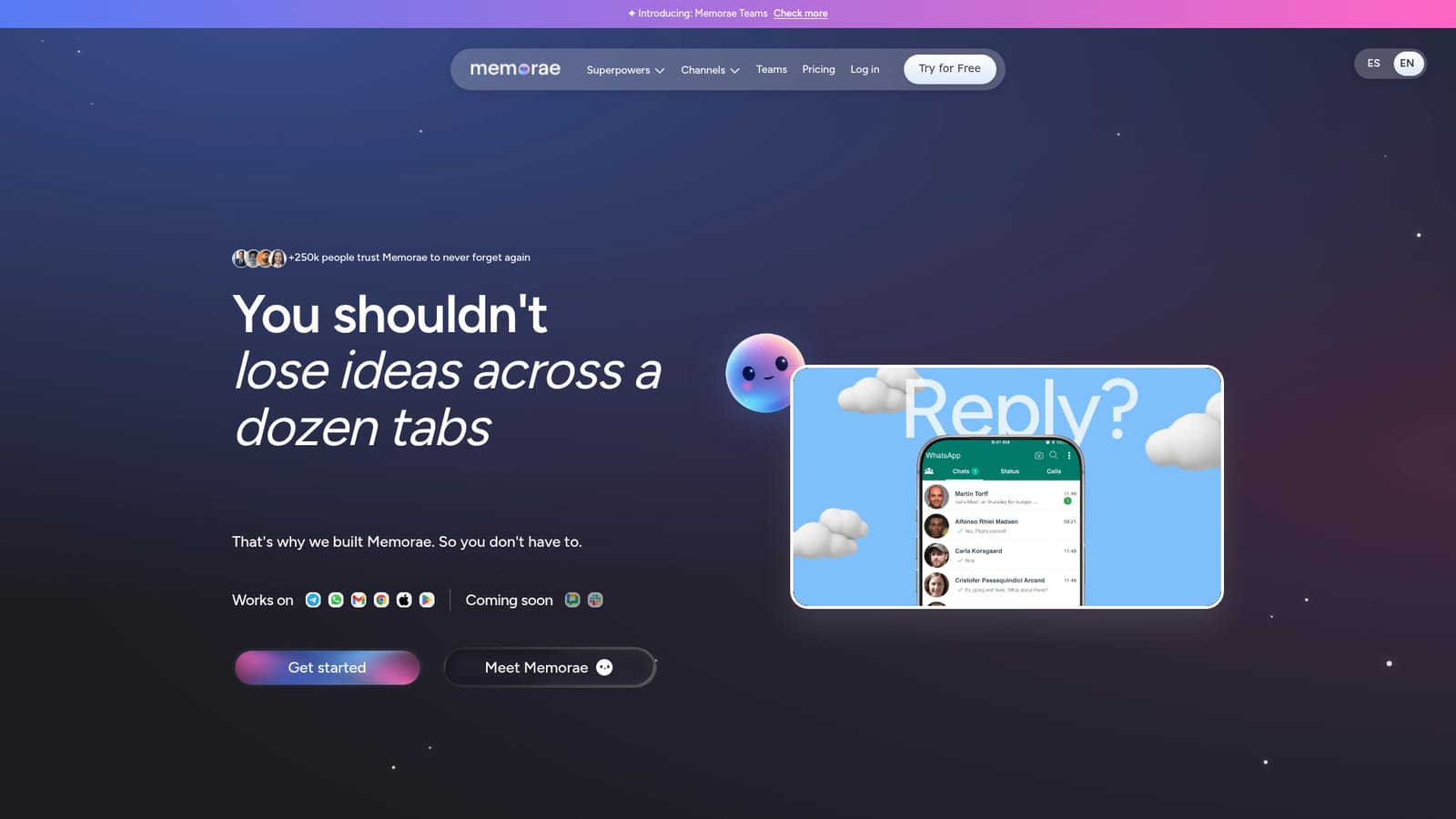
Live channels are WhatsApp, Telegram, Gmail, a Chrome extension, and iOS and Android apps. Google Chat and Slack are announced as coming soon rather than available today.
Core features listed on the homepage are reminders, memory that follows you across apps, multi-calendar integration and the ability to create and manage lists. Capture accepts text, voice, photo or link, and Memorae organises entries by context, retrieves them by meaning and then executes actions such as reminding, scheduling, drafting and notifying. A Teams layer adds shared lists, recurring team reminders and task reassignment.
 AI Angels400+ customizable AI girlfriends for NSFW chat, voice calls, and roleplay
 Candy AIExperience the future of companionship with AI friends who chat, role-play, and connect with you on a human level.
 ourdream.aiA vast AI roleplay platform with millions of characters for chat, images, video and voiceAI Angels400+ customizable AI girlfriends for NSFW chat, voice calls, and roleplayCandy AIExperience the future of companionship with AI friends who chat, role-play, and connect with you on a human level.ourdream.aiA vast AI roleplay platform with millions of characters for chat, images, video and voice