Free trial
A free starting option is advertised on the homepage through the get started buttons. The length and limits of any trial are not stated there.
Learn moreMeeting notes and transcripts that write themselves after every call

MinutesLink records Zoom and Google Meet calls via an auto-joining calendar bot or a Chrome extension, then delivers speaker-labeled transcripts, AI summaries with action items, and a chat assistant for querying past meetings. Notes can be edited, shared without signup, and pushed to HubSpot or Salesforce.
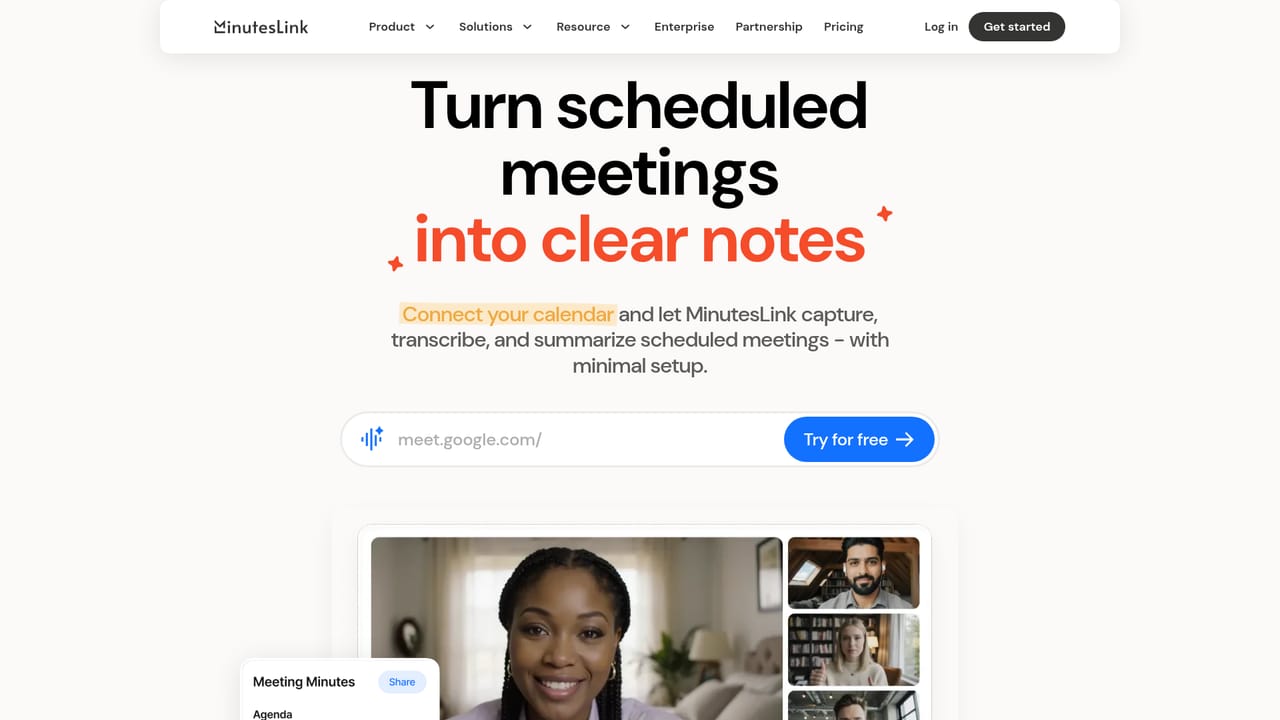
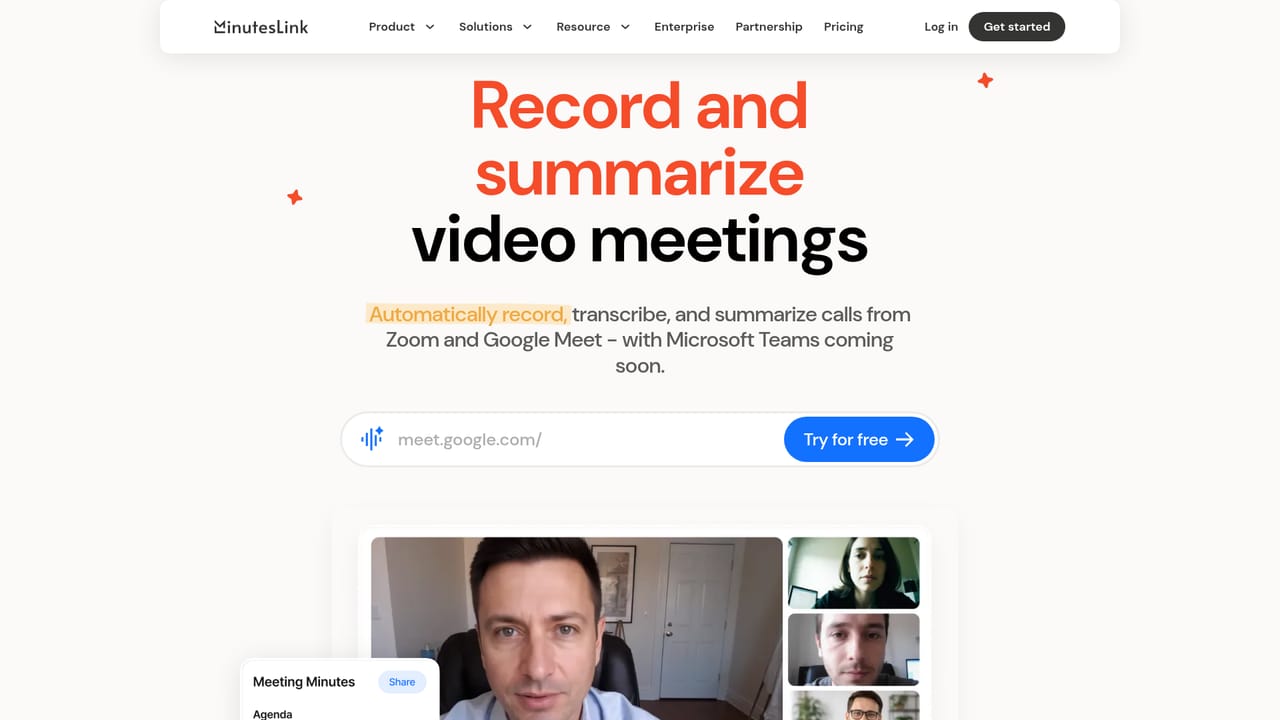
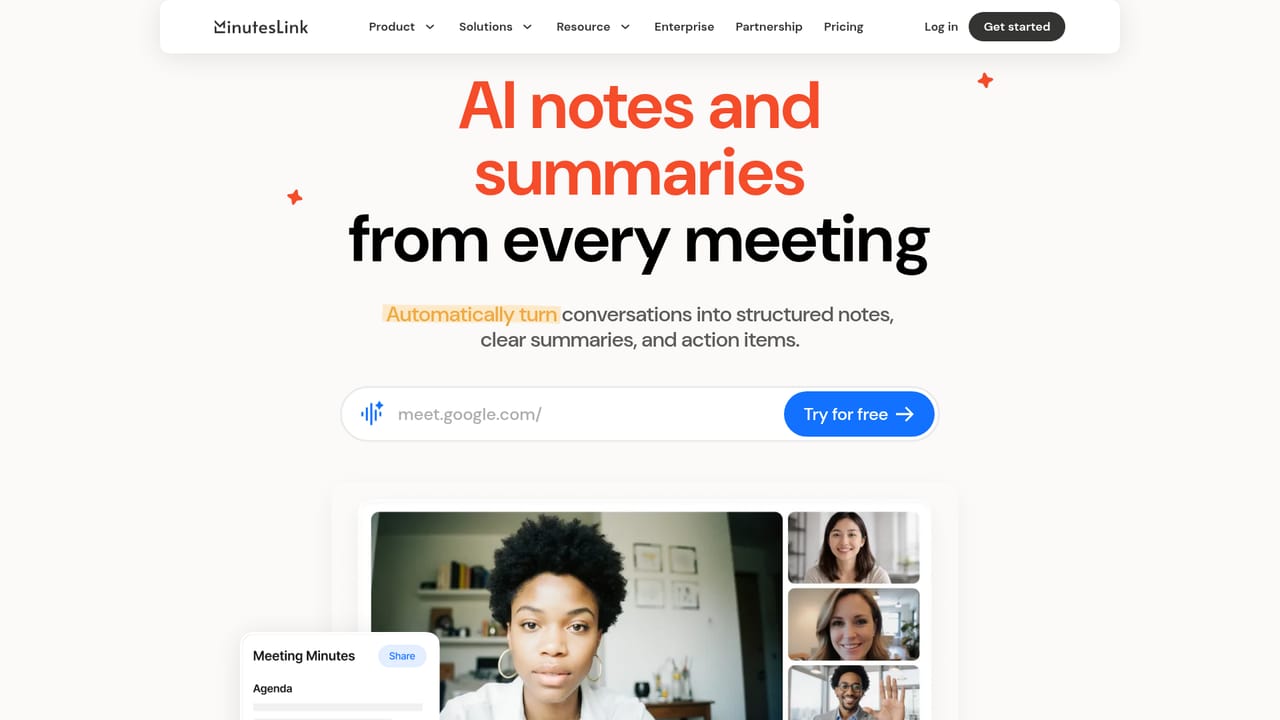
MinutesLink is an AI note taker for Zoom and Google Meet that handles the note-taking side of meetings so participants can stay in the conversation. The product records calls, produces speaker-labeled transcripts, and generates summaries that call out key topics, decisions, and action items. Everything lands in a personal account where recordings, transcripts, and notes sit together rather than being scattered across folders and chat threads. The mechanics are calendar-driven. Once a calendar is connected, the MinutesLink bot joins scheduled meetings automatically, which means recurring calls get captured even when nobody remembers to press record. For people who prefer not to see a bot in the participant list, a Chrome extension records without joining the call on the user's behalf. After the meeting, the transcript and summary arrive in the account, and users can edit notes, add information and marks, then share links that recipients can read without signing up. The feature set reaches beyond simple transcription. A chat assistant answers questions about past meetings using their context, and multi-meeting AI insights pull patterns across a series of calls rather than one at a time. Transcription covers more than 100 languages, and organized notes can push into CRM systems such as HubSpot and Salesforce. Role-specific setups exist for sales teams, recruiters and HR, remote managers, marketing teams, business leaders, and students, with sales coaching playbooks for teams that review calls as a training exercise. The obvious comparison is with bundled assistants like Zoom's own AI companion or Google Meet's built-in notes, and with dedicated note takers such as Otter and Fireflies. MinutesLink's case rests on cross-platform recording (both the bot and the extension route), the meeting chat layer, and CRM handoff. Security documentation covers encryption, GDPR and CCPA compliance, and user control over data deletion. It is a web-first tool that suits teams already living in calendars and video calls rather than anyone looking for an offline recorder.
A free starting option is advertised on the homepage through the get started buttons. The length and limits of any trial are not stated there.
Learn moreThe homepage shows a plans section with monthly billing but does not list prices, tiers, or usage limits. Treat the free signup as an evaluation entry point and confirm current plan details in the app before relying on it for a team.
Learn moreThe homepage names HubSpot and Salesforce for pushing meeting notes into a CRM, alongside calendar sync and a Chrome extension for recording. A full integration list is not published there.
Learn moreRecords Zoom and Google Meet calls through an auto-joining calendar bot or a Chrome extension. Produces speaker-labeled transcripts in more than 100 languages, AI summaries covering topics, decisions, and action items, plus a chat assistant for querying past meetings. Notes can be edited, shared via no-signup links, and sent to CRM tools.
Learn more AI Angels400+ customizable AI girlfriends for NSFW chat, voice calls, and roleplay
 Candy AIExperience the future of companionship with AI friends who chat, role-play, and connect with you on a human level.
 ourdream.aiA vast AI roleplay platform with millions of characters for chat, images, video and voiceAI Angels400+ customizable AI girlfriends for NSFW chat, voice calls, and roleplayCandy AIExperience the future of companionship with AI friends who chat, role-play, and connect with you on a human level.ourdream.aiA vast AI roleplay platform with millions of characters for chat, images, video and voice


