Free trial
No trial exists as such; the app is free and you pay only Google for what you generate. Omni Flash does not run on Google's free tier, so testing requires a funded Tier 1 key.
Learn moreGemini clip generation on your own Google API key, 360p to 4K
Own Movie Maker Gemini? Verify ownership to get a dofollow link

Movie Maker Gemini is a generative video tool. A free browser app that generates 3 to 10 second Gemini Omni Flash clips at up to 4K with native audio, using your own Google API key. Five modes include first and last frame and reference images; clips then move into the free Movie Maker Edit for assembly.
Movie Maker Gemini is a browser based clip generator built around Google's Gemini Omni Flash model. It produces 3 to 10 second shots at 360p, 720p, 1080p or 4K, each arriving with native audio rather than a silent track added afterward. The application itself costs nothing; you connect your own Google API key and Google bills you per token, with the published rate sitting near $0.10 a second at 720p. Every clip carries a cost figure taken from Google's own token count. All five generation modes are available from the first session: text to video, image to video, first and last frame, reference images, and clip extension. First and last frame is the differentiator, since you hand it a start image and an end image and it fills in the movement between them. Reference images take up to ten photos to hold a person, object, place or visual style steady across shots, in 16:9 or 9:16. Extension adds another 3 to 10 seconds at a time, capped at 40 seconds total. Omni Flash exposes no duration setting, so the app asks for length inside the prompt, and a things-to-avoid line stands in for a negative prompt. Options a mode cannot serve are greyed out rather than hidden. The tool suits indie filmmakers, storyboarders and solo creators who already work with Google's models and want shots assembled into something longer. Clips move into Movie Maker Edit, a free browser editor from the same studio, for trimming, transitions, soundtrack replacement and a single MP4 or MOV export, with upscaling to 1080p or 4K handled locally at no charge. Against hosted generators that bundle model access into a subscription, the split is deliberate: no monthly fee and no daily clip cap, but you manage billing and accept Google's own rate limits, which on Tier 2 run to 8 requests a minute and 100 a day. That ceiling makes it a practical tool for single clips and reshooting one shot in a film rather than bulk production. Google's free tier does not run Omni Flash, so a Tier 1 account with at least $5 prepaid is required.
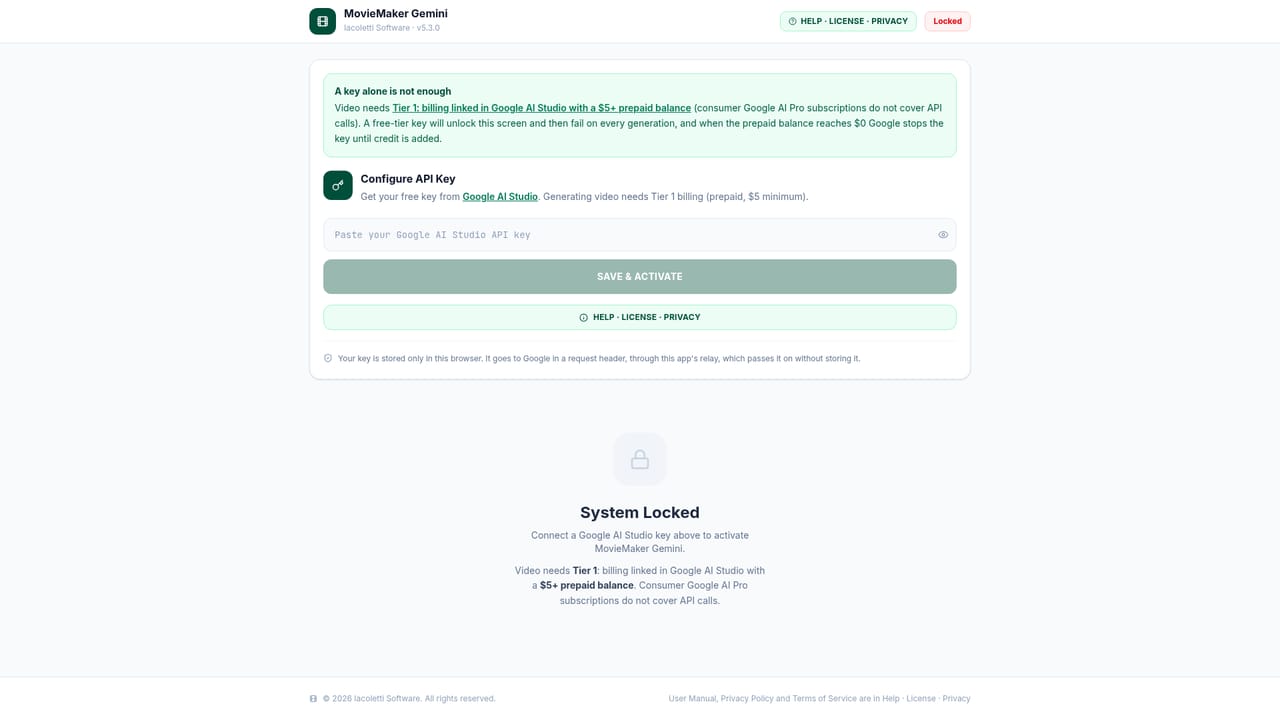
No trial exists as such; the app is free and you pay only Google for what you generate. Omni Flash does not run on Google's free tier, so testing requires a funded Tier 1 key.
Learn moreThe app is free to use with no account or watermark. Google bills generation directly to your account per token, roughly $0.10 a second at 720p, with 360p cheaper and 1080p or 4K higher. Tier 1 is required: billing linked in Google AI Studio plus a $5 prepaid balance.
Learn moreRelies on a Google API key for Gemini Omni Flash, and hands clips to Movie Maker Edit, the studio's free browser editor, for assembly and local upscaling.
Five modes: text to video, image to video, first and last frame, reference images (up to ten photos) and clip extension up to 40 seconds. Output runs 3 to 10 seconds at 360p, 720p, 1080p or 4K with native audio, in 16:9 or 9:16. Per-clip cost tables and pre-generation estimates are built in.
 AI Angels400+ customizable AI girlfriends for NSFW chat, voice calls, and roleplay
 Candy AIExperience the future of companionship with AI friends who chat, role-play, and connect with you on a human level.
 ourdream.aiA vast AI roleplay platform with millions of characters for chat, images, video and voiceAI Angels400+ customizable AI girlfriends for NSFW chat, voice calls, and roleplayCandy AIExperience the future of companionship with AI friends who chat, role-play, and connect with you on a human level.ourdream.aiA vast AI roleplay platform with millions of characters for chat, images, video and voice


