Free trial
A free photoshoot can be started without a credit card, according to the homepage. Limits on the free try are not stated.
Learn moreTurn a single selfie into a full styled AI photoshoot
Own Mujo AI Photoshoot? Verify ownership to get a dofollow link

Mujo AI Photoshoot is an image generator tool that turns a single selfie into a full styled AI photoshoot. Mujo AI Photoshoot turns one uploaded selfie and a chosen preset into a consistent set of styled images for headshots, profile pictures and social media, with a free start and no credit card needed.
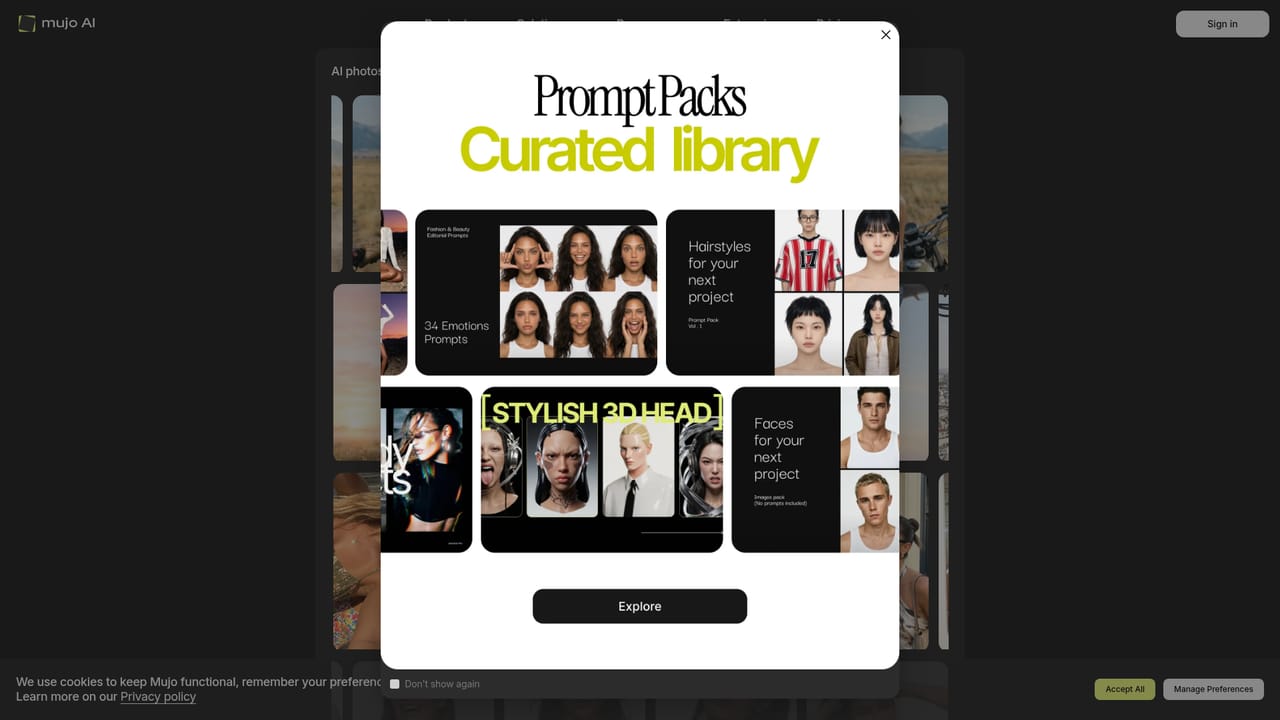
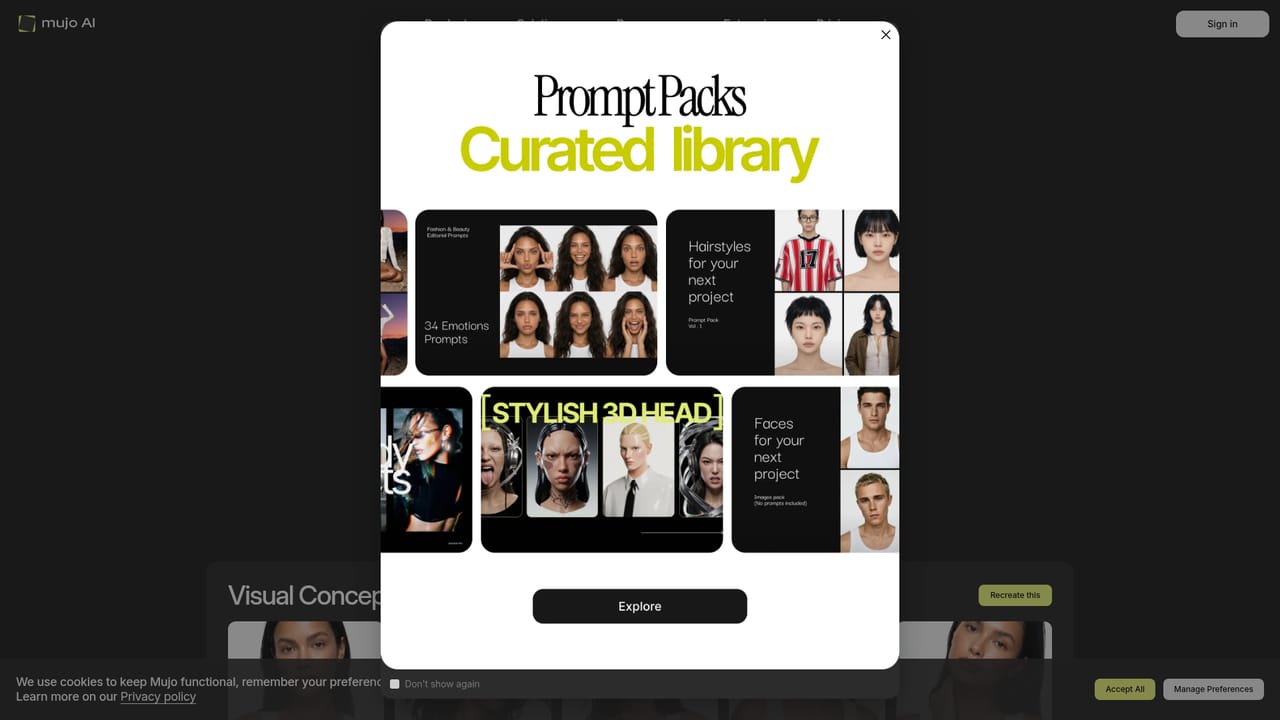
Mujo AI Photoshoot is a web-based image generator that builds a whole set of styled photos from one picture of a person. The user picks a visual concept, uploads a single photo, and receives a batch of images that share one look, so the result reads like a story shot in one session rather than a pile of unrelated renders. The site positions the output as headshots, profile pictures and social content for platforms such as Instagram, LinkedIn, TikTok and dating apps. The workflow has three stages. First comes a preset, chosen from a library of concepts with names like Casting in Motion, Dust and Denim and Red and White: Angelic Contrasts. Each concept page shows sample results and an option to recreate the look. Second, the user uploads one photo of themselves. Third, the tool generates the full set in a consistent style. The homepage claims a first result in about 30 seconds and says a free photoshoot can be started without a credit card. The preset gallery covers clean seamless white studio looks, motion-driven poses and high-fashion editorial scenes. The audience is mostly individuals who need polished personal imagery without booking a photographer: professionals refreshing a LinkedIn portrait, creators feeding several social channels, and people updating dating profiles. Because the presets carry the creative direction, no design or prompting experience is required, which keeps the barrier low for casual users. Small brands and solo creators who want a consistent visual identity across posts are a secondary fit, since the set approach keeps lighting, mood and styling aligned. Among alternatives, it sits between dedicated headshot generators that train a model on many uploaded photos and general image generators that demand written prompts. Mujo trades flexibility for speed and simplicity: one upload, a curated concept, a coherent batch. Buyers who need custom scenes, precise brand control or large-scale commercial output may find a preset-driven approach limiting, while those who simply want attractive, shareable portraits quickly will find the format convenient.
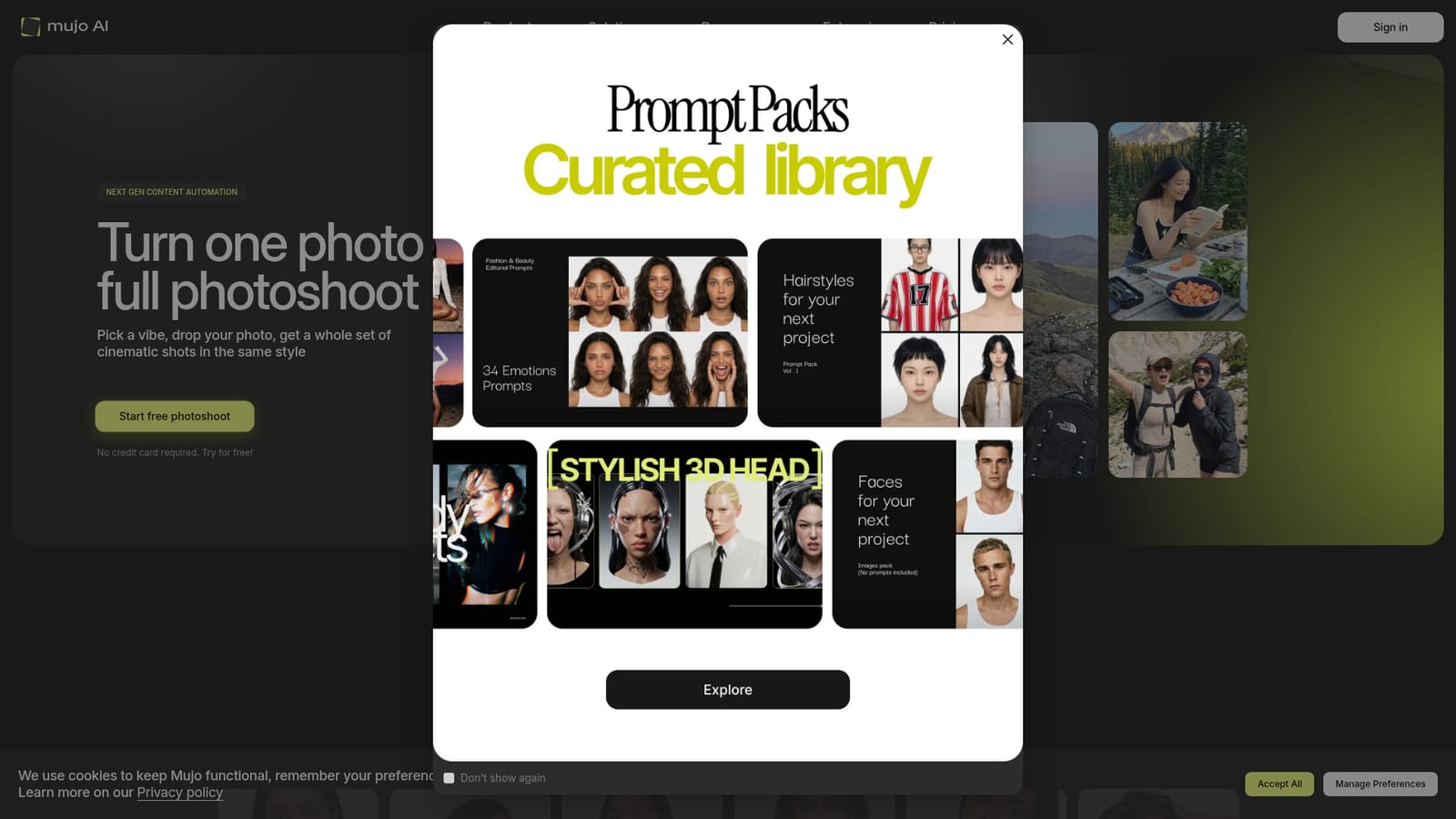
A free photoshoot can be started without a credit card, according to the homepage. Limits on the free try are not stated.
Learn moreThe homepage offers a free photoshoot start with no credit card required. It does not list paid plans or prices.
Learn moreGenerates a full set of cinematic images in one style from a single uploaded photo. Includes a library of preset concepts, sample previews per concept, and use cases covering headshots, profile pictures and social content. Results arrive in about 30 seconds.
Learn more