MuseCraft

One credit balance for Flux, Sora, Veo, Kling and more image and video models

Beginner
Screenshot of MuseCraft, One credit balance for Flux, Sora, Veo, Kling and more image and video models

What is MuseCraft?

MuseCraft is a web platform that bundles 15+ image and video AI models, including Flux, Sora 2, Veo 3.1, Kling and Seedance 2.0, under one credit system, with skin enhancing and background removal tools.

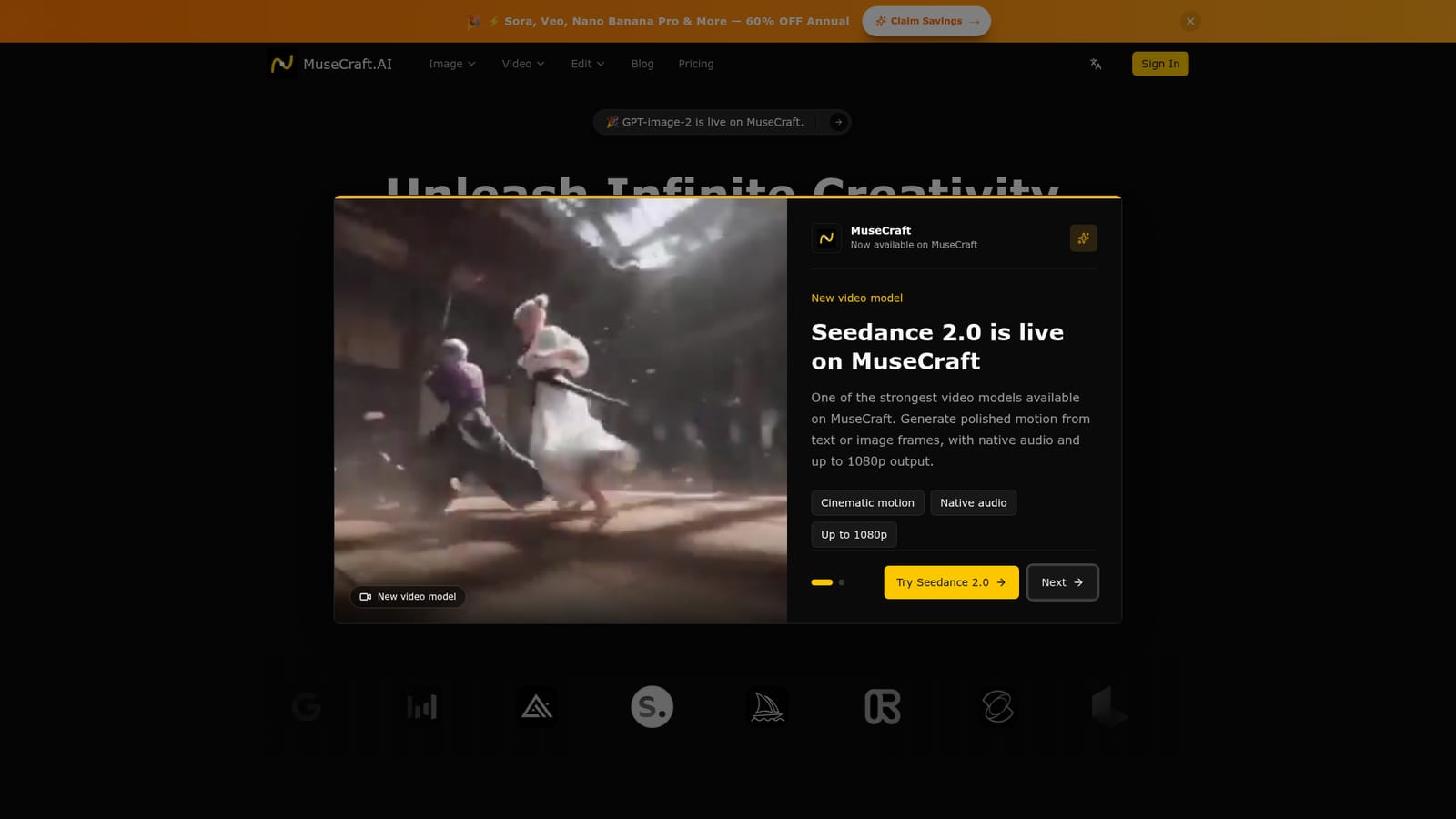
MuseCraft is a browser-based creative platform that places a long list of third-party image and video generators behind a single account and a single credit balance. The homepage names Flux, Seedream, Nano Banana Pro and GPT-image-2 on the image side, and Sora 2, Veo 3.1, Kling 2.6, Hailuo 2.3, Wan 2.5 and Seedance 2.0 on the video side, and it puts the total at more than fifteen models. The pitch is consolidation: instead of paying separate vendors for each engine, a user spends one pool of credits across all of them. The generation modes cover the usual four routes: text to image, image to image, text to video and image to video. Image to image accepts a reference picture for style transfer, redrawing and variations, while image to video animates a still photo and advertises camera control. Seedance 2.0, highlighted as a recent addition, is described as producing native audio and output up to 1080p. Two editing utilities sit alongside the generators: a skin enhancer for portrait retouching and a background remover that outputs transparent PNGs, including around hair and fine edges. In practice the workflow is model-first. A user picks an engine from the image or video pages, enters a prompt or uploads a reference frame, and generates. Because everything shares one workspace, an image made with one model can be sent straight into a video model without leaving the tab, which is the scenario testimonials on the page emphasize. The audience skews toward freelance designers, social media managers, e-commerce sellers, bloggers and marketing teams who want to compare engines without managing several subscriptions. Among alternatives, MuseCraft competes with aggregator platforms rather than with the individual model makers. The trade-off is typical for that category: convenience and breadth in exchange for dependence on upstream providers, whose availability and quality set the ceiling. The homepage does not publish plan prices or per-model credit costs outside the pricing page, so budgeting requires checking that page directly.
How do you use MuseCraft?

  1. 1Open the site and choose image or video
    Start on the homepage and use the Create Image or Create Video buttons to enter the matching generator. Each button opens a model-specific page.
    MuseCraft — Open the site and choose image or video
  2. 2Review plans and credits
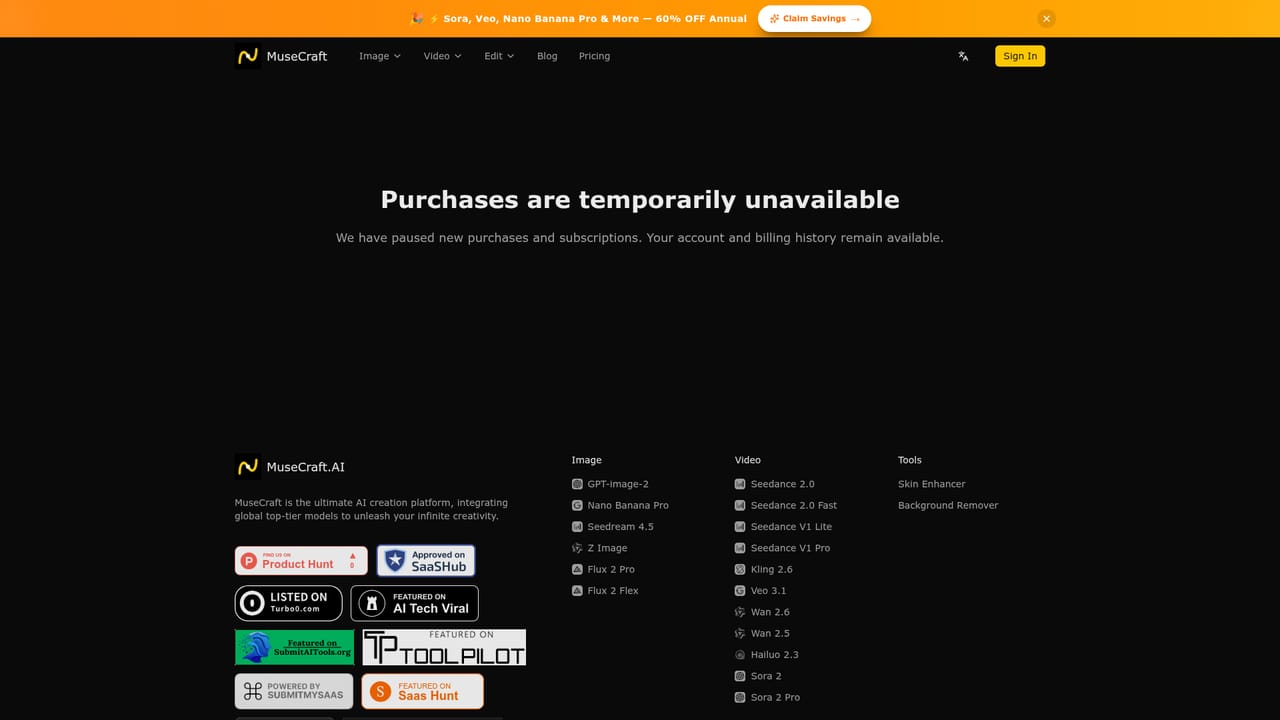
    Check the pricing page to see how credits are allocated and whether an annual discount applies. One credit pool covers every model.
    MuseCraft — Review plans and credits
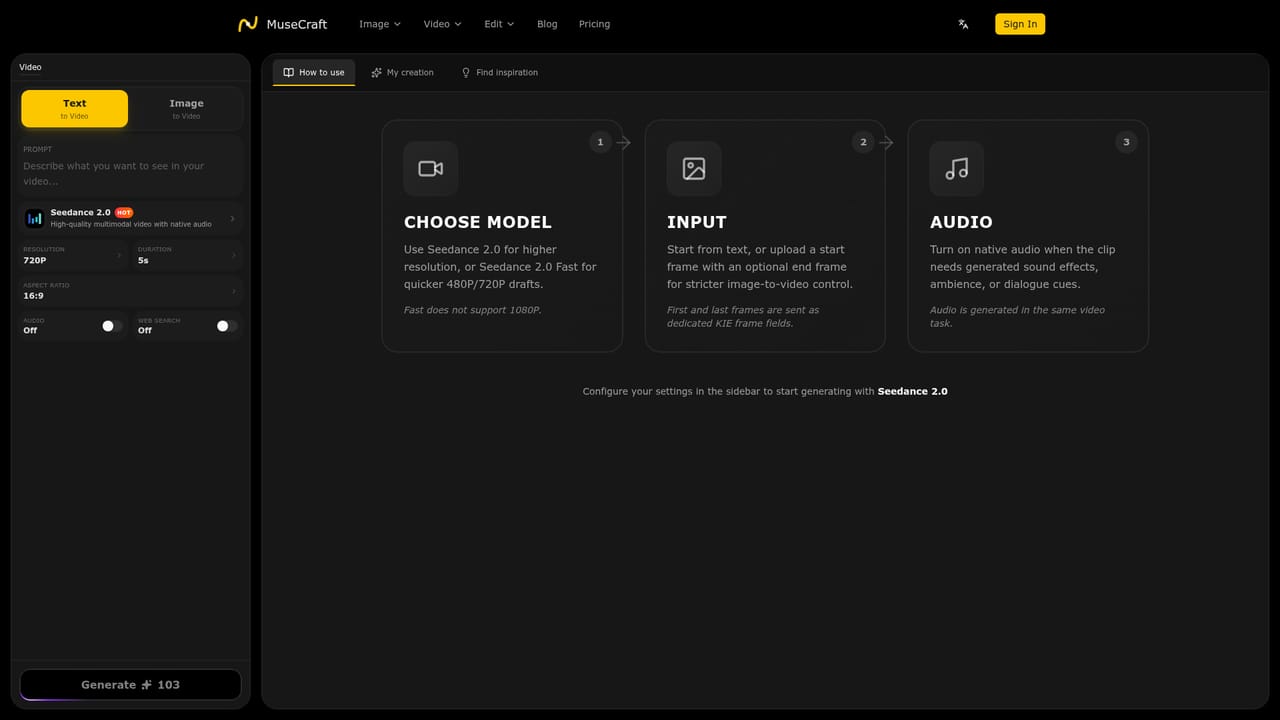
  3. 3Generate a video with Seedance 2.0
    Open the Seedance 2.0 page, enter a text prompt or add an image frame, and generate. The model is described as supporting native audio and up to 1080p.
    MuseCraft — Generate a video with Seedance 2.0
  4. 4Create an image from a prompt
    Pick an image model such as Flux, Seedream or Nano Banana Pro from the homepage links and describe the scene in plain text. Upload a reference picture for image-to-image variations.
  5. 5Animate or refine the result
    Send a finished image into an image-to-video model, or run it through the background remover or skin enhancer to prepare product and portrait shots.

Pros and cons

Pros

  • Over fifteen image and video models are reachable from one account, which makes side-by-side comparison easyAI
  • A single credit system replaces separate vendor subscriptions for each engineAI
  • Covers text to image, image to image, text to video and image to video in one workspaceAI
  • Built-in background remover and skin enhancer handle common cleanup without another appAI
  • Recent models such as Seedance 2.0 and GPT-image-2 are added quickly and promoted on the siteAI

Cons

  • Output quality and availability depend on upstream model providers that MuseCraft does not controlAI
  • The homepage gives no concrete plan prices or per-model credit costs, so spend is hard to predictAI
  • Editing tools are limited to skin enhancement and background removal, with no full editor or timelineAI
  • Free trial terms are not stated on the homepage, so testing before paying is unclearAI
  • Only a web app is described, with no native mobile or desktop apps and no public API mentionedAI

How much does MuseCraft cost?

Pricing

Plans run on a unified credit system shared across all models. A promotion advertises 60% off annual billing. Specific plan prices are not listed on the homepage; the pricing page holds the details.

Learn more

Support

Support is available by email at support@musecraft.ai, and the FAQ section also points users to Discord.

Integrations

No third-party app integrations are listed. The platform instead aggregates outside AI models such as Flux, Sora, Veo, Kling, Midjourney, Runway, Luma, Ideogram and Recraft into one interface.

Features

Text to image, image to image, text to video and image to video across 15+ models (Flux, Seedream, Nano Banana Pro, GPT-image-2, Sora 2, Veo 3.1, Kling 2.6, Hailuo 2.3, Wan 2.5, Seedance 2.0), plus an AI skin enhancer, a background remover with transparent PNG output, and unified credits.

Frequently asked questions about MuseCraft

  • How much does MuseCraft cost?
    Plans run on a unified credit system shared across all models. A promotion advertises 60% off annual billing. Specific plan prices are not listed on the homepage; the pricing page holds the details.
  • How do you use MuseCraft?
    The walkthrough on this page covers 5 steps: 1. Open the site and choose image or video 2. Review plans and credits 3. Generate a video with Seedance 2.0 4. Create an image from a prompt 5. Animate or refine the result.
  • What platforms does MuseCraft support?
    MuseCraft is available on Web App.
  • What does MuseCraft integrate with?
    No third-party app integrations are listed. The platform instead aggregates outside AI models such as Flux, Sora, Veo, Kling, Midjourney, Runway, Luma, Ideogram and Recraft into one interface.
  • What are the limitations of MuseCraft?
    Output quality and availability depend on upstream model providers that MuseCraft does not control. The homepage gives no concrete plan prices or per-model credit costs, so spend is hard to predict. Editing tools are limited to skin enhancement and background removal, with no full editor or timeline.

Status

StatusActive
Views0
Outbound clicks0
Added10/18/2026

Platforms

Web App

Pricing

Subscription