Support
The tool is described as available 24/7, and the wider site offers paid academic help services and expert profiles. No dedicated support channel for the summarizer itself is documented.
Learn moreCondense dense PDFs into study-ready summaries in seconds
Own My Assignment Help? Verify ownership to get a dofollow link

My Assignment Help is an AI summarizer tool. A free, browser-based PDF and document summarizer aimed at students. Upload a file or paste up to 1000 characters, choose a summary length, and get condensed text you can copy, download or rephrase.
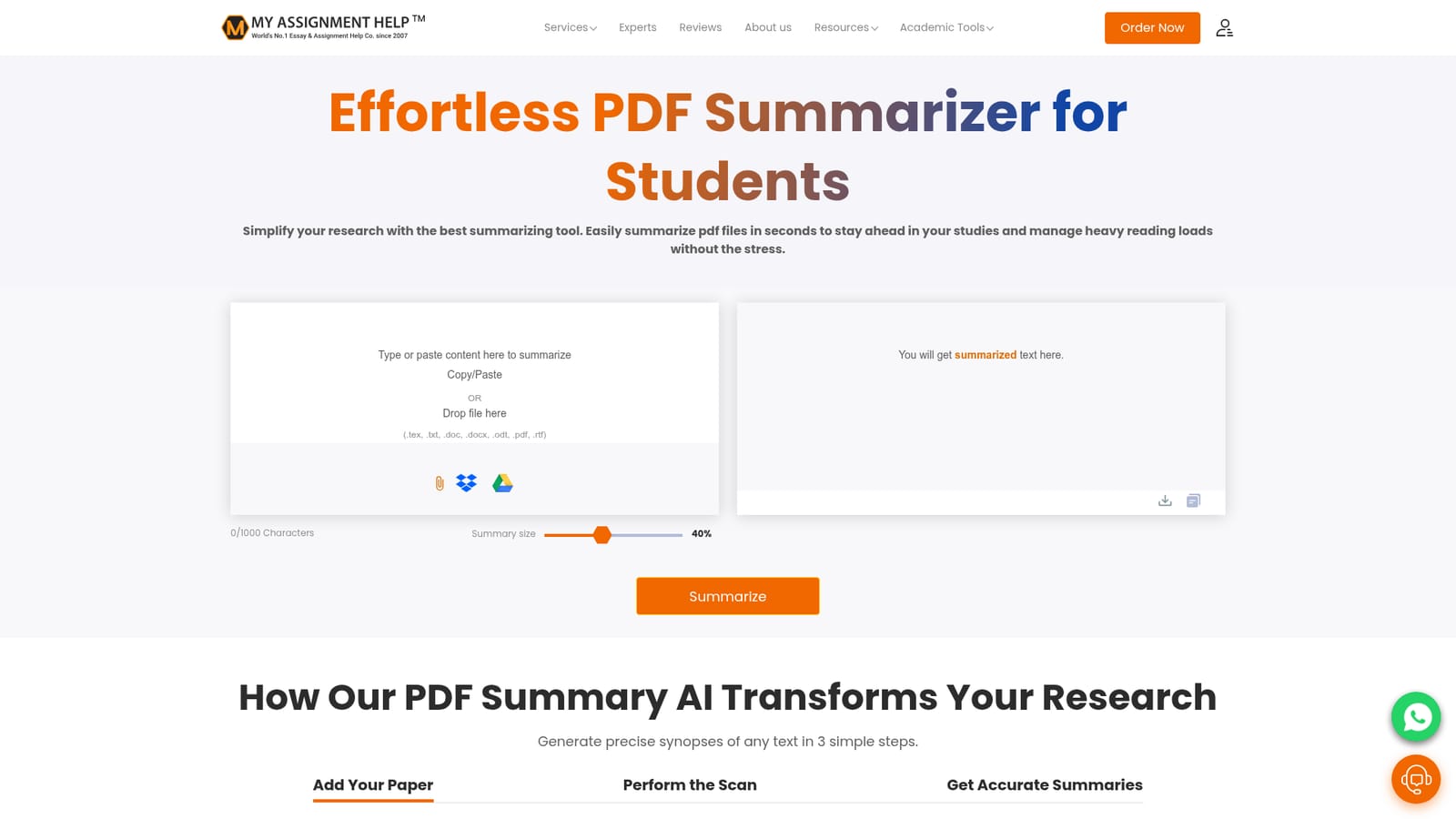
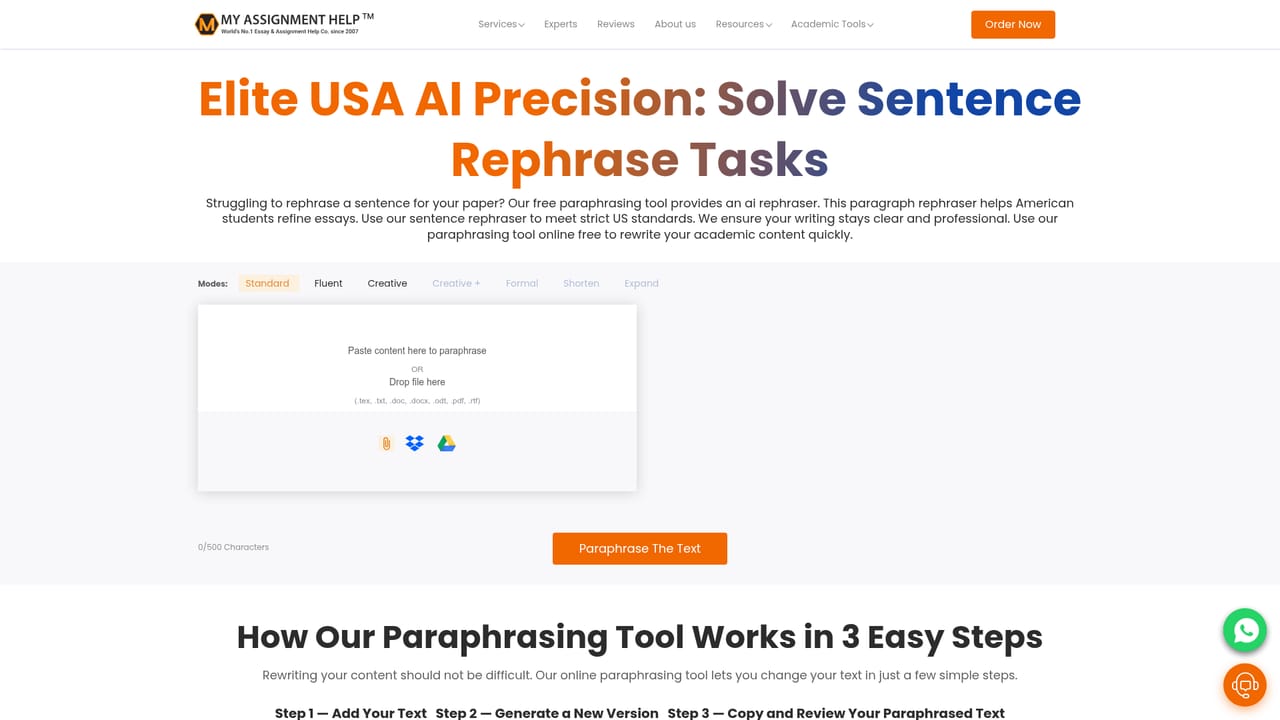
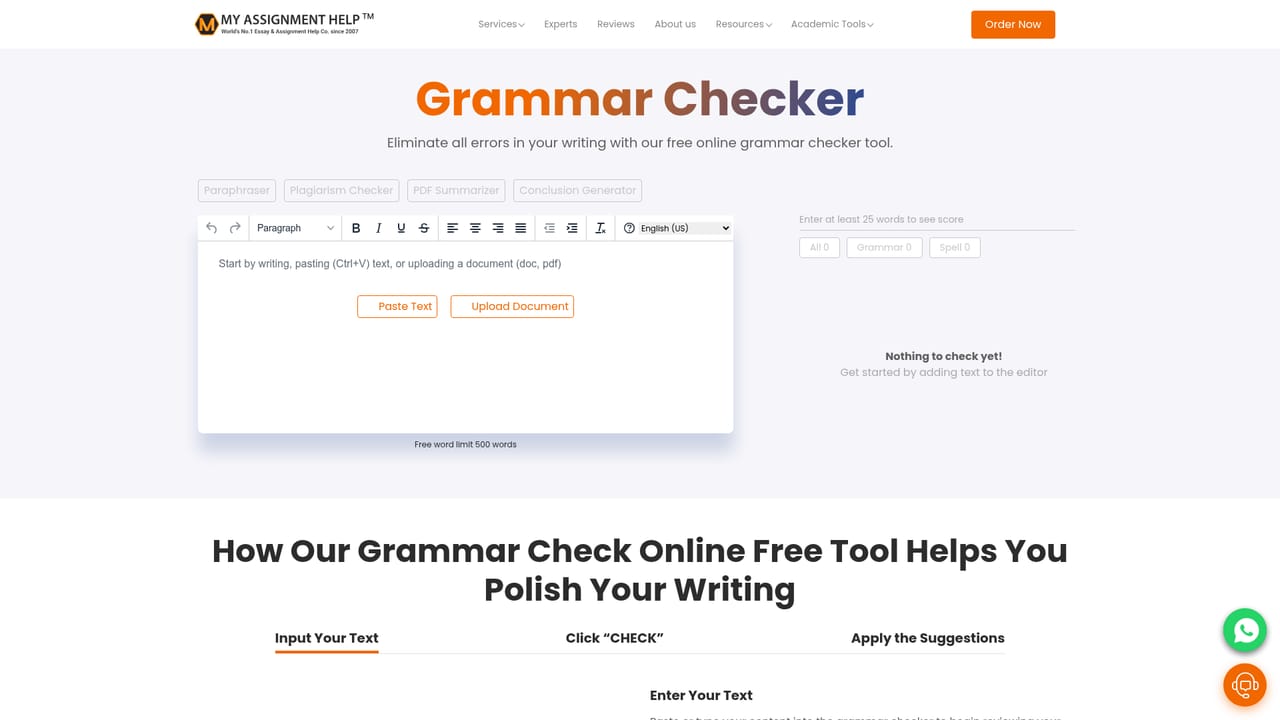
My Assignment Help's PDF Summarizer is a free web tool built for students who need to compress long readings into something they can actually study from. You paste text, drop a file (the uploader accepts .pdf, .doc, .docx, .txt, .rtf, .odt and .tex), or pull a document in from Google Drive or Dropbox, and the tool returns a shortened version of the text. A slider lets you set summary size, starting at a default of 40 percent, and the character input is capped at 1000 characters for typed or pasted content. Output lands in a panel on the same page, where it can be copied, downloaded, or pushed straight into the sister paraphrasing tool with one click. The tool sits inside a much larger student service ecosystem rather than standing alone. The same site hosts referencing generators, a plagiarism checker, a grammar checker, an essay typer, a word counter and a factoring calculator, plus paid help across assignments, essays, dissertations, case studies, coursework and research papers. That context matters: the summarizer is best understood as a study aid and a funnel to those services, and the page is explicit that the goal is synthesis and understanding rather than circumventing reading. The site's editorial team, presented with academic credentials in economics and English, is credited with the quality claims. In practice it suits undergraduates and postgraduates facing heavy weekly reading loads, lecture notes, or chapters that need triaging before a seminar. The pitch is speed, multi-format support and mobile access, with summaries meant to be reviewed and refined rather than submitted as-is. Compared with general-purpose summarizers, it is narrower but tightly aligned to academic texts. Limits are worth weighing. There is no stated word or page ceiling beyond the 1000 character paste limit, no visible pricing tiers, and no published integrations or API. The summaries are only as good as the extraction from the source file, so scanned or image-only PDFs may not behave well.
The tool is described as available 24/7, and the wider site offers paid academic help services and expert profiles. No dedicated support channel for the summarizer itself is documented.
Learn moreGoogle Drive and Dropbox are offered as import sources for documents. No other integrations or API are described on the page.
Upload or paste text in several document formats, adjust summary length with a slider, and export the result by copy or download. Google Drive and Dropbox imports are supported, and a single button sends the summary to the site's paraphrasing tool. The page also lists sister tools including a plagiarism checker, grammar checker, referencing generators, essay typer and word counter.
 AI Angels400+ customizable AI girlfriends for NSFW chat, voice calls, and roleplay
 Candy AIExperience the future of companionship with AI friends who chat, role-play, and connect with you on a human level.
 ourdream.aiA vast AI roleplay platform with millions of characters for chat, images, video and voiceAI Angels400+ customizable AI girlfriends for NSFW chat, voice calls, and roleplayCandy AIExperience the future of companionship with AI friends who chat, role-play, and connect with you on a human level.ourdream.aiA vast AI roleplay platform with millions of characters for chat, images, video and voice


