Free trial
Opening the studio grants 6 AI credits with no signup, enough for three complete workflows at 2 credits each.
Learn moreGenerate tattoo designs, refine them by text, preview them on skin
Own My Tattoo Ideas? Verify ownership to get a dofollow link

My Tattoo Ideas is a design tool that generates tattoo designs, refine them by text, preview them on skin. My Tattoo Ideas is a web studio that generates tattoo designs from a text concept across 12+ styles, refines them by plain-language edits and previews the result on a body placement.
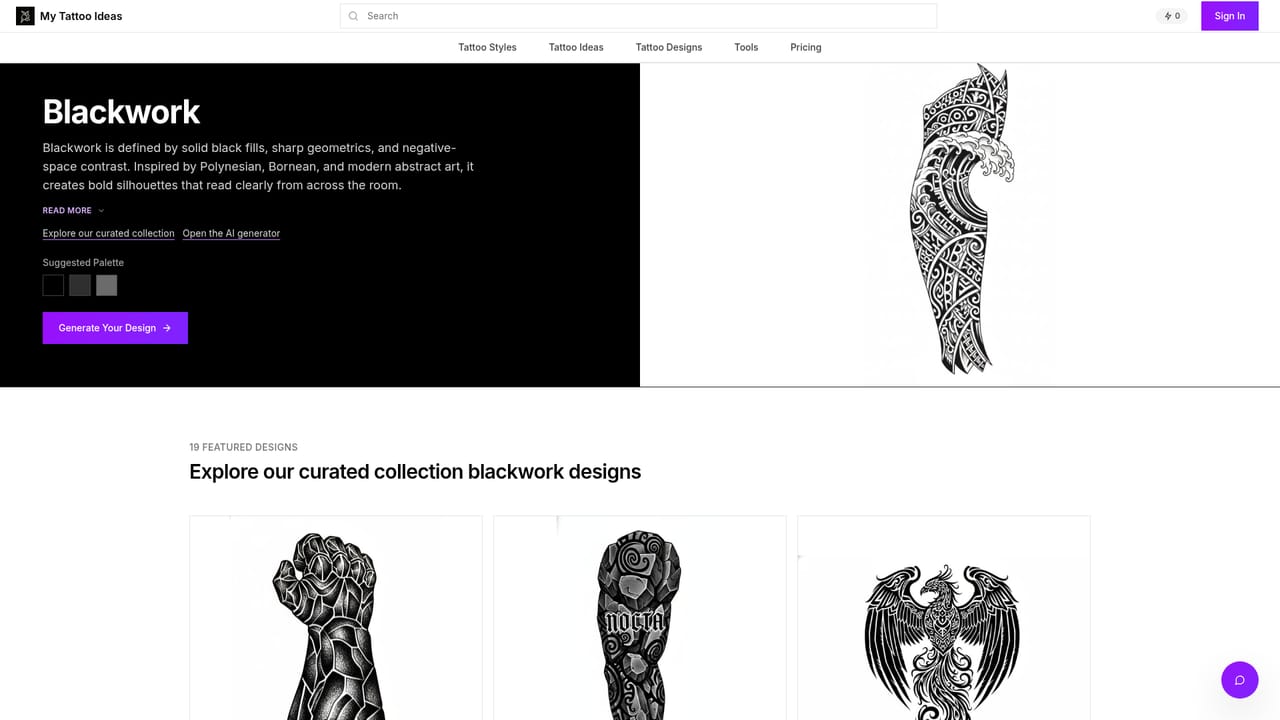
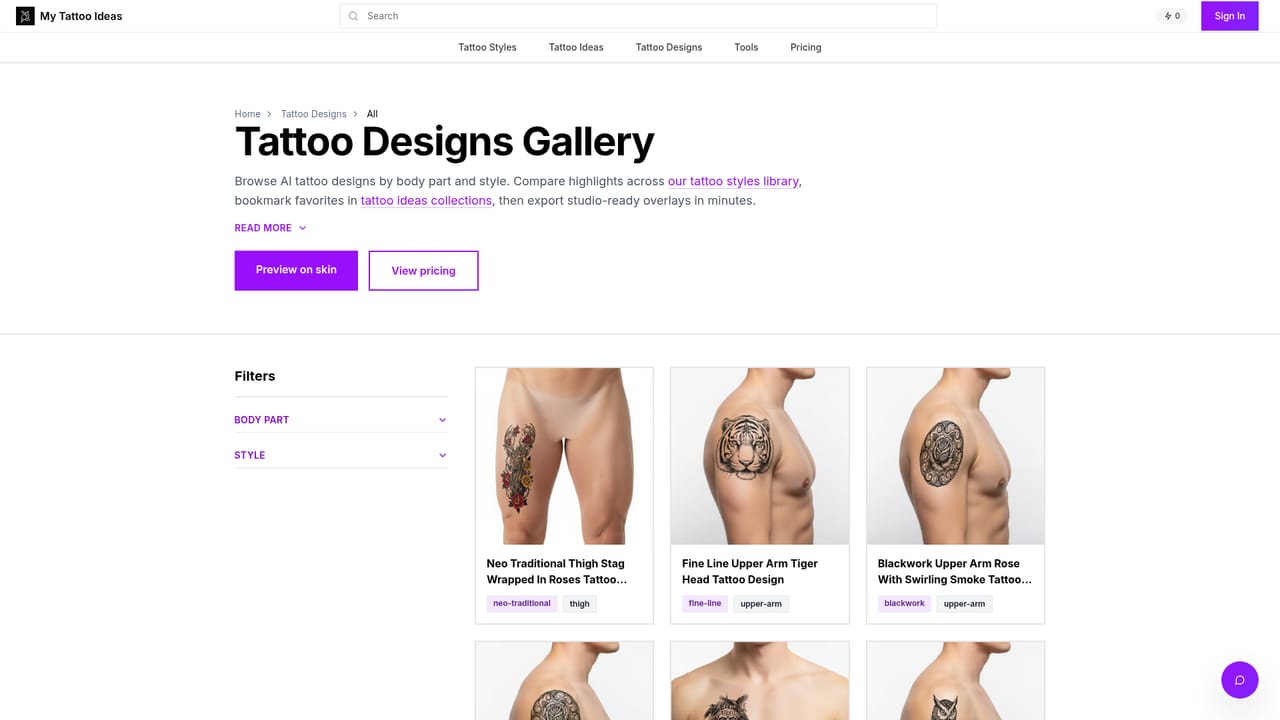
My Tattoo Ideas is a browser-based studio that turns a written concept into a tattoo design and then shows how that design might sit on a body. The workspace asks for a subject, optional lettering, a style, a body placement and a detail level, then produces artwork shaped to the chosen area. Users can switch on a Pro mode for higher quality at the cost of longer waits, and can save favorites or share results. The style list covers more than twelve looks, including American Traditional, Neo-Traditional, Irezumi, Engraving, Black and Grey Realism, Fine Line, Watercolor, Surrealism, Blackwork, Geometric, Biomechanical and Dark Art Sketch. Placement templates cover over a dozen areas such as full and half sleeves, forearm, upper arm, chest, back, shoulder, thigh, calf and hand, each with its own aspect ratio so artwork is not stretched. Three detail levels, Simple, Standard and Detailed, control how much shading and stippling appears. Refinement is text-driven. A user describes a change, such as more shading, a different color tone or an added element, and the tool reworks the design, with the site stating that iterations are unlimited. Line and dotwork previews and downloads are available, and the site mentions stencils, prep sheets and layered files that an artist can open in drawing software. A body preview feature blends the finished design with a skin image so placement can be judged before booking a session. The audience is split between people planning a first or next tattoo and studio owners who want a quick way to settle a concept during a consultation. Testimonials on the page describe printing boards and handing layered exports to artists. Access starts with a small credit allowance that needs no signup, with each design, edit or placement costing two credits, and paid upgrades add unlimited runs and professional tooling. Compared with general image generators, the product is narrower, building tattoo styles, anatomy templates and placement previews into one workflow rather than leaving them to prompt engineering.
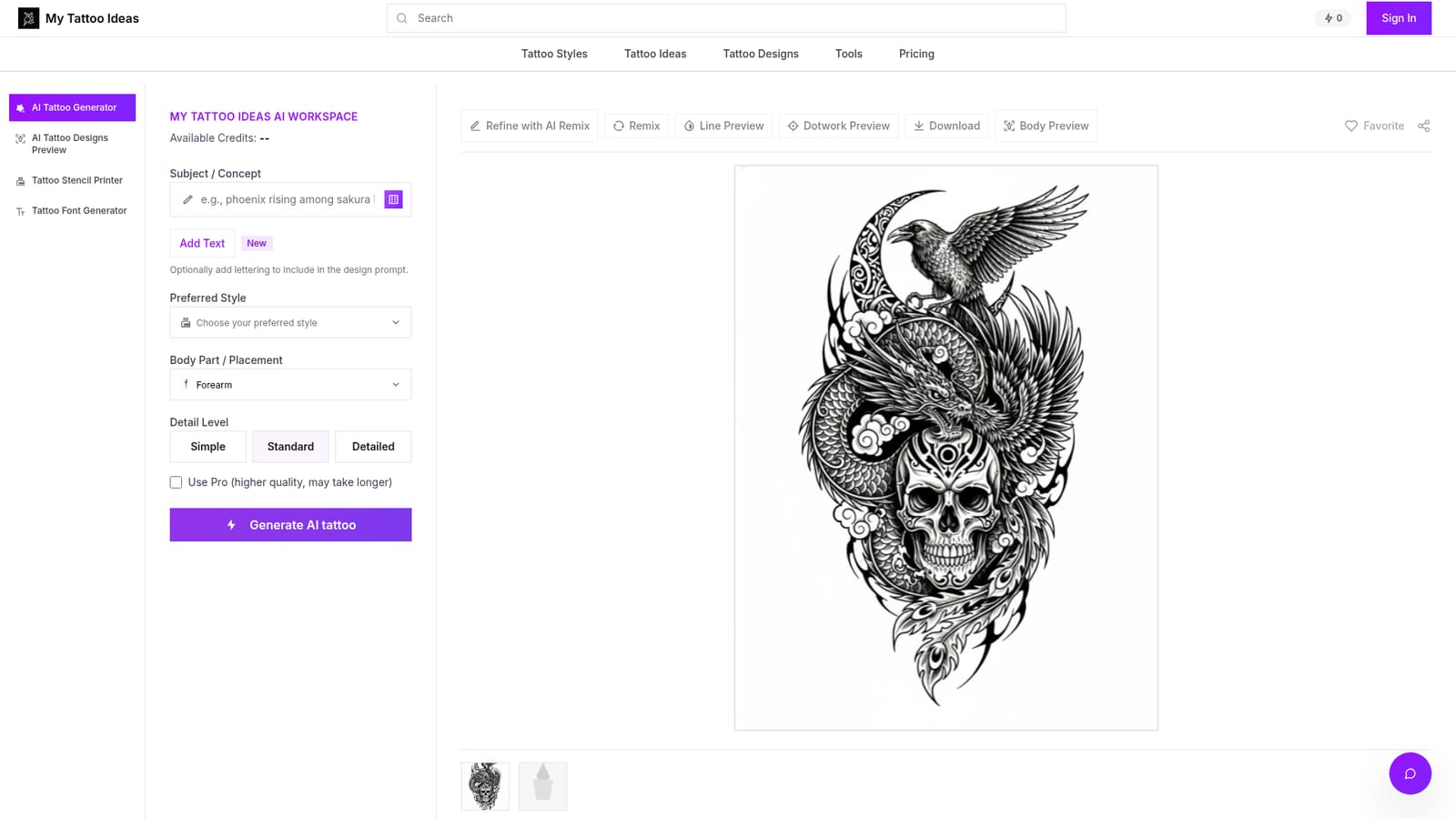
Opening the studio grants 6 AI credits with no signup, enough for three complete workflows at 2 credits each.
Learn moreThe homepage says new users get 6 credits without signup, with each design, edit or placement costing 2 credits. Upgrading unlocks unlimited runs and pro tooling. Exact plan prices are not stated on the homepage.
Learn moreSupport is available by email at support@mytattooideas.ai.
Text-to-tattoo generation, 12+ styles, 13+ body placement templates, three detail levels, unlimited text-based refinements, line and dotwork previews, realistic body placement preview, Pro quality mode, favorites, sharing, and stencil or layered file downloads.


