Free trial
A free light version of NectarGPT is offered through the web app, and the homepage tells visitors to use it for free, but no trial length or paid tier pricing is published.
Learn moreA ChatGPT prompt library plus light AI assistant built into the browser

NectarGPT is a browser extension that adds a curated ChatGPT prompt template library for SEO, marketing, copywriting, sales and support work, with a light web app tier and a downloadable paid version.
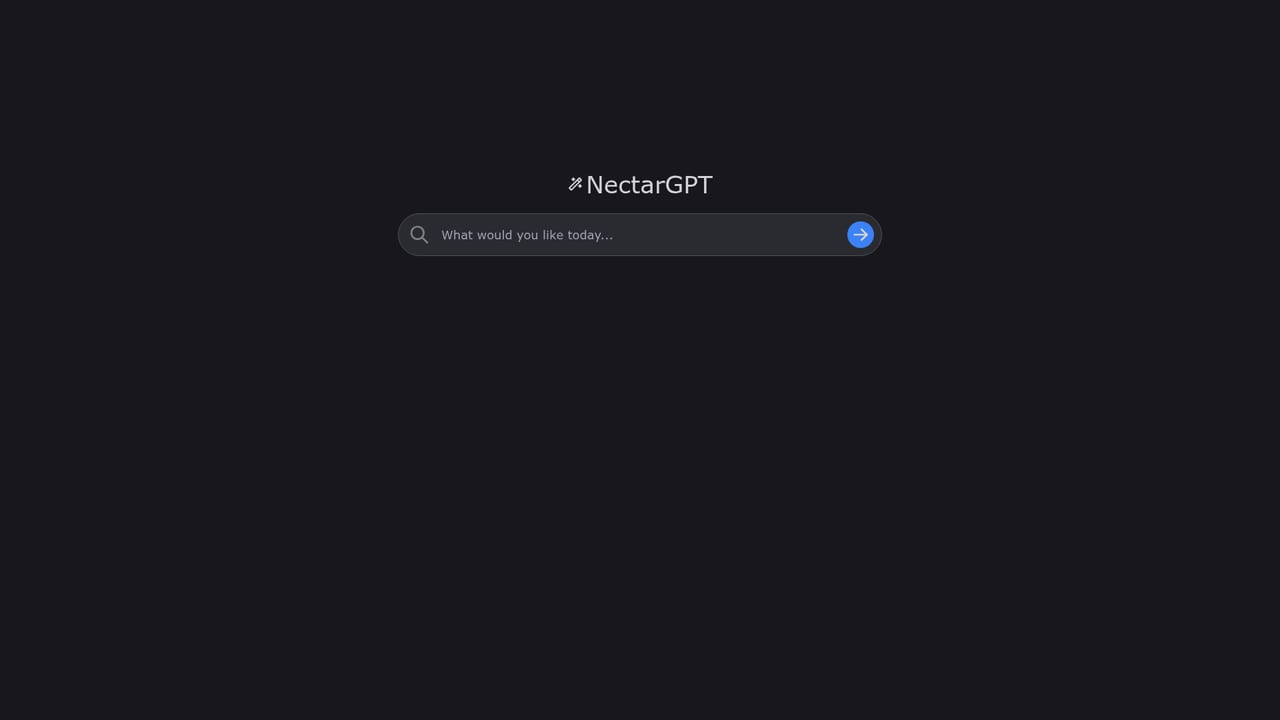
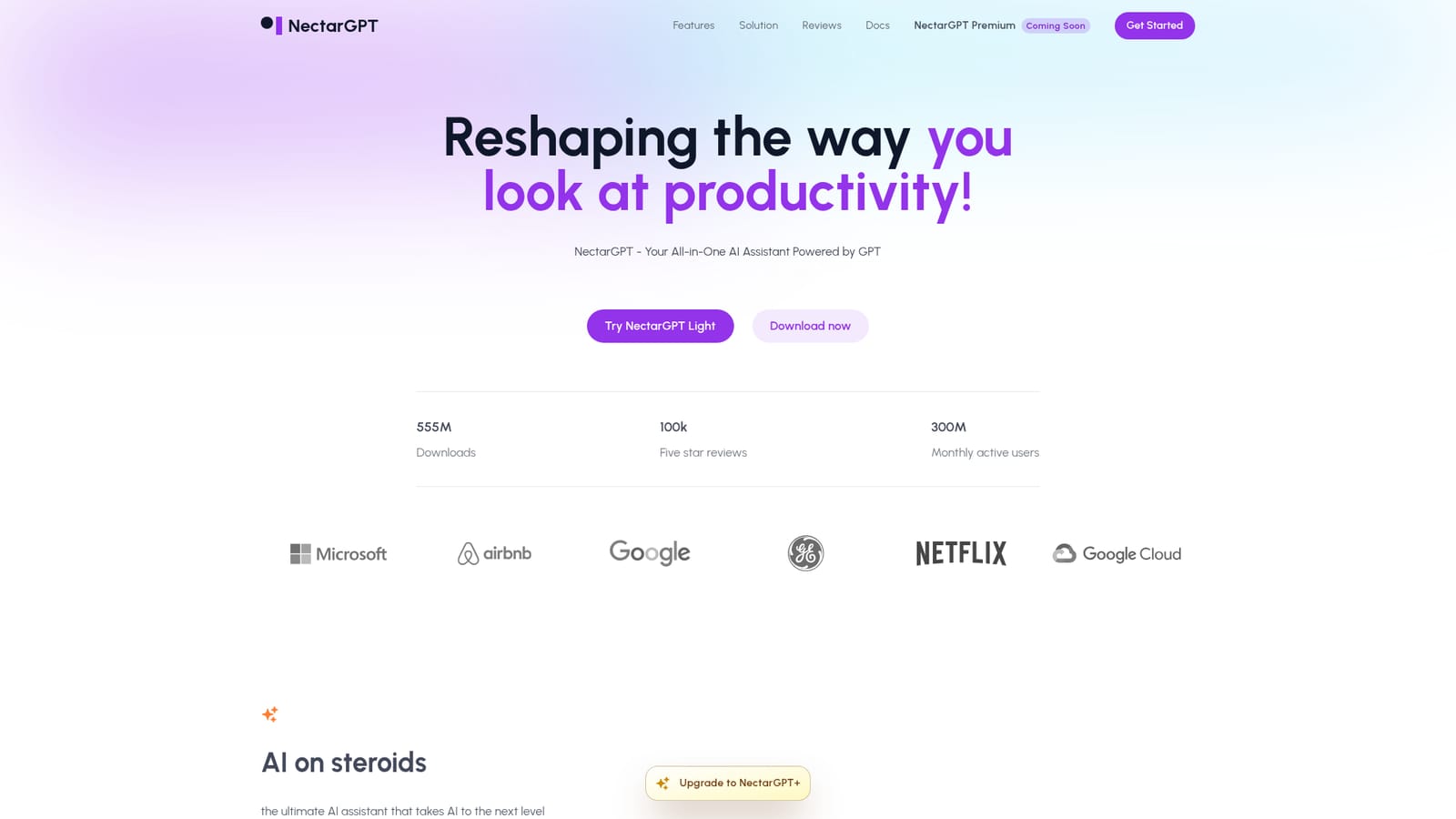
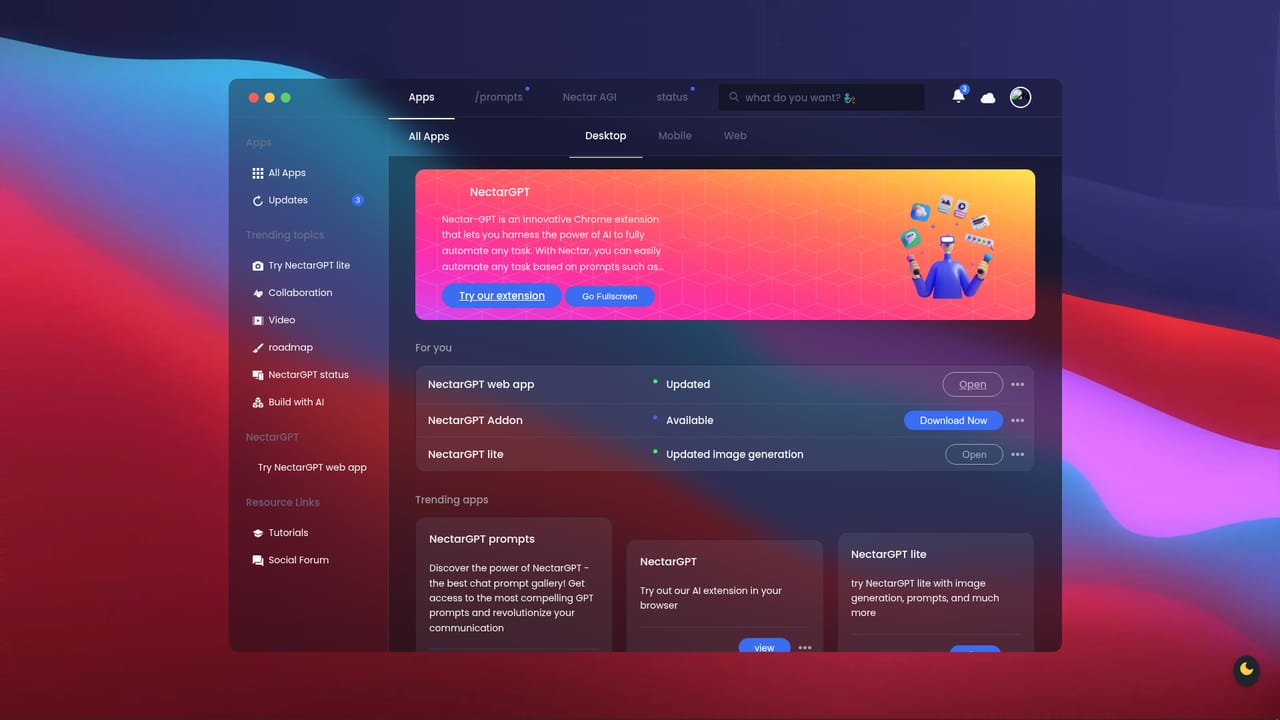
NectarGPT is a Chrome extension that layers a curated library of prompt templates on top of ChatGPT. The pitch is speed: instead of composing every instruction from scratch, users pick a prewritten prompt from a list covering SEO, marketing, copywriting, sales, operations, customer support and general productivity, then run it inside the chatbot they already use. The homepage frames the product as a productivity boost rather than a model of its own, so the underlying reasoning still comes from OpenAI's GPT. The extension is aimed at people who already lean on ChatGPT daily but have not built a personal prompt system: solo marketers, copywriters, small sales teams, support staff and founders wearing several hats. The site also advertises broader assistant behavior, including smart task management and automation of repetitive work, plus personalized recommendations that adapt to a user's past interactions and stated interests. Those claims are described in general terms on the homepage, so treat them as direction rather than a documented feature set to evaluate line by line. In practice the workflow is narrow and familiar. You install the extension, open ChatGPT in the browser, browse the template list and insert a prompt, then edit the output to fit the context. NectarGPT Light runs in the browser through a web app sign-in, while a downloadable build is offered for the heavier tier the site calls NectarGPT+. Where NectarGPT sits among alternatives is the prompt library category: it is closer to a curated snippet pack than to a full orchestration platform, and it does not replace prompt engineering judgment. The marketing around NectarGPT is louder than the documentation. Headline counters and client logos sit on the homepage without supporting detail, and a good share of the visible testimonials read generically. The category fit is real, but buyers should evaluate the template quality and the paid tier's actual feature list before committing, and should expect to keep verifying outputs the same way they would with any ChatGPT session.
A free light version of NectarGPT is offered through the web app, and the homepage tells visitors to use it for free, but no trial length or paid tier pricing is published.
Learn moreCurated ChatGPT prompt templates for SEO, marketing, copywriting, sales, operations, productivity and customer support. The homepage also advertises smart task management, automation of repetitive tasks, personalized recommendations based on past interactions, and prompt driven automation for coding, product descriptions and social posts.
 AI Angels400+ customizable AI girlfriends for NSFW chat, voice calls, and roleplay
 Candy AIExperience the future of companionship with AI friends who chat, role-play, and connect with you on a human level.
 ourdream.aiA vast AI roleplay platform with millions of characters for chat, images, video and voiceAI Angels400+ customizable AI girlfriends for NSFW chat, voice calls, and roleplayCandy AIExperience the future of companionship with AI friends who chat, role-play, and connect with you on a human level.ourdream.aiA vast AI roleplay platform with millions of characters for chat, images, video and voice


