Pricing
Available on credit-based plans only. An active database consumes credits for compute and bandwidth used. Database storage space is free until July 1, 2026. Full detail lives in the billing and usage documentation.
Learn moreManaged Postgres built into the Netlify platform, with branching per deploy
Own Netlify Database? Verify ownership to get a dofollow link

Netlify Database is a developer tool. A managed Postgres primitive inside Netlify: automatic provisioning, repository-tracked migrations, and an isolated database branch for every deploy preview and AI agent run.
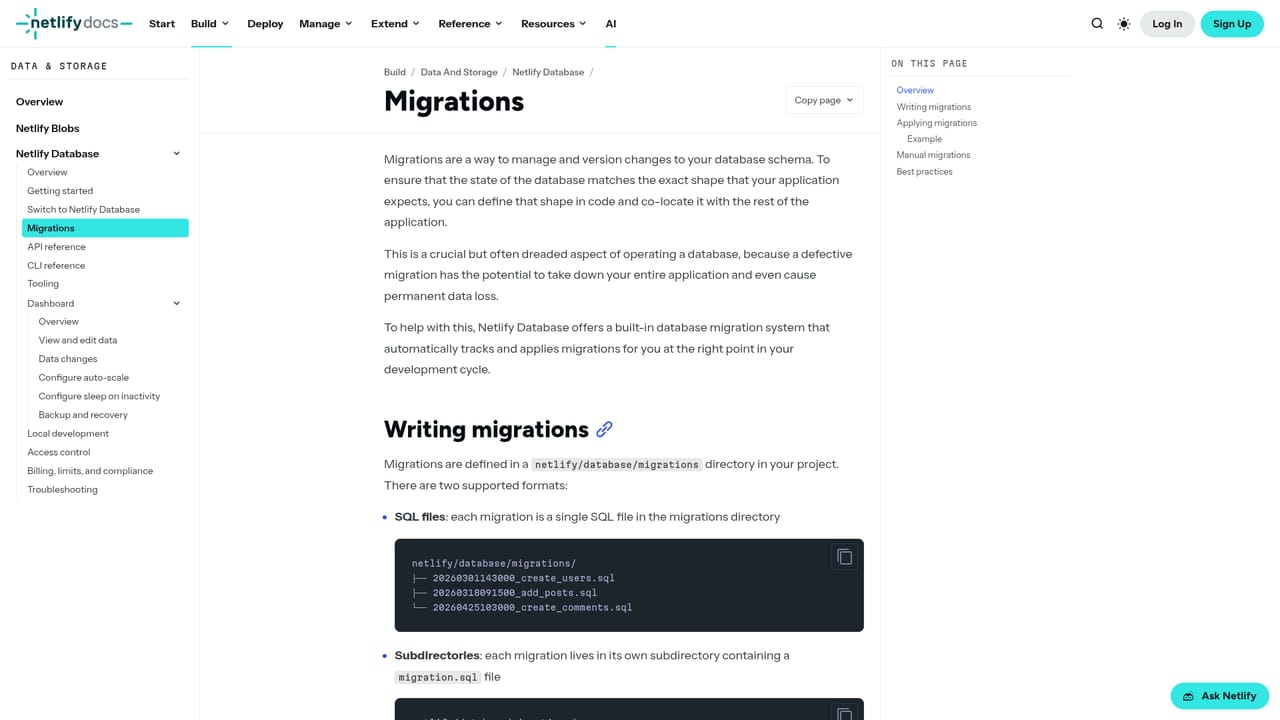
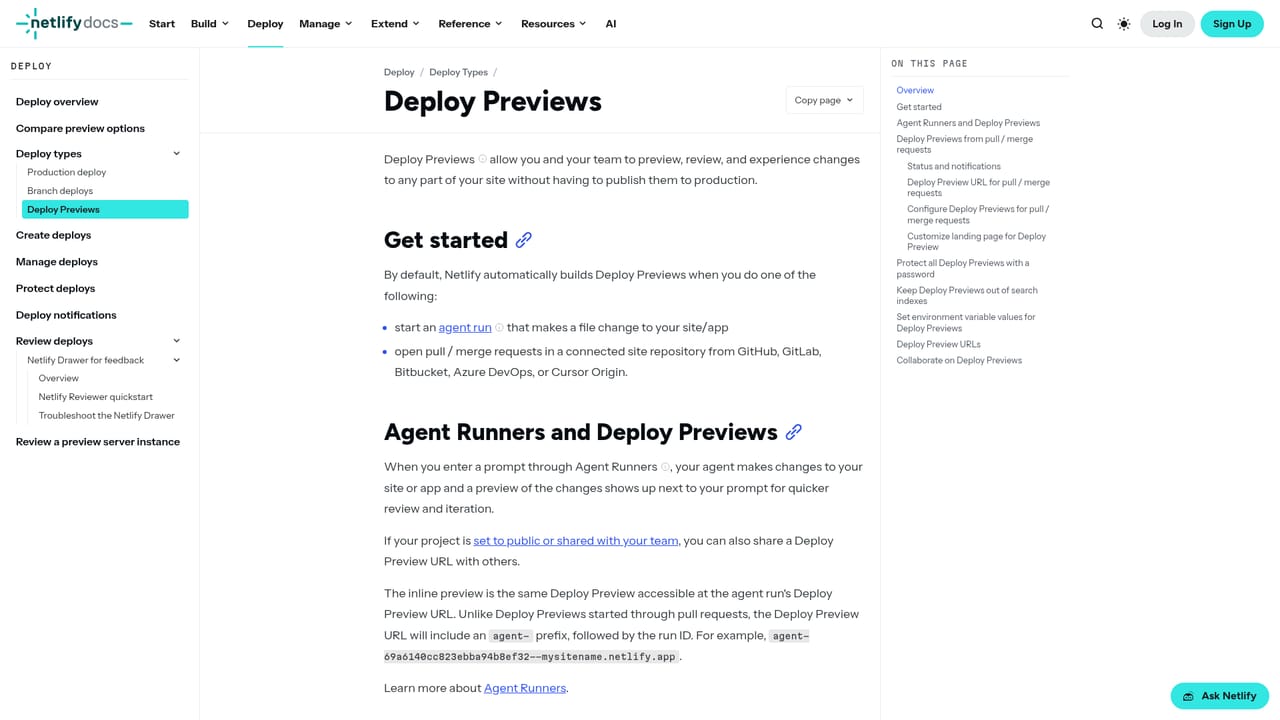
Netlify Database is a fully managed Postgres database that ships as part of the Netlify platform. Provisioning, schema migrations and branching are handled by the platform, so a team can attach a production-grade relational store to a project without standing up a separate database vendor, writing connection plumbing or running migration scripts by hand. It is aimed at developers building full-stack applications on Netlify who want relational data close to the rest of their stack. The defining idea is database branching that mirrors the deploy model. Production deploys are the only ones permitted to touch the main database. Every deploy preview gets its own branch, seeded with a copy of production data at the moment the preview is created, and any schema or data changes made inside that preview stay isolated. The same logic applies to AI agent runs: each run receives its own branch, so an agent can iterate on schema and queries without any path to corrupting live data. Migrations are tracked in the repository and applied automatically on every production deploy and deploy preview, which keeps the schema aligned with the code that is actually running. In practice the workflow is familiar to anyone using Netlify already. Data is queried from Functions, Edge Functions, builds and Agent Runners. The CLI exposes structured JSON output and non-interactive flags so scripts and agents can drive it programmatically, and a published skill file gives coding agents context on schema changes. Where a team might otherwise pair Netlify hosting with an external Postgres provider and a hand-rolled staging database, this removes the staging drift problem entirely, at the cost of tying the database to one hosting platform. Access is limited to credit-based plans, and an active database draws down credits for compute and bandwidth, with storage free until July 1, 2026. Teams on legacy plan structures should confirm eligibility before planning around it.
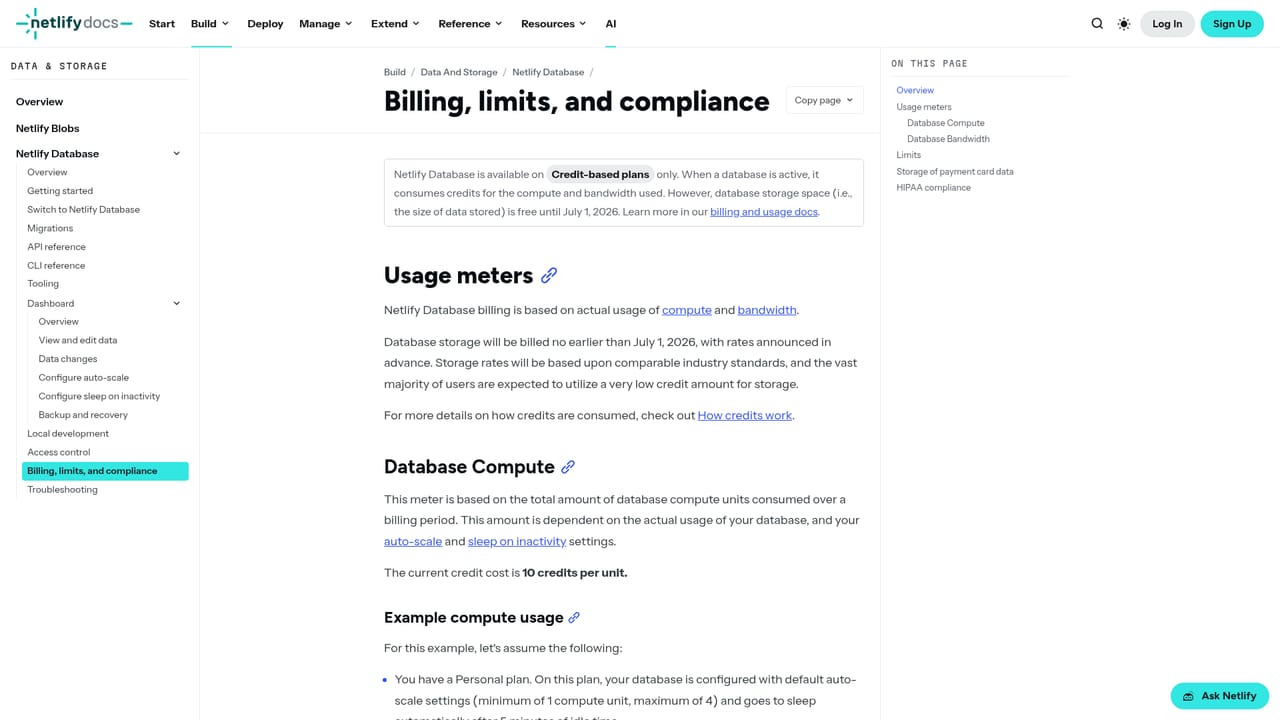
Available on credit-based plans only. An active database consumes credits for compute and bandwidth used. Database storage space is free until July 1, 2026. Full detail lives in the billing and usage documentation.
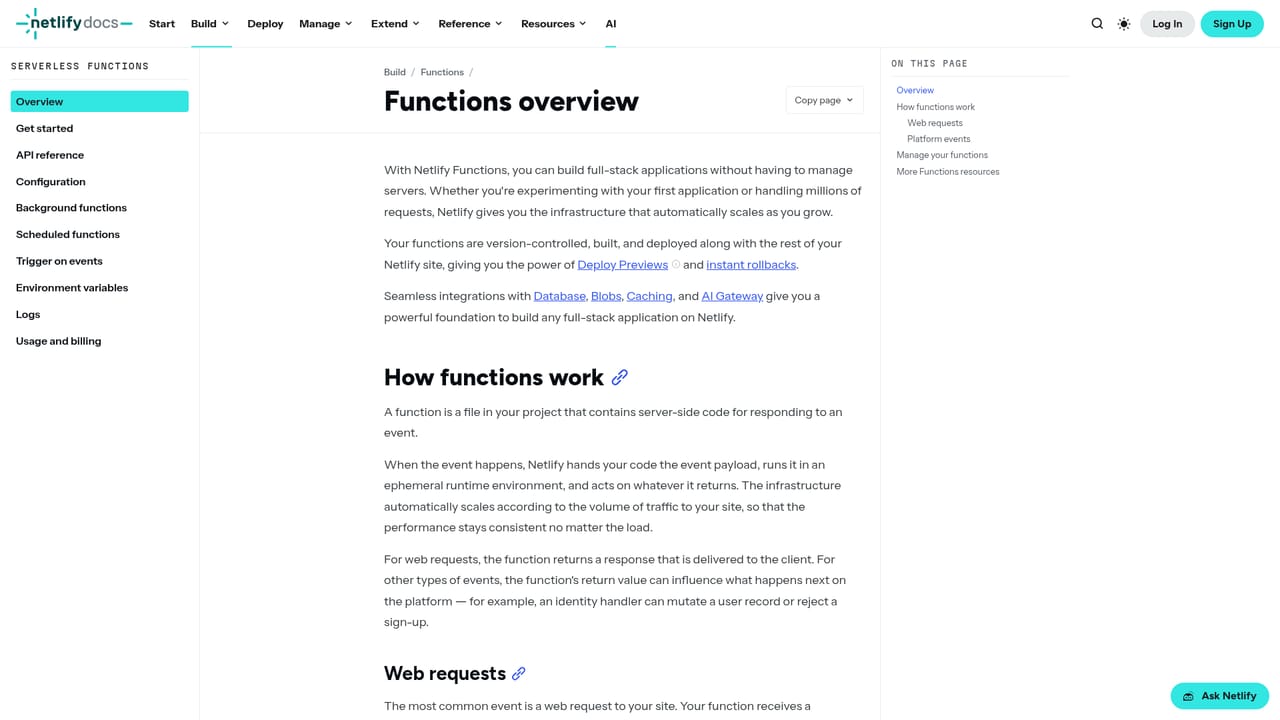
Learn moreBuilt into Netlify: Functions, Edge Functions, builds, Agent Runners and deploy previews all connect to the database directly. The CLI and the published Netlify Database skill let external agents work with it.
Learn moreManaged Postgres with automatic provisioning and migrations tracked in your repository. Production deploys alone reach the main database, while deploy previews and each AI agent run get an isolated branch copied from production data. Works with Functions, Edge Functions, builds and Agent Runners, with CLI commands built for programmatic use.
 AI Angels400+ customizable AI girlfriends for NSFW chat, voice calls, and roleplay
 Candy AIExperience the future of companionship with AI friends who chat, role-play, and connect with you on a human level.
 ourdream.aiA vast AI roleplay platform with millions of characters for chat, images, video and voiceAI Angels400+ customizable AI girlfriends for NSFW chat, voice calls, and roleplayCandy AIExperience the future of companionship with AI friends who chat, role-play, and connect with you on a human level.ourdream.aiA vast AI roleplay platform with millions of characters for chat, images, video and voice


