Noota

Meeting AI that records, transcribes, and follows up for you.

Beginner API
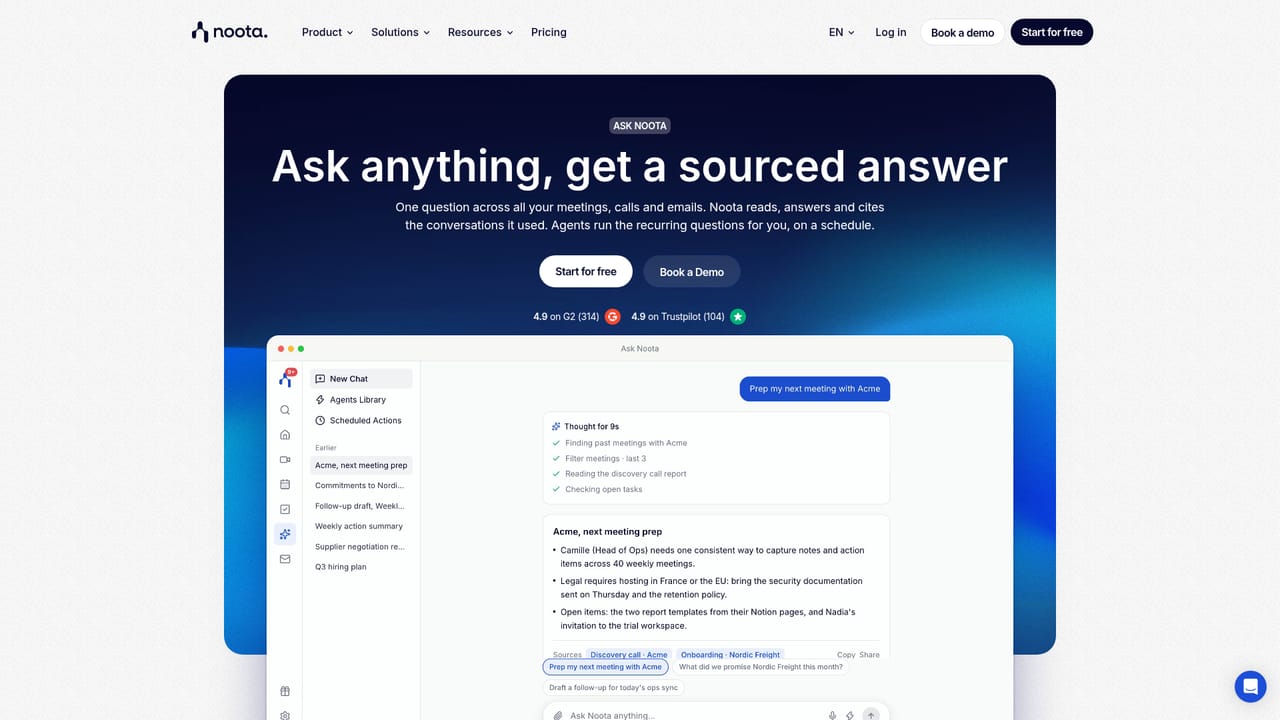
Screenshot of Noota, Meeting AI that records, transcribes, and follows up for you

What is Noota?

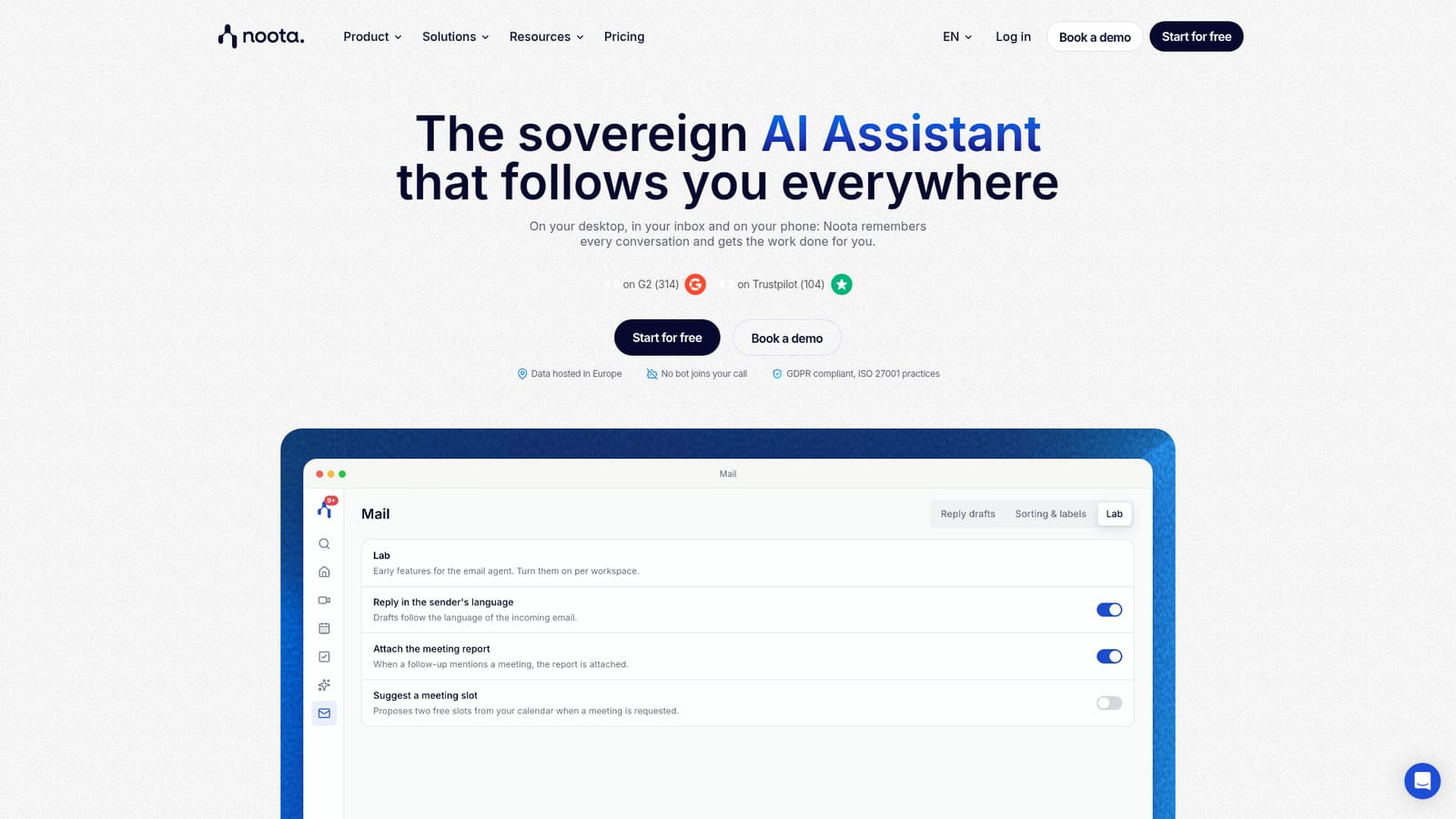
Noota records and transcribes meetings across video, phone and in-person settings, then produces briefs, reports, tasks and follow-up emails. It adds an email agent, a searchable meeting memory and CRM sync, aimed at sales, recruiting and service teams.

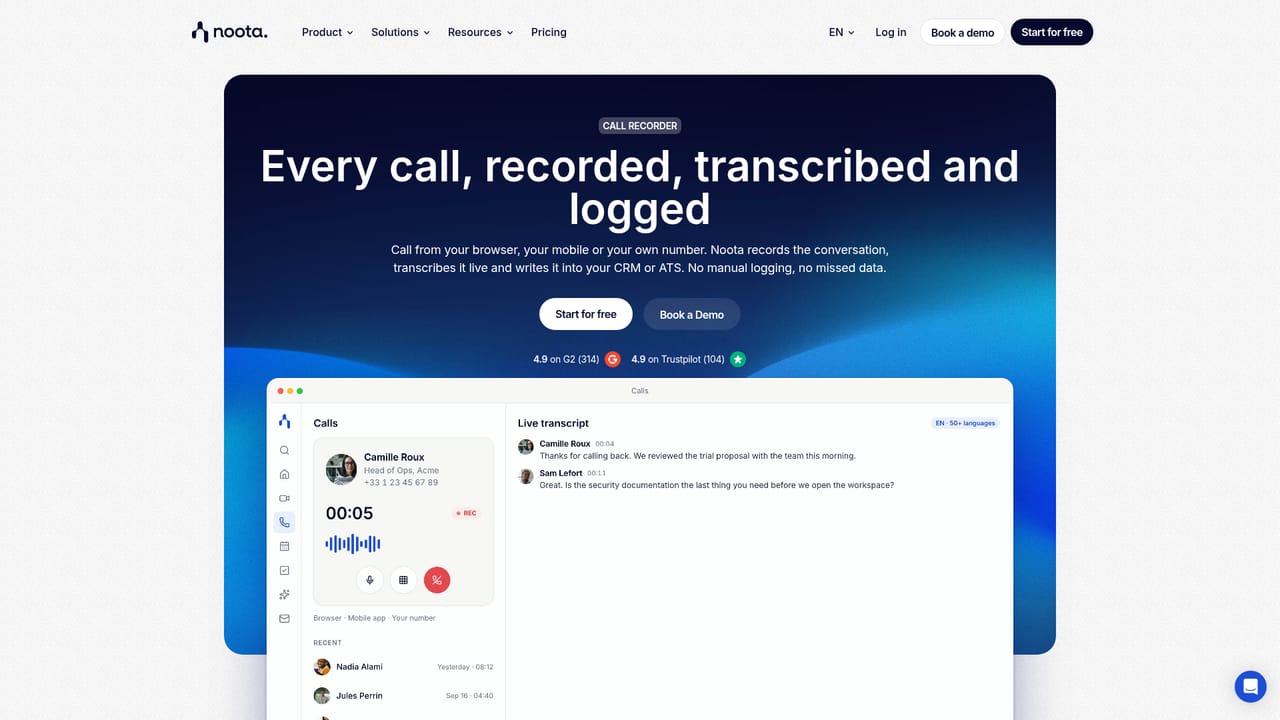
Noota is a meeting assistant that records, transcribes and summarises conversations across video calls, phone calls and in-person meetings. It works with Google Meet, Microsoft Teams and Zoom, but also captures face to face discussions through its desktop and mobile apps. The tool positions itself as an end-to-end assistant: before a meeting it reads your calendar and inbox to produce a brief with attendee context and open items; during the call it takes notes and flags action items as they are mentioned; after the call it generates a report, tasks and a follow-up email, then syncs the output to your CRM, Slack or Notion. Beyond note taking, Noota bundles several agents. An email agent inside Gmail labels messages that need a reply, filters noise and drafts responses based on past threads and meeting history. A task system converts commitments from calls or emails into assigned to-dos with due dates and links to the source moment. Ask Noota lets you query across all meetings and emails and returns answers with citations to the original calls. A voice dictation feature and a call recorder extend capture beyond scheduled meetings. The product targets revenue teams, recruiters, consultants and service companies that live in meetings. Recruitment teams use it to screen candidates around the clock with AI agents, while sales and customer facing roles rely on the follow-up automation. It competes with transcription-first tools like Otter and Fireflies, but leans harder on the pre-meeting brief and post-meeting workflow, positioning itself as an assistant rather than a recorder. Noota is hosted in Europe, states GDPR compliance and runs on ISO 27001 certified infrastructure. It is available as a web app with desktop clients for Mac and Windows and mobile apps for iPhone and Android. The homepage does not list specific pricing tiers, but the desktop app is described as free. Integrations include calendar, email, CRM, ATS and automation tools via Zapier, an open API and MCP.

How do you use Noota?

  1. 1Download the desktop app
    Install Noota Desktop for Mac or Windows from the website. The app sits in your menu bar, shows the day's meetings and lets you start recording with one click, without a bot joining the call.
    Noota — Download the desktop app
  2. 2Connect your calendar and inbox
    Link your calendar and email account so Noota can read upcoming meetings and write pre-meeting briefs. The brief lists participants, previous discussions and open items.
    Noota — Connect your calendar and inbox
  3. 3Record your first meeting
    Start a recording from the desktop app or let Noota join a Meet, Teams or Zoom call as a bot. For in-person conversations, use the mobile app on iPhone or Android.
    Noota — Record your first meeting
  4. 4Review the report and tasks
    After the call, open the generated report, check the transcript and action items. Tasks are created with owners and due dates, and can be synced to Notion, Slack or your CRM.
  5. 5Set up the email agent
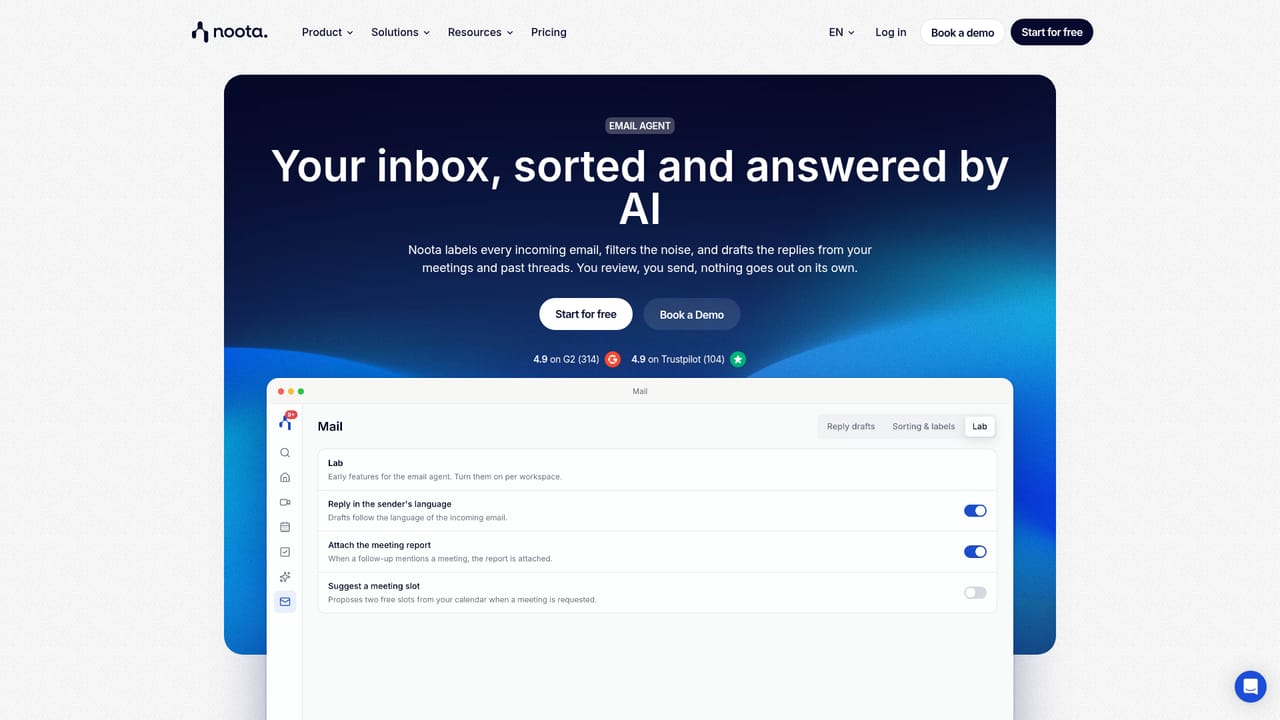
    Install the Gmail add-on to let Noota label messages that need a reply, mute low-priority threads and draft answers based on your meeting history. You review each draft before sending.
    Noota — Set up the email agent
  6. 6Ask Noota across meetings
    Use Ask Noota to search all recorded meetings and emails with a single question. Answers include citations to the calls they come from, and recurring queries can be scheduled as agents.
    Noota — Ask Noota across meetings

Pros and cons

Pros

  • Handles video calls, phone calls and in-person meetings through desktop and mobile apps.AI
  • Pre-meeting briefs pull from calendar and inbox, reducing prep time.AI
  • Post-meeting outputs (report, tasks, follow-up email) are generated automatically.AI
  • Email agent drafts replies inside Gmail without sending them automatically.AI
  • Hosted in Europe with GDPR compliance and ISO 27001 certified infrastructure.AI

Cons

  • Pricing tiers and feature limits are not published on the homepage, so cost is unclear without a demo.AI
  • The email agent is limited to Gmail, which excludes Outlook and other mailbox providers.AI
  • The desktop recorder is free but the broader agent suite likely requires a paid plan.AI
  • Accuracy of meeting briefs depends on calendar and inbox data being complete and current.AI

How much does Noota cost?

Pricing

The homepage does not list specific pricing tiers or plan limits. It states that Noota Desktop is free for Mac and Windows, while the broader agent suite (email, tasks, Ask Noota) appears to be part of a paid offering. A pricing page exists but detailed figures are not shown in the provided content.

Learn more

Integrations

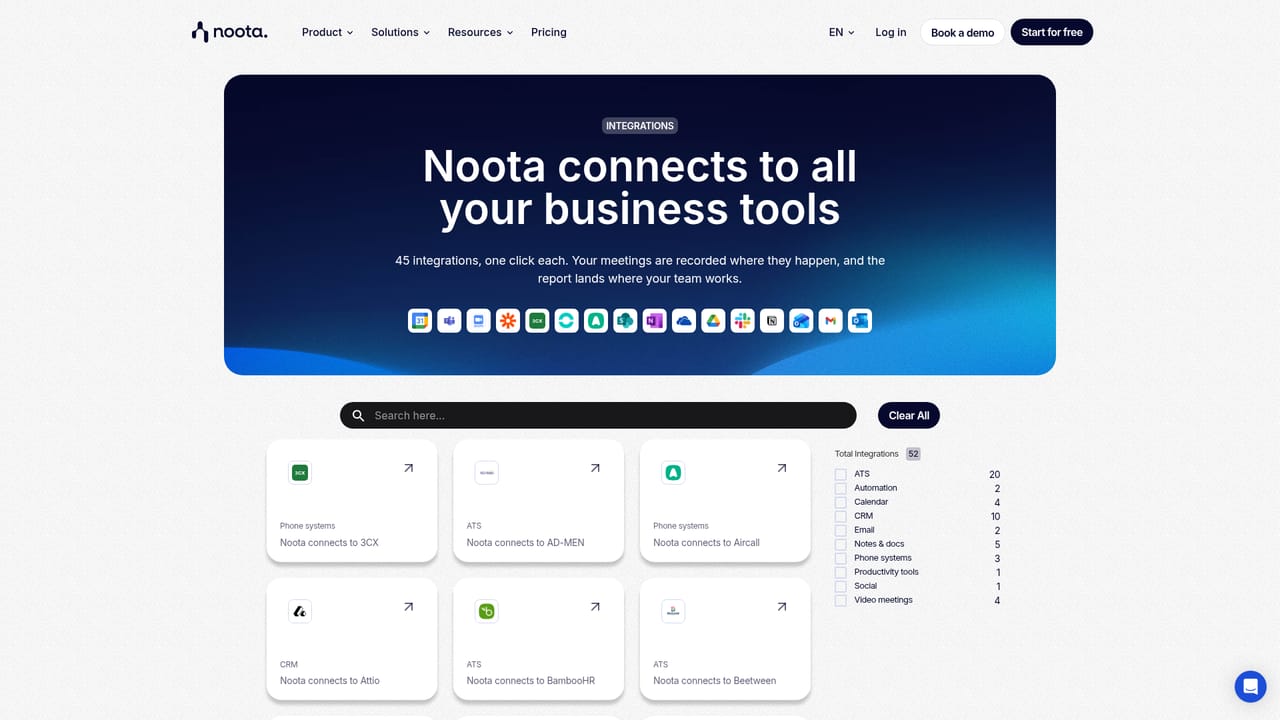
Connects to meeting and telephony tools, mailbox and calendar providers, CRM and ATS systems, and workflow tools like Zapier. An open API and MCP are available for custom integrations.

Learn more

Features

Noota records meetings on video calls, phone and in person, then generates transcripts, briefs, reports, tasks and follow-up emails. It adds an email agent in Gmail, a searchable meeting memory with citations, a task system with CRM sync and voice dictation. Desktop and mobile apps support bot-free recording.

Learn more

Frequently asked questions about Noota

  • How much does Noota cost?
    The homepage does not list specific pricing tiers or plan limits. It states that Noota Desktop is free for Mac and Windows, while the broader agent suite (email, tasks, Ask Noota) appears to be part of a paid offering. A pricing page exists but detailed figures are not shown in the provided content.
  • Does Noota have an API?
    Yes, Noota offers an API.
  • How do you use Noota?
    The walkthrough on this page covers 6 steps: 1. Download the desktop app 2. Connect your calendar and inbox 3. Record your first meeting 4. Review the report and tasks 5. Set up the email agent 6. Ask Noota across meetings.
  • What platforms does Noota support?
    Noota is available on Web App, MacOS, Windows, iOS and Android.
  • What does Noota integrate with?
    Connects to meeting and telephony tools, mailbox and calendar providers, CRM and ATS systems, and workflow tools like Zapier. An open API and MCP are available for custom integrations.
  • What are the limitations of Noota?
    Pricing tiers and feature limits are not published on the homepage, so cost is unclear without a demo. The email agent is limited to Gmail, which excludes Outlook and other mailbox providers. The desktop recorder is free but the broader agent suite likely requires a paid plan.

Status

StatusActive
Views0
Outbound clicks0
Added10/21/2026

Platforms

Web AppMacOSWindowsiOSAndroid

Pricing

FreePaidSubscription