Support
Support runs through a book a demo request and an events and webinars schedule. The homepage does not describe help desk channels or service level commitments.
Learn moreGoverned AI agents for insurance, banking and telecom operations

Notch.cx is a chatbot builder tool. An agent platform for insurance, banking and telecom operations that maps repeatable workflows, builds governed AI agents, tests them against real scenarios and deploys them in gated steps with full audit trails.
Notch is an agent platform aimed at operations teams in regulated industries: insurance carriers, brokers and MGAs, banks and finance firms, and telecom providers. Rather than dropping a general purpose chatbot onto front line staff, it turns the repeatable processes a team already runs (claims intake, submission triage, policy issuance, billing queries, renewals) into agents that execute end to end inside the systems the company already uses. The pitch is that generic models do not understand regulated work, so Notch builds domain context and governance into the same product. The product is split into two halves. A Workspace collects everything arriving into a team and turns it into structured tasks with the next action already ranked, while Workforce runs those processes continuously whether or not someone remembers to start them. Getting there follows a staged path: Notch first researches where volume, delays and rework accumulate and identifies the highest value use case, then maps the existing process and builds agents without requiring clean written SOPs. Agents are tested against real scenarios, including volume simulations, regression checks and a shadow mode where staff give feedback before anything goes live. Deployment is deliberately gated. Access widens only after results are visible, and cases that need human judgment are routed to the team with full context attached. Notch can run inside the customer's own cloud under its security controls, and a live LLM judge blocks outputs that are not grounded in approved content, with hard limits and regional rules applied automatically and every action logged for audit. Dashboards track volume, turnaround, escalations and cost per agent and per desk, with drill down into individual conversations. This is enterprise infrastructure rather than a self serve tool. The natural comparison is to building on general agent frameworks or buying a narrow point solution for one workflow; Notch competes on compliance, auditability and the fact that it will map and build the process for you. Operations leaders who need explainable decisions and a controlled rollout are the target buyer.

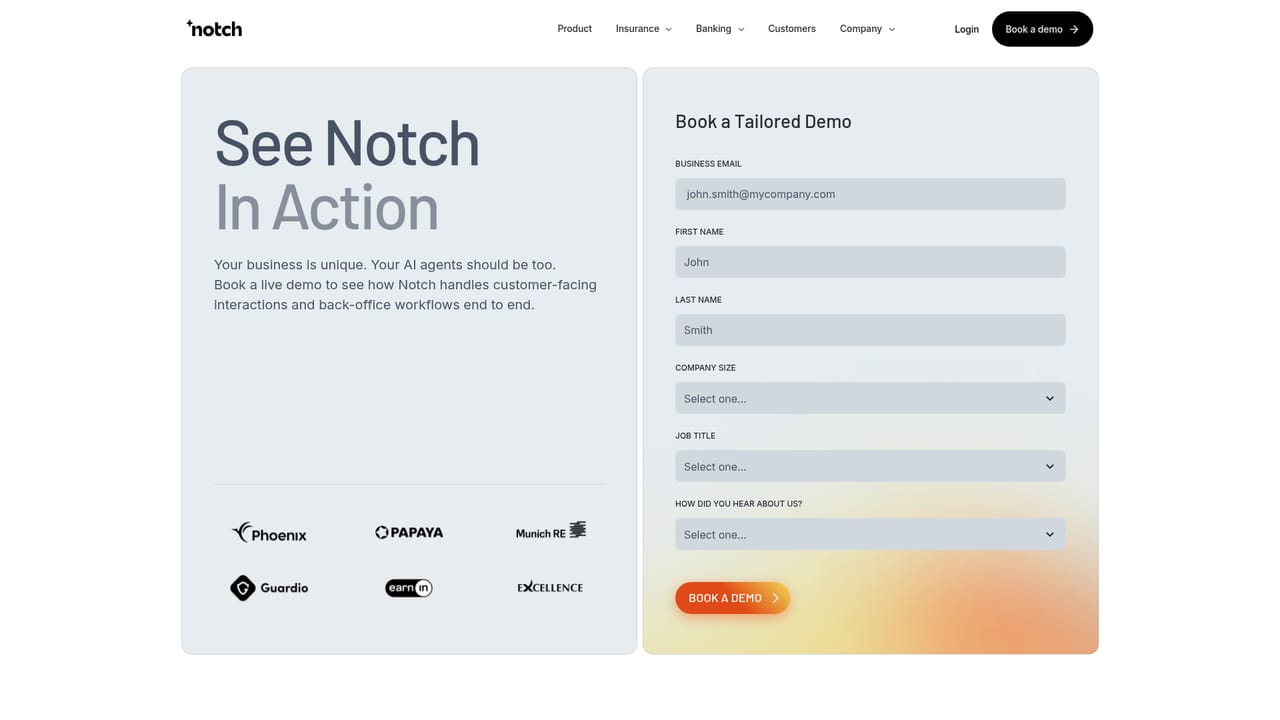
Support runs through a book a demo request and an events and webinars schedule. The homepage does not describe help desk channels or service level commitments.
Learn moreAgents are described as working inside the systems you already run, and Notch can be deployed inside your own cloud under your security controls. No named third party integrations or connector list is published on the homepage.
Learn moreA Workspace that converts inbound work into ranked structured tasks and a Workforce that runs repeatable processes unattended. Build and test agents against real scenarios with simulations, regression tests and shadow mode, deploy in gated steps, govern every action with a live LLM judge, hard limits, regional rules and audit trails, and analyse volume, turnaround, escalations and cost per agent or desk.
Learn more AI Angels400+ customizable AI girlfriends for NSFW chat, voice calls, and roleplay
 Candy AIExperience the future of companionship with AI friends who chat, role-play, and connect with you on a human level.
 ourdream.aiA vast AI roleplay platform with millions of characters for chat, images, video and voiceAI Angels400+ customizable AI girlfriends for NSFW chat, voice calls, and roleplayCandy AIExperience the future of companionship with AI friends who chat, role-play, and connect with you on a human level.ourdream.aiA vast AI roleplay platform with millions of characters for chat, images, video and voice


