Raccoon AI

A general-purpose agent that plans, builds and ships work in a cloud workspace

Beginner
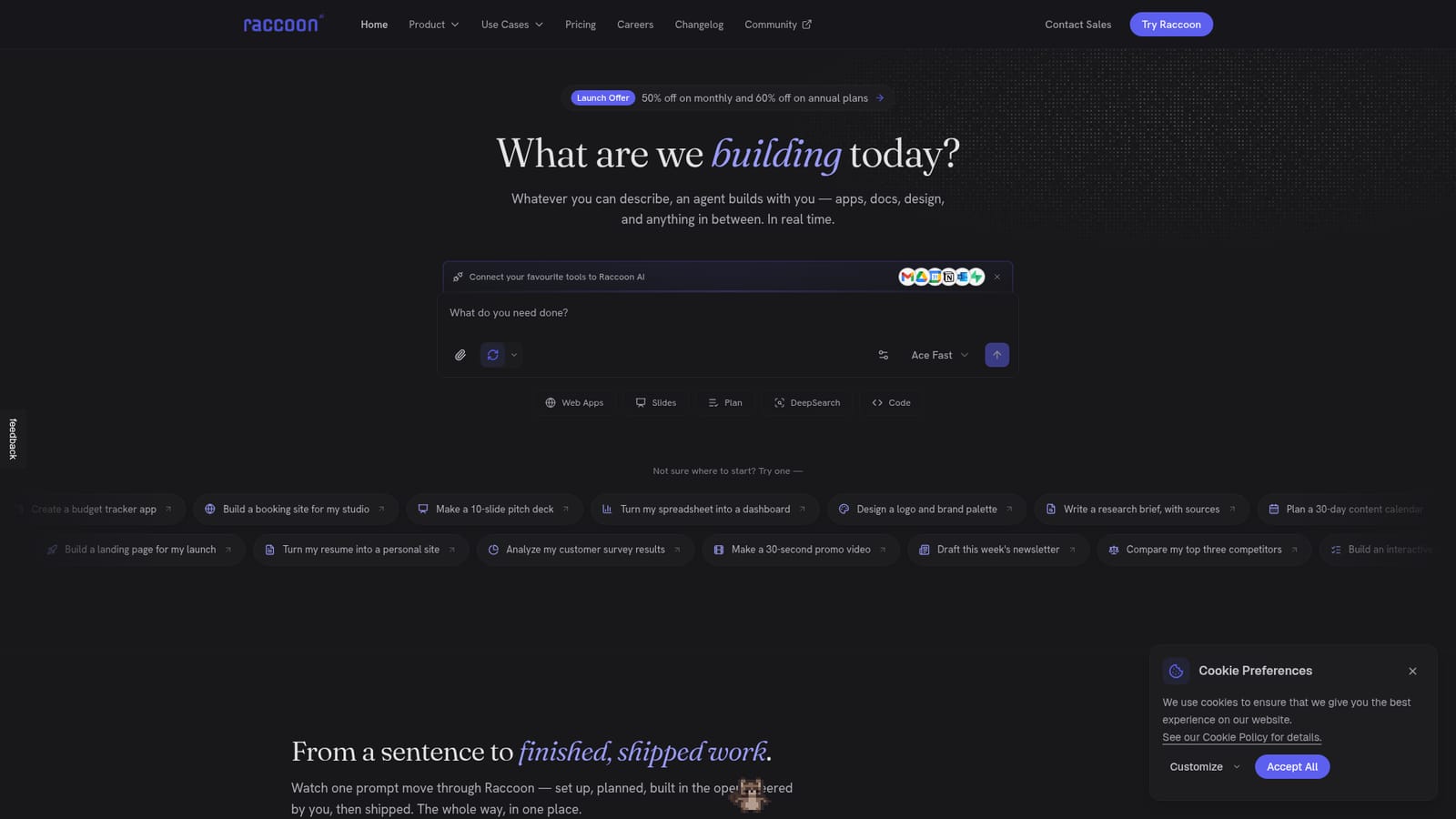
Screenshot of Raccoon AI, A general-purpose agent that plans, builds and ships work in a cloud workspace

What is Raccoon AI?

Raccoon AI is a collaborative agent that runs each job in its own cloud workspace, building apps, slides, documents and analyses from plain-language requests, with 50+ connectors, reusable skills, memory and one-click publishing.

Raccoon AI is a general-purpose agent that turns a plain-language request into finished work: web apps, slide decks, documents, dashboards, designs, research briefs and workflow automations. Instead of returning a single chat reply, it starts its own cloud computer for each job and operates inside it, with files, a live app preview, an embedded database and an image canvas available as part of the workspace. The working pattern is built around visibility. A request can be typed, spoken, sketched or supplied as files and screenshots, and the agent then lays out a live checklist of steps before it begins. Reasoning, searches and actions are shown as they happen, and the user can interrupt at any point: point at an element on the page, send a note, or change direction without restarting. Sessions can be rewound to an earlier message or forked to try a different path, and larger jobs can be split among helper agents that run in parallel and report back. Research output includes citations. Context comes from connected accounts and saved knowledge. The homepage lists more than 50 connectors, among them Gmail, Drive, Calendar, GitHub, Slack, Notion, Figma, Stripe, Supabase and Salesforce, so the agent can act inside real accounts, for example pulling invoices from an inbox. Skills let users teach a repeatable workflow such as a brand voice or launch checklist, and memory carries preferences between sessions. Finished work can be published to a live link or deployed to a custom domain, and the workspace persists when the user returns days later. The audience is broad: founders, marketers, analysts and builders who want one agent instead of separate tools for slides, code and research. Compared with narrower app builders or chat assistants, Raccoon AI trades specialization for range, so output quality on any single task type is worth testing before relying on it. The site reports use by more than 40,000 professionals and builders, and a launch discount is advertised on paid plans.
How do you use Raccoon AI?

  1. 1Create an account
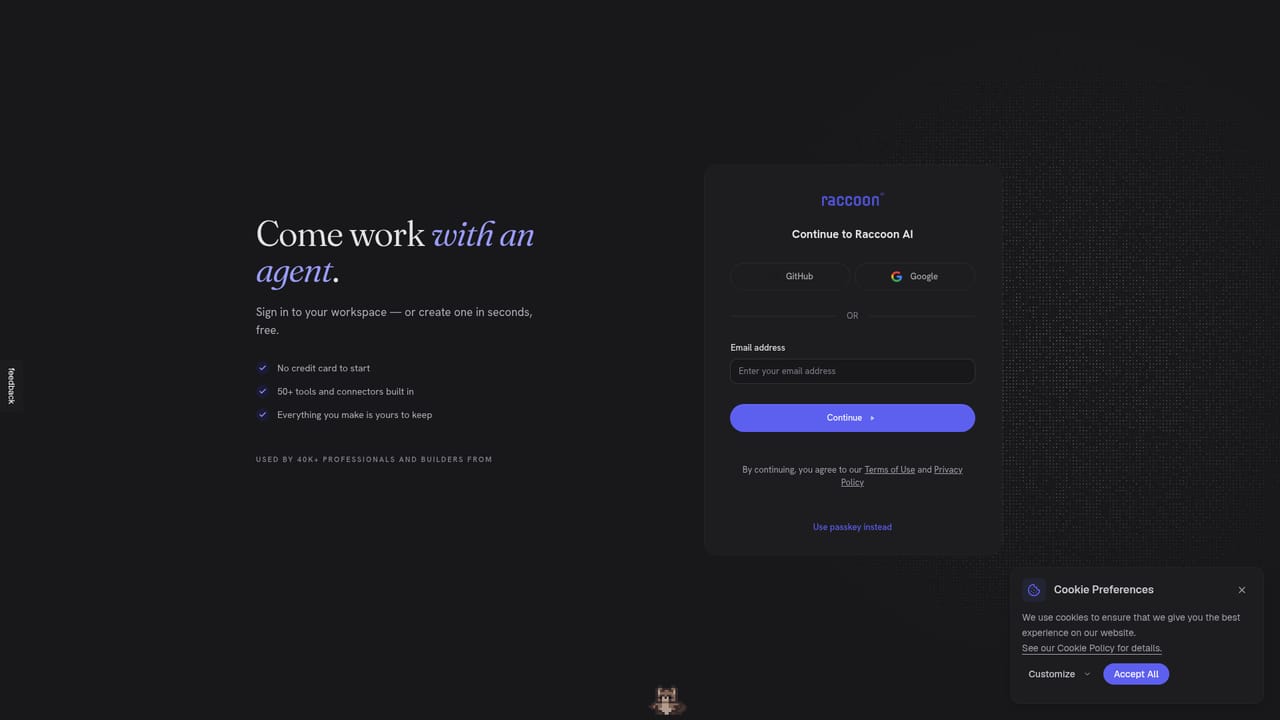
    Open the login page and sign up to reach the workspace. The homepage says it is free to start, so no payment step is described up front.
    Raccoon AI — Create an account
  2. 2Connect your tools
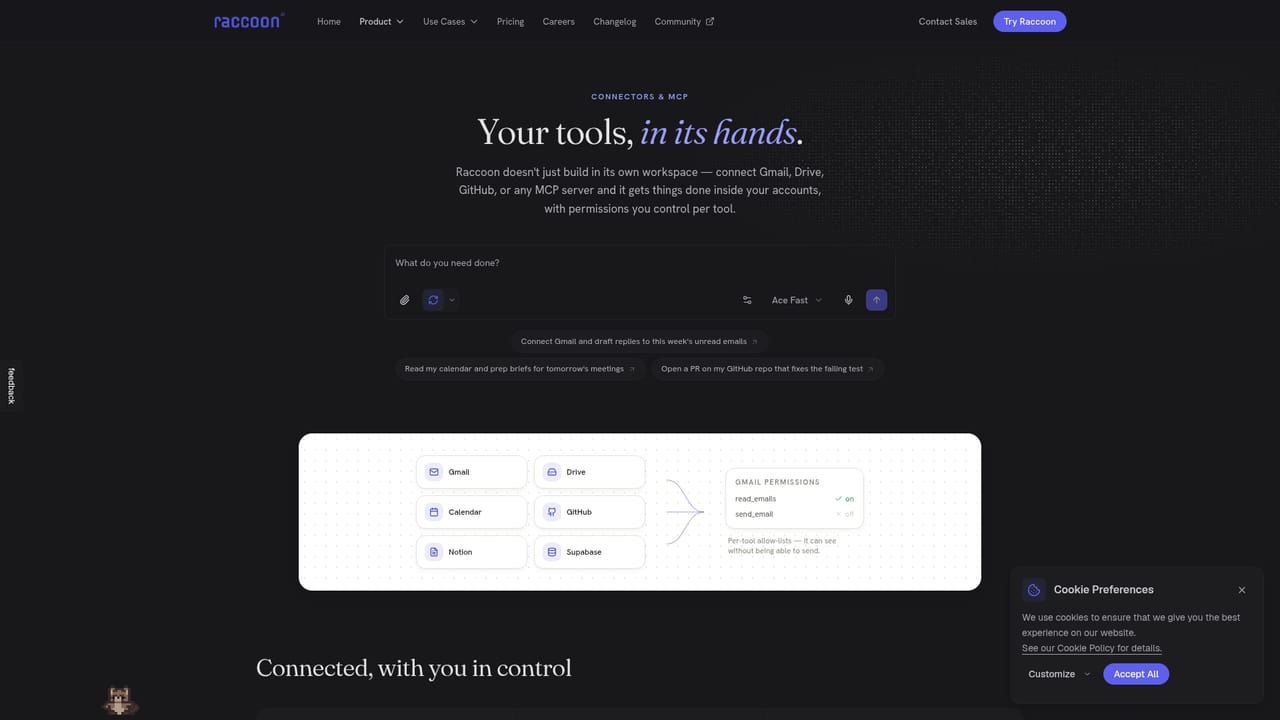
    Switch on connectors such as Gmail, Drive, Calendar or GitHub so the agent can work with real files and accounts. Review the connector list first to see what is supported.
    Raccoon AI — Connect your tools
  3. 3Describe the job
    Type, speak or sketch the request, or attach files and screenshots. Starter prompts like a pitch deck or a booking site are a quick way to test it.
    Raccoon AI — Describe the job
  4. 4Teach a skill
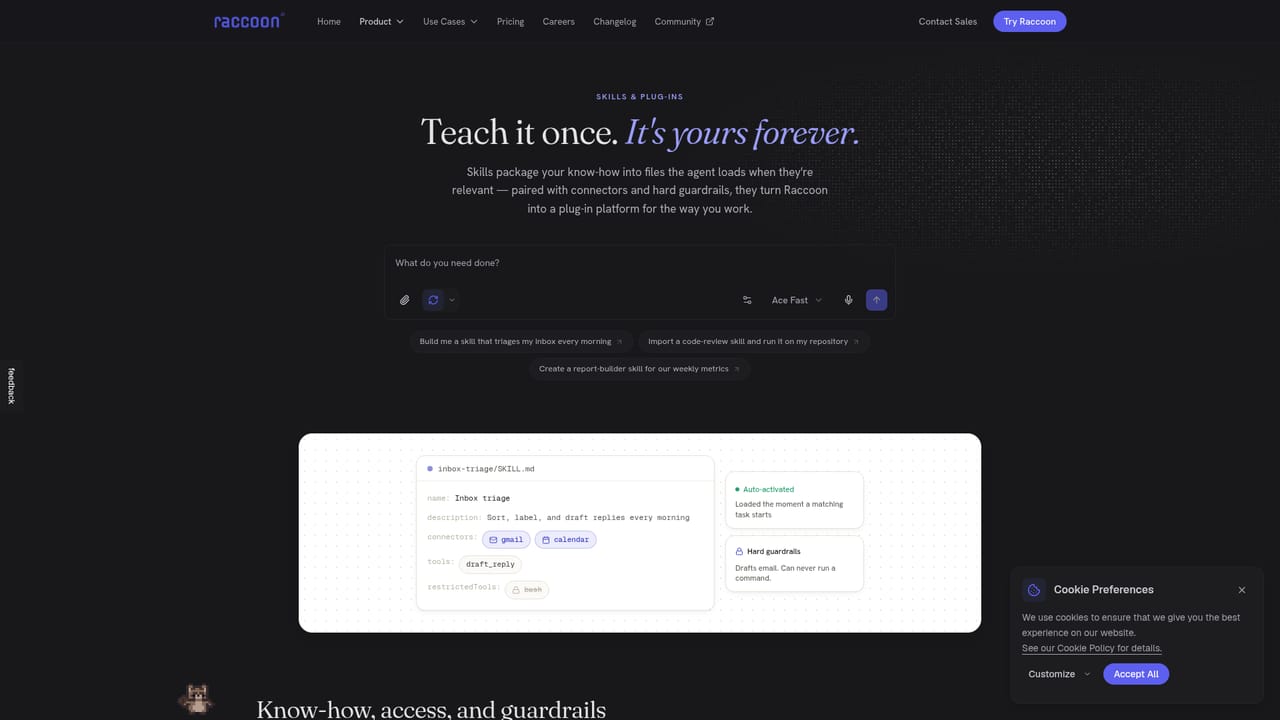
    Save a repeatable workflow such as brand voice or a launch checklist as a skill. It can then be reused and edited in later sessions.
    Raccoon AI — Teach a skill
  5. 5Steer the run
    Watch the live checklist and step in with notes, point at page elements, or rewind and fork the session if the direction needs to change.
  6. 6Publish the result
    Release the finished build to a live link or deploy it to your own domain from within the workspace.

Pros and cons

Pros

  • Shows its plan as a live checklist and exposes every reasoning step, search and action while it worksAI
  • Users can interrupt mid-run, rewind to any message or fork a session to explore another directionAI
  • Over 50 connectors including Gmail, Drive, GitHub, Slack and Supabase let it act inside real accountsAI
  • Reusable skills and cross-session memory reduce repeated instructions for recurring workflowsAI
  • Handles many output types in one place: web apps, slides, data analysis, documents, designs and mediaAI

Cons

  • General-purpose scope means depth on any single task type, such as slides or app code, is unproven against specialist toolsAI
  • Concrete plan limits, credit allowances and usage caps are not described on the homepageAI
  • Connecting Gmail, Drive and databases means granting broad account access, which needs a security reviewAI
  • Long, multi-step autonomous runs can be hard to predict in time and cost, even with subagents and steeringAI
  • No native desktop or mobile apps are mentioned, so use appears limited to the browserAI

How much does Raccoon AI cost?

Free trial

The homepage says Raccoon AI is free to start and that a first build takes minutes. Limits of the free tier are not stated there.

Learn more

Pricing

The homepage advertises a launch offer of up to 60% off all plans: 50% off monthly and 60% off annual billing. It also says the product is free to start. Specific plan prices are on the pricing page, not on the homepage.

Learn more

Support

The homepage offers a Contact Sales route for sales inquiries. No documentation, help centre or support channels are described.

Learn more

Integrations

More than 50 connectors, including Gmail, Drive, Calendar, GitHub, Slack, Notion, Figma, Sheets, Outlook, Linear, Supabase, Airtable, Stripe, Asana, Trello, Dropbox, Zoom, HubSpot, Salesforce, Shopify, Zapier and Webflow.

Learn more

Features

Live plan checklist, visible reasoning and actions, cloud computer workspace with files, app preview, embedded database and image canvas, subagents, rewind and fork, voice, sketch and file input, cited research, reusable skills, cross-session memory, one-click publishing or custom domain deploy.

Learn more

Frequently asked questions about Raccoon AI

  • How much does Raccoon AI cost?
    The homepage advertises a launch offer of up to 60% off all plans: 50% off monthly and 60% off annual billing. It also says the product is free to start. Specific plan prices are on the pricing page, not on the homepage.
  • Does Raccoon AI offer a free trial?
    The homepage says Raccoon AI is free to start and that a first build takes minutes. Limits of the free tier are not stated there.
  • How do you use Raccoon AI?
    The walkthrough on this page covers 6 steps: 1. Create an account 2. Connect your tools 3. Describe the job 4. Teach a skill 5. Steer the run 6. Publish the result.
  • What platforms does Raccoon AI support?
    Raccoon AI is available on Web App.
  • What does Raccoon AI integrate with?
    More than 50 connectors, including Gmail, Drive, Calendar, GitHub, Slack, Notion, Figma, Sheets, Outlook, Linear, Supabase, Airtable, Stripe, Asana, Trello, Dropbox, Zoom, HubSpot, Salesforce, Shopify, Zapier and Webflow.
  • What are the limitations of Raccoon AI?
    General-purpose scope means depth on any single task type, such as slides or app code, is unproven against specialist tools. Concrete plan limits, credit allowances and usage caps are not described on the homepage. Connecting Gmail, Drive and databases means granting broad account access, which needs a security review.

Status

StatusActive
Views0
Outbound clicks0
Added10/18/2026

Platforms

Web App

Pricing

FreemiumSubscription