Free trial
A 7-day free trial is available on all plans. No credit card details are mentioned on the homepage.
Learn moreAI-powered spreadsheet plugin for bulk ChatGPT tasks in Google Sheets and Excel.

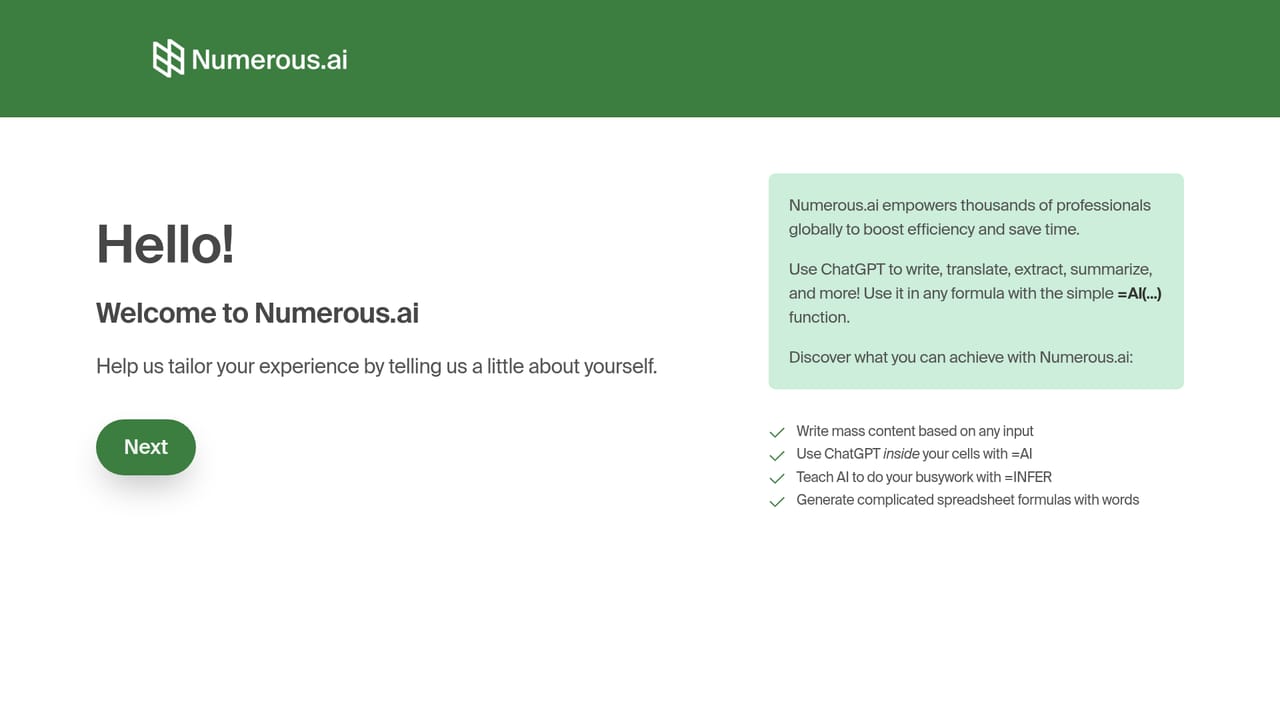
Numerous is an AI spreadsheet generator tool. Numerous.ai is a spreadsheet plugin that lets you use ChatGPT inside Google Sheets and Excel via a simple =AI formula. It is built for bulk content generation, data cleaning, and AI prototyping, with team plans and no API keys needed.
Numerous.ai is a spreadsheet add-on that brings ChatGPT into Google Sheets and Excel, letting users run AI operations directly within cells. It is aimed at content creators, digital marketers, students, researchers, and product teams who need to process text at scale without leaving their familiar spreadsheet environment. The tool is designed for anyone who wants to leverage AI for bulk tasks like generating ad copy, summarizing survey responses, categorizing data, or prototyping AI features, all within a structured grid. The core mechanism is a simple =AI function. Users type a prompt into a cell, referencing other cells for dynamic input, and the add-on returns ChatGPT-generated text. This makes it possible to fill entire columns with AI outputs by dragging the formula down, similar to any other spreadsheet function. Numerous.ai handles the API connection behind the scenes, so no API keys are required. The company states that it avoids duplicate queries, which keeps costs down, and uses partnerships with AI providers to ensure fast performance. In practice, Numerous.ai shines for bulk content generation and data cleaning. For example, a marketer can generate hundreds of ad variations from a list of keywords, or a researcher can summarize open-ended survey responses across rows. The tool also supports ideation workflows, such as brainstorming topics and then expanding them into full content, all from a single prompt. Teams can collaborate on prompts and results, making it a practical sandbox for exploring AI use cases before building custom integrations. Numerous.ai competes with other spreadsheet AI add-ons and standalone AI writing tools. Its main differentiators are the straightforward =AI function, the lack of API key management, and team-friendly pricing. However, it is limited to Google Sheets and Excel, and the pricing is based on character volume, which may not suit extremely high-volume users. Support options include email and priority support for higher tiers.
A 7-day free trial is available on all plans. No credit card details are mentioned on the homepage.
Learn moreNumerous.ai offers three plans billed yearly: Personal at $8 per month (1 million characters, single user), Pro at $24 per month (5 million characters, up to 3 users), and Enterprise at $8 per month per user for teams of 5 or more (1 million characters per person). All plans include a 7-day free trial.
Learn moreSupport includes email options for all users and priority email support for Enterprise plans. Video call onboarding is available upon request for Enterprise customers.
Numerous.ai integrates directly with Google Sheets and Microsoft Excel as an add-on. No other integrations are mentioned on the homepage.
Numerous.ai provides a simple =AI function for Google Sheets and Excel, enabling bulk content generation, summarization, classification, and data cleaning. It requires no API keys, avoids duplicate queries, and supports team collaboration with shared plans.
 AI Angels400+ customizable AI girlfriends for NSFW chat, voice calls, and roleplay
 Candy AIExperience the future of companionship with AI friends who chat, role-play, and connect with you on a human level.
 ourdream.aiA vast AI roleplay platform with millions of characters for chat, images, video and voiceAI Angels400+ customizable AI girlfriends for NSFW chat, voice calls, and roleplayCandy AIExperience the future of companionship with AI friends who chat, role-play, and connect with you on a human level.ourdream.aiA vast AI roleplay platform with millions of characters for chat, images, video and voice




