Free trial
New users get 60 minutes of video and audio summarization at no cost before any purchase, according to the homepage.
Learn moreTurn long videos and audio files into short text summaries
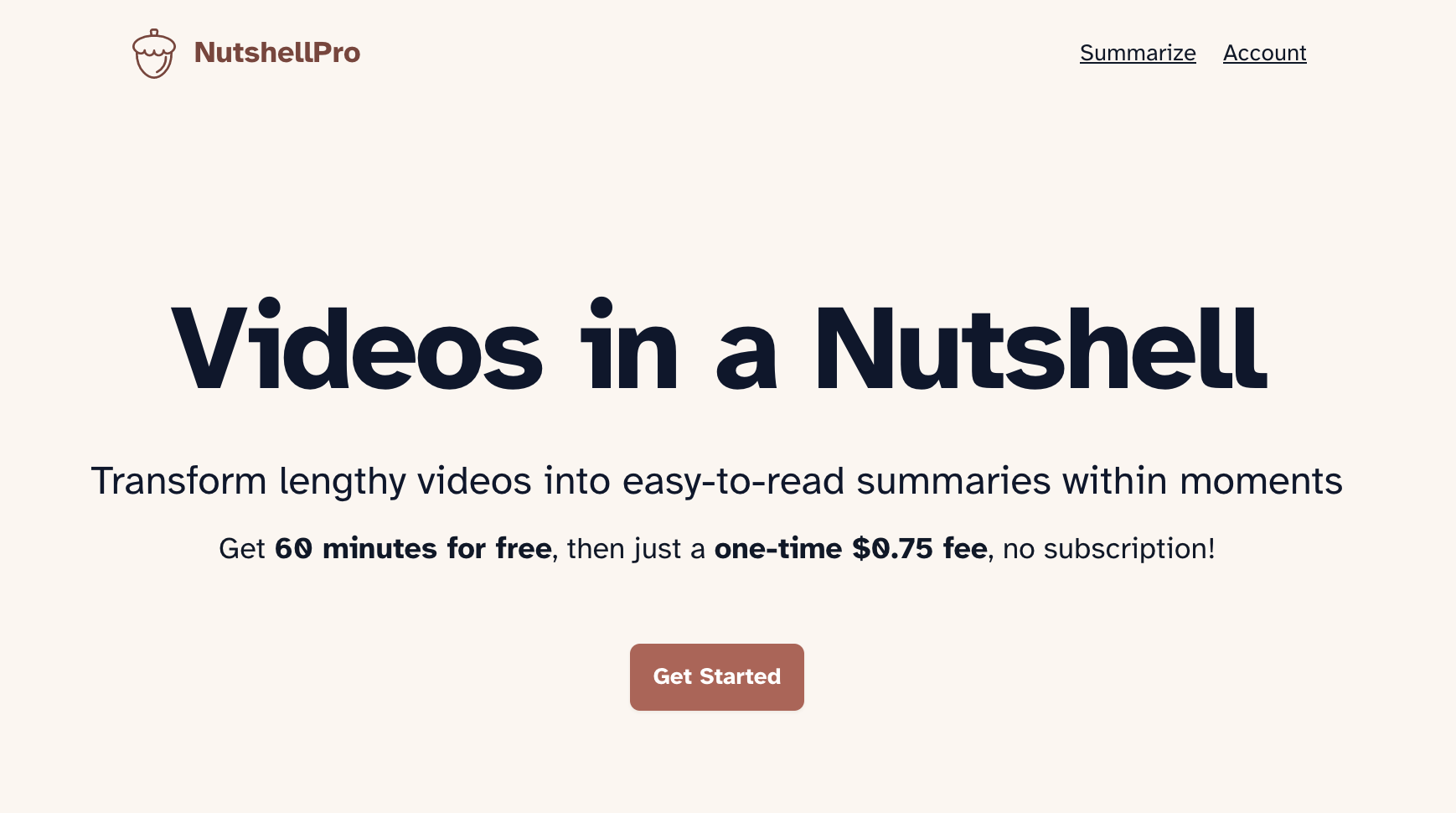
NutshellPro is an AI summarizer tool that turns long videos and audio files into short text summaries. NutshellPro summarizes video and audio into text highlights. It accepts local files and links from sites such as YouTube, Vimeo, Facebook, Google Drive and Dropbox, and handles recordings up to three hours long.
NutshellPro is a focused summarization service that accepts a video or audio file and returns a written digest of its key points. The product is built around a single workflow: point it at a recording, let it run, and read a condensed version instead of sitting through the whole thing. It handles both files stored on your own device and recordings hosted on a long list of websites, including YouTube, Vimeo, Facebook, Google Drive, Dropbox, Twitter and Telegram. The tool is aimed at people who accumulate more recorded material than they can watch or listen to. Students working through recorded lectures, professionals reviewing meeting recordings, and anyone who follows long-form video content are the obvious audience. Length is the selling point: NutshellPro states it can process files up to three hours long, so full seminars and extended meetings fall inside its range rather than only short clips. In practice the workflow is deliberately plain. You upload a local file or supply a link to a supported site, and the service returns a text summary of the main points. There is no editing suite, no transcript workspace and no meeting assistant bolted on, and the homepage does not describe export formats, languages or a public API. Its free allowance is sixty minutes of summarization, after which you buy a block of hours rather than a recurring subscription. That one-time purchase model is where NutshellPro separates itself from the subscription-heavy end of the transcription and meeting-notes market. Two prepaid tiers are listed (30 hours and 300 hours), and the site says purchased hours do not expire. For occasional use the arithmetic is easy to justify. For heavy daily volume, or for teams that need transcripts, speaker labels and searchable archives, a dedicated transcription platform will usually cover more ground. Quality and security are addressed in the site's FAQ section rather than spelled out on the homepage, so buyers should read those answers before uploading sensitive recordings.
New users get 60 minutes of video and audio summarization at no cost before any purchase, according to the homepage.
Learn moreFree first 60 minutes of summarization. Basic is $9 (discounted from $7.5 listed as 30 hours, roughly $0.25 per hour). Plus is $90 marked down to $48 for 300 hours, about $0.16 per hour. Both are one-time purchases with no subscription and no expiry. A Business tier is available by contact.
Learn moreWorks with links from YouTube, Vimeo, Facebook, Google Drive, Dropbox, Twitter and Telegram. No API or third party app integrations are described on the homepage.
Summarizes local video and audio files as well as recordings hosted on YouTube, Vimeo, Facebook, Google Drive, Dropbox, Twitter, Telegram and other sites. Accepts recordings up to three hours long and returns a text summary of the key points, positioned as turning hours of content into a few minutes of highlights.
 AI Angels400+ customizable AI girlfriends for NSFW chat, voice calls, and roleplay
 Candy AIExperience the future of companionship with AI friends who chat, role-play, and connect with you on a human level.
 ourdream.aiA vast AI roleplay platform with millions of characters for chat, images, video and voiceAI Angels400+ customizable AI girlfriends for NSFW chat, voice calls, and roleplayCandy AIExperience the future of companionship with AI friends who chat, role-play, and connect with you on a human level.ourdream.aiA vast AI roleplay platform with millions of characters for chat, images, video and voice


