Support
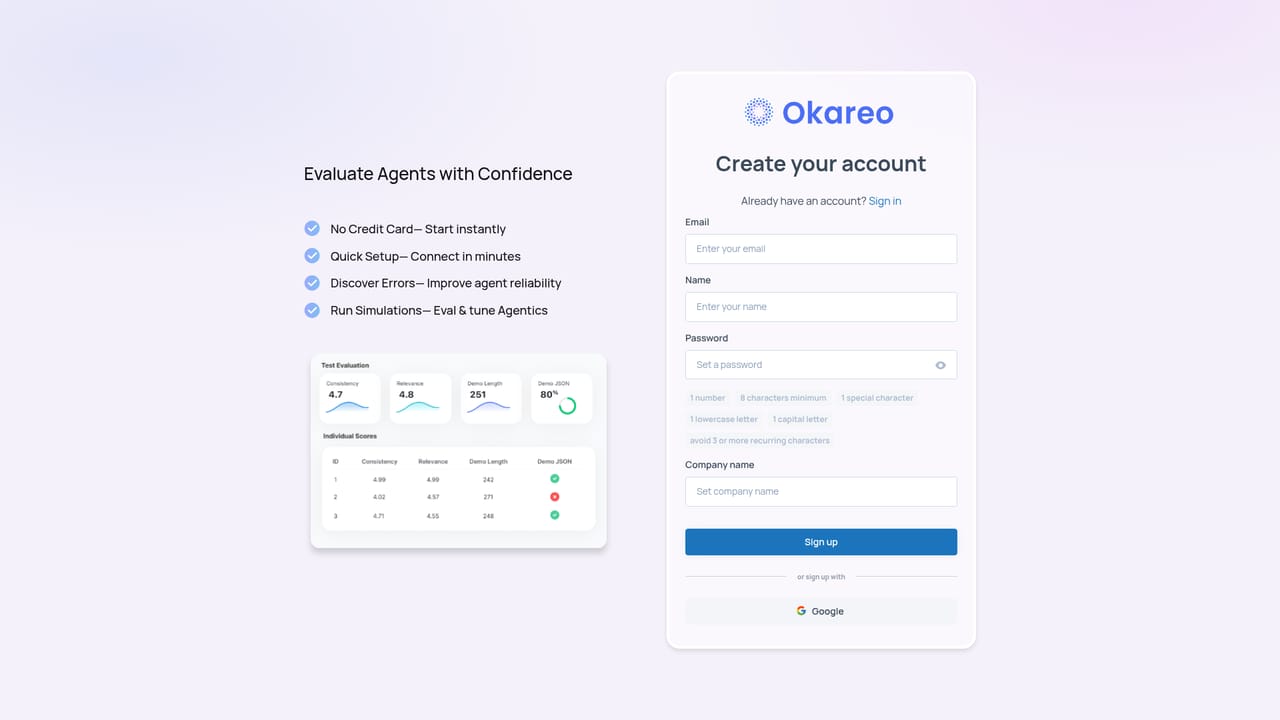
Support runs through a demo request form for teams that want to talk to the vendor before adopting, alongside the product documentation site and blog for self-serve learning.
Learn moreSynthetic users that stress-test your voice and text agents before launch

Okareo is a developer tool. Okareo tests voice and text AI agents with synthetic users called Drivers that explore conversations instead of following scripts, then gates pull requests on the resulting evals and turns production failures into new test scenarios.
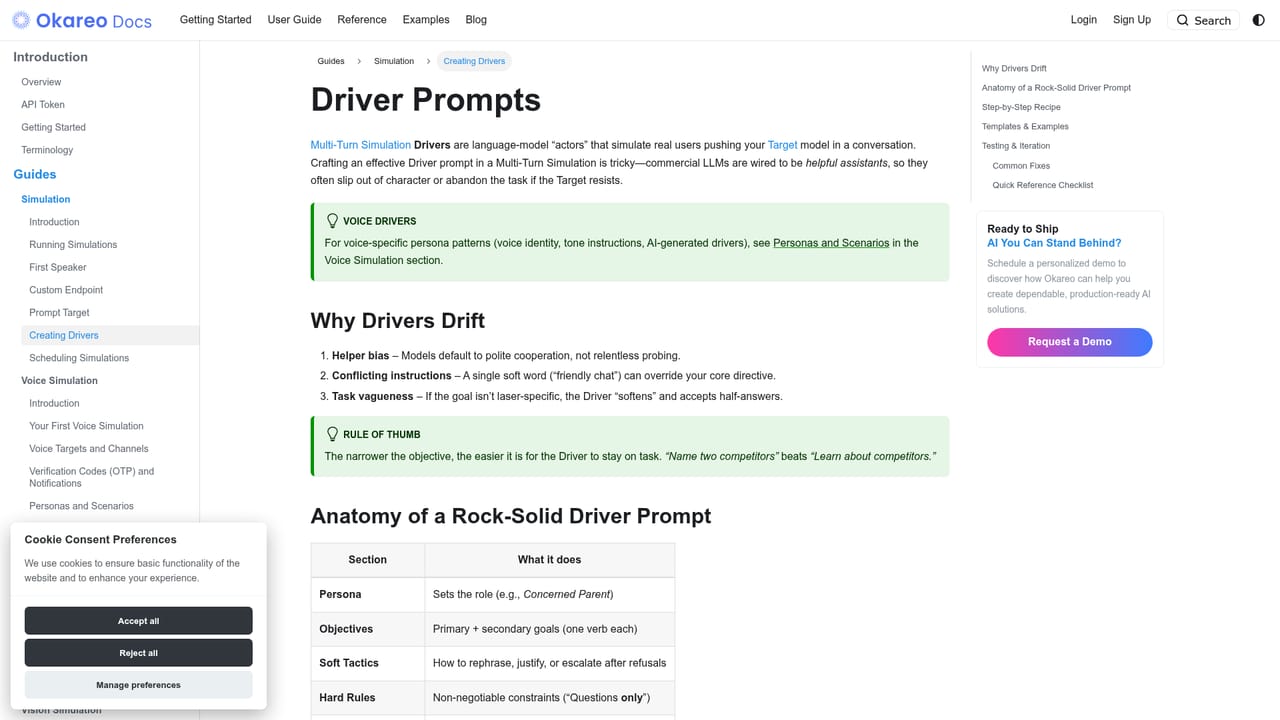
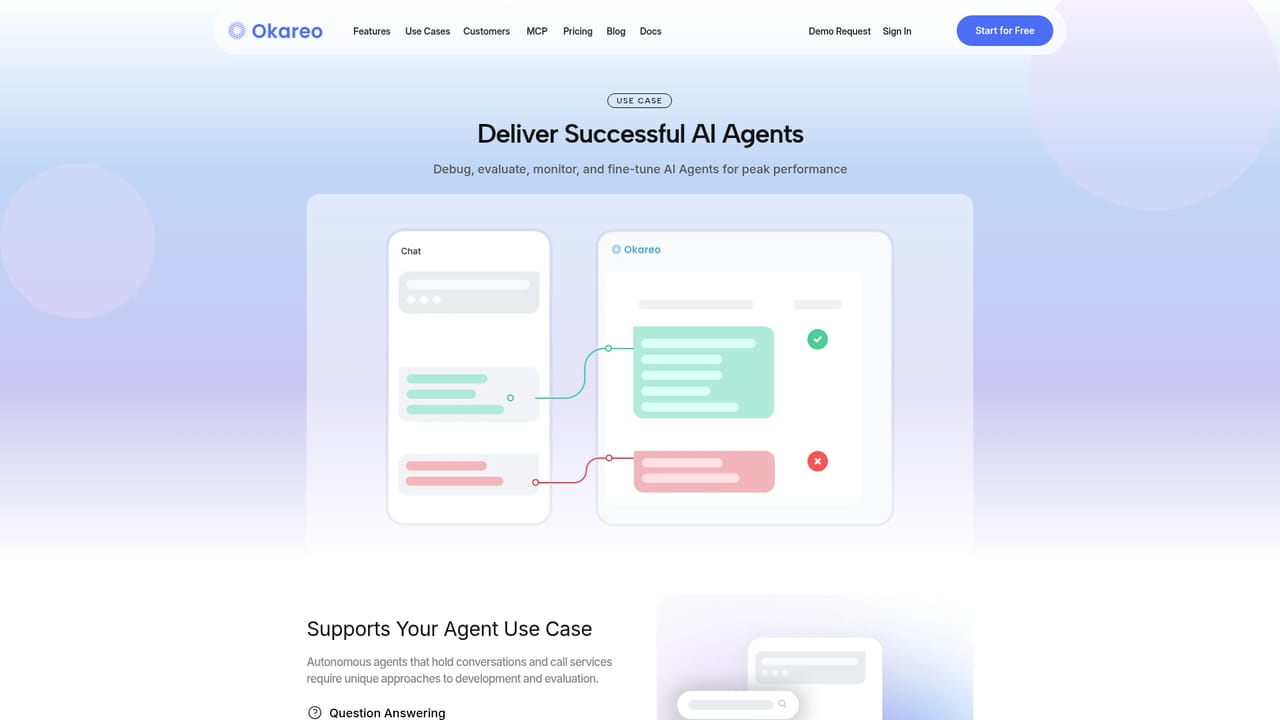
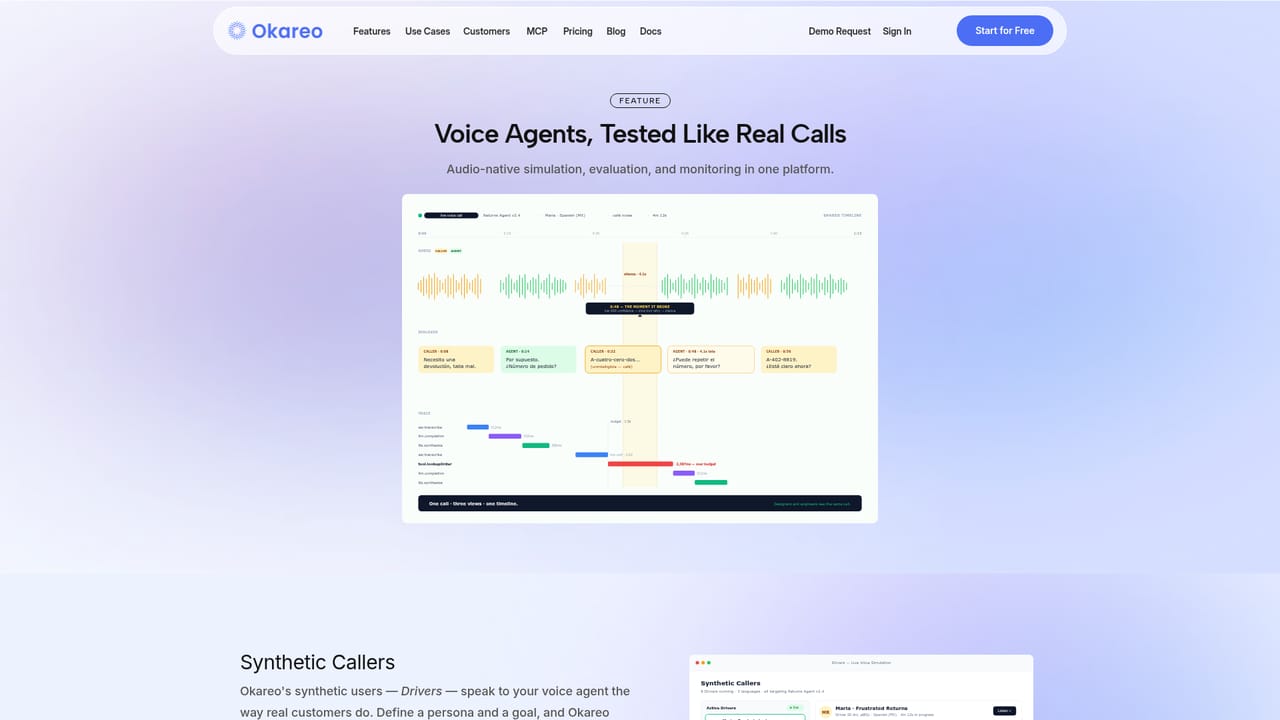
Okareo is a testing and evaluation platform for conversational AI agents, covering both voice and text. Its central idea is the Driver: a synthetic user given a personality, a context and a goal rather than a fixed script. Drivers hold long multi-turn conversations with your agent and behave unpredictably on purpose, so the output is not a pass or fail on a checklist but a map of behaviors the agent actually exhibits, including ones nobody thought to write down. The vendor reports one team finding 47 edges across 12 happy paths in a first run, six of which were already live in production. Voice testing is the most distinctive part. Synthetic callers speak 30 or more languages and locales, with background noise, crosstalk and clipping layered in, and the resulting audio, transcript and execution trace share a single timeline. That means a conversation designer and an engineer can look at the same failed call in the same view instead of trading recordings and logs. Text agents and headless agents are tested through the same workflow, so a team does not switch products when it adds a voice channel. For engineering teams, Okareo plugs into continuous integration. Simulations run on every commit and pull request, and releases can be gated on judge-based, symbolic or audio-based evals collected on one scorecard. A failing scenario blocks the merge. The loop then closes in the other direction: a failed production call can be converted into a synthetic scenario that runs against the next pull request, so the test library grows without anyone hand-authoring new cases. Okareo suits teams shipping customer-facing agents where conversation quality matters: support voice bots, bilingual assistants, tool-using agents. It is aimed at cross-functional groups (conversation designers, engineers, ML and QA) rather than a single developer. Compared with generic LLM evaluation frameworks, the differentiators are the voice simulation layer and the CI gate; teams that only need offline prompt scoring may find it heavier than necessary.
Support runs through a demo request form for teams that want to talk to the vendor before adopting, alongside the product documentation site and blog for self-serve learning.
Learn moreThe homepage names CrewAI, Fireworks AI, Groq, GitHub, Google Cloud, Hugging Face, Cohere, CircleCI and Anthropic among the tools Okareo works with, including CI providers for pipeline gating.
Synthetic Drivers with personality and goals for multi-turn text and headless agent testing; voice simulation in 30+ languages with noise and crosstalk; unified audio, transcript and trace timeline; judge, symbolic and audio-based evals on one scorecard; CI gating on every pull request; automatic conversion of production failures into test scenarios; shared workspace for designers, engineers, ML and QA.
Learn more AI Angels400+ customizable AI girlfriends for NSFW chat, voice calls, and roleplay
 Candy AIExperience the future of companionship with AI friends who chat, role-play, and connect with you on a human level.
 ourdream.aiA vast AI roleplay platform with millions of characters for chat, images, video and voiceAI Angels400+ customizable AI girlfriends for NSFW chat, voice calls, and roleplayCandy AIExperience the future of companionship with AI friends who chat, role-play, and connect with you on a human level.ourdream.aiA vast AI roleplay platform with millions of characters for chat, images, video and voice


