Free trial
A try for free entry point and a free iOS App Store download are advertised on the homepage. The length and limits of the free offering are not stated.
Learn moreTurns PDFs, ePUBs and web pages into natural-sounding audio you can listen to anywhere.

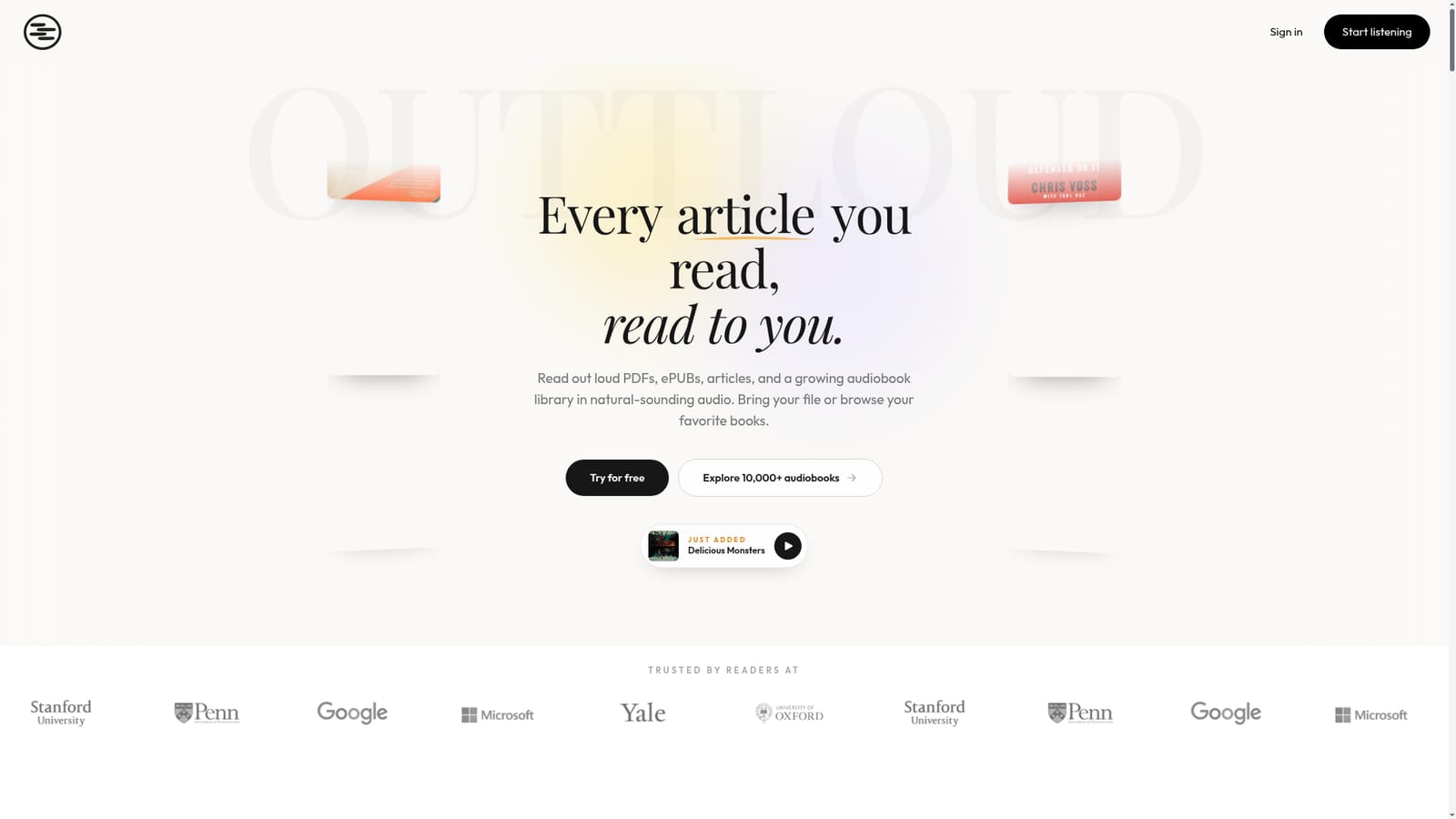
Outtloud is an AI narration tool that turns PDFs, ePUBs and web pages into natural-sounding audio you can listen to anywhere. Outtloud converts PDFs, ePUBs, web links and scanned pages into natural AI narration, and bundles a library of 10,000+ audiobooks.
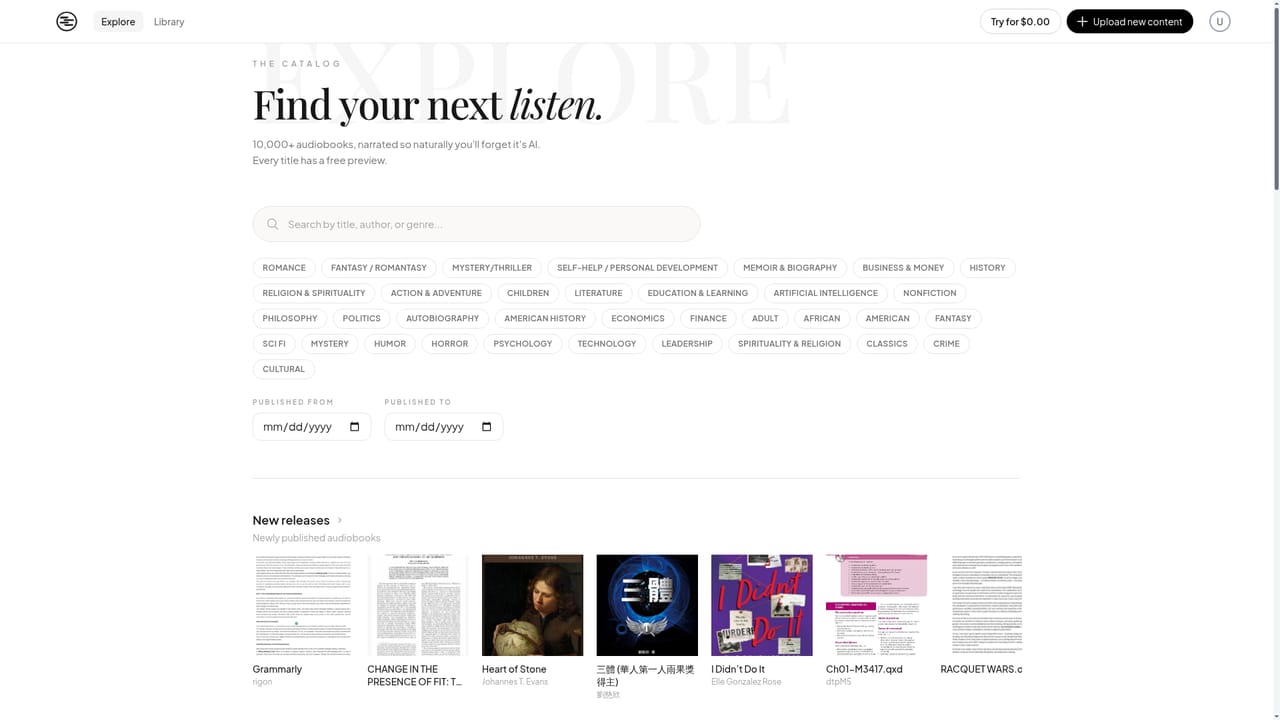
Outtloud is a text to speech reader built around one idea: anything you would otherwise read on a screen can be listened to instead. It accepts PDFs, ePUB files, pasted web links and scanned pages through OCR, converts them into natural-sounding AI narration, and plays the result back as audio. A built-in library of more than 10,000 audiobooks sits alongside your own uploads, covering titles from business and self development through to fiction and fantasy, so the app works both as a personal document reader and as a general listening library. The site positions it first as an audio reader for dyslexia and ADHD, which makes sense given the design goal of replacing visual reading with audio in situations where focus or decoding is difficult. In practice the workflow is simple: bring a file or a URL, let Outtloud process it, and listen in the browser or in the iOS app. The team advertises unlimited text to speech, human-like voices and listening anywhere, which points to a product meant for long-form material rather than short snippets. Reach for it when you have a report, a textbook chapter, a saved article or a book file that you want to absorb while commuting, exercising or doing chores. The audiobook catalogue adds an option for people who want something to listen to without supplying their own document. Outtloud competes in a crowded text to speech field that includes general purpose readers and dedicated accessibility apps. Its differentiators are the combination of document formats (PDF, ePUB, web plus OCR for scans), the audiobook library, and the explicit focus on neurodivergent readers. Readers who mainly need a browser extension that reads a page aloud will find lighter options; anyone who wants a single place to convert documents and listen to books has a more compelling reason to look here. Pricing is not published on the homepage. A free tier exists in the form of a try for free entry point and a free iOS download, but the limits of that tier and any paid tiers are not stated in the source material and should be confirmed directly before committing.
A try for free entry point and a free iOS App Store download are advertised on the homepage. The length and limits of the free offering are not stated.
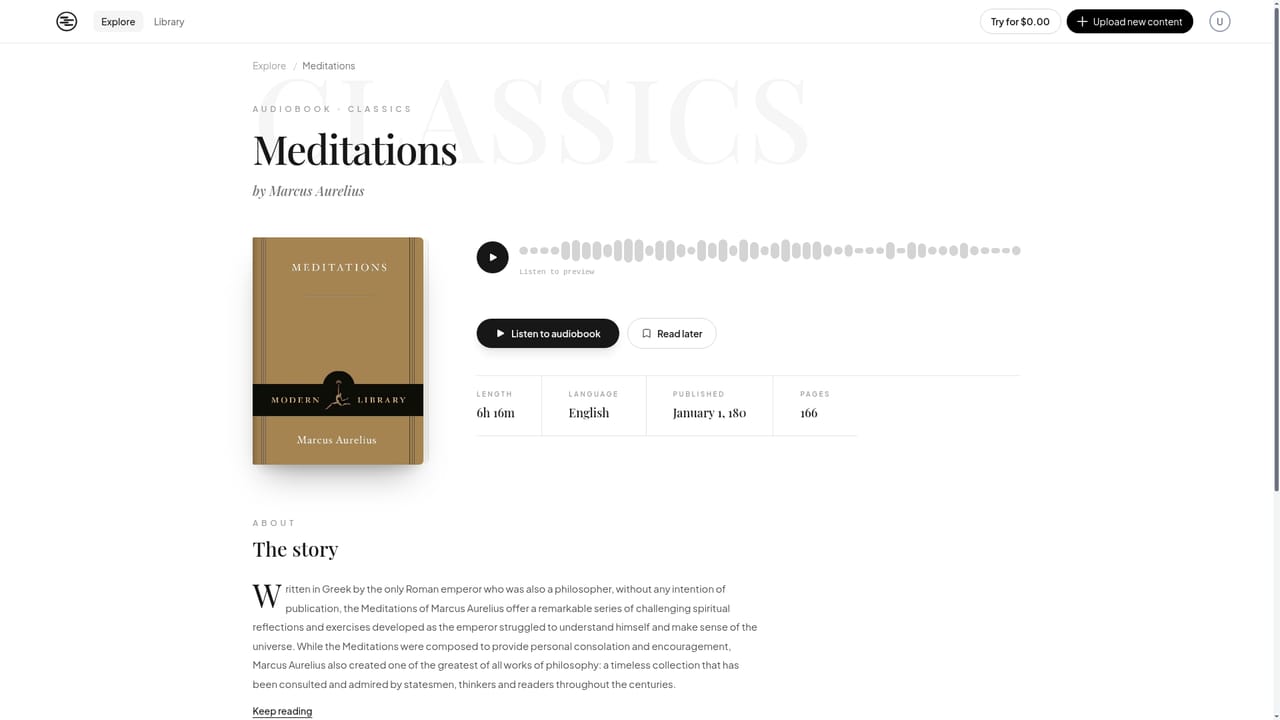
Learn moreConverts PDFs, ePUBs, web links and scanned pages (via OCR) into natural-sounding AI audio, with unlimited text to speech and a selection of human-like voices. A library of 10,000+ audiobooks is included for browsing and listening, with previews on individual title pages and a new releases feed.
 AI Angels400+ customizable AI girlfriends for NSFW chat, voice calls, and roleplay
 Candy AIExperience the future of companionship with AI friends who chat, role-play, and connect with you on a human level.
 ourdream.aiA vast AI roleplay platform with millions of characters for chat, images, video and voiceAI Angels400+ customizable AI girlfriends for NSFW chat, voice calls, and roleplayCandy AIExperience the future of companionship with AI friends who chat, role-play, and connect with you on a human level.ourdream.aiA vast AI roleplay platform with millions of characters for chat, images, video and voice


