Free trial
The homepage invites users to get started free and states that a free start is available today. No trial length or paid tier details are published on the homepage.
Learn moreVoice-first site documentation that turns spoken notes into finished reports

Oxolo converts spoken site notes into filled construction templates, extracted tasks and translated reports sent by WhatsApp or email, with offline recording, noise-resistant voice capture and a trade-specific multilingual dictionary. Aimed at site managers, architects and trades.
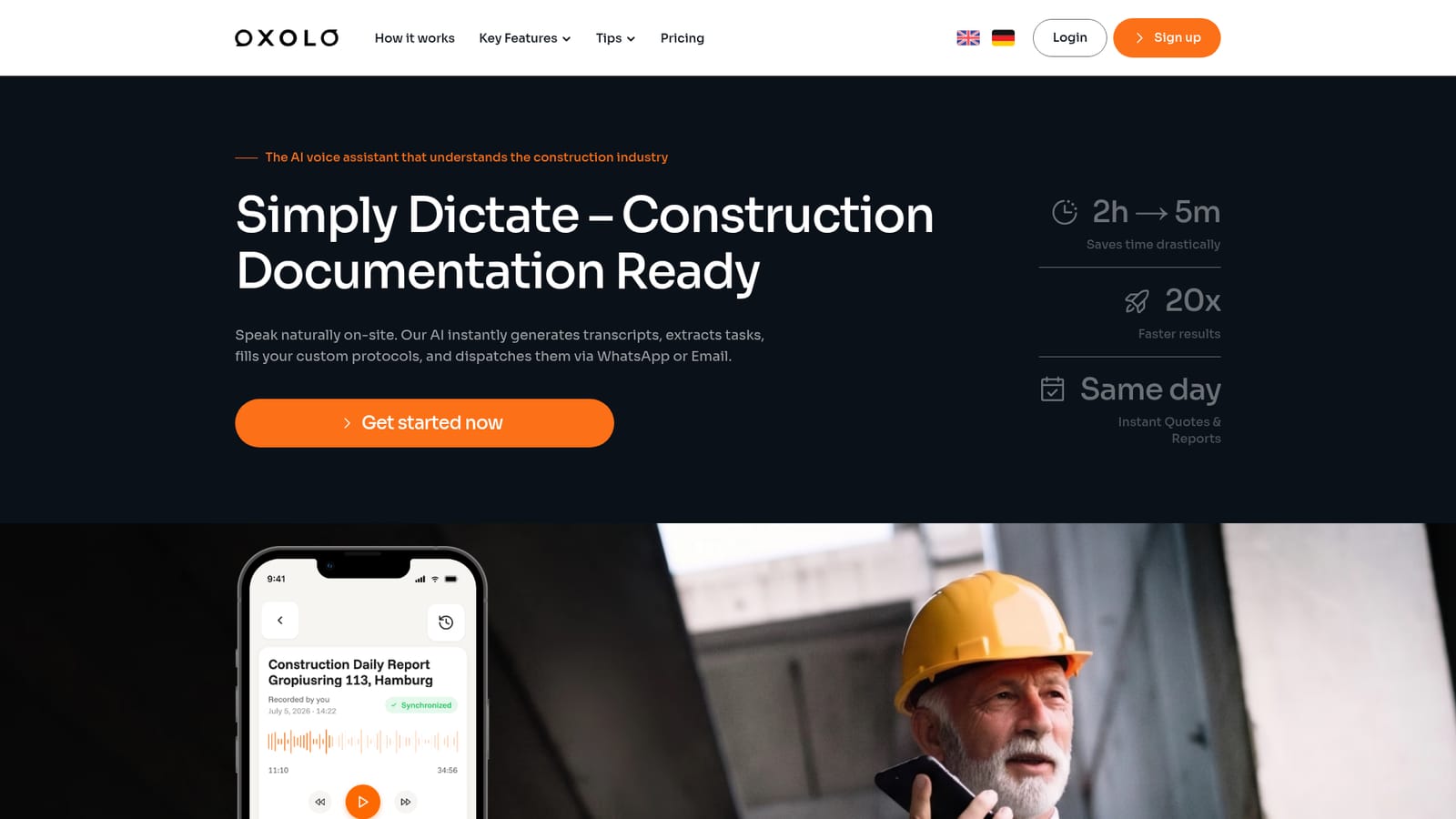
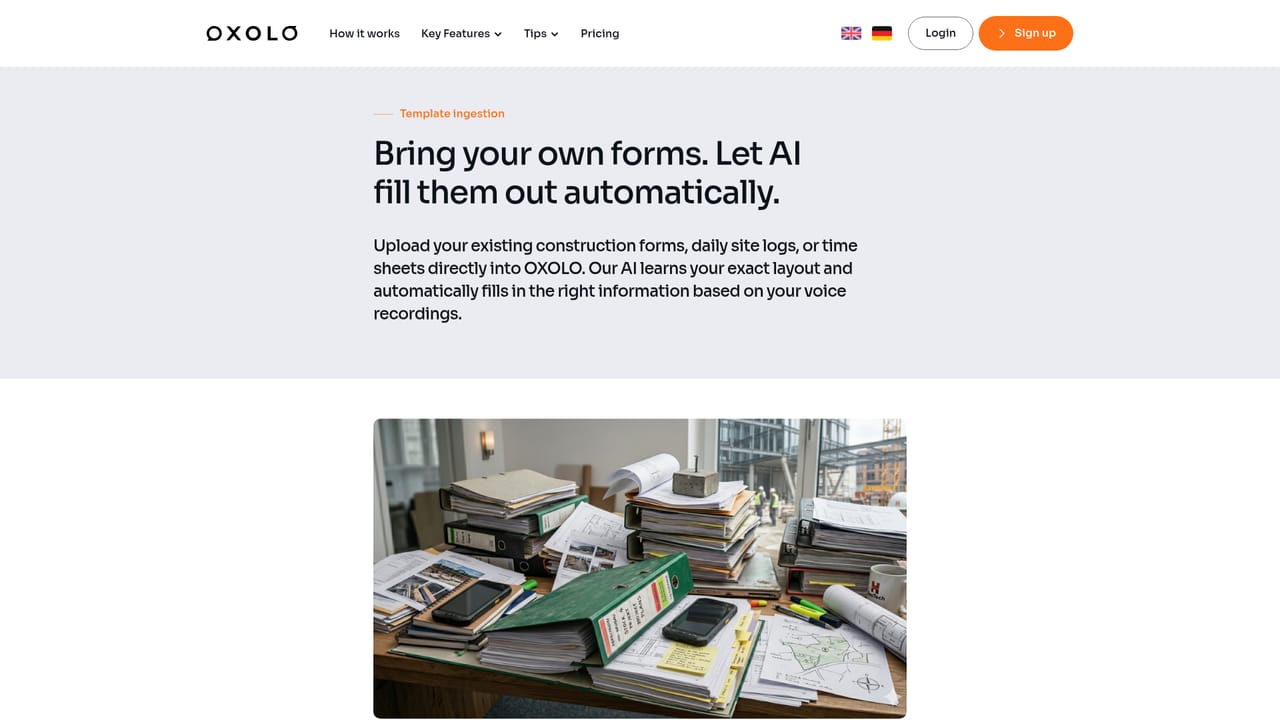
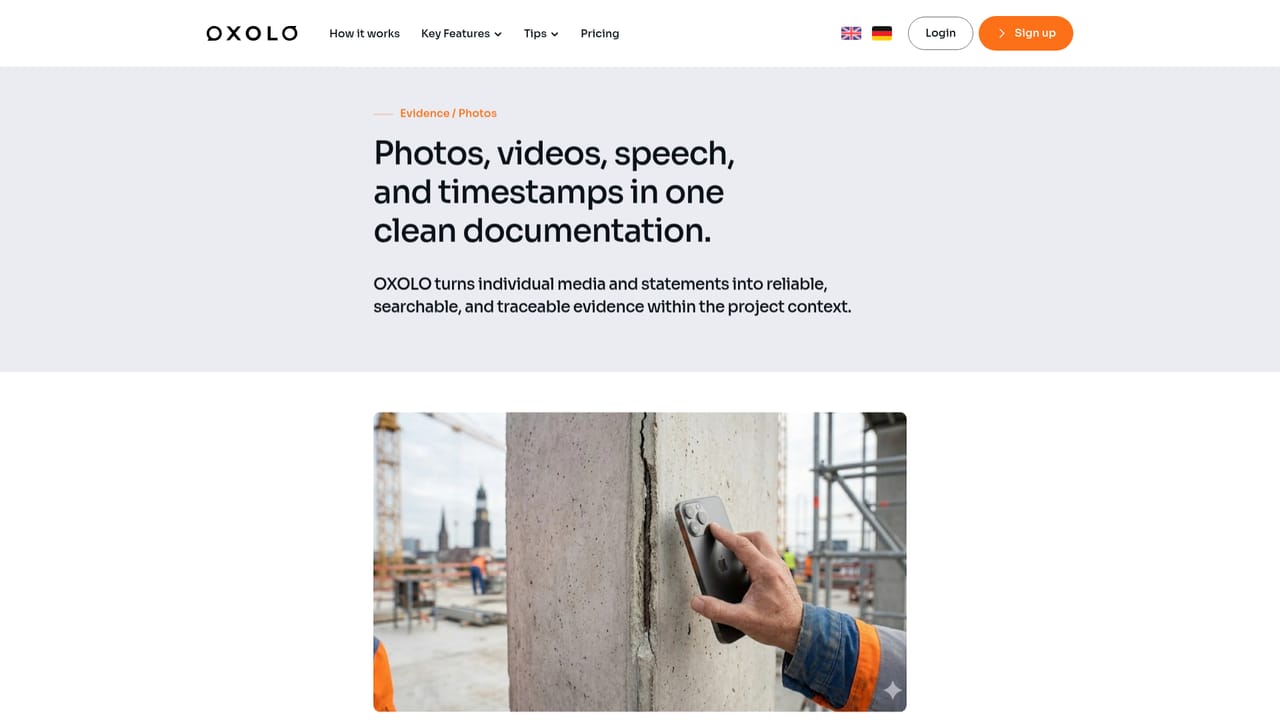
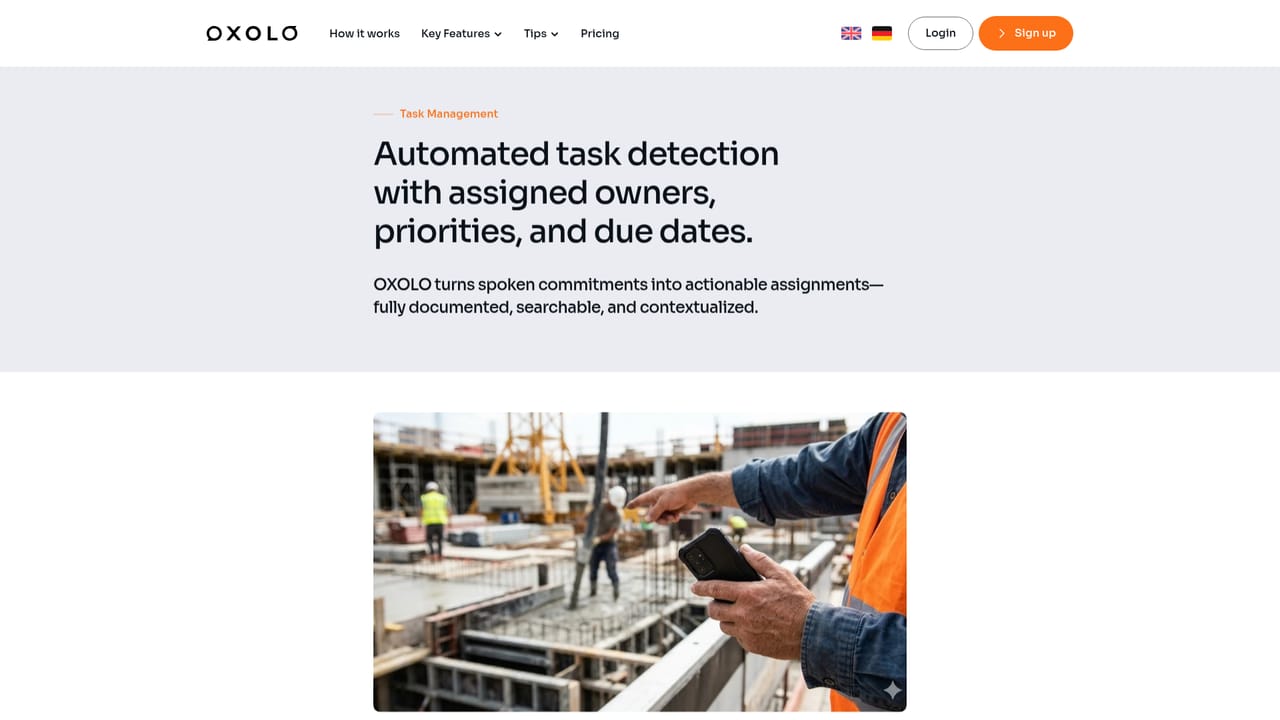
Oxolo is a voice-driven documentation tool built specifically for construction work. A site manager, architect or tradesperson speaks a note on site, and the software produces a clean transcript, pulls out action items, assigns them to named people and files everything into the company's own report templates. The pitch is straightforward: a task that normally eats two hours of office paperwork is reduced to a few minutes of talking. The workflow rests on templates. Teams upload their existing daily site reports, inspection forms, meeting logs or acceptance protocols as blank documents, and Oxolo fills them in from the recording, with the claim of no gaps left behind. Outputs are translated into the language of the recipient and dispatched through WhatsApp or email, which matters on multilingual sites where a subcontractor may read Polish while the site language is German. Recordings can be captured offline in basements and service shafts, then synced once a connection returns. Noise suppression and speaker recognition are designed to hold up against heavy background sound, and a trade-specific multilingual dictionary handles technical jargon rather than generic speech. A project chat allows later lookups of what was discussed weeks earlier, and photos can be attached as evidence. The product targets two broad groups: construction managers, architects and project developers who need defensible records and stakeholder updates, and individual trades such as roofers, electricians, tilers, painters, HVAC teams and carpenters who want proof of work without typing. Coverage extends to niche roles including smart home integrators and energy consultants. Where it fits: Oxolo is not a general meeting transcription tool repurposed for building sites, and it is not a full project management platform. It sits between voice capture and the documents a construction business already uses, and it competes with manual report writing and generic dictation apps more than with enterprise construction suites. Buyers should test template ingestion against their own forms before rolling it out. Security claims include EU data protection compliance, SOC 2 Type II and European servers.

The homepage invites users to get started free and states that a free start is available today. No trial length or paid tier details are published on the homepage.
Learn moreA support page is available on the site, and the homepage offers a demo booking option for teams that want to see the tool applied to their own templates.
Learn moreDispatch to WhatsApp and email is described on the homepage. Desktop and mobile access is offered through the web app. No other third-party integrations are listed in the homepage content.
Learn moreCore features include voice recording with noise suppression and speaker recognition, AI-generated reports from uploaded templates, automatic task extraction and assignment, photo evidence, team collaboration, translation into site languages, WhatsApp and email dispatch, offline recording with later sync, and a multilingual construction dictionary tuned to trade jargon.
Learn more AI Angels400+ customizable AI girlfriends for NSFW chat, voice calls, and roleplay
 Candy AIExperience the future of companionship with AI friends who chat, role-play, and connect with you on a human level.
 ourdream.aiA vast AI roleplay platform with millions of characters for chat, images, video and voiceAI Angels400+ customizable AI girlfriends for NSFW chat, voice calls, and roleplayCandy AIExperience the future of companionship with AI friends who chat, role-play, and connect with you on a human level.ourdream.aiA vast AI roleplay platform with millions of characters for chat, images, video and voice


