Free trial
The Free plan costs $0 and includes 30 credits, 1K image resolution, a basic AI model, AI chat guidance and real furniture suggestions.
Learn moreAI room, exterior and staging visuals from a photo or prompt

Paintit.ai generates AI redesigns of rooms, exteriors and commercial spaces from a photo or prompt, with style previews, virtual staging, paint visualizers and furniture suggestions. A free tier includes 30 credits.
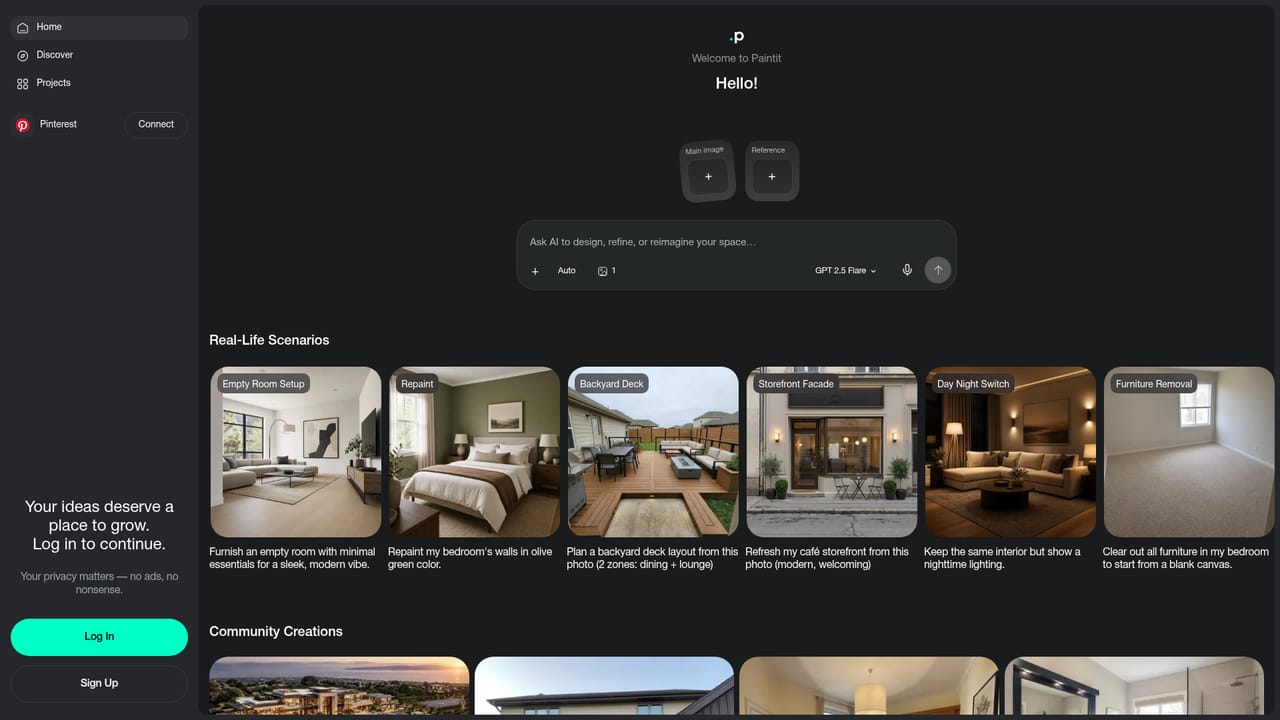
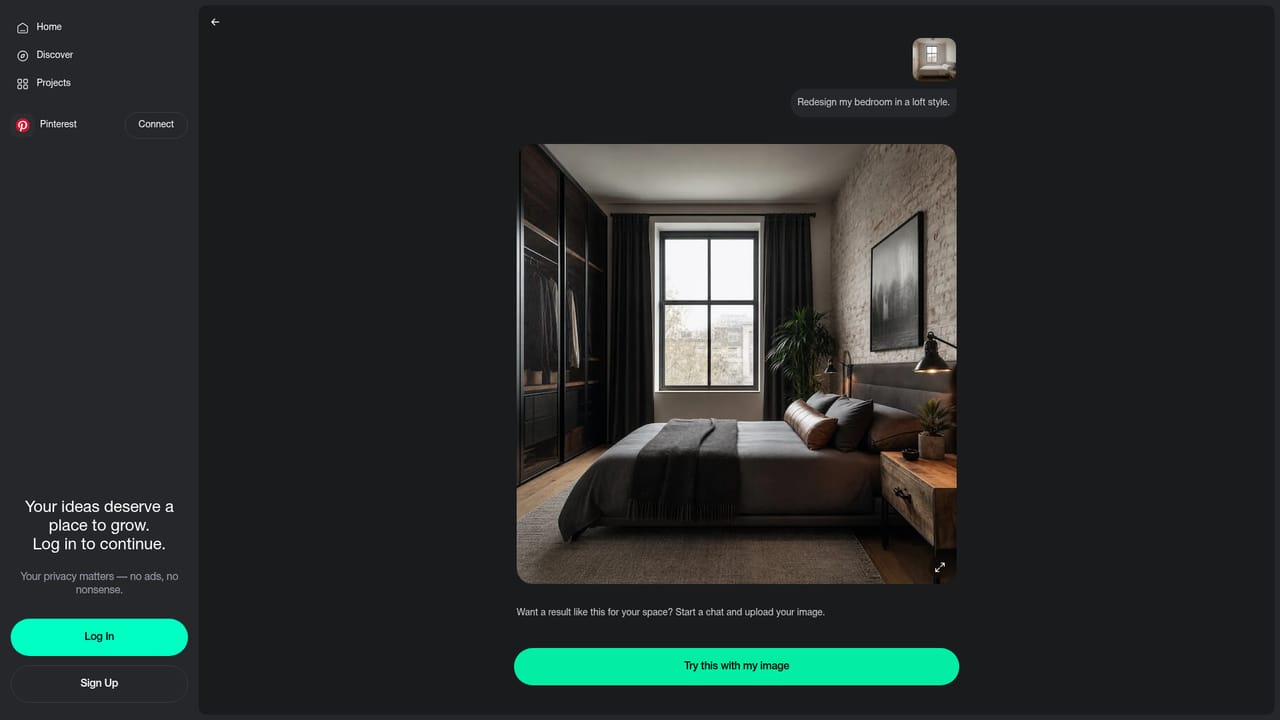
Paintit.ai is a browser-based design tool that generates redesign concepts for interiors, home exteriors and commercial spaces. A user uploads a photo of a room or starts from a blank canvas, then steers the result with a text prompt, a style preset or a ready-made scenario. The software reads layout, scale and lighting in the source image, so the generated options keep the structure of the original space while changing finishes, furniture and mood. The workflow is built around iteration. Style directions such as Modern, Loft, Minimalist, Japanese, Skandi and Eclectic can be previewed on the same project and compared side by side. After choosing a direction, colors, materials, furniture and decor can be adjusted in a few clicks, and the design updates with each change. Designs can be saved with versions and shared by link with friends, clients or a contractor, or kept private on paid plans. A shopping feature suggests real furniture pieces for a generated design and points to retailers where they can be bought. Beyond room redesign, the site offers separate tools for exterior and facade design, house painting previews, virtual staging for real estate listings, photo enhancement for listings, floor plan visuals, architecture concepts, kitchen and bathroom remodels, landscape design, rug and paint color visualizers, and furniture placement. Chat scenarios cover tasks like repainting, furniture removal, day to night switching and office or restaurant layouts. Video guides on YouTube walk through the basics, model choice and a Pinterest board connection. The audience spans homeowners planning a renovation, real estate agents staging listings, and interior designers who need concept visuals for clients. Credit-based plans start free with 30 credits and a basic model, while higher tiers add resolution, stronger models, a commercial license and shared projects. Among alternatives, it sits between simple one-click room restyling apps and heavier professional rendering software, trading precise technical control for speed and breadth of use cases.
The Free plan costs $0 and includes 30 credits, 1K image resolution, a basic AI model, AI chat guidance and real furniture suggestions.
Learn moreFree plan at $0 with 30 credits, 1K resolution and a basic model. Paid plans listed at $9.99/month (Starter, 500 credits), $24.99/month (Pro, 1,500 credits) and $59.99/month (Max, 4,500 credits), with a 7-day money-back guarantee.
Learn moreSix video guides on YouTube cover first designs, model choice, organizing designs, Pinterest boards and paint color tools. Plans advertise AI chat guidance.
A Pinterest connection is available on the Pro plan and above. Furniture suggestions reference retailers such as Amazon, IKEA, Jysk and Ashley.
Photo or prompt based redesign, style presets with side by side comparison, color and material adjustment, virtual staging, exterior and house paint previews, floor plan visuals, furniture suggestions with retailers, saved versions and shareable links.
Learn more


