Free trial
A 14 day free trial is offered from the page, and no credit card is required to start it.
Learn moreTemplate driven document generation with e-sign and CRM sync
Own PandaDoc Document Generator? Verify ownership to get a dofollow link

PandaDoc Document Generator is a document formatting tool. A drag and drop document builder for proposals, quotes, invoices and contracts, with reusable templates, CRM data sync, AI drafting help, approval routing and built in e-signature.
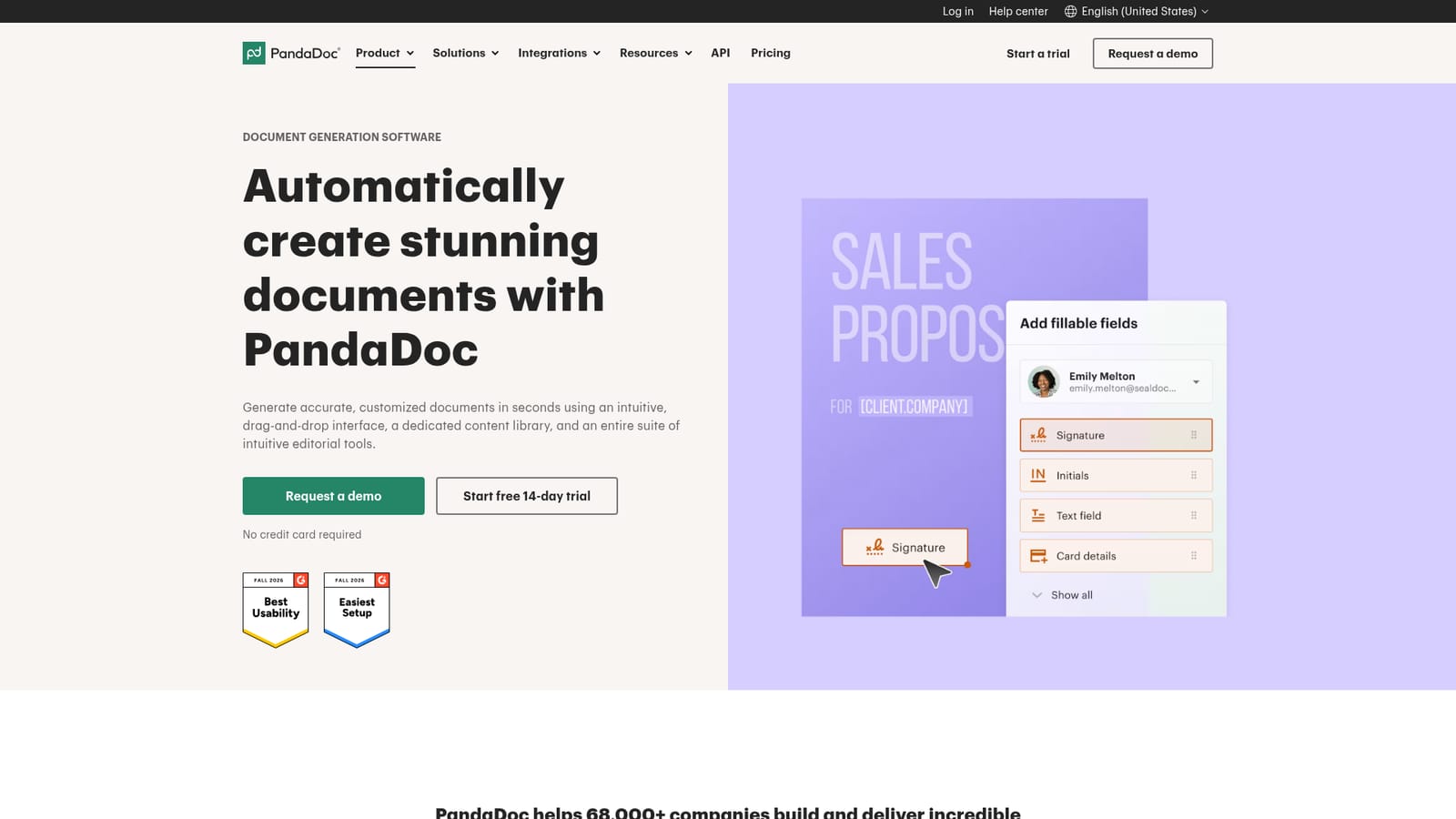
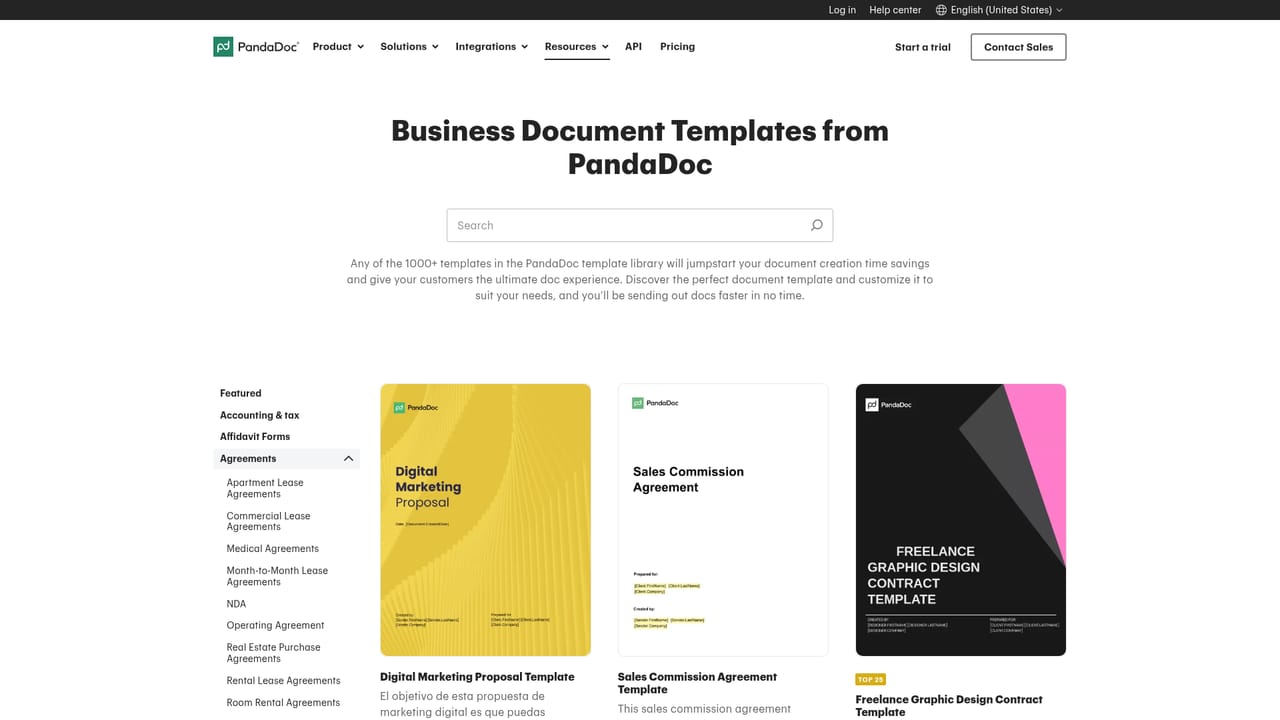
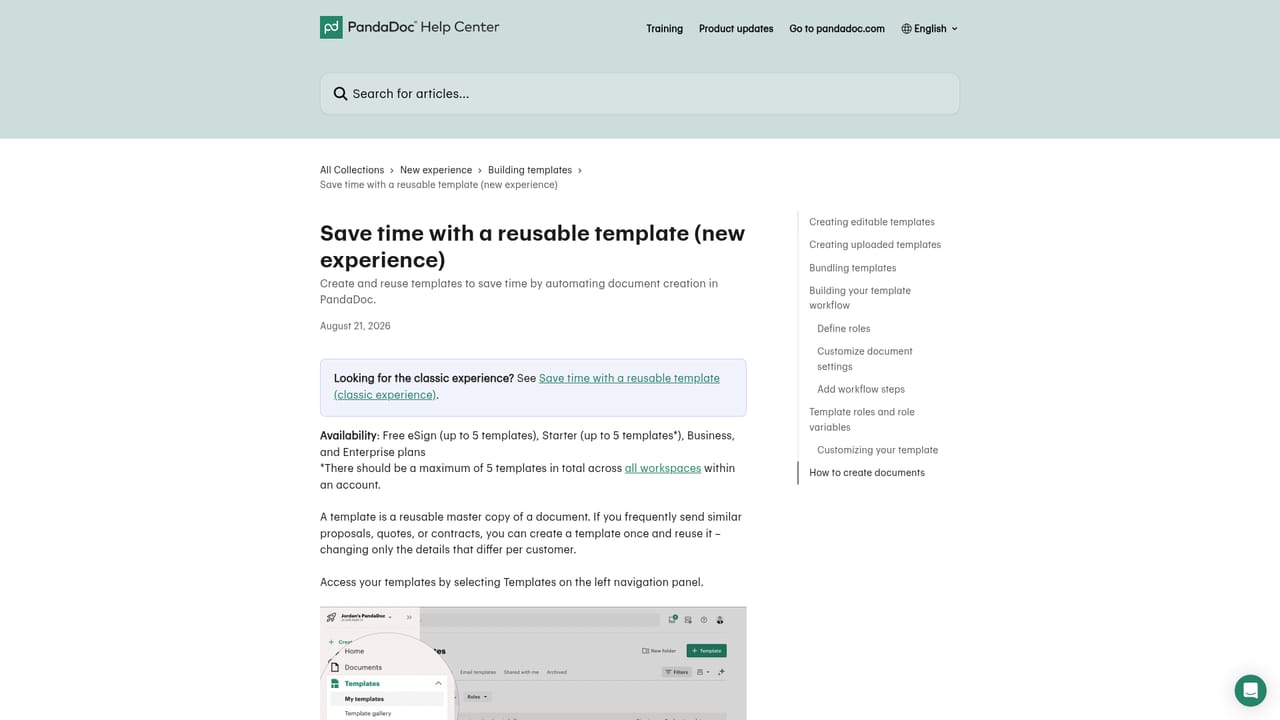
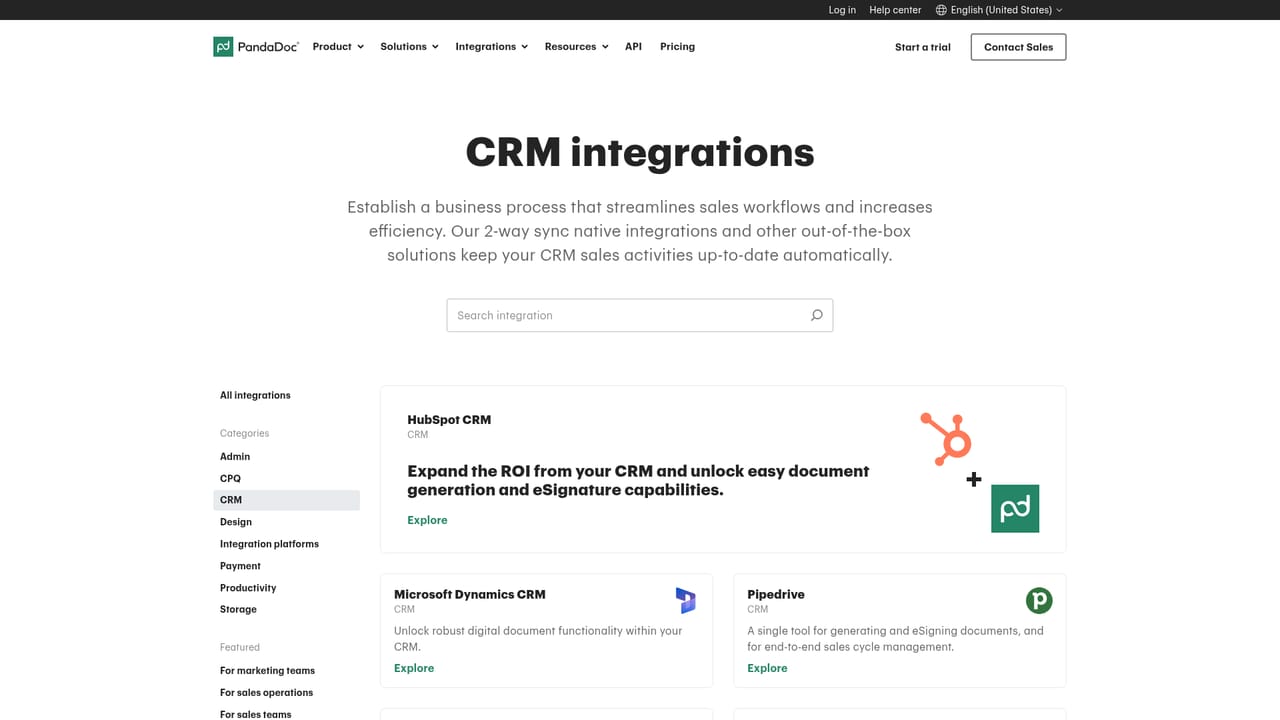
PandaDoc Document Generator is the creation side of the PandaDoc platform: a browser based editor for building proposals, quotes, invoices, contracts and NDAs that stay consistent across every deal. Documents start from a premade template, from a branded template built out of an existing file, or from a blank page, and all of them live in a shared content library so the same structure can be reused indefinitely. The editor is drag and drop with no code required, showing a live view of the finished document while text, multimedia, pricing tables and formatting are arranged in place. The practical draw is data. Connected CRMs such as Salesforce and HubSpot push customer and opportunity details into the document, so reps are not retyping names, amounts or line items. Conditional fields and variables let a single master template produce different clauses and pricing depending on what the record says, and template roles assign who fills which part. On top of that sits a built in AI agent that drafts and refines copy and suggests wording aimed at the reader, which shortens the blank page phase rather than replacing editorial review. Once a document is assembled, the platform handles what happens next: content locking to protect approved brand and legal sections, approval routing, bulk send, and e-signature with identity verification. For work at volume, the API at developers.pandadoc.com generates files in response to business events such as a lead being created or a quote being accepted, and can produce thousands of documents in batch or embed creation inside another product. Sales, finance, legal, HR and marketing teams are the intended audience, particularly organisations already running a CRM and looking to replace a patchwork of Word files and separate signing tools. Buyers should compare it against standalone template engines and against e-signature first suites, since PandaDoc treats signing as one feature in a wider document lifecycle rather than the whole product. Pricing and plan limits are not published on this page.
A 14 day free trial is offered from the page, and no credit card is required to start it.
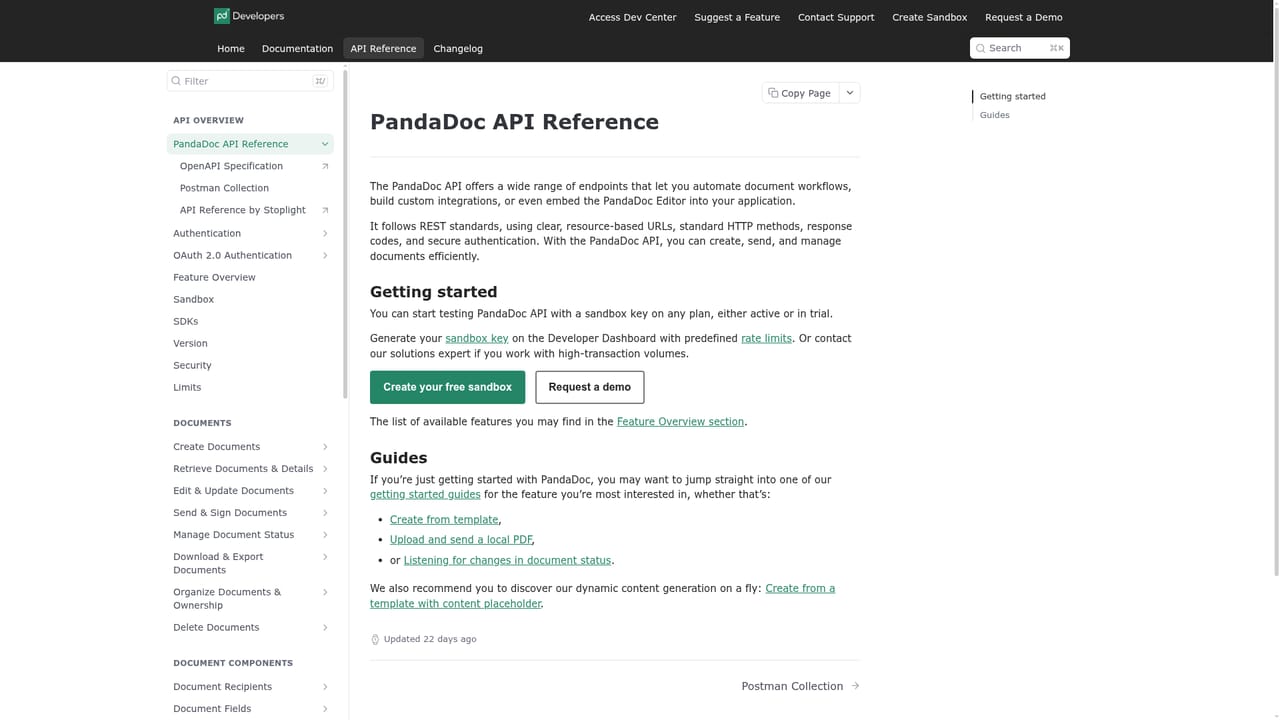
Learn moreA public help centre sits at support.pandadoc.com, and a developer reference covers API usage for teams building their own automations.
Learn moreThe page names Salesforce and HubSpot as CRM connections for auto-filling customer and opportunity data, and mentions payment gateways for collecting payment from within a document.
Learn moreDrag and drop editor with live preview, reusable and branded templates held in a content library, an AI agent for drafting and refining copy, CRM data sync, conditional fields and variables, template roles, content locking, approval and signing order setup, bulk send, built in e-signature with identity verification, product catalog for quote and invoice line items, and an API for batch or event triggered generation.
Learn more AI Angels400+ customizable AI girlfriends for NSFW chat, voice calls, and roleplay
 Candy AIExperience the future of companionship with AI friends who chat, role-play, and connect with you on a human level.
 ourdream.aiA vast AI roleplay platform with millions of characters for chat, images, video and voiceAI Angels400+ customizable AI girlfriends for NSFW chat, voice calls, and roleplayCandy AIExperience the future of companionship with AI friends who chat, role-play, and connect with you on a human level.ourdream.aiA vast AI roleplay platform with millions of characters for chat, images, video and voice


