Free trial
The homepage advertises free, instant use with no signup required. Limits on free credits are not specified.
Learn moreFree browser tool that restyles photos into 100+ art looks, no signup
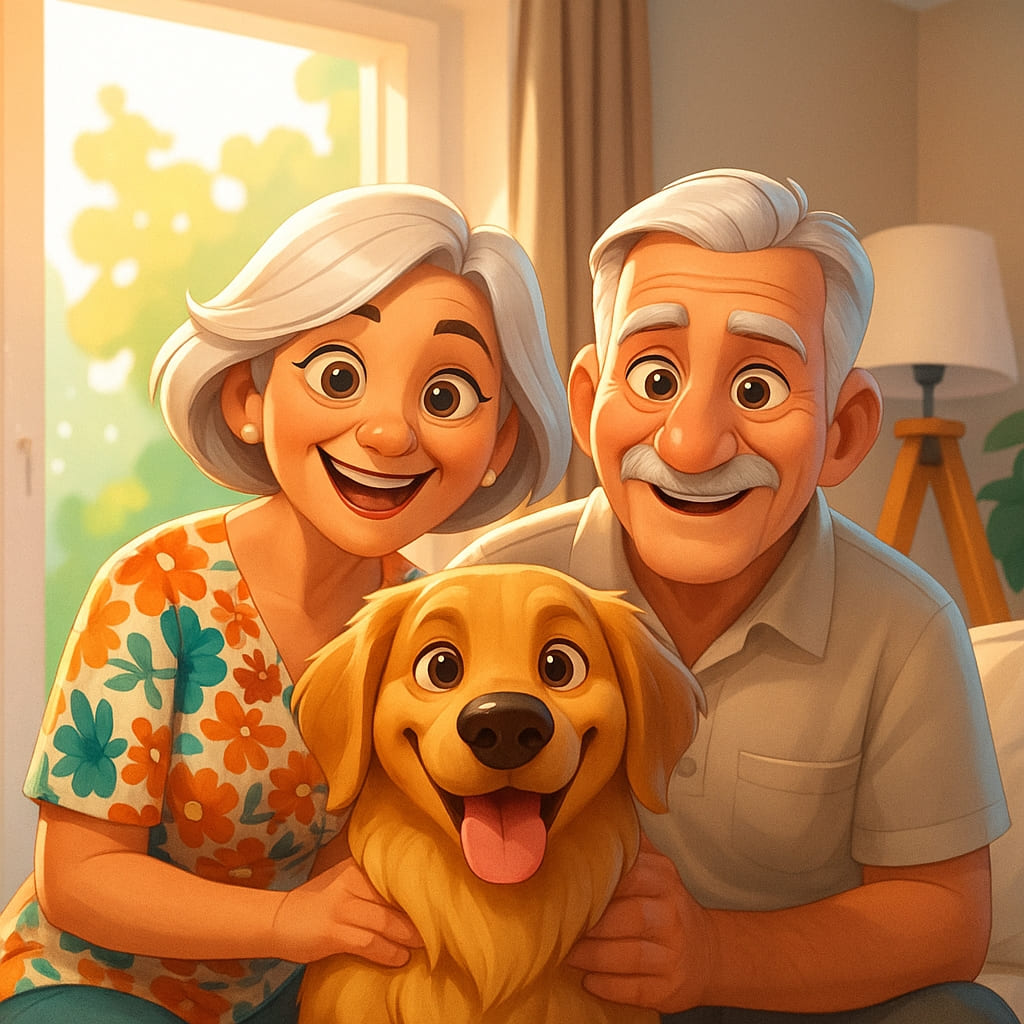
PhotosStyle is a web tool that turns uploaded photos into more than 100 art styles, such as blueprint, coloring page, Disney and oil painting, plus 20+ extra effects like headshots and background changes, with no signup advertised.
PhotosStyle is a web-based photo transformation tool that converts ordinary pictures into stylized artwork. The catalog covers more than 100 looks, including blueprint, coloring page, line drawing, outline drawing, one line drawing, oil painting, isometric vector, illustration, and cartoon treatments modeled on Disney, Pixar, Sims and Simpsons aesthetics. Each style has its own page with a before and after example, so a visitor can judge the result before uploading anything. The workflow is built around a single upload form on the homepage. Users pick a style, drop in photos in JPG, PNG or WebP format (up to 20 files at a time, 5 MB each), and generate. One style is applied to the whole batch, and every photo returns its own result. Output uses a credit system, with one credit shown per generated image, and a My Assets option lets people reuse files already stored in their account. The site advertises instant results with no signup required. Beyond style transfer, PhotosStyle bundles a second collection of more than 20 utilities under an effects section. These include an AI headshot generator, selfie generator, hairstyle changer, hair color filter, clothes changer, pose changer, facial expression changer, age filter, gender swap, photo colorizer, recolor tool, background remover and changer, text remover, comic generator, poster generator, image combiner and emoji combiner. A few niche craft outputs such as embroidery, Perler bead patterns, paper cut and ukiyo-e styles round out the art side, and a video to anime option appears in the interface. The tool suits hobbyists, social media users, teachers making printable coloring pages, and small creators who want quick stylized visuals without learning design software. Compared with general image generators that rely on long prompts, PhotosStyle trades flexibility for speed: the style is a preset rather than a written instruction. Compared with full editors, it offers fewer manual controls. It fits best as a lightweight, single-purpose option for one-click restyling and playful edits.
The homepage advertises free, instant use with no signup required. Limits on free credits are not specified.
Learn moreThe homepage describes the tool as free and fast with no signup required, while generation consumes credits (one credit per image). Credit prices and plan tiers are not stated on the homepage.
Learn more100+ photo styles (blueprint, Sims, isometric vector, coloring page, line drawing, Disney, Pixar, oil painting and more), batch upload of up to 20 photos, My Assets, and 20+ effects such as headshots, hairstyle changer, colorize, background removal and comic generator.
Learn more AI Angels400+ customizable AI girlfriends for NSFW chat, voice calls, and roleplay
 Candy AIExperience the future of companionship with AI friends who chat, role-play, and connect with you on a human level.
 ourdream.aiA vast AI roleplay platform with millions of characters for chat, images, video and voiceAI Angels400+ customizable AI girlfriends for NSFW chat, voice calls, and roleplayCandy AIExperience the future of companionship with AI friends who chat, role-play, and connect with you on a human level.ourdream.aiA vast AI roleplay platform with millions of characters for chat, images, video and voice


