Free trial
The homepage invites visitors to start creating for free, which suggests a no cost entry point. No trial length or usage cap is stated, so the limits need checking inside the product.
Learn moreAI product visuals and social content built for online sellers

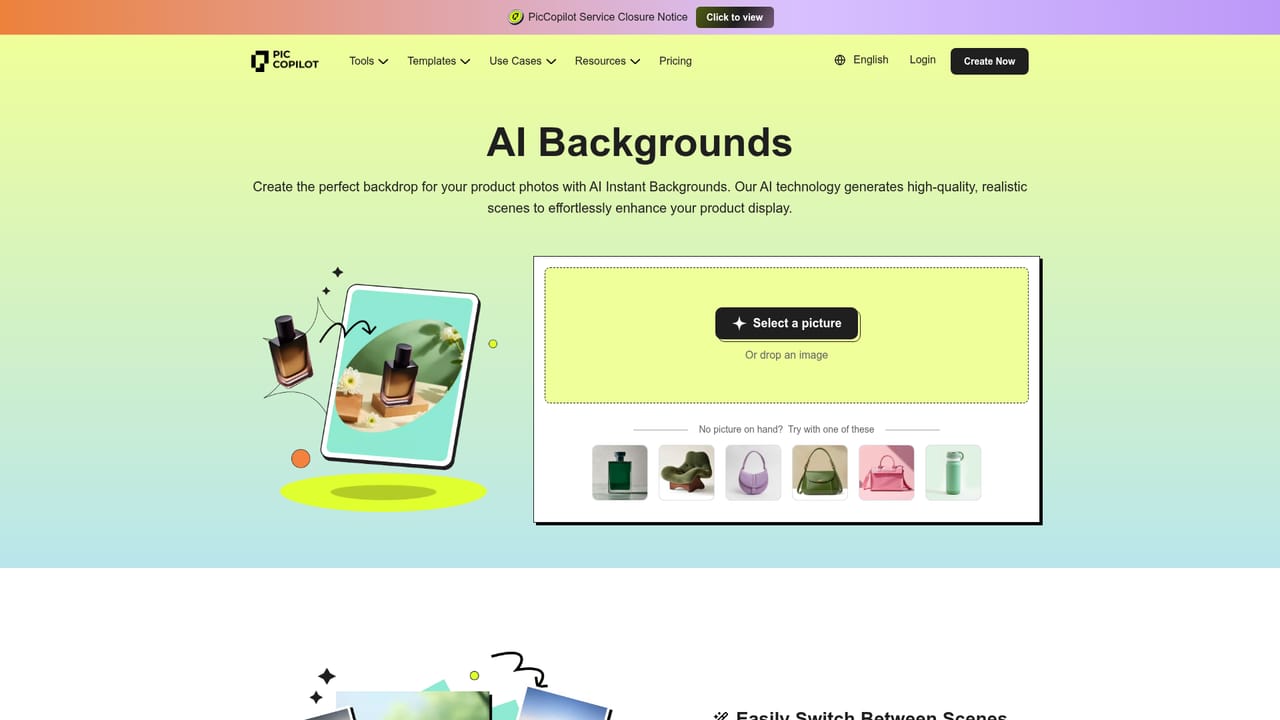
Pic Copilot is a background tool. PicCopilot turns a single product photo into model shots, lifestyle scenes, short videos and social posts for marketplaces and social channels, with templates built on proven formats and no design skills required.
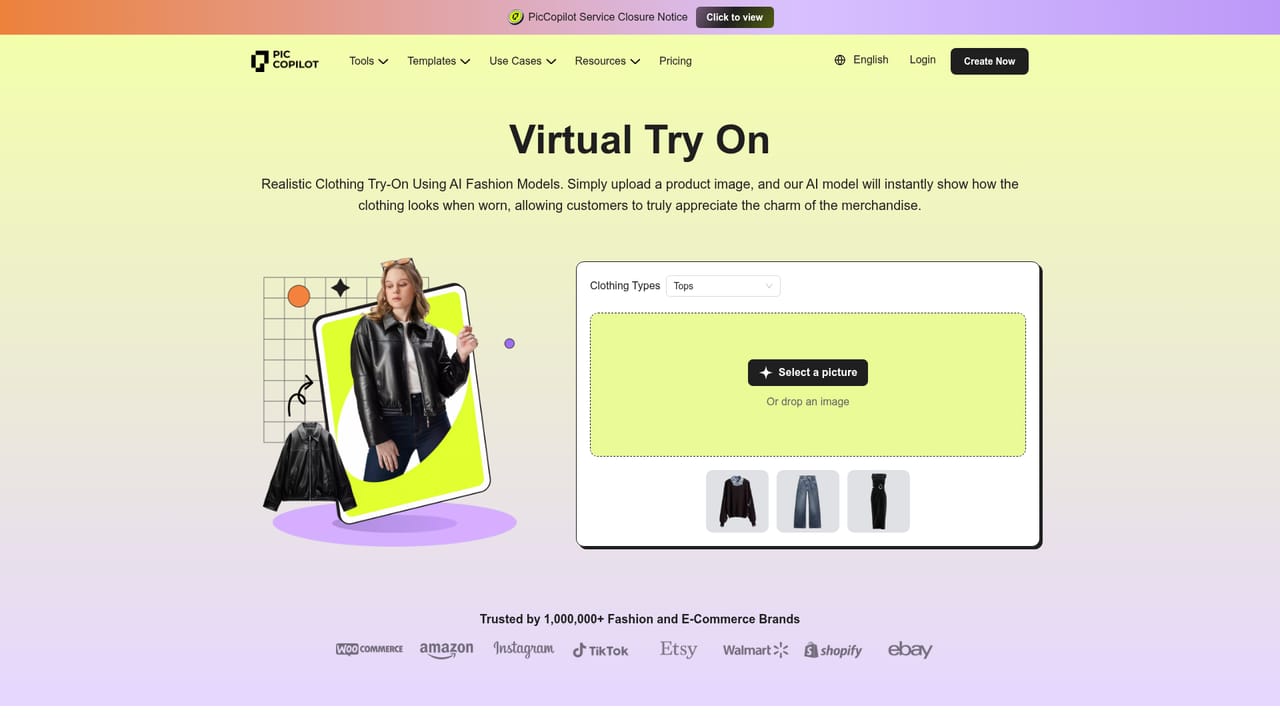
PicCopilot is an AI content platform aimed squarely at e-commerce sellers who need product visuals and marketing assets without a design team. The core idea is simple: upload a product photo and let the system generate model shots, backgrounds, short videos, reels and social posts around it. The homepage states that more than 1.5 million sellers use the product, and positions it as a way to earn organic traffic that keeps working after the post goes live, rather than paying for every click. The toolset is broad. Virtual Try On and Try On Accessories or Shoes put garments and footwear on generated models, AI Model Swap replaces the person in an existing shot, Product AnyShoot and Product Avatars build lifestyle scenes, and AI Backgrounds, Style Clone, Instant Shadows, Background Remover, Image Upscaler and Image Enhancer handle the cleanup work. On the content side there are Fashion Reels, a Viral Video Maker, AI Templates, an Image Translator for localized listings and a chat based photo editor. Output is sized for Instagram, TikTok, Amazon, Shopify, Etsy, Walmart, eBay, Pinterest and WooCommerce. In practice the workflow follows three beats. Pick a template modeled on content that already performs for other sellers, upload the product photo and let the AI fill in model, background, layout, copy and video, then export to whichever channel the buyer uses. The homepage claims templates built on formats that lift click through rate by 54.7 percent, and one quoted seller reports saving 8 to 10 hours a week with a 28 percent click through lift and roughly 20 percent sales growth over three months. Those are vendor supplied testimonials, not independent benchmarks. It sits between dedicated virtual try on services and general design tools. Compared with hiring a photographer or a retoucher it is far cheaper and faster; compared with a plain image generator it understands marketplace formats and listing requirements. Sellers who need pixel level art direction or fully custom brand systems will still want a designer, but for high volume catalog work PicCopilot covers a lot of ground in one place.
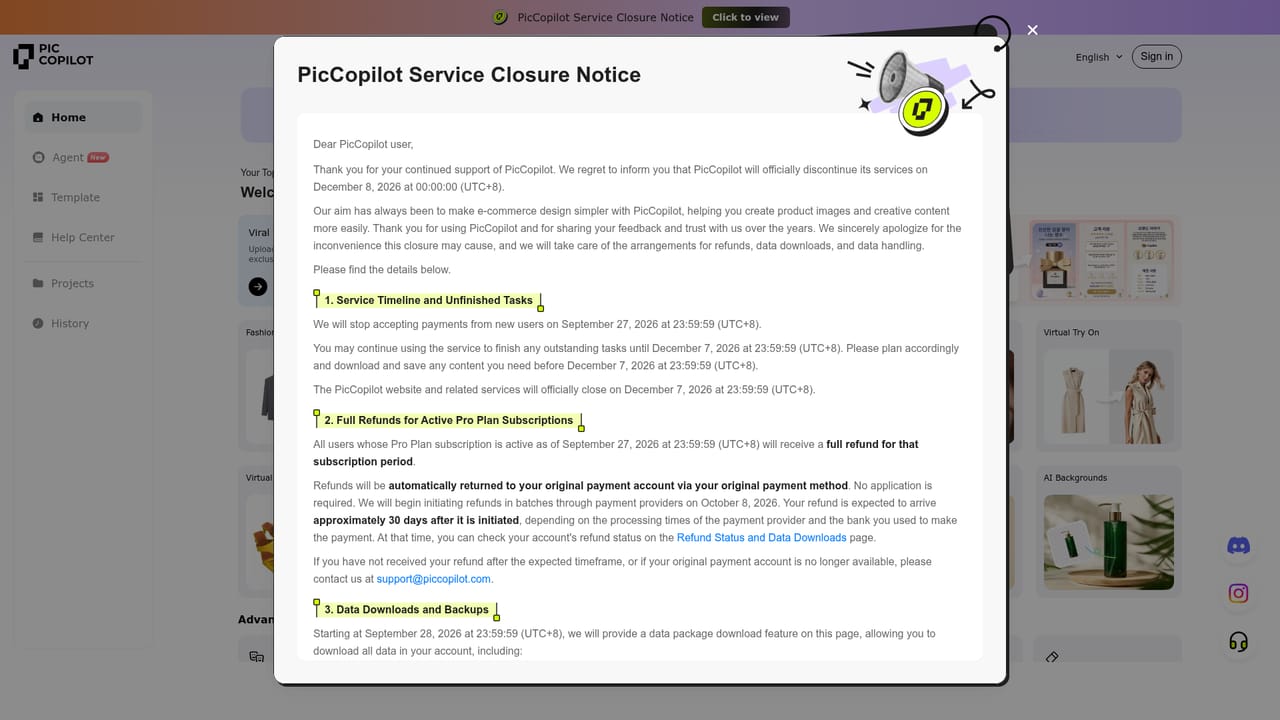
The homepage invites visitors to start creating for free, which suggests a no cost entry point. No trial length or usage cap is stated, so the limits need checking inside the product.
Learn moreThe homepage names publishing destinations rather than technical integrations: Instagram, TikTok, Amazon, Shopify, Etsy, Walmart, eBay, Pinterest and WooCommerce. No plugin or API details are published on the homepage.
Tools span Virtual Try On for clothing, accessories and shoes, AI Model Swap, Product AnyShoot, Product Avatars, AI Backgrounds, Style Clone, watermark removal, AI Templates, Image Translator, AI Avatars, background removal, instant shadows, image upscaling and enhancement, product detail page design, a chat photo editor, Fashion Reels and a Viral Video Maker. Generated content is formatted for Instagram, TikTok, Amazon, Shopify, Etsy, Walmart, eBay, Pinterest and WooCommerce.
Learn more AI Angels400+ customizable AI girlfriends for NSFW chat, voice calls, and roleplay
 Candy AIExperience the future of companionship with AI friends who chat, role-play, and connect with you on a human level.
 ourdream.aiA vast AI roleplay platform with millions of characters for chat, images, video and voiceAI Angels400+ customizable AI girlfriends for NSFW chat, voice calls, and roleplayCandy AIExperience the future of companionship with AI friends who chat, role-play, and connect with you on a human level.ourdream.aiA vast AI roleplay platform with millions of characters for chat, images, video and voice


