Pricing
The homepage states that the tools are free with no catch and lists 200+ online tools. An Upgrade link appears in the navigation, but no prices, tiers or plan details are given on the homepage.
Learn moreA big free toolbox for PDFs, images, video and AI writing

TinyWow is a free browser toolbox with over 200 tools for PDF editing and conversion, image cleanup and AI generation, video conversion and AI assisted writing, all accessible without installing software.
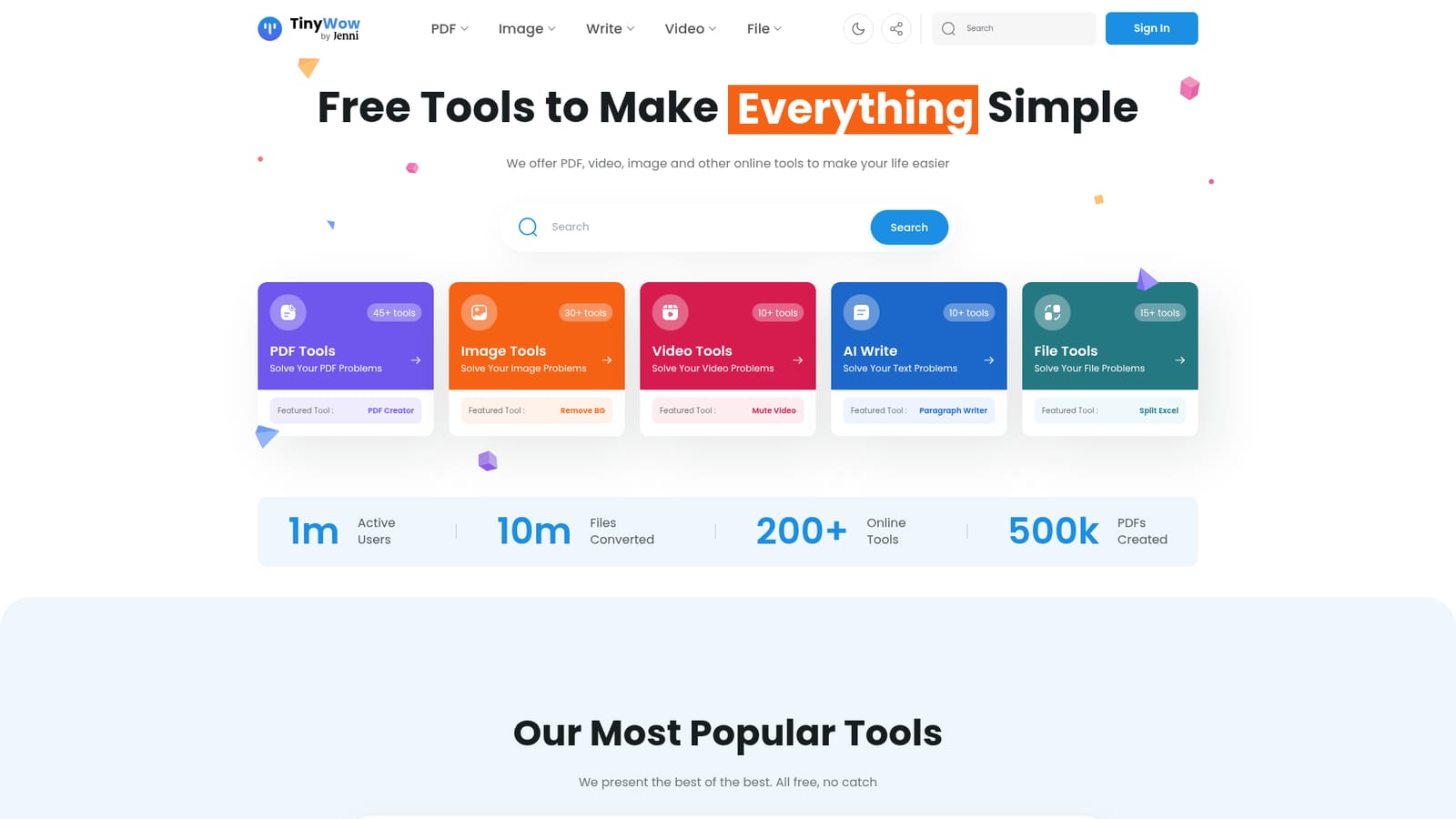
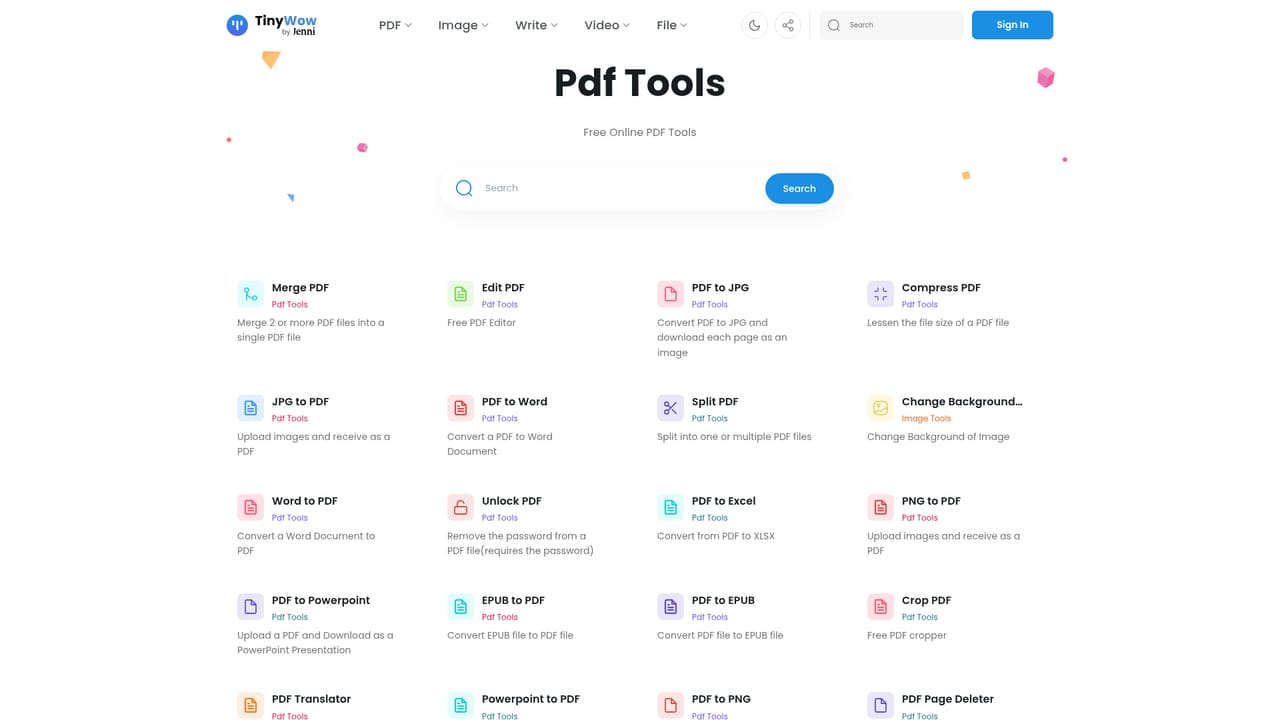
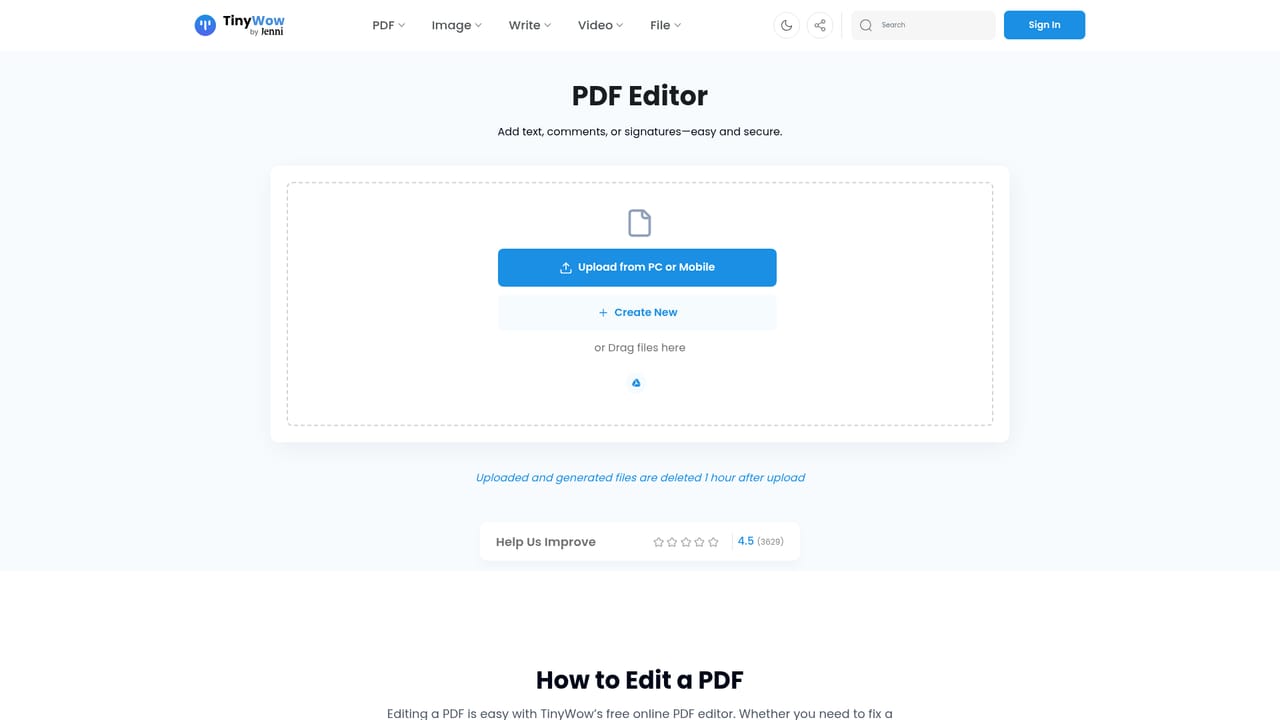
TinyWow is a web based utility suite that bundles more than 200 online tools under one roof, with the strongest coverage in PDF handling, image editing and file conversion. The PDF section alone carries over 45 tools, including editing, merging, splitting, compressing, unlocking, signing and translating documents, plus conversion routes between PDF and Word, JPG, PNG, Excel and PowerPoint. The image section adds over 30 options, from resizing, cropping and compressing to background removal, photo restoration, colourisation, upscaling and object removal. AI features sit alongside the classic converters rather than replacing them. An AI image generator and a text to image tool cover picture creation, while image to text handles extraction. On the writing side, more than 10 AI tools cover paragraph writing, sentence rewriting, essays, articles, blog outlines, Instagram captions, LinkedIn posts, grammar fixes and content improvement. A video section adds transcription, audio extraction, compression, trimming and format conversion, and a file section handles spreadsheet and structured data conversions such as CSV to Excel, XML to JSON and Excel to PDF. The tool is aimed at people who need a quick result without installing software: students formatting assignments, small teams preparing client documents, social media managers cleaning up photos, and anyone who needs a one off conversion. Everything runs in the browser, so there is no desktop install and no plugin to manage. In practice, a visitor searches or browses to a specific task page, uploads a file or pastes text, adjusts a few options, and downloads the result. TinyWow positions itself against paid all in one converter suites and single purpose AI services. Its pitch is breadth at no cost, with the homepage claiming all tools are free with no catch and advertising an upgrade path separately. Users who need deep professional editing, brand level design work or a tightly integrated workflow will likely outgrow it, but for routine conversions and light AI assistance it covers a wide range of jobs from one place.
The homepage states that the tools are free with no catch and lists 200+ online tools. An Upgrade link appears in the navigation, but no prices, tiers or plan details are given on the homepage.
Learn moreOver 200 tools split into PDF (45+), image (30+), video (10+), AI writing (10+) and file conversion (15+) categories. Highlights include PDF editing, merging, splitting, compressing, unlocking, signing and translating; image background removal, object removal, upscaling, restoration, colourisation and an AI image generator; video compression, trimming, transcription and format conversion; and AI writing for paragraphs, essays, articles, captions and grammar fixes.
Learn more AI Angels400+ customizable AI girlfriends for NSFW chat, voice calls, and roleplay
 Candy AIExperience the future of companionship with AI friends who chat, role-play, and connect with you on a human level.
 ourdream.aiA vast AI roleplay platform with millions of characters for chat, images, video and voiceAI Angels400+ customizable AI girlfriends for NSFW chat, voice calls, and roleplayCandy AIExperience the future of companionship with AI friends who chat, role-play, and connect with you on a human level.ourdream.aiA vast AI roleplay platform with millions of characters for chat, images, video and voice


