PicPhoto

AI product photos, virtual try-ons and fashion models for sellers

Beginner
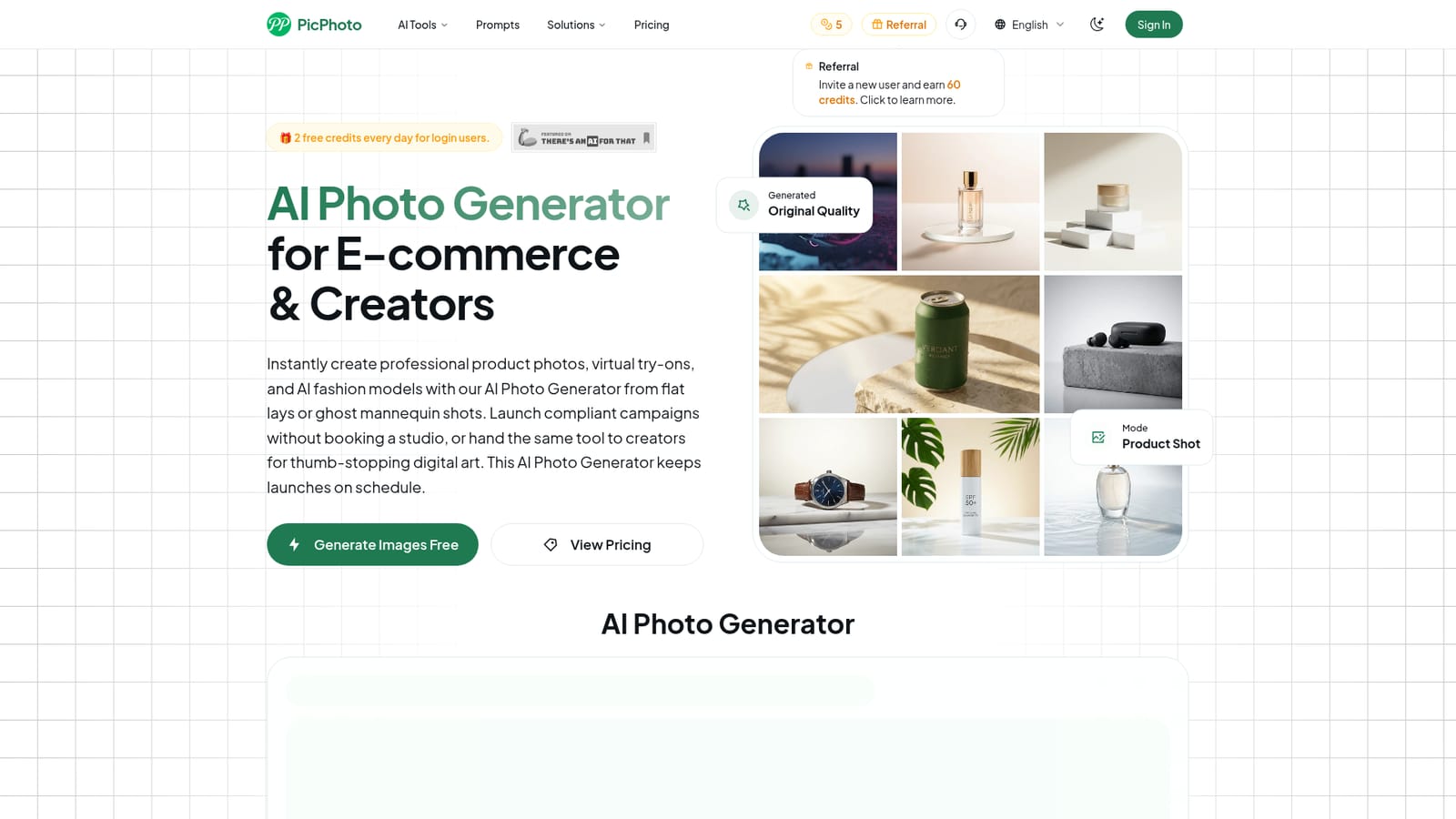
Screenshot of PicPhoto, AI product photos, virtual try-ons and fashion models for sellers

What is PicPhoto?

PicPhoto is a web-based AI photo generator for e-commerce sellers and creators. It makes product shots, virtual try-ons and AI fashion models from flat lays or prompts, and adds background removal, upscaling and batch editing.

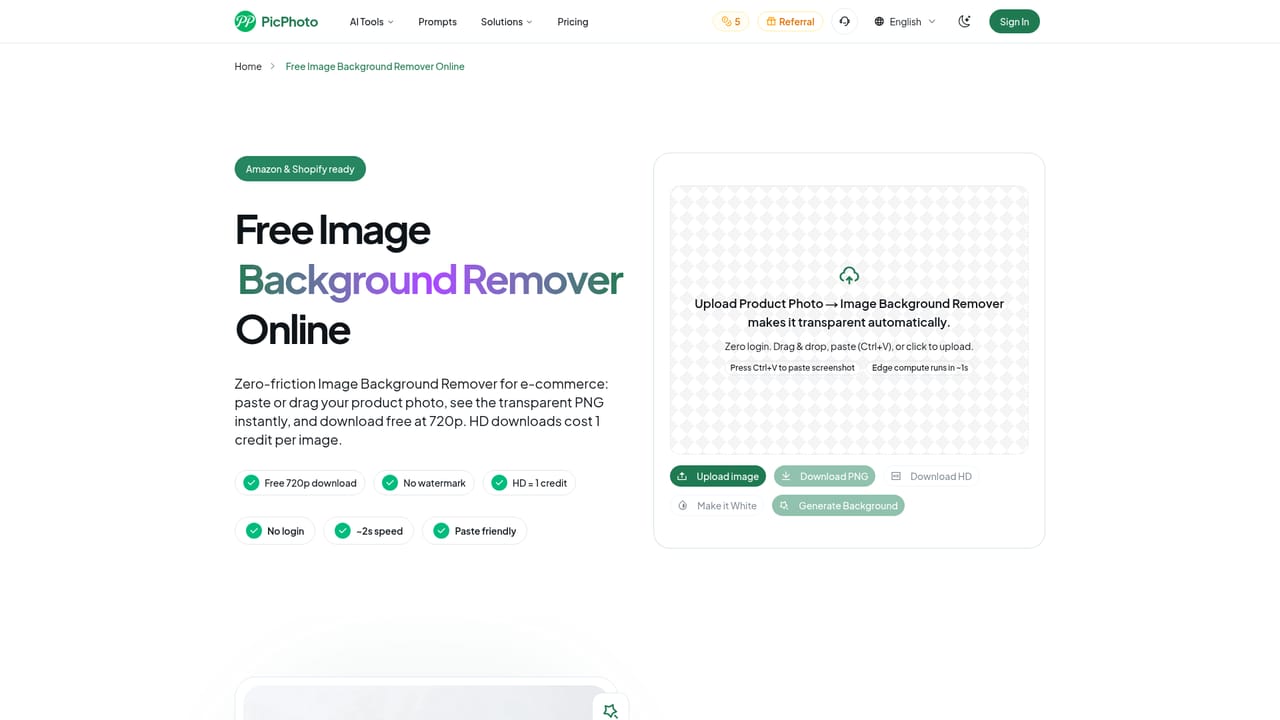
PicPhoto is a browser-based AI image generator aimed mainly at e-commerce sellers who need product photography without booking a studio. It turns flat lays, ghost mannequin shots, raw phone photos or a plain text description into lifestyle scenes, white-background catalog images and virtual try-on pictures that show clothing or jewelry on AI fashion models. A secondary creative mode covers digital art, illustration, social media covers and animated storyboards. The workflow is short. A user uploads a product photo or reference moodboard, or simply describes the item, then chooses how many images to produce and the aspect ratio. Output is currently 1080p, with 4K export (4096x4096 JPG or PNG) described as a future addition. Prompts can steer exposure, reflections and margins, and the FAQ advises naming the target marketplace, such as Amazon, Shopify or Instagram, so renders follow that platform's conventions. Beyond generation, the site lists a background remover, an image upscaler, a magic eraser for removing objects, text or defects, and a batch editor intended for processing large numbers of images with a consistent look. The audience is online shop owners, operations teams handling large SKU catalogs, marketers producing ad and social assets, and illustrators or content creators who want concept art. Typical examples on the site include jewelry macro shots, furniture staged in interiors and seasonal apparel on virtual models. Logged-in users receive 2 free credits daily, a referral program awards credits for invited users, and paid plans carry commercial rights. Among alternatives, PicPhoto sits between general text-to-image generators and dedicated product-photo or virtual try-on services. Its stated approach is to pick a small number of strong underlying models rather than build an all-in-one suite, and it concentrates on commerce use cases instead of open-ended art. Buyers who need maximum resolution today or deep brand-asset management should check the current export limits first.
How do you use PicPhoto?

  1. 1Sign in to claim daily credits
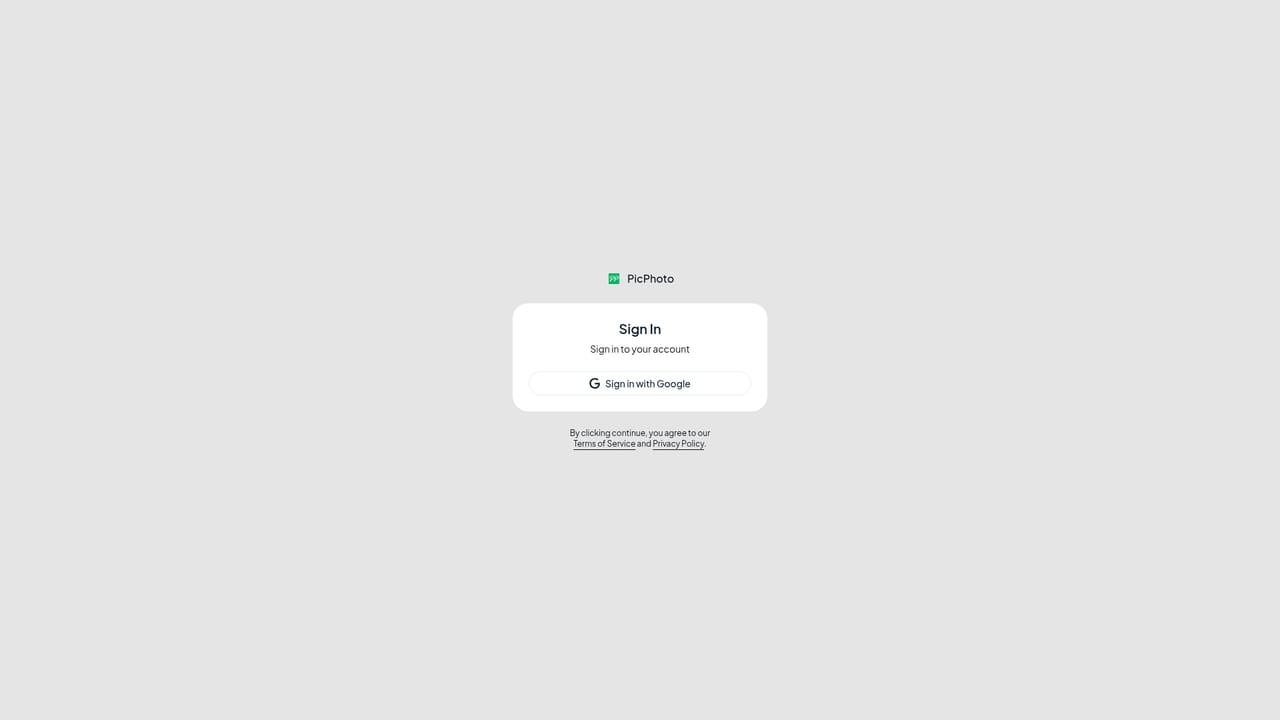
    Create an account or log in to receive the 2 free credits offered each day. Referral invites can add more credits.
    PicPhoto — Sign in to claim daily credits
  2. 2Pick a mode and upload a photo
    Open the generator from the homepage, choose Product Shot or the creative mode, then upload a flat lay, ghost mannequin image or moodboard, or describe the item in text.
    PicPhoto — Pick a mode and upload a photo
  3. 3Write a platform-aware prompt
    Describe the lighting, background and scene, and name the target marketplace such as Amazon or Shopify so the render follows its conventions.
    PicPhoto — Write a platform-aware prompt
  4. 4Set image count and aspect ratio
    Choose how many images to generate and the aspect ratio that suits the listing or social format, then run the render.
  5. 5Clean up and finish the result
    Use the background remover, magic eraser or upscaler to polish the output, or the batch editor to apply a consistent look across many images.
    PicPhoto — Clean up and finish the result
  6. 6Review plans before commercial use
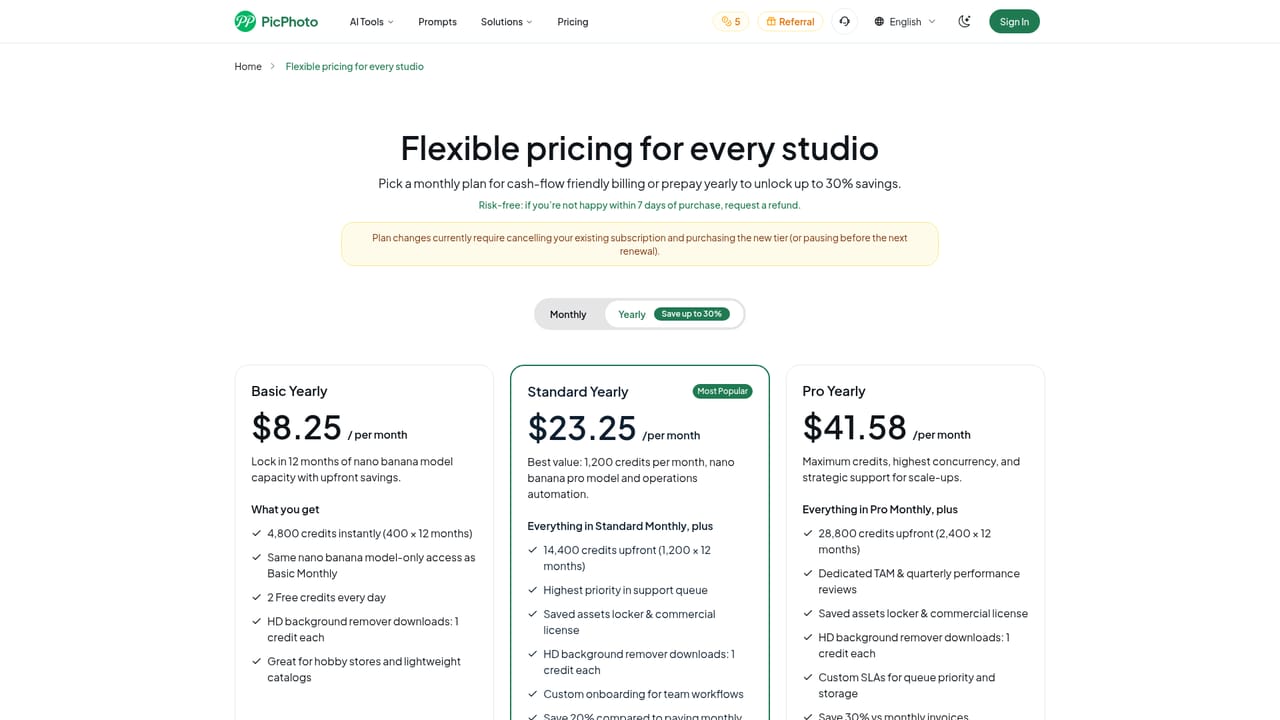
    Check the pricing page for a paid plan, since commercial rights for ads and storefront assets come with paid tiers.
    PicPhoto — Review plans before commercial use

Pros and cons

Pros

  • Covers the e-commerce workflow: product scenes, virtual try-ons, AI fashion models and white-background catalog imagesAI
  • Starts from a flat lay, ghost mannequin shot, phone photo or just a text descriptionAI
  • Includes companion tools such as background remover, upscaler, magic eraser and batch editorAI
  • Logged-in users get 2 free credits daily, plus referral credits, to test before payingAI
  • Runs in the browser, so no studio, sample shipping or software install is neededAI

Cons

  • Export is currently limited to 1080p; 4K output is only promised for the futureAI
  • Commercial usage rights are stated for paid plans only, so free credits are limited to testingAI
  • Free allowance of 2 credits per day restricts how much can be validated for a large catalogAI
  • Output quality depends on third-party models and prompt wording, so marketplace compliance needs manual checkingAI
  • Brand kit and multilingual text overlay claims are brief, with little detail on how deep these controls goAI

How much does PicPhoto cost?

Free trial

Logged-in users receive 2 free credits every day, described as enough to test virtual try-on and e-commerce image generation before upgrading.

Learn more

Pricing

Free tier gives logged-in users 2 credits per day. Paid plans add full commercial rights and higher-volume workflows; exact prices are listed on the pricing page, not the homepage. Referrals earn 60 credits per invited user.

Learn more

Integrations

No integrations are listed. The site mentions output sized for Amazon, Shopify, Instagram, TikTok and LinkedIn, but these are formatting targets, not connections.

Features

AI product photography, virtual try-on, AI fashion models, instant product scenes, background remover, 4K-targeted image upscaler, magic eraser, batch photo editor, digital art generator, aspect ratio and image count controls, 1080p export.

Learn more

Frequently asked questions about PicPhoto

  • How much does PicPhoto cost?
    Free tier gives logged-in users 2 credits per day. Paid plans add full commercial rights and higher-volume workflows; exact prices are listed on the pricing page, not the homepage. Referrals earn 60 credits per invited user.
  • Does PicPhoto offer a free trial?
    Logged-in users receive 2 free credits every day, described as enough to test virtual try-on and e-commerce image generation before upgrading.
  • How do you use PicPhoto?
    The walkthrough on this page covers 6 steps: 1. Sign in to claim daily credits 2. Pick a mode and upload a photo 3. Write a platform-aware prompt 4. Set image count and aspect ratio 5. Clean up and finish the result 6. Review plans before commercial use.
  • What platforms does PicPhoto support?
    PicPhoto is available on Web App.
  • What does PicPhoto integrate with?
    No integrations are listed. The site mentions output sized for Amazon, Shopify, Instagram, TikTok and LinkedIn, but these are formatting targets, not connections.
  • What are the limitations of PicPhoto?
    Export is currently limited to 1080p; 4K output is only promised for the future. Commercial usage rights are stated for paid plans only, so free credits are limited to testing. Free allowance of 2 credits per day restricts how much can be validated for a large catalog.

Status

StatusActive
Views0
Outbound clicks0
Added10/18/2026

Platforms

Web App

Pricing

FreemiumSubscription