PictoFlux AI

A free, no-signup AI image generator for fast text-to-image creation and editing.

Beginner
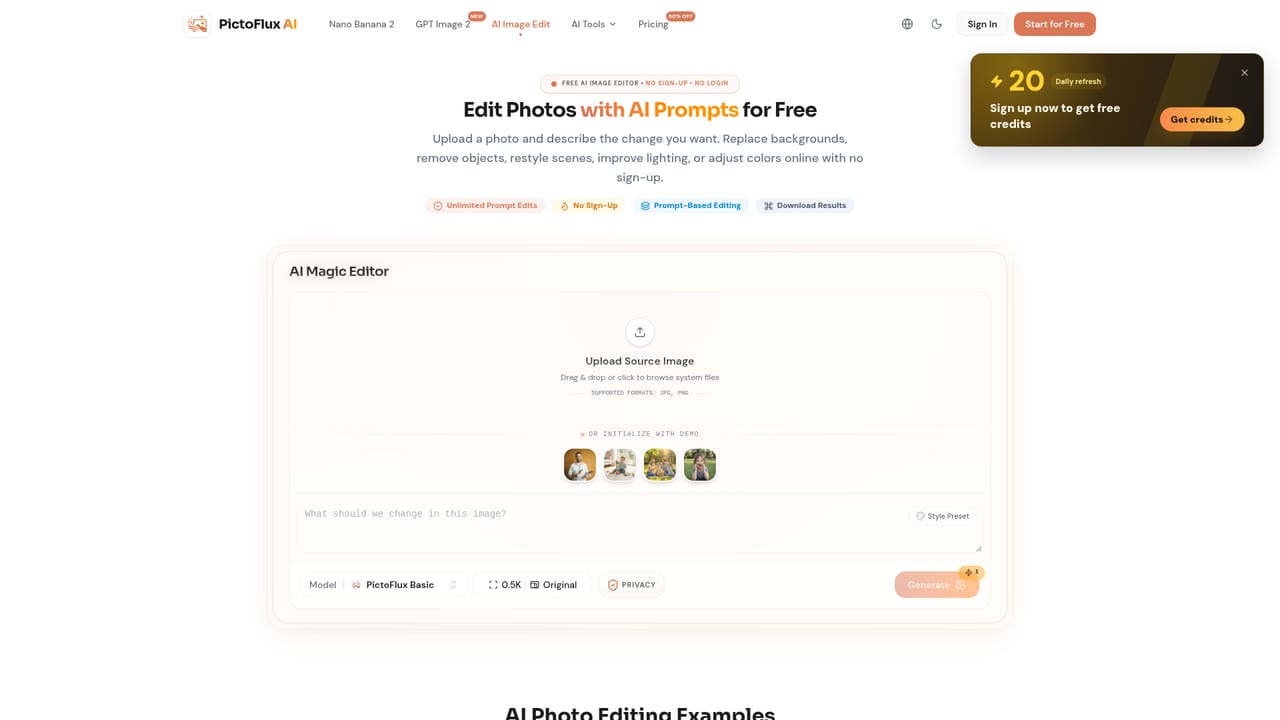
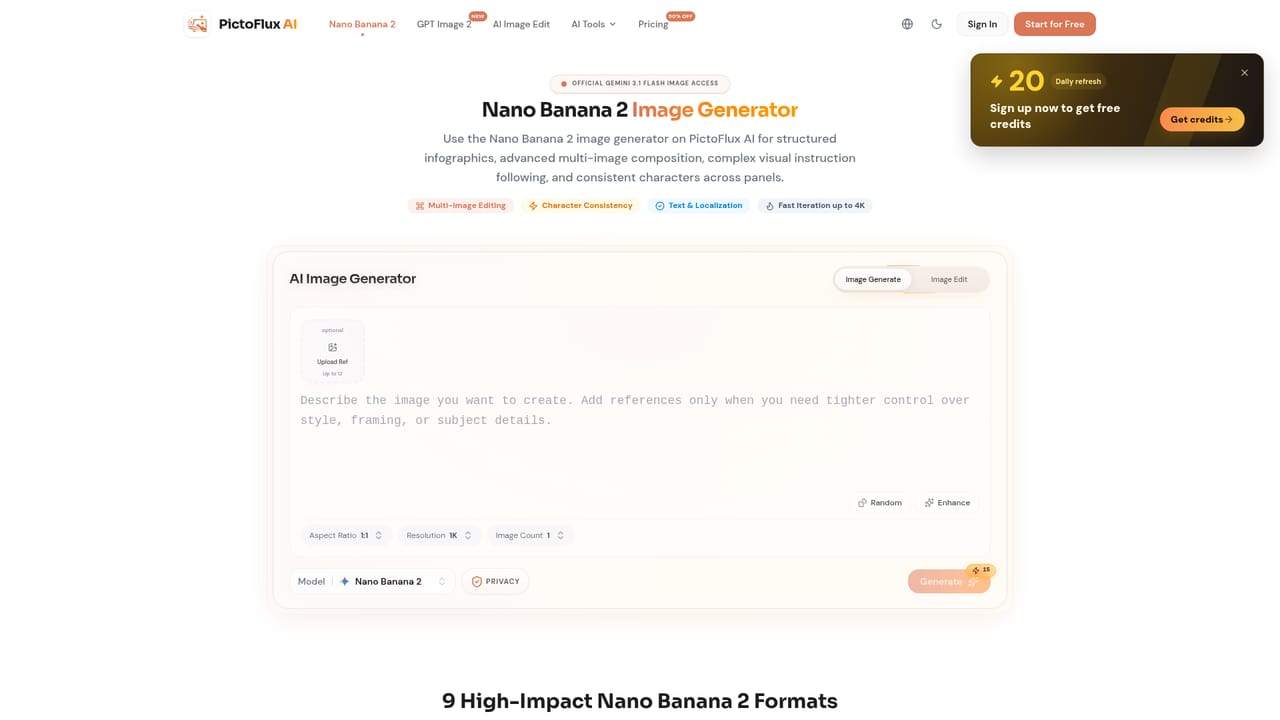
Screenshot of PictoFlux AI, A free, no-signup AI image generator for fast text-to-image creation and editing

What is PictoFlux AI?

PictoFlux AI is a free, no-signup image generator that turns text prompts into photos, anime, and stylized art using multiple AI models, plus built-in editing tools for image-to-image transforms, expansion, and restoration.

PictoFlux AI is a browser-based image generation tool that lets anyone turn text prompts into photos, illustrations, and stylized artwork without creating an account. The homepage positions speed and privacy as the core selling points: there is no login wall, no mandatory signup, and no watermark added to free outputs, which removes much of the friction common to other generators. Under the hood, PictoFlux routes prompts through several models, including Flux, Z-Image, GLM Image, and the Nano Banana family, alongside dedicated flows for Nano Banana 2 and GPT Image 2. This model variety lets users move between photorealistic renders, anime art, cinematic scenes, watercolor paintings, and 3D-style concepts from the same prompt box, rather than switching tools for each visual direction. Beyond pure generation, the product includes companion tools for editing existing images: an AI image editor for adjusting details, style, or mood; an image-to-image flow for transforming reference photos; an expand-image tool for widening a composition; and a photo restoration workflow for repairing old or damaged pictures. Together these extend PictoFlux from a single-purpose generator into a lighter image-editing suite. The tool suits casual creators, marketers, and designers who need quick visual drafts or style exploration without committing to a paid subscription or account setup upfront. It sits in the free AI image generator category rather than the professional, high-fidelity side of the market, competing more on accessibility and speed than on fine-grained creative control. Teams needing seat management, brand asset libraries, or deep API access will likely need to look elsewhere, since the homepage does not describe those capabilities.
How do you use PictoFlux AI?

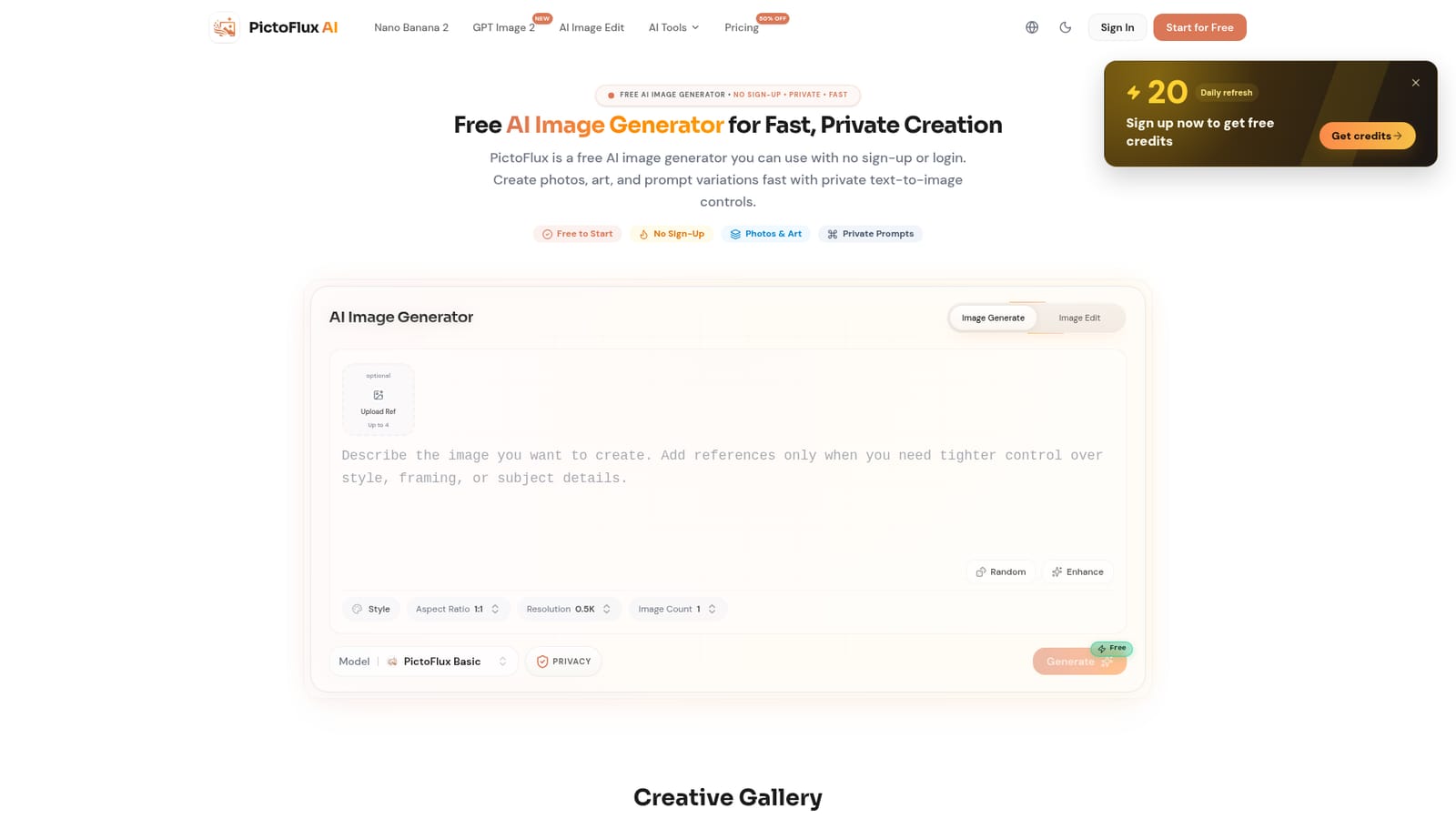
  1. 1Open PictoFlux and skip the signup
    Visit the PictoFlux homepage and start typing a prompt immediately; no account or login is required to begin generating.
    PictoFlux AI — Open PictoFlux and skip the signup
  2. 2Pick a generation model
    Choose between models such as Nano Banana 2, GPT Image 2, Flux, or Z-Image depending on the style and speed you want.
    PictoFlux AI — Pick a generation model
  3. 3Write a descriptive prompt and generate
    Describe the subject, style, and mood in the prompt box, then generate the image and review the output for the chosen style.
  4. 4Edit the result with the AI image editor
    Upload the generated image back into the AI image editor to adjust details, composition, or mood with a follow-up prompt.
    PictoFlux AI — Edit the result with the AI image editor
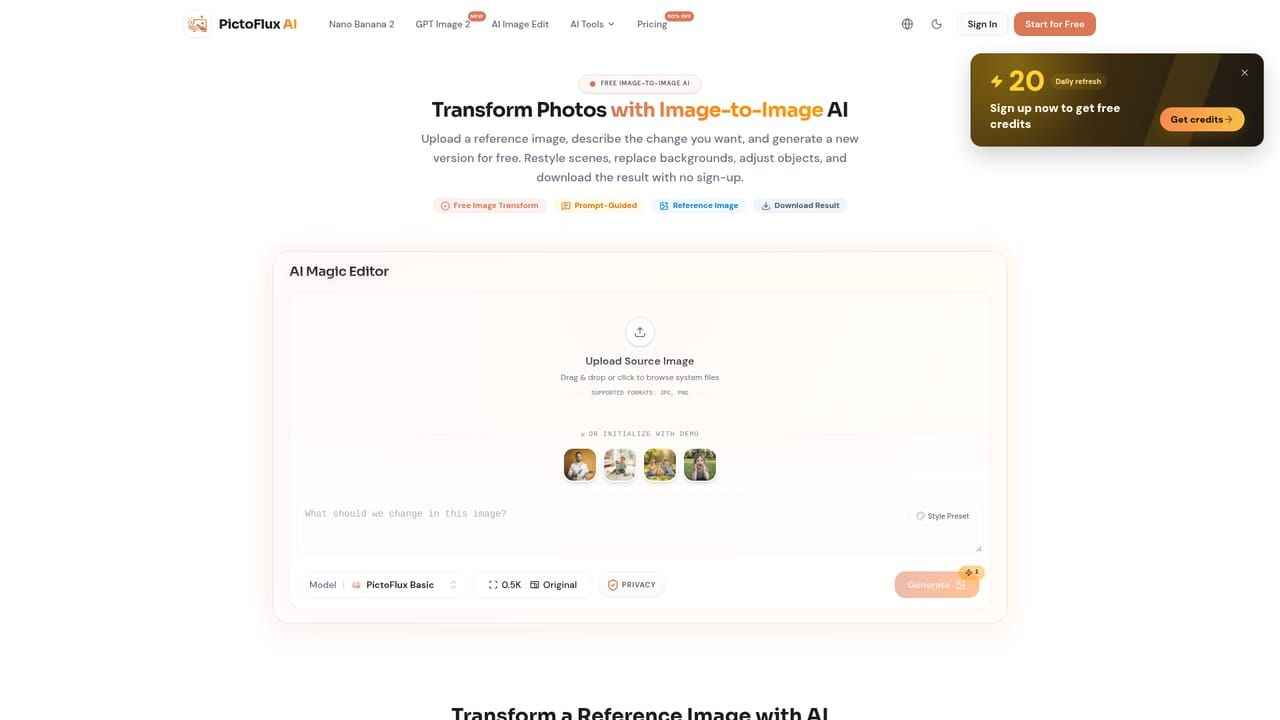
  5. 5Transform or expand the image further
    Use the image-to-image tool to reinterpret a reference photo, or the expand-image tool to widen the composition beyond its original frame.
    PictoFlux AI — Transform or expand the image further
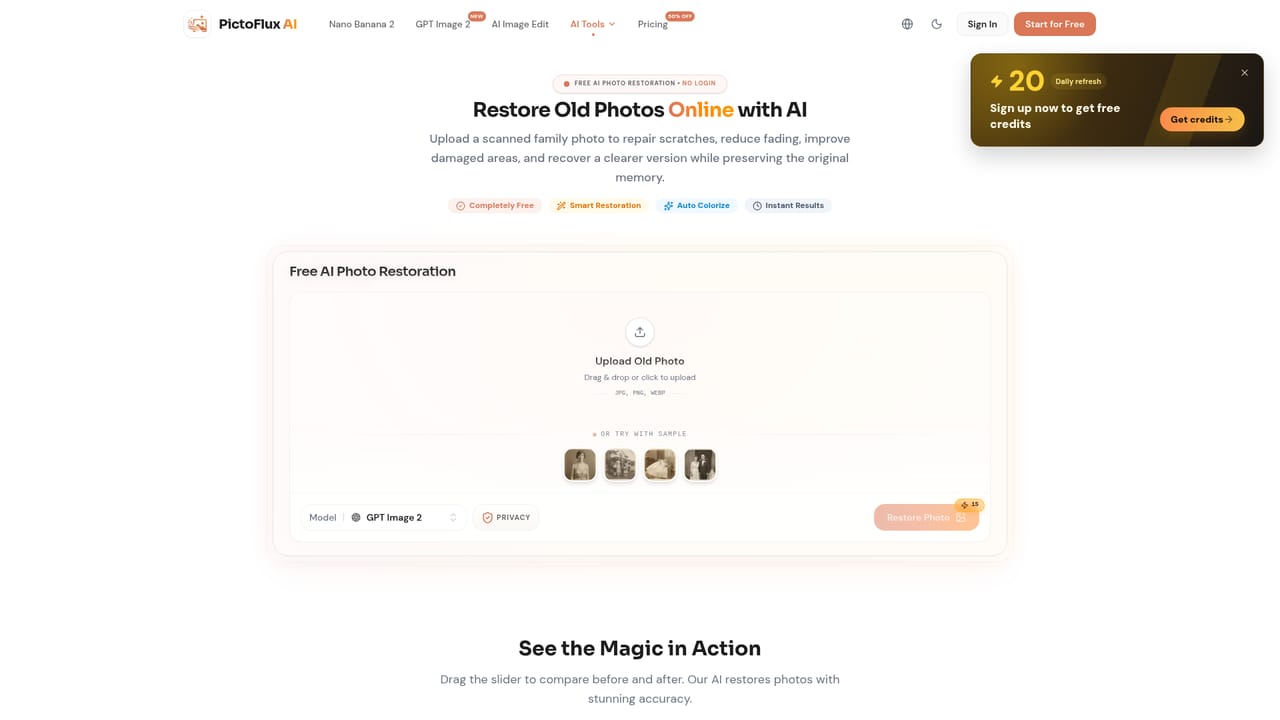
  6. 6Restore or finalize older photos
    Run damaged or old photos through the photo restoration workflow before downloading the finished image.
    PictoFlux AI — Restore or finalize older photos

Pros and cons

Pros

  • No sign-up or login required, so image generation starts immediatelyAI
  • Free tier generates images without adding watermarksAI
  • Supports multiple models (Flux, Z-Image, GLM Image, Nano Banana) for different style needsAI
  • Includes extra editing tools like image-to-image, expand image, and photo restoration alongside generationAI

Cons

  • Homepage does not disclose specific pricing tiers or usage limits for paid plansAI
  • No mention of an API or integrations for connecting PictoFlux to other workflowsAI
  • No account history or saved-project system described, given the no-signup designAI
  • No information on commercial usage rights or licensing of generated imagesAI
  • No mobile app mentioned, so usage appears limited to the web browserAI

How much does PictoFlux AI cost?

Pricing

PictoFlux offers a free, no-signup generation flow and a separate pricing page showing a current discounted rate; the homepage does not list exact paid tier costs or usage caps.

Learn more

Support

Support appears limited to a contact page and an about page; the homepage does not mention live chat, a help center, or a knowledge base.

Learn more

Features

Text-to-image generation across models like Flux, Z-Image, GLM Image, Nano Banana, Nano Banana 2, and GPT Image 2, with styles spanning photoreal, anime, cinematic, watercolor, and 3D, plus editing, image-to-image, expand, and restoration tools.

Frequently asked questions about PictoFlux AI

  • How much does PictoFlux AI cost?
    PictoFlux offers a free, no-signup generation flow and a separate pricing page showing a current discounted rate; the homepage does not list exact paid tier costs or usage caps.
  • How do you use PictoFlux AI?
    The walkthrough on this page covers 6 steps: 1. Open PictoFlux and skip the signup 2. Pick a generation model 3. Write a descriptive prompt and generate 4. Edit the result with the AI image editor 5. Transform or expand the image further 6. Restore or finalize older photos.
  • What platforms does PictoFlux AI support?
    PictoFlux AI is available on Web App.
  • What are the limitations of PictoFlux AI?
    Homepage does not disclose specific pricing tiers or usage limits for paid plans. No mention of an API or integrations for connecting PictoFlux to other workflows. No account history or saved-project system described, given the no-signup design.

Status

StatusActive
Views0
Outbound clicks0
Added10/18/2026

Platforms

Web App

Pricing

FreemiumFree