Free trial
A free plan includes one free product visual and 3 credits per day, with no credit card required.
Learn moreTurn plain product photos into ad-ready images and videos

Pikodee is an image generator tool that turns plain product photos into ad-ready images and videos. Pikodee is a web app that converts uploaded product photos into studio shots, lifestyle scenes, ad creatives and short videos in about ten seconds, with upscaling, background replacement and thumbnail tools for online sellers.
Pikodee is a web-based generator aimed at online sellers who need product photos, ad creatives and short videos without hiring a designer or booking a photoshoot. The user uploads a picture of a product (PNG or JPG, up to 5MB), and the system returns restyled visuals that place the item in cleaner lighting, a studio setup or a lifestyle scene. The workflow is deliberately short. After uploading, the user chooses what to make (a product image, an ad or a video), picks a style such as studio, lifestyle or TikTok-style ads, and starts generation. The homepage quotes roughly ten seconds per run. Beyond the core studio, the toolset includes background replacement, an image enhancer, an upscaler, a thumbnail creator, an image mixer that blends sources, multi-image generation of up to four outputs, and a library that keeps past generations alongside the prompts that produced them. A prompt enhancer is included on the free plan, and an infographic generator is listed as coming soon. The audience is mostly small store owners, marketers, social media managers and freelancers who need a steady stream of creative for Facebook, TikTok and Instagram ads, product listings or client mockups. Testimonials on the site also mention YouTube thumbnails and quick social posts, so it works as a general image generator too, though the product-photo angle is the clear focus. Pricing is credit-based with three tiers: a free plan with a small daily credit allowance, a low-cost Pro plan with a monthly credit pool, and an Unlimited plan for heavy users that adds priority generation and premium support. Paid tiers state commercial usage rights, watermark-free outputs and image ownership. Among alternatives, Pikodee sits between broad image generators that need careful prompting and heavier e-commerce photo suites. Its advantage is a guided, template-style flow that asks little of the user. The trade-off is less open-ended control than a general-purpose model interface, and the site gives few technical details about the models behind it beyond mentioning multi-model support.
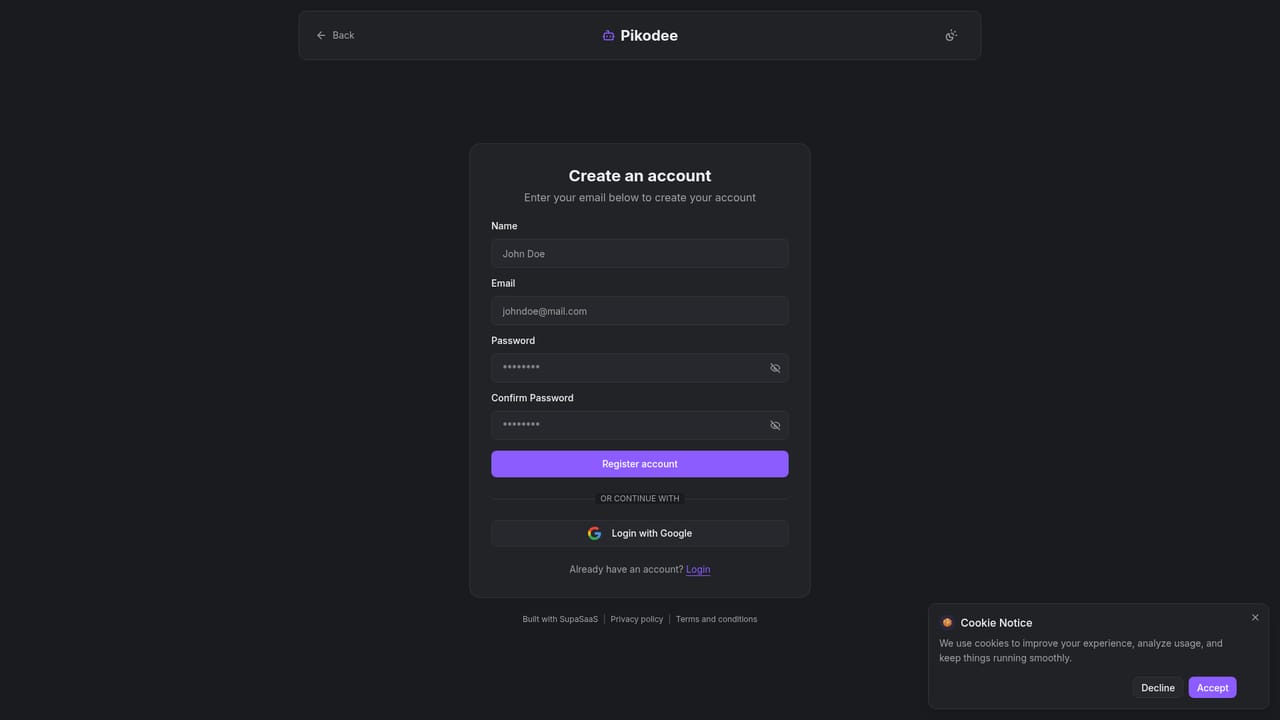
A free plan includes one free product visual and 3 credits per day, with no credit card required.
Learn moreFree plan at $0/month with 1 free product visual and 3 credits per day. Pro is $9/month with 3000 credits. Unlimited is $29/month with unlimited credits, priority queue and premium support. A yearly option saves 27%.
Learn morePremium support is listed on the Unlimited plan. The homepage has an FAQ covering usage, credits and licensing.
Product photos, background replacement, ad creatives, product videos, image enhancer, upscaler, thumbnail creator, image mixer, multi-image generation (up to 4), prompt enhancer and an image and prompt library.