Integrations
Shopify (including a dedicated Shopify app), Etsy, WooCommerce, WordPress plugin, Amazon, Walmart, RSS feeds, CSV uploads and website sitemaps. Several integrations are linked from the homepage.
Learn moreAI pins, SEO copy and board picks on a weekly Pinterest autopilot
Own Pin Generator? Verify ownership to get a dofollow link

Pin Generator is a bulk image generator tool. A Pinterest automation service that designs AI pin images, writes SEO titles and descriptions, picks boards and schedules fresh batches weekly or monthly from a connected store, sitemap or RSS feed. Built for bloggers, e-commerce sellers and affiliate marketers who want high publishing volume without manual design work.
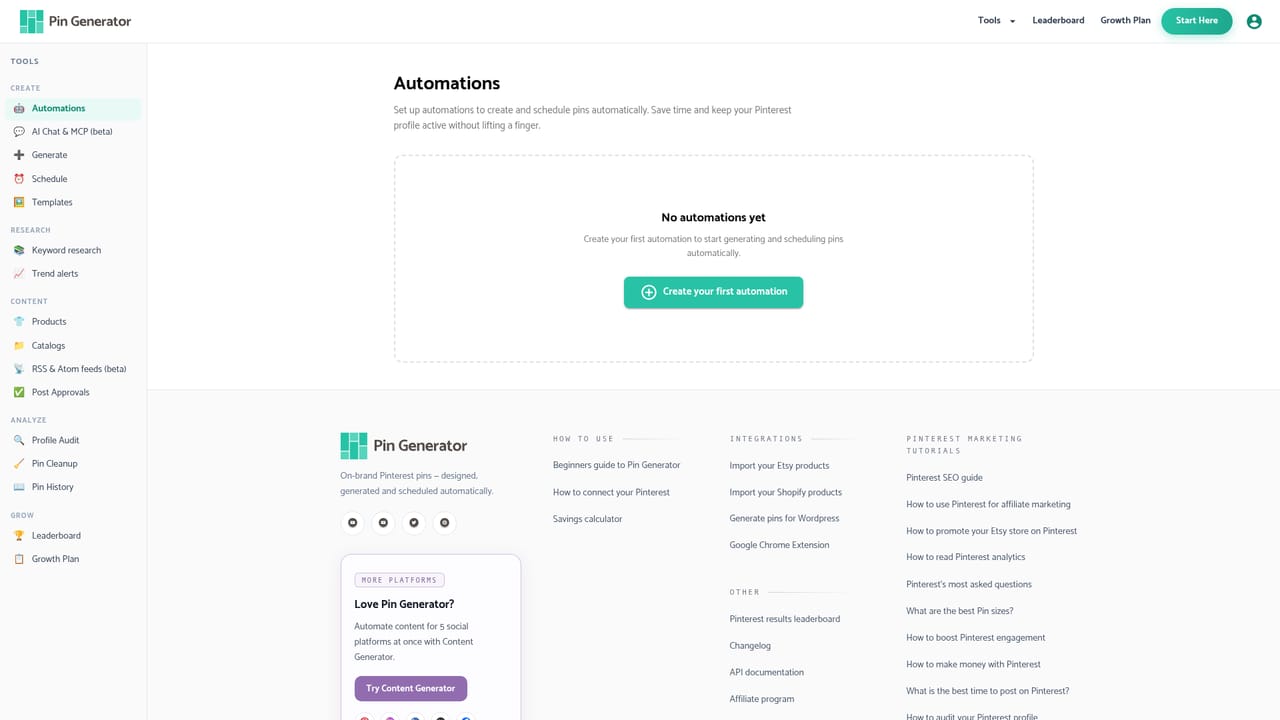
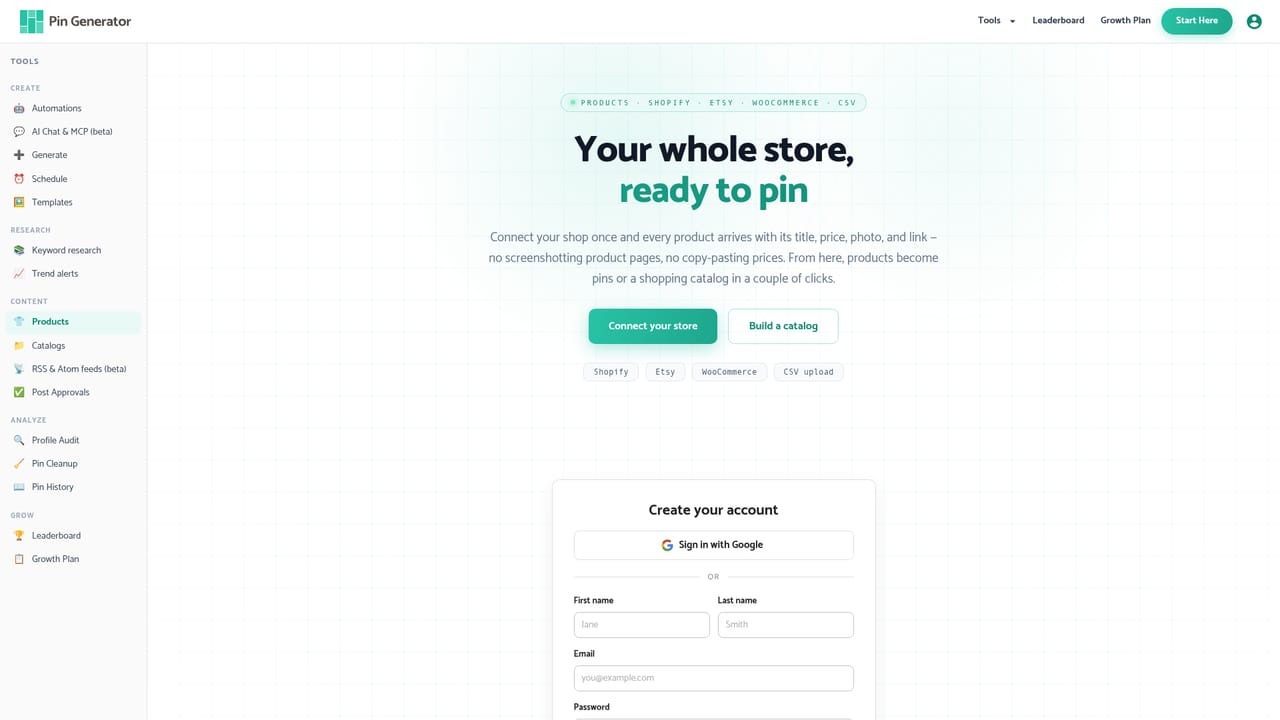
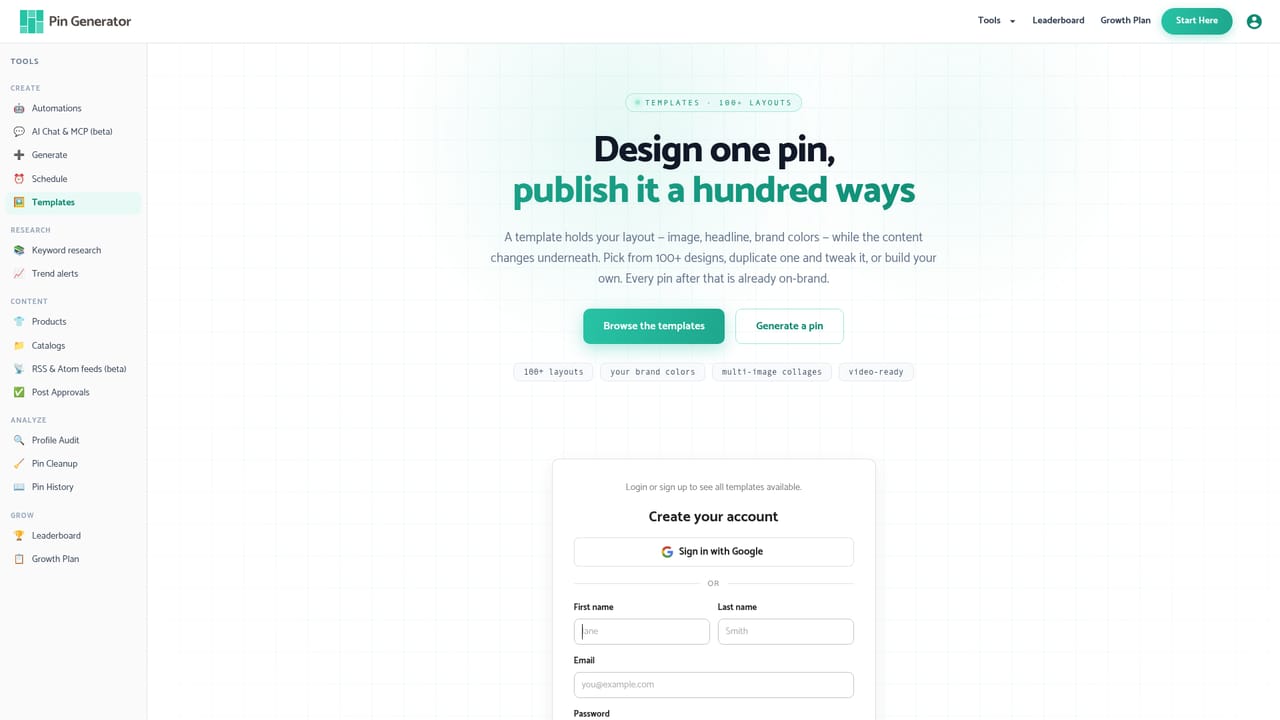
Pin Generator is a Pinterest marketing automation tool built around a single setup wizard. You tell it how many pins you want per day (the site states there is no cap), choose whether a new batch is generated every week or every four weeks, and connect a content source. Sources include a website sitemap, Shopify, Etsy, WooCommerce, an RSS feed or a CSV file. New blog posts and store products are picked up in later batches automatically, and the tool sends an email notification once each batch is scheduled. From there the AI handles the production work. It writes titles, descriptions and alt text, generates or designs the images, and selects a board for each pin or lets AI choose. Images come either from Nano Banana 2 (listed in a Lite and a High Quality tier) or from a library of classic templates. A design profile captures brand colours, style keywords, mood, font feel and whether text appears in the image, and a one-click brand analysis builds that profile from your site or images. Automatic SEO adds keyword work per URL: the tool pulls related, suggested and growing Pinterest terms, scores search volume and seasonality, then writes the title and description around the chosen phrase. It states that this research costs 2 credits per URL. The product is pitched at store owners, bloggers and affiliate marketers who want Pinterest volume without a manual design and posting routine. The site cites 36,739+ companies, official Pinterest partner status, and says a website is not required. A live leaderboard shows the top connected profiles by outbound clicks, and the tool also publishes a 5 million views case study. Adjacent features include pin history, post approvals, a profile audit, RSS feeds, trend alerts, keyword research and a step for removing poorly performing pins. A beta MCP chat lets you create pins through plain-English requests on the site or from Claude, ChatGPT and Cursor. Against manual design tools or general social schedulers, the differentiator is the volume plus full-cycle automation: image, copy, keyword, board and schedule in one pipeline. The tradeoff is that you are trusting an automated system with the visual and copy identity of your feed, and several of the strongest features sit behind credits or plans the homepage does not detail.
Shopify (including a dedicated Shopify app), Etsy, WooCommerce, WordPress plugin, Amazon, Walmart, RSS feeds, CSV uploads and website sitemaps. Several integrations are linked from the homepage.
Learn moreImages from Nano Banana 2 or classic templates, AI titles, descriptions and alt text, automatic Pinterest keyword research per URL, AI or manual board selection, weekly or monthly batch scheduling, unpinned pin volume, brand analysis design profiles, approval and history tools, poorly performing pin removal, RSS feeds, trend alerts, a profile audit, and a beta MCP chat for creating pins by conversation.
Learn more AI Angels400+ customizable AI girlfriends for NSFW chat, voice calls, and roleplay
 Candy AIExperience the future of companionship with AI friends who chat, role-play, and connect with you on a human level.
 ourdream.aiA vast AI roleplay platform with millions of characters for chat, images, video and voiceAI Angels400+ customizable AI girlfriends for NSFW chat, voice calls, and roleplayCandy AIExperience the future of companionship with AI friends who chat, role-play, and connect with you on a human level.ourdream.aiA vast AI roleplay platform with millions of characters for chat, images, video and voice


