Free trial
Free tools are offered without a card, and some tools such as Text to Video are marked Free, though the homepage does not describe a time-limited trial of the full plan.
Learn moreEvery AI model, one plan: images, video, photoshoots and audio

MagicShot.ai is a bulk image generator tool. All-in-one AI studio combining image generation, video creation, AI photoshoots, photo editing and audio tools under one account and one shared credit balance. Aimed at creators and small marketing teams who want to replace several single-purpose subscriptions.
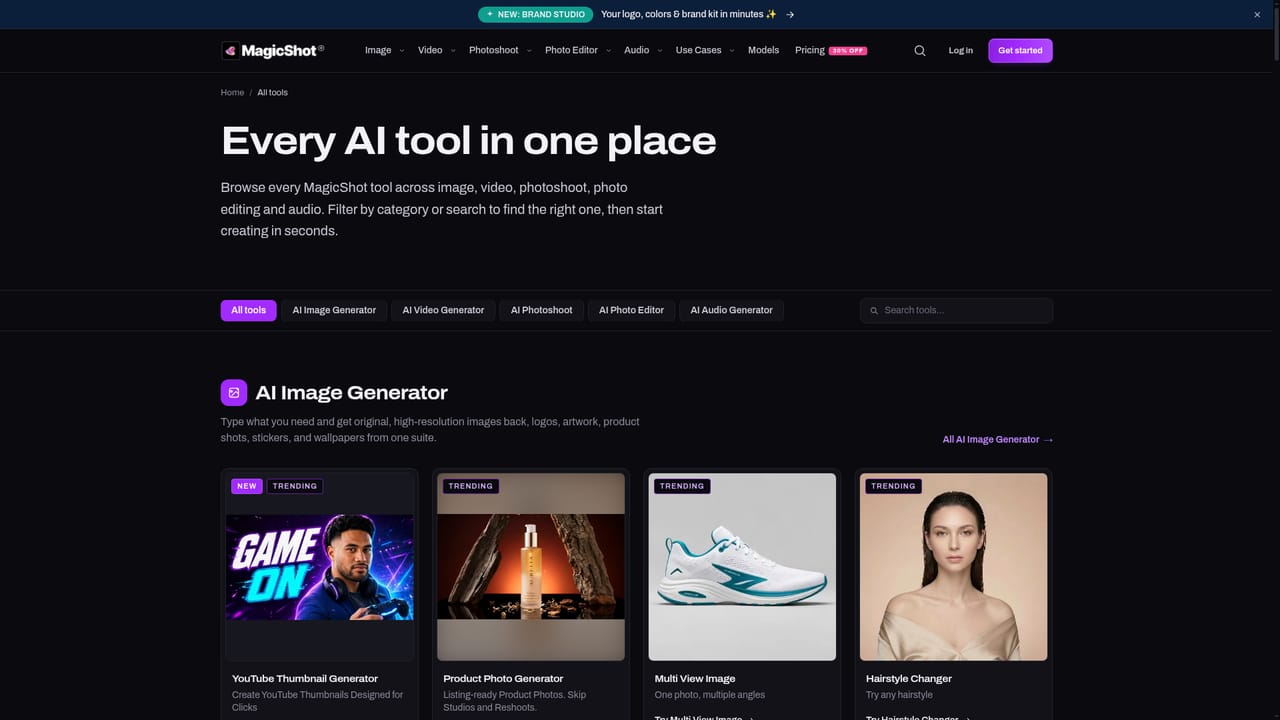
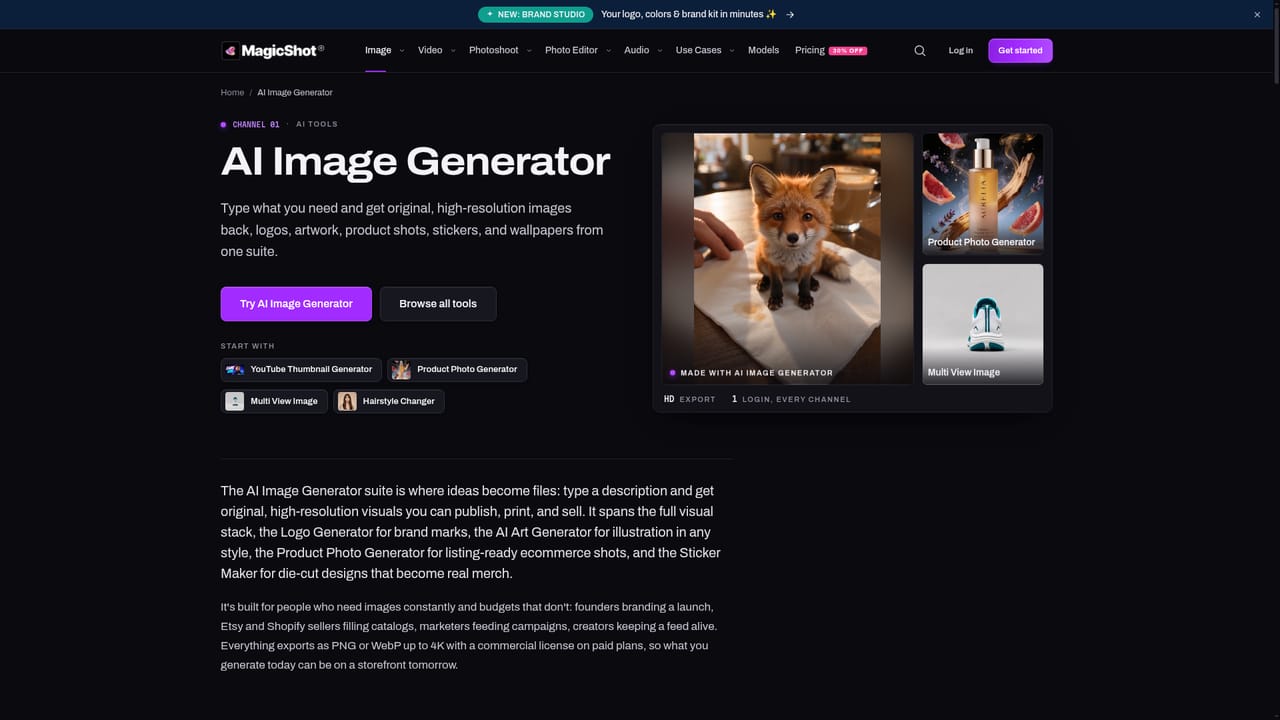
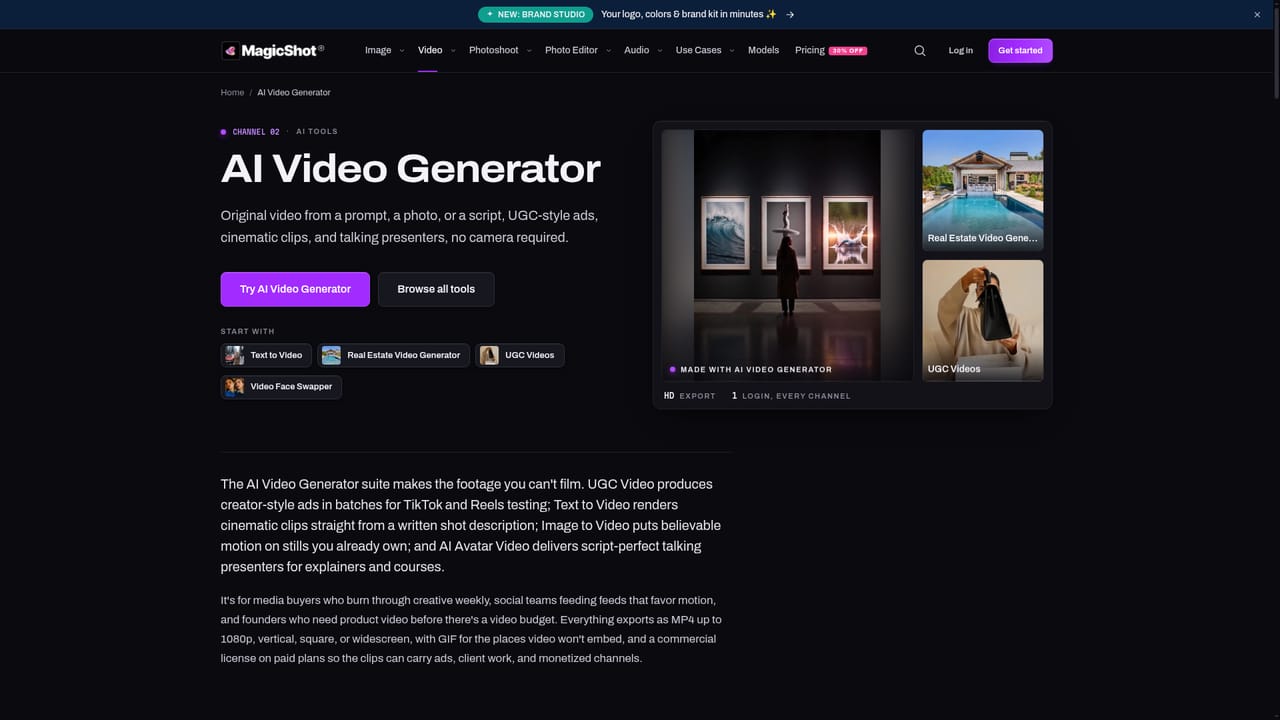
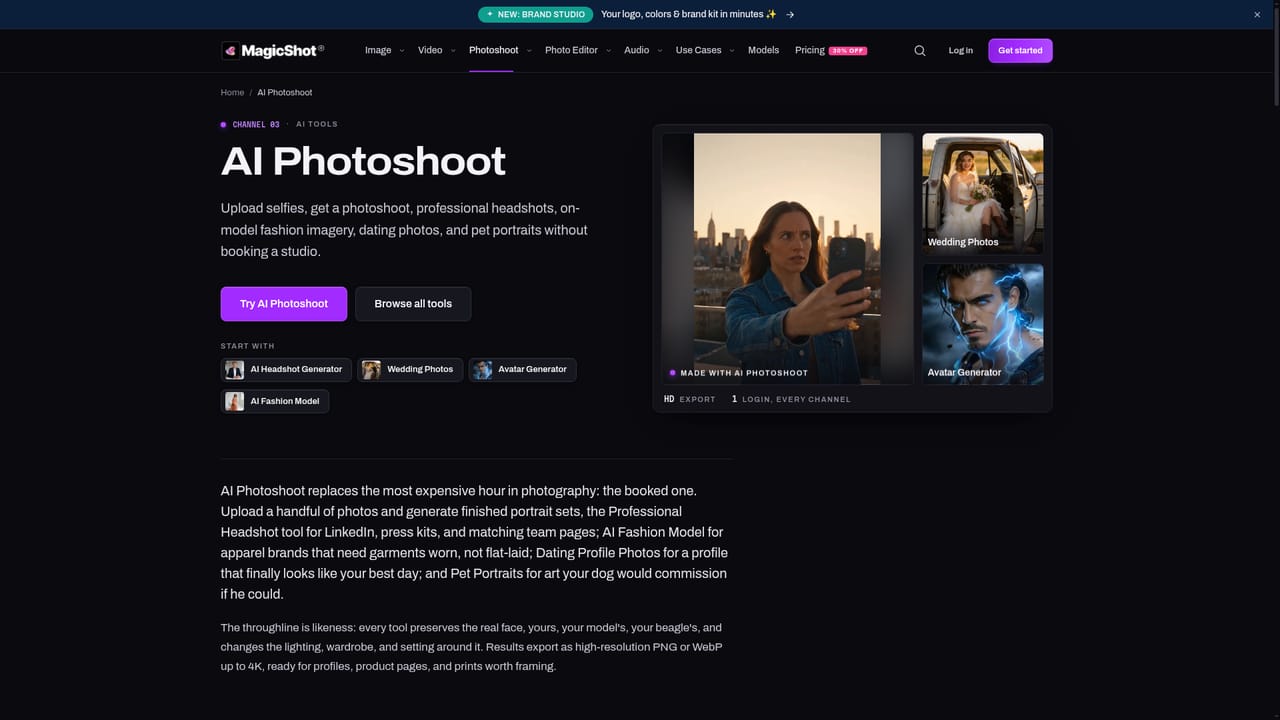
MagicShot bundles image generation, video generation, AI photoshoots, photo editing and audio production into a single web studio backed by a shared credit balance. The premise is consolidation: instead of juggling separate subscriptions for a text-to-image model, a video model and a voiceover tool, one account unlocks a catalogue of leading models alongside MagicShot's own purpose-built tools. The company reports more than 500,000 creators, with tens of millions of images and millions of videos generated to date. The catalogue is organised into five families. The image suite covers text-to-image rendering in a wide range of styles plus specialist generators for logos, product shots, YouTube thumbnails and art. The video suite handles text-to-video, image-to-video, UGC-style ads, real estate walkthroughs and a Go Viral mode, with MP4 export up to 4K. Photoshoot turns selfies into professional headshots, fashion imagery, avatar portraits, pet portraits and baby photo sets, while the photo editor handles background and object removal, upscaling, restoration and colourisation. Audio covers text-to-speech, voice cloning, music generation and transcription. In practice the workflow is prompt-first or photo-first. A marketer can describe a product scene, upscale the result and drop it into a UGC video; a job seeker can upload a few selfies and receive headshots; a podcaster can paste a script and export narration. Brand Studio adds a place to keep logos and colours consistent across outputs, and an MCP endpoint exists for power users who want to drive the platform from external AI clients. MagicShot competes less with any single specialist model and more with the subscription stack most creators already carry. Buying one plan for image, video and audio is the pitch, and the shared credit balance is what makes cross-format work practical. The trade-off is that depth varies by module: hobbyists and small marketing teams get breadth cheaply, while specialists who need fine-grained control over one medium may still prefer a dedicated tool. Commercial rights are tied to paid plans.
Free tools are offered without a card, and some tools such as Text to Video are marked Free, though the homepage does not describe a time-limited trial of the full plan.
Learn moreOne subscription is positioned to cover images, video and audio through a shared credit balance, replacing several separate tool invoices. The homepage does not publish specific plan tiers or prices, and commercial rights are stated as available on paid plans.
Learn moreA MagicShot MCP endpoint is available for power users who want to connect external AI clients to the platform. The homepage does not list other third-party integrations.
Learn moreFive modules in one studio: image generation with 100+ styles and specialist logo, product and thumbnail generators; video via text-to-video, image-to-video, UGC ads and real estate clips with MP4 export up to 4K; AI Photoshoot for headshots, fashion, avatars and pet portraits; a photo editor for background and object removal, upscaling, restoration and colourisation; and audio tools for text-to-speech, music, sound and transcription.
Learn more AI Angels400+ customizable AI girlfriends for NSFW chat, voice calls, and roleplay
 Candy AIExperience the future of companionship with AI friends who chat, role-play, and connect with you on a human level.
 ourdream.aiA vast AI roleplay platform with millions of characters for chat, images, video and voiceAI Angels400+ customizable AI girlfriends for NSFW chat, voice calls, and roleplayCandy AIExperience the future of companionship with AI friends who chat, role-play, and connect with you on a human level.ourdream.aiA vast AI roleplay platform with millions of characters for chat, images, video and voice


