PitchNet

Free, open-source AI pitch correction plugin for vocals in your DAW

Intermediate
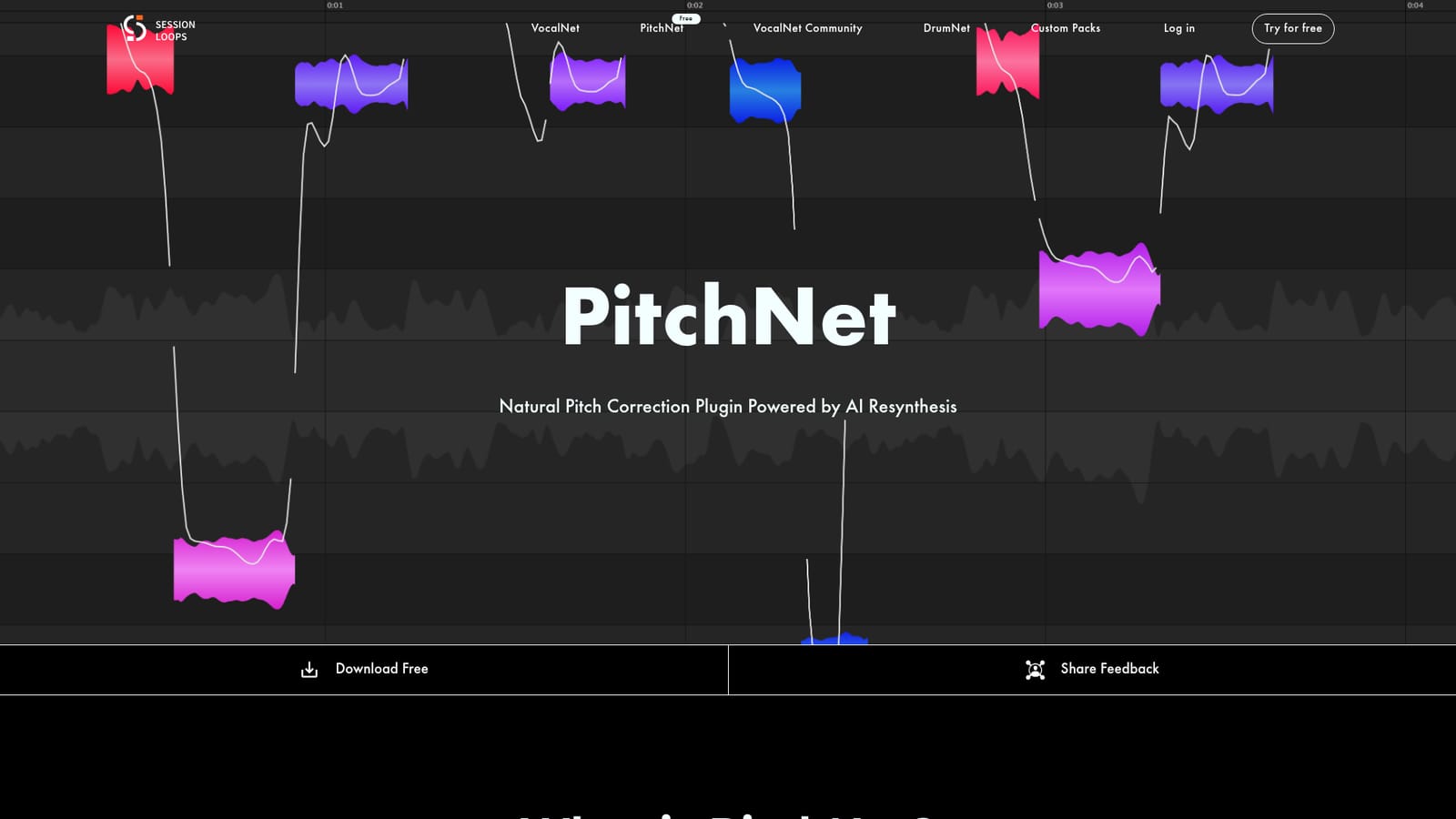
Screenshot of PitchNet, Free, open-source AI pitch correction plugin for vocals in your DAW

What is PitchNet?

PitchNet is a free, open-source vocal tuning plugin from Session Loops. It detects pitch as editable notes and uses AI resynthesis for natural-sounding corrections, with ARA support in compatible DAWs on Windows, Mac and Linux.

PitchNet is a vocal pitch correction plugin from Session Loops that rebuilds tuned vocals through AI resynthesis rather than only stretching and warping the recorded waveform. The aim is a more natural result when notes are moved, with smoother transitions between pitches and a tone that stays closer to a real performance. It is distributed free of charge and the source code is published on GitHub. In use, the plugin detects the pitch of a vocal and shows it as editable note regions. Producers and engineers can adjust intonation or reshape a melody by working with notes instead of hunting through raw waveforms. The homepage demonstrates the idea with A/B clips in which an original vocal is shifted up three semitones and compared against the same shift made in Melodyne, so a buyer can judge the difference by ear before installing anything. PitchNet supports ARA in compatible DAWs. With ARA, the plugin follows the host timeline, analyzes audio faster and keeps tuning work tied to the arrangement, which avoids the bounce-and-reimport routine older tuning plugins often require. Installers are offered for Windows (VST3 and AAX), macOS (VST3, AU and AAX, as a Universal Binary for Apple Silicon and Intel) and Linux (VST3 and a standalone app). The listed requirements include 8GB of RAM at minimum with 16GB recommended, about 500MB of disk space, and a dedicated GPU recommended on Windows. The audience is music producers, mixing engineers and home-studio vocalists who want note-based tuning without paying for a commercial suite. Within the pitch correction field, it sits as a free alternative to established editors such as Melodyne, trading a long track record for a resynthesis approach and an open codebase. The tool is still on a 0.x release line (version 0.7.2 at the time of the listing), so it suits users comfortable with an actively developing plugin. Session Loops also sells a subscription covering its other products, VocalNet and DrumNet, and points to it as a way to support PitchNet's development. Feedback and help are handled through a Discord community.

How do you use PitchNet?

  1. 1Check your system requirements
    Confirm you run Windows 10 (64-bit) or later, macOS 13 or later, or Linux, with a VST3, AU or AAX compatible host and at least 8GB of RAM.
    PitchNet — Check your system requirements
  2. 2Download the installer
    Pick the Windows, Mac or Linux installer from the PitchNet page. No payment is required.
  3. 3Load PitchNet on a vocal track
    Open your DAW, rescan plugins if needed, and insert PitchNet on the vocal. In an ARA-compatible DAW it can follow the timeline directly.
  4. 4Edit the detected notes
    Review the note regions PitchNet displays and move notes to fix intonation or change the melody.
  5. 5Compare and share feedback
    Listen against the original take and join the Discord community to report issues or follow updates.

Pros and cons

Pros

  • Free to download and open-source, with the code published on GitHubAI
  • AI resynthesis aims for smoother transitions and a more natural tone than waveform warpingAI
  • Note-based editing makes melody and intonation changes easy to readAI
  • ARA integration keeps tuning in sync with the DAW timeline and speeds up analysisAI
  • Installers for Windows, Mac and Linux, with VST3 on all threeAI

Cons

  • Version 0.7.2 indicates pre-1.0 software that may still change or have rough edgesAI
  • Hardware demands are notable: 8GB RAM minimum, 16GB advised, and a dedicated GPU recommended on WindowsAI
  • AU is offered only on Mac, and AAX is not listed for the Linux buildAI
  • Support rests mainly on a Discord community, with no dedicated help center describedAI
  • Only vocal pitch work is covered, so it is not a full audio editing suiteAI

How much does PitchNet cost?

Pricing

PitchNet is stated to be completely free and open-source. Session Loops offers a separate subscription for its other products, such as VocalNet and DrumNet, which also supports PitchNet's development. Subscription prices are not listed on the homepage.

Learn more

Support

Help and feedback are handled through the PitchNet Discord community. A Session Loops blog and a contact email are also linked.

Integrations

Works inside DAWs as a VST3, AU or AAX plugin depending on platform, with ARA integration in compatible hosts. A standalone build is offered on Linux.

Features

AI resynthesis rebuilds tuned vocals for a natural tone. Pitch is detected and shown as editable note regions. ARA integration follows the DAW timeline. Formats: VST3 and AAX on Windows, VST3, AU and AAX on Mac, VST3 and Standalone on Linux.

Frequently asked questions about PitchNet

  • How much does PitchNet cost?
    PitchNet is stated to be completely free and open-source. Session Loops offers a separate subscription for its other products, such as VocalNet and DrumNet, which also supports PitchNet's development. Subscription prices are not listed on the homepage.
  • How do you use PitchNet?
    The walkthrough on this page covers 5 steps: 1. Check your system requirements 2. Download the installer 3. Load PitchNet on a vocal track 4. Edit the detected notes 5. Compare and share feedback.
  • What platforms does PitchNet support?
    PitchNet is available on Windows, MacOS and Linux.
  • What does PitchNet integrate with?
    Works inside DAWs as a VST3, AU or AAX plugin depending on platform, with ARA integration in compatible hosts. A standalone build is offered on Linux.
  • What are the limitations of PitchNet?
    Version 0.7.2 indicates pre-1.0 software that may still change or have rough edges. Hardware demands are notable: 8GB RAM minimum, 16GB advised, and a dedicated GPU recommended on Windows. AU is offered only on Mac, and AAX is not listed for the Linux build.

Status

StatusActive
Views0
Outbound clicks0
Added10/18/2026

Platforms

WindowsMacOSLinux

Pricing

Free