Free trial
One free plan review is offered with no credit card required, described on the homepage as a free preview that includes a single Plan Run.
Learn moreAI plan review against your local building code before you submit
Own PlanCheckerPro? Verify ownership to get a dofollow link

PlanCheckerPro is a legal assistant tool. PlanCheckerPro runs an AI pre-submittal plan review on a permit set PDF, checking drawings against the building code adopted in the project jurisdiction, including state amendments. Results return in minutes as a severity-ranked punchlist across 11 plan check disciplines, with a shareable PDF export.
PlanCheckerPro is a pre-permit plan review tool built around a simple premise: most building department correction cycles start with problems that could have been caught before submittal. You upload a permit set PDF, confirm the project address, and the system reads every sheet and returns a prioritized punchlist. Reviews are meant to finish in a few minutes rather than a few weeks, and the output is organized by severity and by sheet, so the people doing the drafting know where to start rather than scrolling through a long narrative report. The jurisdiction layer is the distinguishing feature. Rather than checking against national model codes alone, the tool applies the adopted code set for the project location, with International Building Code, California Building Code, Florida Building Code and other state adoptions named explicitly, and local amendments flagged where the system knows about them. Coverage spans all 50 US states. Each run touches 11 plan check disciplines: building and structural, life safety and fire protection, permit application administration, MEP and separate permits, grading and drainage, energy and green building, clearances and agency approvals, zoning and land use, accessibility, mechanical electrical and plumbing systems compliance, and site work. The practical workflow is short. Drop in a vector drawing or an image-only scan, add city, state and zip, run the review, then work through the findings. Each issue carries a Critical, High or Medium tag, points to the sheet where it applies, and includes a recommended action plus open questions to raise before submission. A PDF summary can be exported and shared by link without the recipient needing an account, which suits architects passing items to engineers, consultants or permitting agents. The homepage notes that redline interpretation is not yet live. PlanCheckerPro positions itself as advisory support, not a substitute for a licensed professional or the Authority Having Jurisdiction. It is aimed at architects, drafters, permit consultants and contractors running residential or light commercial submittals, plus homeowners working on an ADU, addition or renovation through a separate homeowner track. Teams already paying for a full code consultant may find the tool most useful as a first-pass filter that reduces obvious correction items before a human reviewer weighs in.

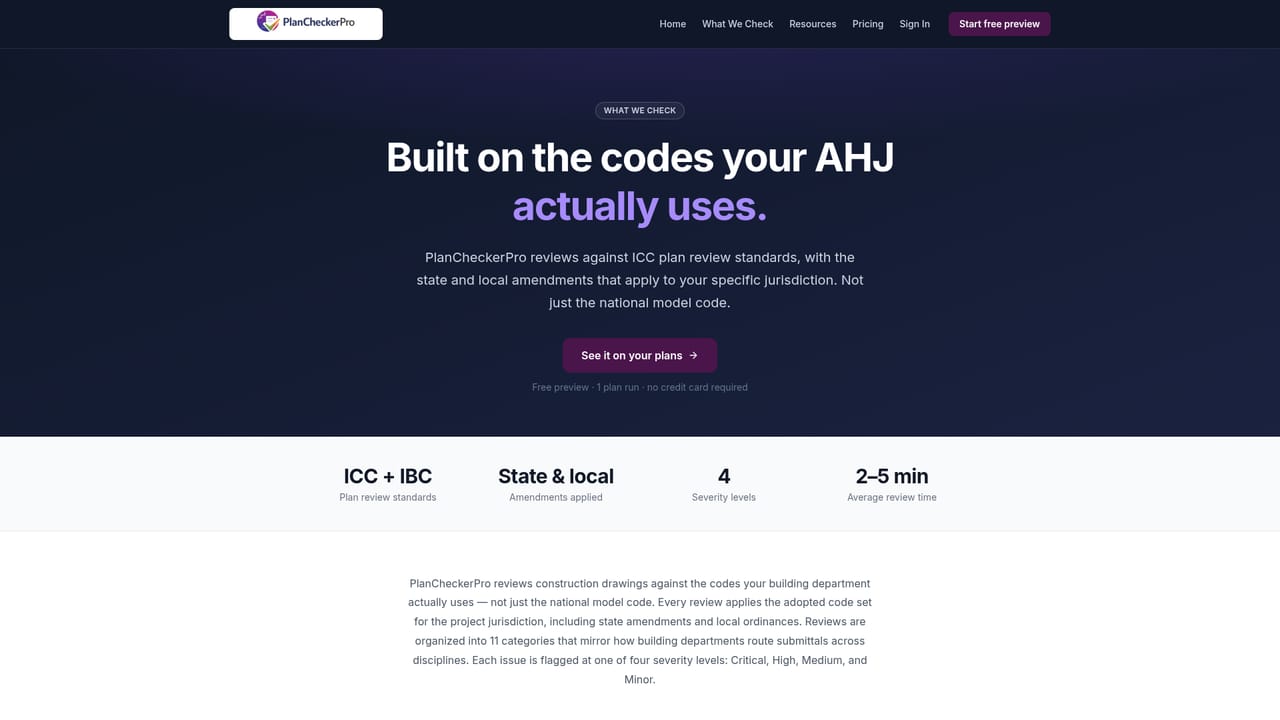
One free plan review is offered with no credit card required, described on the homepage as a free preview that includes a single Plan Run.
Learn moreSupport is handled by email at admin@plancheckerpro.com, as listed on the homepage. No live chat or phone channel is mentioned.
Jurisdiction-specific review against the adopted code for the project address, severity-ranked findings tagged Critical, High or Medium, sheet-by-sheet breakdown across 11 plan check disciplines, support for vector and scanned PDFs, recommended actions and open questions on each item, and a shareable PDF export plus link that works without a login.
Learn more AI Angels400+ customizable AI girlfriends for NSFW chat, voice calls, and roleplay
 Candy AIExperience the future of companionship with AI friends who chat, role-play, and connect with you on a human level.
 ourdream.aiA vast AI roleplay platform with millions of characters for chat, images, video and voiceAI Angels400+ customizable AI girlfriends for NSFW chat, voice calls, and roleplayCandy AIExperience the future of companionship with AI friends who chat, role-play, and connect with you on a human level.ourdream.aiA vast AI roleplay platform with millions of characters for chat, images, video and voice


