Pricing
The site presents Podsift as free: the homepage invites visitors to join for free and states that AI-generated podcast summaries are free. No paid tiers, per-seat plans or usage limits are described on the homepage.
Learn moreAI podcast summaries delivered to your inbox after each new episode

Podsift is an AI summarizer tool. Podsift emails AI-generated summaries of new episodes from more than 90 startup and venture capital podcasts. Users verify an email, pick shows, and get a written digest whenever a new episode drops. It is free and browser-based, with sample summaries and a past archive to browse first.
Podsift is a free email digest that turns podcast episodes into short written summaries. It is built around a narrow audience: people who follow the startup and venture capital conversation and want to keep up with shows like All In, Planet Money, My First Million, Y Combinator, Acquired and This Week In Startups without listening to every hour of audio. The pitch is a five minute daily read that covers the best episodes of the day. The setup is deliberately plain. A visitor enters an email address, verifies it, then chooses which shows to follow from a catalog of more than 90 podcasts. The summary arrives in the inbox each time a new episode of a selected show is released, so the delivery rhythm follows the publishing schedule of the shows rather than a fixed daily time. Newcomers can read samples before committing: clicking a podcast on the homepage opens a preview of a real summary, and an archive of past summaries is available for browsing. In practice Podsift works as a low-friction inbox subscription rather than a full podcast player or note-taking workspace. There is no app to install, no feed to manage inside a reader and no audio player in the product; the value sits entirely in the written digest and the email preference page where selections can be changed. That makes it a reasonable fit for investors, founders and analysts who already skim newsletters and want podcast coverage folded into that habit. The competitive field is crowded. General transcription services, AI note takers and podcast apps with built-in summarization all handle audio, and most of them let you paste an arbitrary episode link. Podsift's difference is curation and delivery: a fixed list of business and startup shows, summarized automatically and pushed by email. If a show is not in that catalog, or if the reader wants summaries on demand for any podcast, this tool will feel limited.


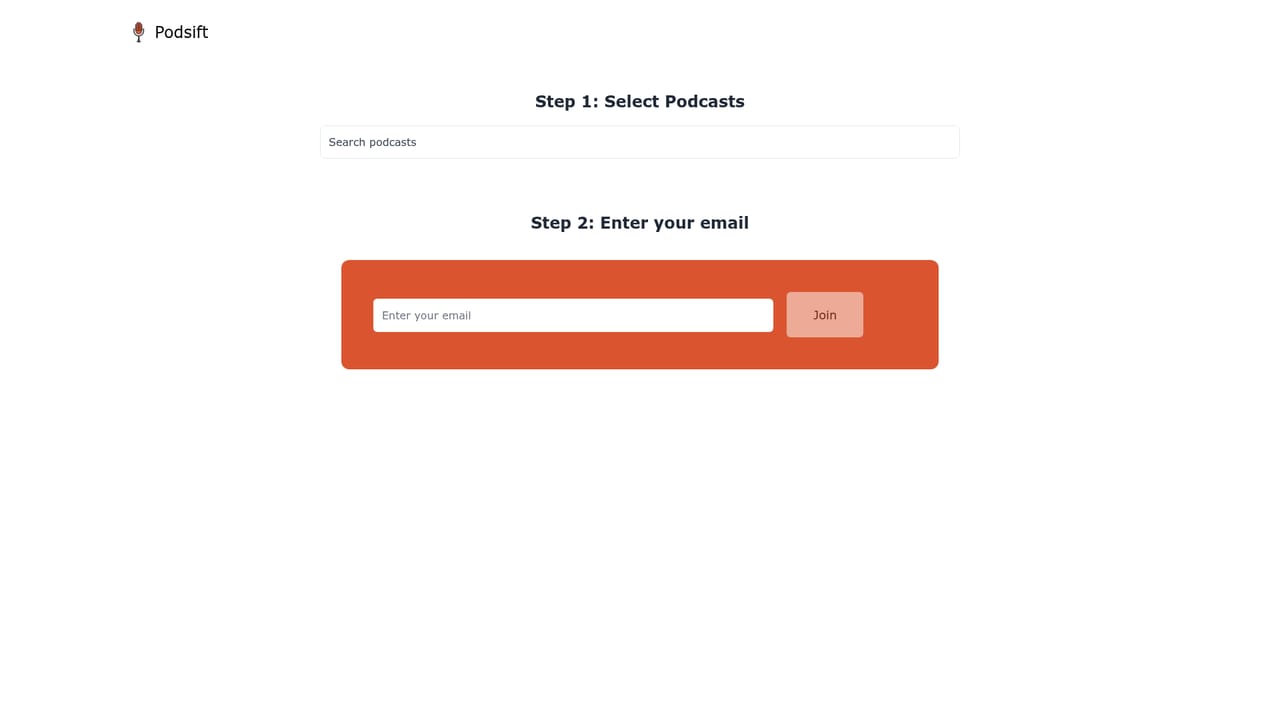
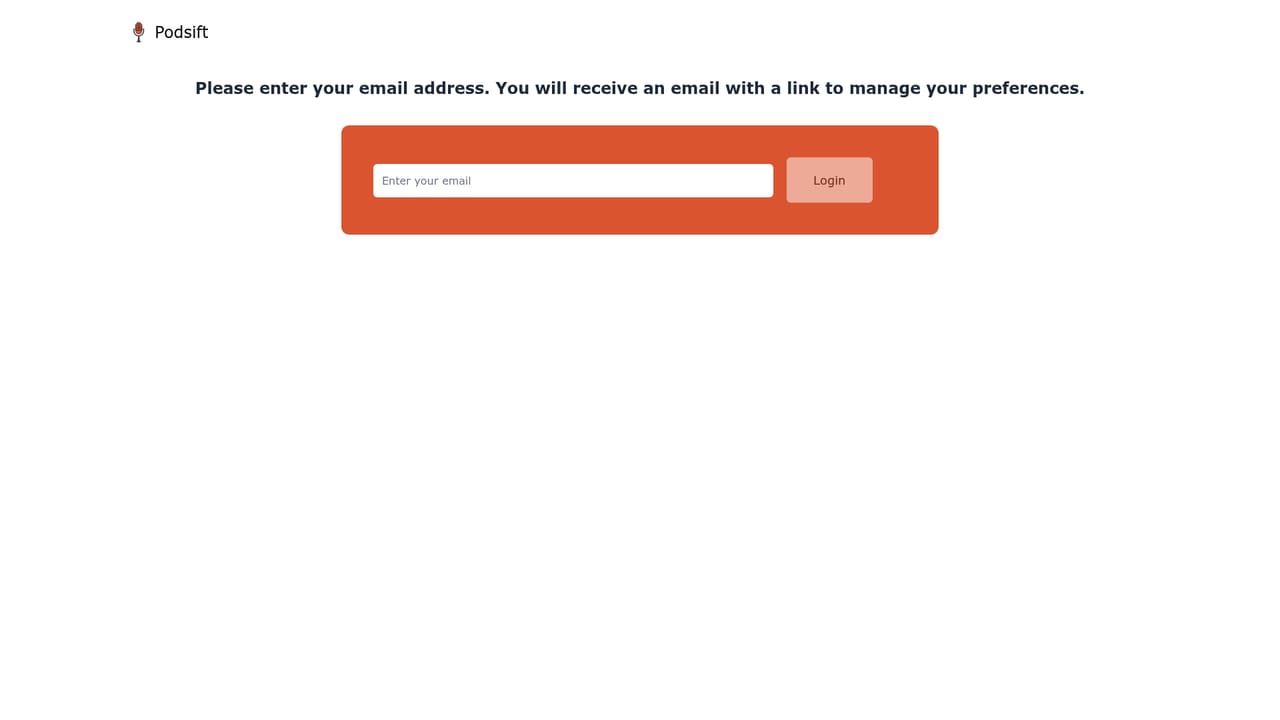
The site presents Podsift as free: the homepage invites visitors to join for free and states that AI-generated podcast summaries are free. No paid tiers, per-seat plans or usage limits are described on the homepage.
Learn moreSupport runs through email at contact@podsift.com, the contact address listed on the homepage. No help centre, live chat or knowledge base is linked from the site.
Learn moreCore features are AI-generated episode summaries, email delivery each time a selected show publishes a new episode, a catalog of more than 90 podcasts, preview summaries for individual shows, an archive of past summaries and a preferences page for managing subscriptions.
Learn more AI Angels400+ customizable AI girlfriends for NSFW chat, voice calls, and roleplay
 Candy AIExperience the future of companionship with AI friends who chat, role-play, and connect with you on a human level.
 ourdream.aiA vast AI roleplay platform with millions of characters for chat, images, video and voiceAI Angels400+ customizable AI girlfriends for NSFW chat, voice calls, and roleplayCandy AIExperience the future of companionship with AI friends who chat, role-play, and connect with you on a human level.ourdream.aiA vast AI roleplay platform with millions of characters for chat, images, video and voice


