Support
Picovoice offers dedicated engineering support, NDA-protected custom model training, flexible licensing and SLA-backed response times for enterprise teams, reachable through the sales contact page.
Learn moreOn-device wake word engine with custom keyword training in seconds
Own Porcupine Wake Word? Verify ownership to get a dofollow link

Porcupine Wake Word is a developer tool. Picovoice's on-device wake word engine for adding custom voice triggers to apps and hardware. Train keywords in seconds with no training data, then deploy the same model across Android, iOS, web, desktop, Linux and embedded targets with audio processed locally.
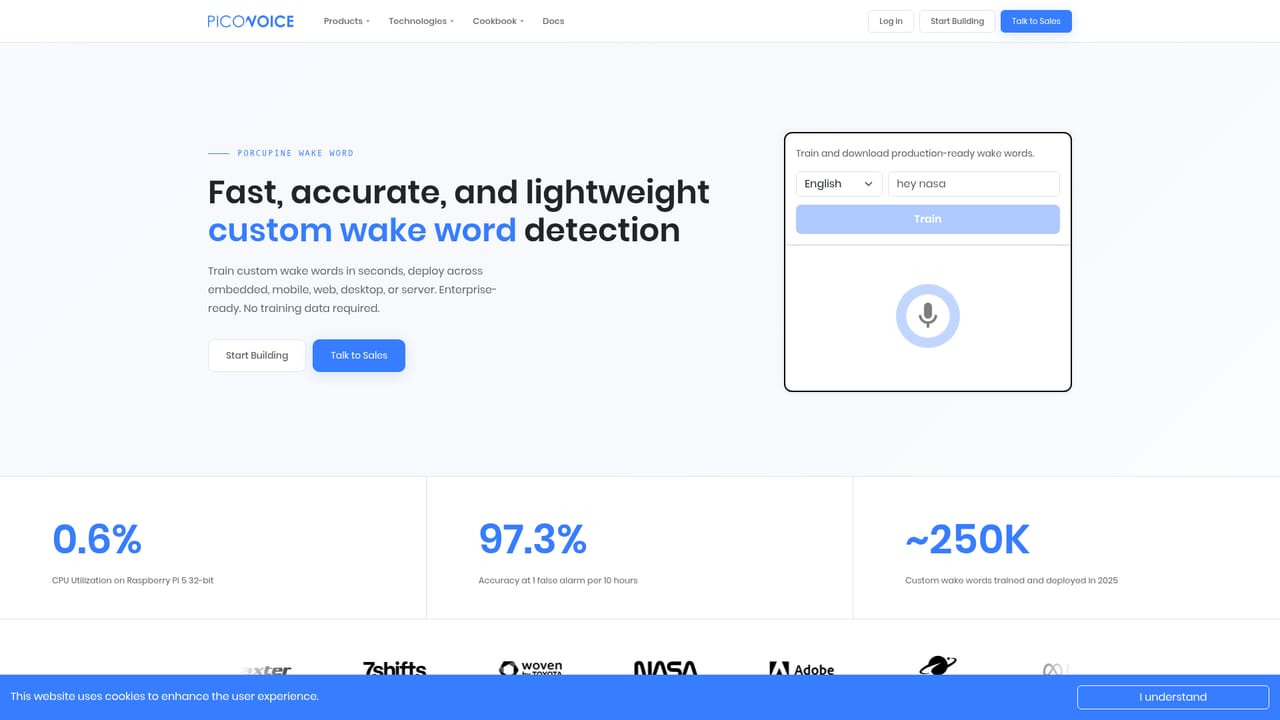
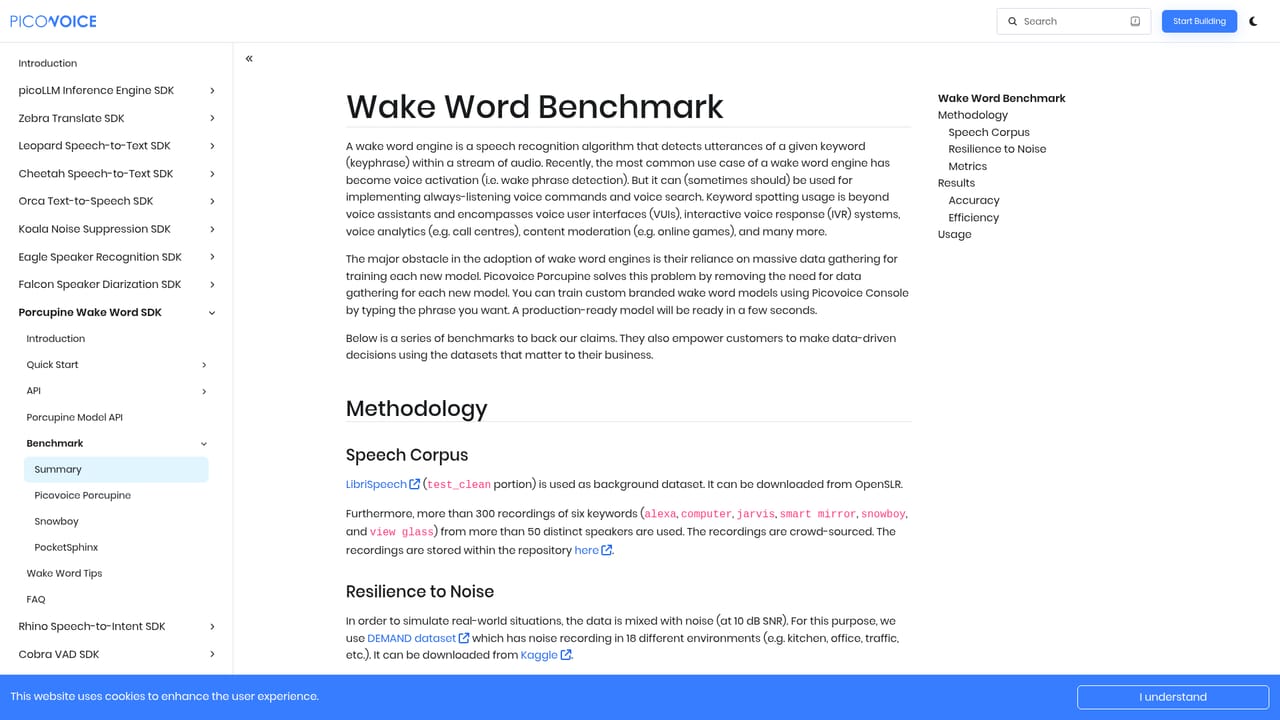
Porcupine Wake Word is an on-device keyword spotting engine from Picovoice that gives applications an always-listening voice trigger without sending microphone audio to a server. Developers define a keyword or short phrase, train a model in the self-service console, and ship it to embedded hardware, phones, browsers, desktops or servers. The runtime stays under 1MB and keyword files sit under 25KB, so multiple triggers can coexist in one product with little compute overhead. The training flow is the part that separates it from older open-source options. There is no dataset to collect and no ML pipeline to maintain: a type-to-train interface converts text into a production model in seconds, and the download is already optimized for the target platform. Sensitivity runs on a 0 to 1 scale so teams can trade missed detections against false alarms for a given room, device or microphone. English, German, Spanish, French, Italian, Japanese, Korean, Portuguese and Chinese keywords can run side by side in the same app at no extra runtime cost. In practice the engine is used by product teams adding voice activation to consumer devices, by industrial and field software that needs hands-free control, and by robotics or automotive groups where connectivity is unreliable. Picovoice publishes its own benchmark against Snowboy and PocketSphinx, reporting 97.3% accuracy at one false alarm per 10 hours and 0.6% CPU utilization on a Raspberry Pi 5 32-bit build, with a separately stated 97.1% figure under 10 dB SNR noise. Alternatives split into two camps: cloud assistants such as Alexa or Google, which are easy but require connectivity and raise privacy questions, and open-source engines, which are free but demand training data and tuning. Porcupine sits between them, and the trade-off is a commercial license plus a Picovoice account dependency. Buyers who need guaranteed performance on unusual hardware or accents can commission dedicated model engineering through an NRE engagement.
Picovoice offers dedicated engineering support, NDA-protected custom model training, flexible licensing and SLA-backed response times for enterprise teams, reachable through the sales contact page.
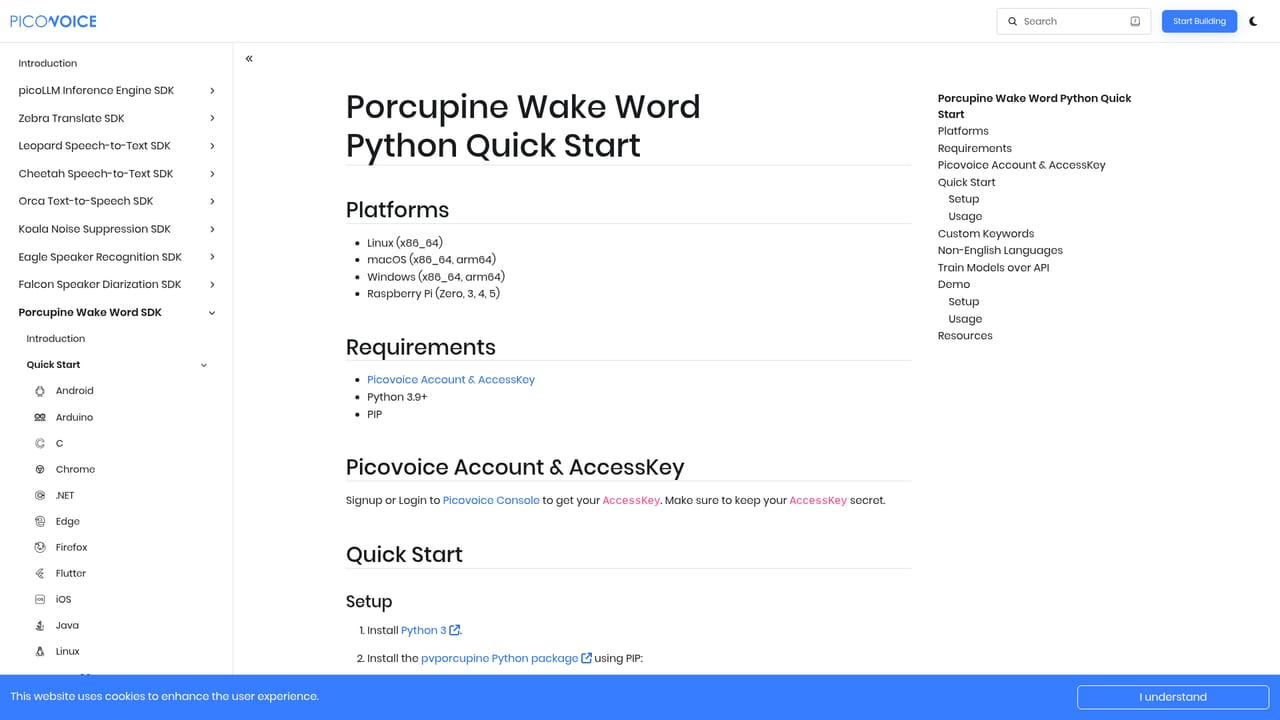
Learn moreSDKs cover Python, NodeJS, Android, iOS, React, Flutter, React Native, .NET, Java, C and Web, running on Android, ARM Cortex-M, Chrome, Edge, Firefox, iOS, Linux, macOS, Raspberry Pi, Safari and Windows across AMD, Intel, NVIDIA and Qualcomm hardware.
Learn moreCustom wake word training with no data collection, sensitivity tuning on a 0 to 1 scale, unlimited keywords under 25KB each, multilingual detection across eight languages, noise-robust detection, sub-1MB runtime, and on-device processing for GDPR, HIPAA and CCPA compliance. Also includes a cloud API for training models and optional NRE model optimization for specific hardware and acoustics.
Learn more AI Angels400+ customizable AI girlfriends for NSFW chat, voice calls, and roleplay
 Candy AIExperience the future of companionship with AI friends who chat, role-play, and connect with you on a human level.
 ourdream.aiA vast AI roleplay platform with millions of characters for chat, images, video and voiceAI Angels400+ customizable AI girlfriends for NSFW chat, voice calls, and roleplayCandy AIExperience the future of companionship with AI friends who chat, role-play, and connect with you on a human level.ourdream.aiA vast AI roleplay platform with millions of characters for chat, images, video and voice


