Pricing
The site states that teams can be empowered for as little as $8 per team member, and directs buyers to a pricing page and a sales contact for detail. Per plan structure beyond that starting figure is not described on the homepage.
Learn moreMeeting analytics that show what your calendar really costs
Own Project Manda? Verify ownership to get a dofollow link

Project Manda is a time optimization tool. An enterprise meeting analytics platform that connects to Google Calendar, Slack, Teams, Zoom and Microsoft AD to measure meeting cost and quality, then coaches staff toward cheaper, better run and less fatiguing meetings.
Project Manda is an AI meeting performance platform aimed at organisations that want to understand and reduce the cost of how their people spend time together. It sits behind the scenes, connects to the calendar and communication tools a company already uses, and turns meeting activity into a picture of organisational performance: what meetings cost, how well they are run, and whether the trend line is moving in the right direction. The product positions itself as a kind of Chief Meeting Officer, nudging staff toward better habits rather than simply logging attendance. The recommendation engine is the core of the product. Manda's assistant sends people ongoing best practice tips on structuring meetings, protecting colleagues' time and clarifying actions. It flags expensive patterns such as recurring sessions and oversized attendee lists, and the company claims these interventions cut meeting costs by around 10%. It also watches stakeholder availability, suggesting a reschedule when a key person cannot attend, and spreads out back to back bookings so decision quality does not suffer from fatigue. Attendee feedback is collected and returned as anonymous coaching, which is intended to create accountability without publicly calling anyone out. The buyer here is not an individual. Manda is built for enterprise deployment, with a leadership audience that cares about productivity, retention and return on investment, and it names Domain, Zendesk, Snowflake, Netflix and Salesforce among the organisations shown on its site. Because the value depends on organisation wide visibility, the tool makes most sense for companies large enough that meeting load is a genuine line item, and for people operations or chief data officers who need evidence rather than anecdote. It occupies a different slot from transcription assistants that summarise what was said. Manda is less about capturing content and more about measuring behaviour and cost across the whole calendar. The trade off is that it is an overlay on existing tools rather than a replacement for them, and its usefulness scales with how much of the company actually connects.
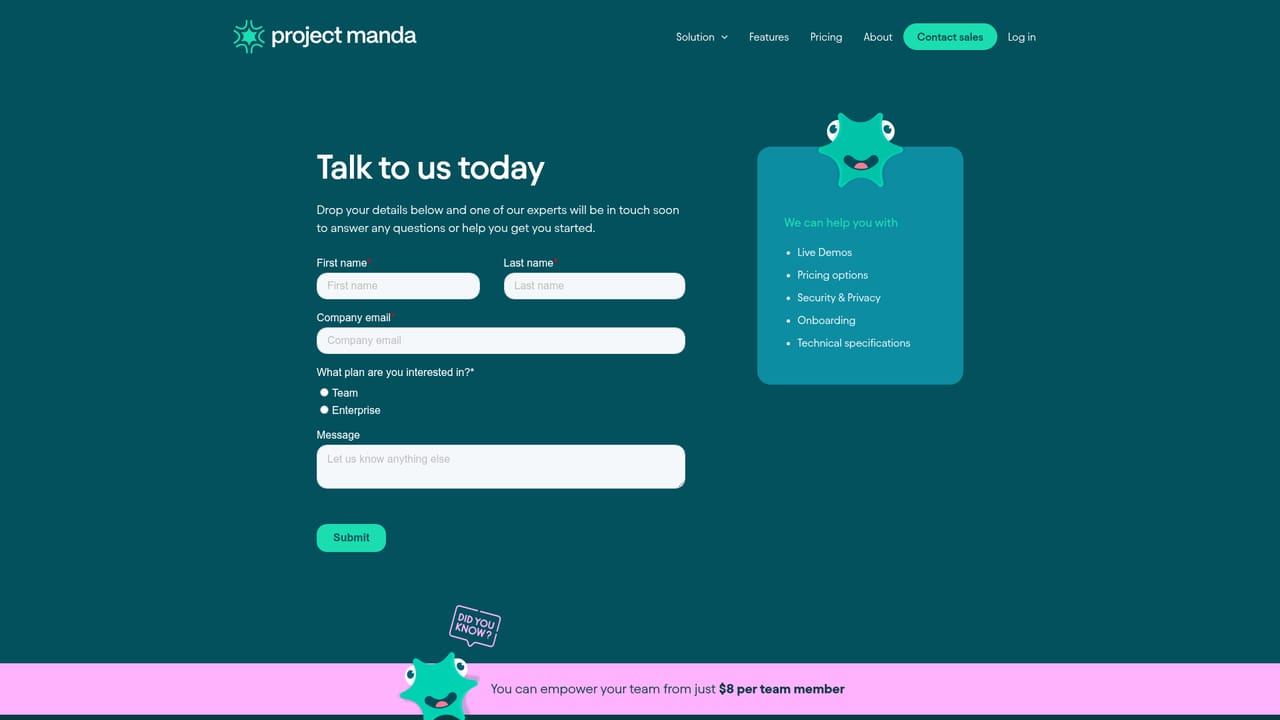
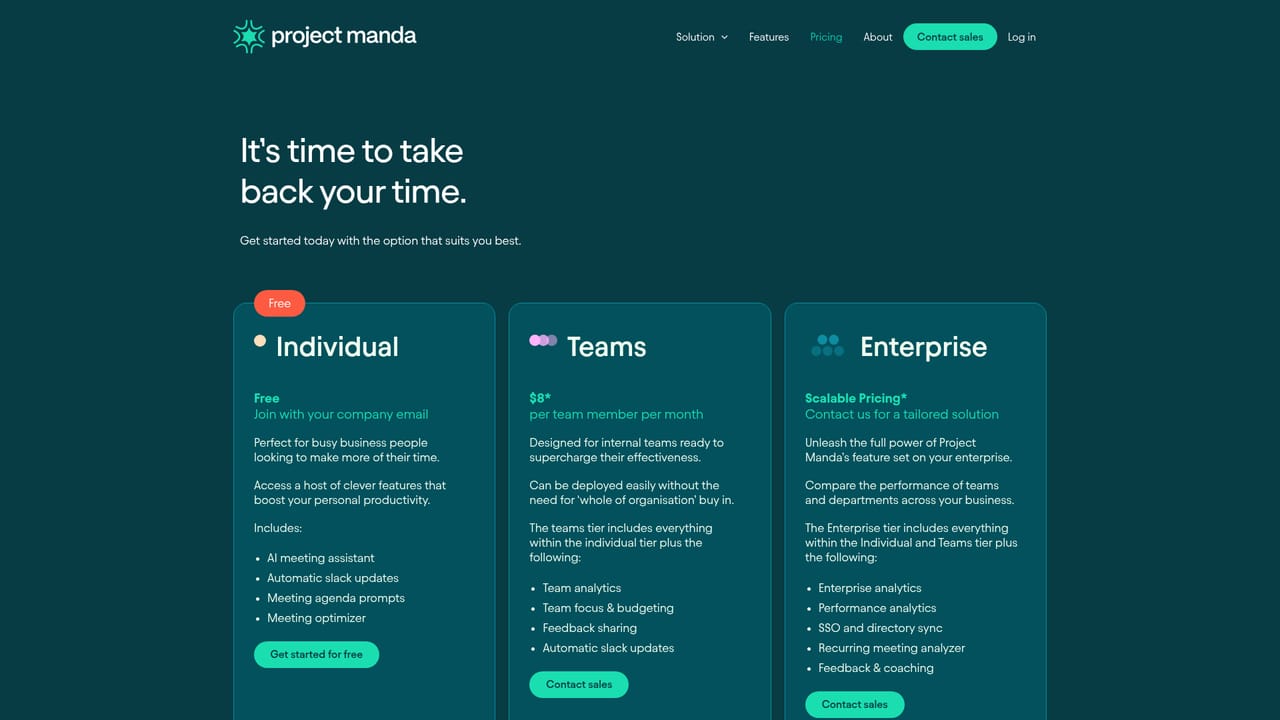
The site states that teams can be empowered for as little as $8 per team member, and directs buyers to a pricing page and a sales contact for detail. Per plan structure beyond that starting figure is not described on the homepage.
Learn moreSupport runs through a sales contact route, with a dedicated contact page for demos, enquiries and onboarding conversations.
Learn moreThe platform connects with Google Calendar, Slack, Microsoft AD, Teams and Zoom, running in the background alongside the tools staff already use.
Core capabilities include organisation wide meeting cost and quality dashboards, an AI assistant that pushes best practice tips, recommendations on recurring and over attended meetings, stakeholder availability alerts, back to back meeting balancing, and anonymous attendee feedback used as coaching.
 AI Angels400+ customizable AI girlfriends for NSFW chat, voice calls, and roleplay
 Candy AIExperience the future of companionship with AI friends who chat, role-play, and connect with you on a human level.
 ourdream.aiA vast AI roleplay platform with millions of characters for chat, images, video and voiceAI Angels400+ customizable AI girlfriends for NSFW chat, voice calls, and roleplayCandy AIExperience the future of companionship with AI friends who chat, role-play, and connect with you on a human level.ourdream.aiA vast AI roleplay platform with millions of characters for chat, images, video and voice


