Free trial
A 14-day free trial includes every feature and requires no credit card. Access starts from the trial signup link on the homepage.
Learn moreAutomatic time tracking that fills in timesheets for agencies and consultancies

Timely is an automatic time tracking platform for agencies, consultancies and SaaS teams. It captures work in the background, uses AI to draft and allocate timesheets to clients and projects, and gives leaders billable rate and utilization reporting, with private timelines and no surveillance features.
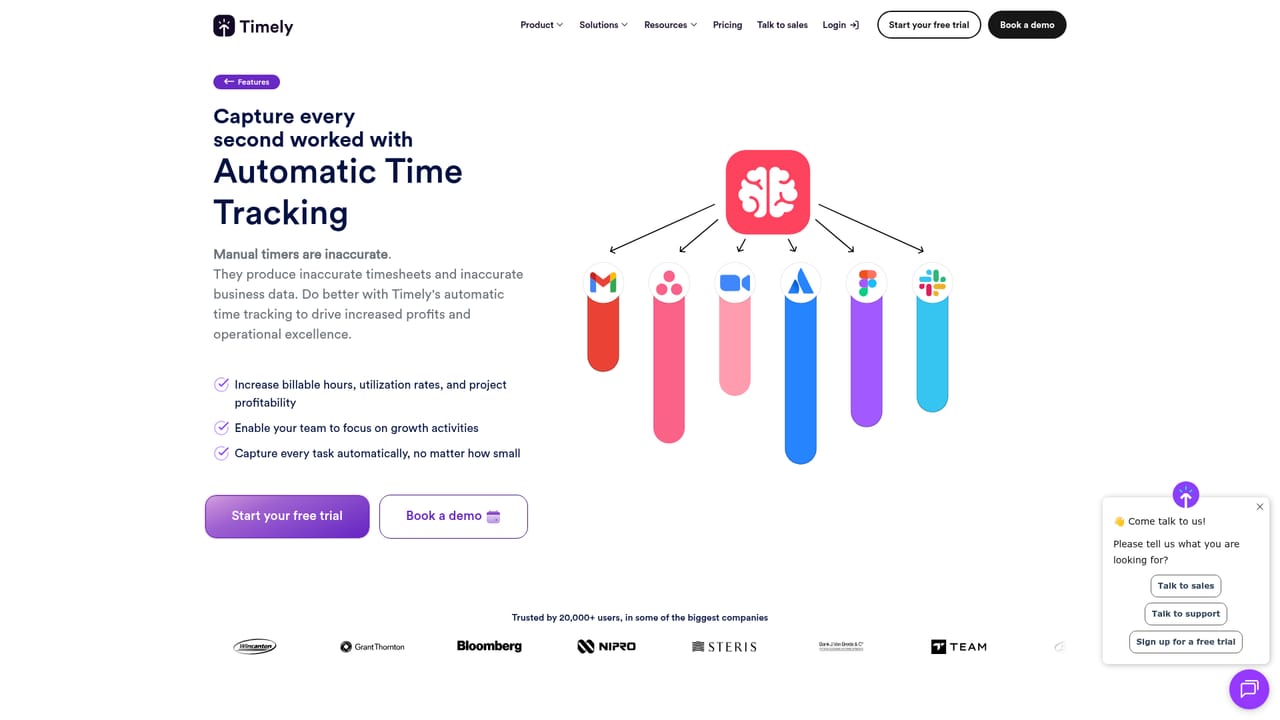
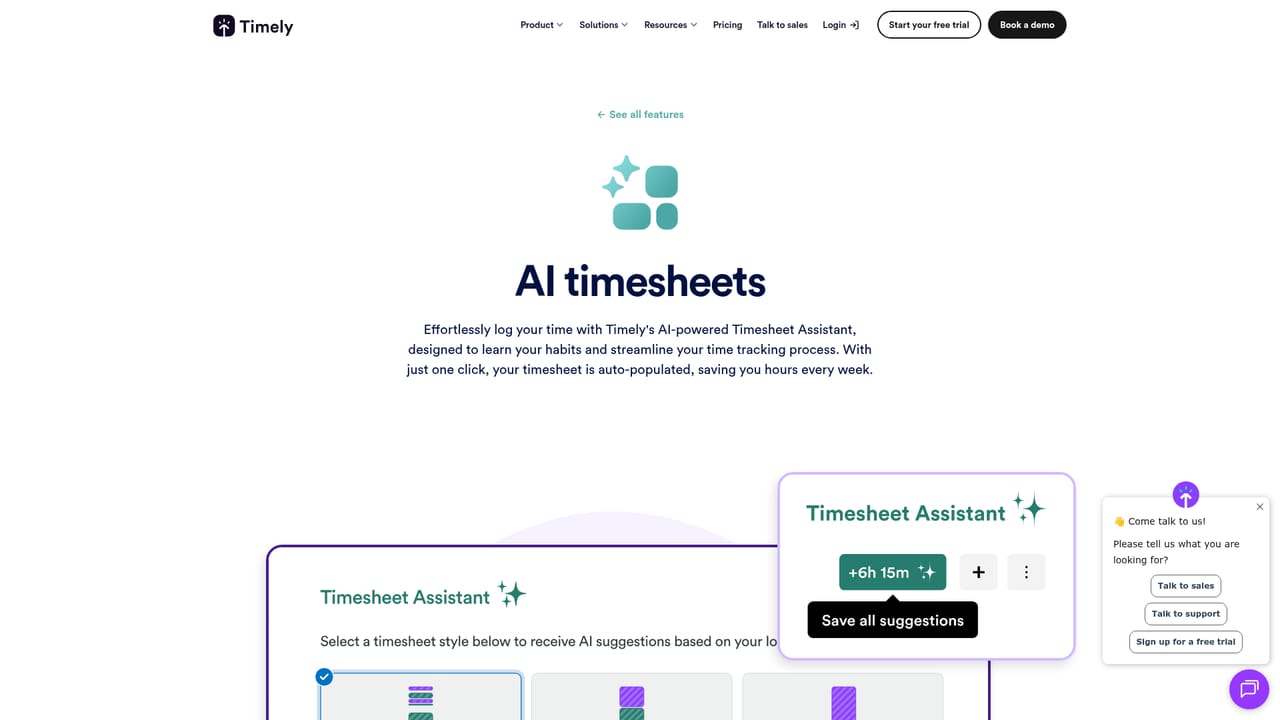
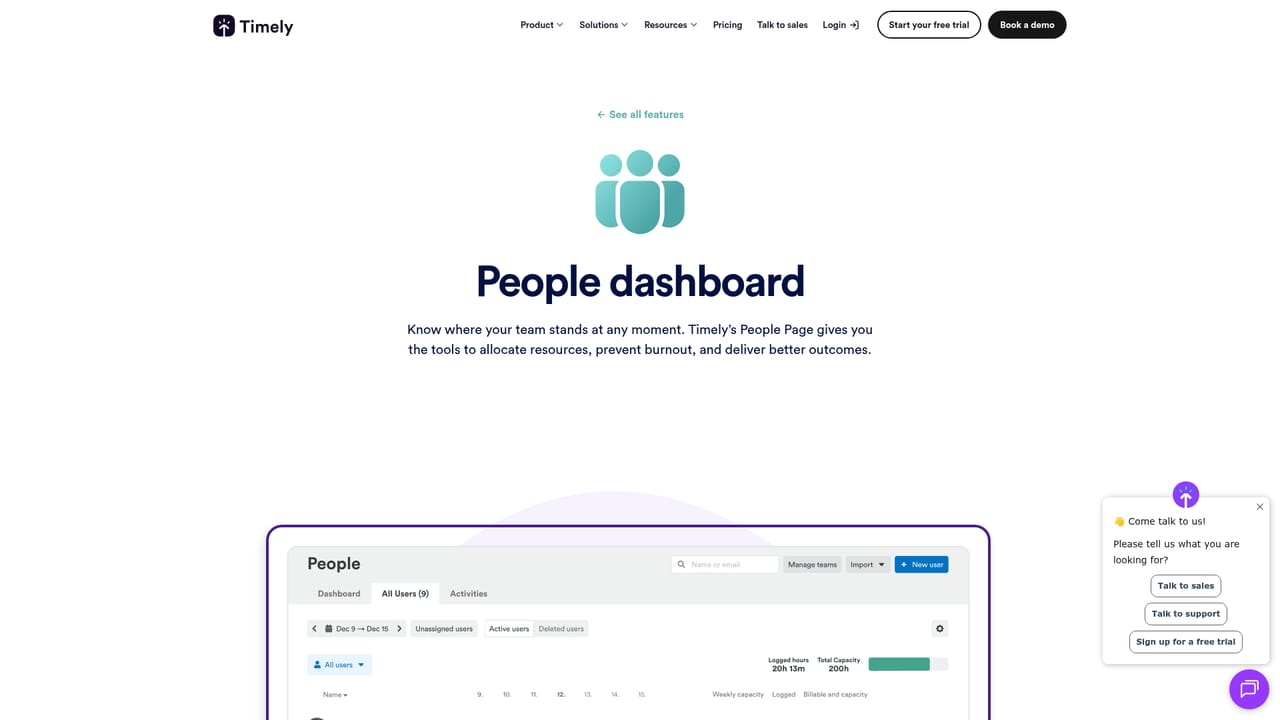
Timely is an automatic time tracking platform built around a simple premise: if the data is captured in the background, people do not have to remember to log it. Rather than asking staff to start and stop timers, Timely records work activity automatically and then uses AI to turn that raw activity into a draft timesheet, allocated to the right client, project and task. Users review the draft, adjust anything that looks wrong, and submit with one click. Managers get a complete record without chasing anyone. The tool is aimed squarely at businesses that sell time: agencies, consultancies, software teams and larger enterprises with billable or utilization-driven models. The commercial case it makes is margin protection. Unlogged minutes and rounded-down entries quietly erode billable revenue, and Timely's positioning is that automatic capture recovers those hours while making timesheet compliance a background process rather than a weekly administrative chore. The site leans on customer stories from agencies and corporate teams to show billable hours and value-add time increasing after adoption. In daily use, the product combines automatic capture, AI allocation and approval workflows with reporting layers for billable rates, people dashboards, time planning and utilization. Leaders can inspect where effort goes across customers, projects and individuals, which supports capacity planning, burnout detection and resourcing decisions. Privacy is treated as a design constraint rather than an afterthought: timelines stay private until the user approves them, capture and visibility are configurable, and the company explicitly rules out keystroke logging, screenshots and other surveillance techniques. That stance matters for adoption, since monitoring-heavy trackers tend to produce low-trust data. Compared with manual timer apps and lightweight hours loggers, Timely competes on automation and on the trust model around employee data, alongside enterprise expectations such as SSO, permissions and ISO 27001 compliance. The main trade-off is scope: teams that only need a stopwatch may find the automatic capture and approval layers more apparatus than they need, and a platform built for organizations is heavier than a solo freelancer's spreadsheet. A demo and a 14-day full-feature trial are the sensible ways to test whether the AI allocation matches how a given team actually splits work.
A 14-day free trial includes every feature and requires no credit card. Access starts from the trial signup link on the homepage.
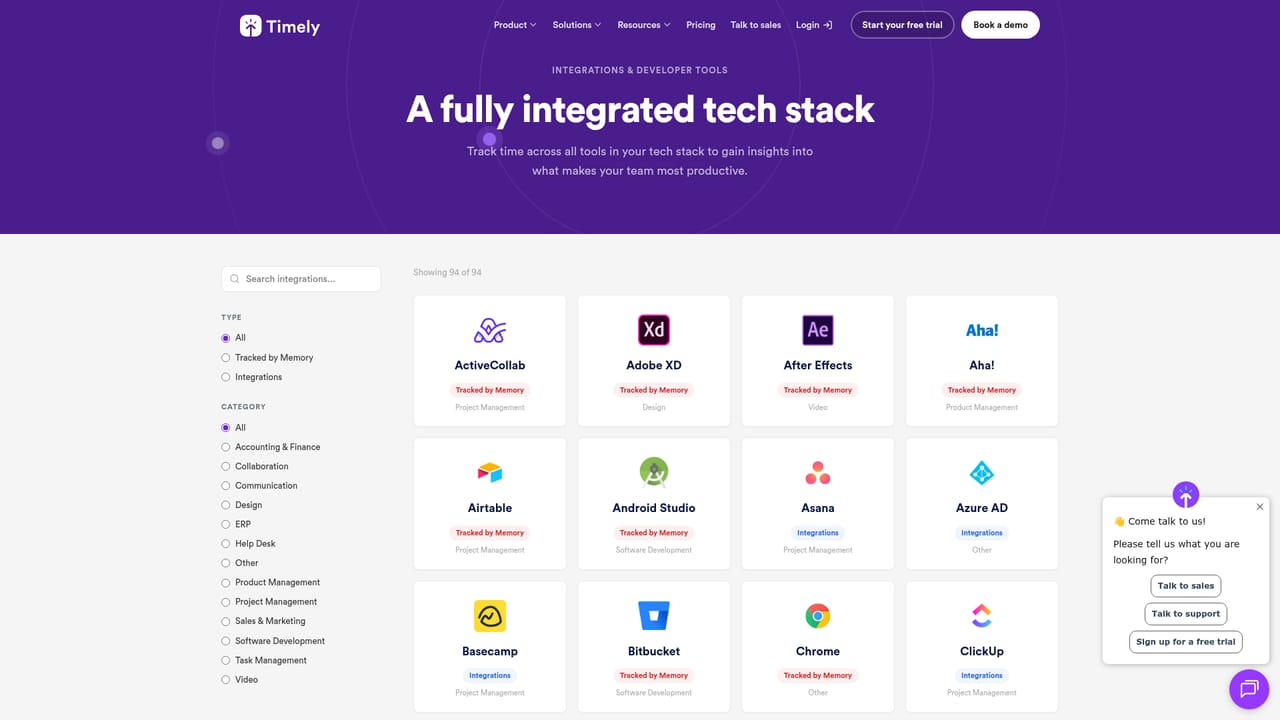
Learn moreTimely maintains an integrations page for connecting project management, accounting and other business tools, and publishes a developer site for API and custom integration work.
Learn moreCore features are automatic background time capture, AI-generated and auto-allocated timesheets with one-click approval, billable rate tracking, a people dashboard for utilization, time planning, and a dedicated memory app. Privacy controls include private timelines, user-approved sharing and configurable capture settings, with no keystroke logging or screenshots.
Learn more AI Angels400+ customizable AI girlfriends for NSFW chat, voice calls, and roleplay
 Candy AIExperience the future of companionship with AI friends who chat, role-play, and connect with you on a human level.
 ourdream.aiA vast AI roleplay platform with millions of characters for chat, images, video and voiceAI Angels400+ customizable AI girlfriends for NSFW chat, voice calls, and roleplayCandy AIExperience the future of companionship with AI friends who chat, role-play, and connect with you on a human level.ourdream.aiA vast AI roleplay platform with millions of characters for chat, images, video and voice


